Is OpenHAB Compatible with Google Assistant? A Complete Guide
OpenHAB is compatible with Google Assistant through several methods, including cloud-based and local integrations. This guide explains how to connect them.
 By Elvis Dicki
Updated October 22, 2026
Yes, OpenHAB is compatible with Google Assistant. You can control your OpenHAB smart home devices using Google Assistant voice commands and the Google Home app. The integration can be achieved through official cloud-based services, local network methods, or by using third-party bridges, offering flexibility depending on your technical preference and privacy needs.
OpenHAB is a powerful, open-source home automation platform that can unify hundreds of different smart devices under one roof. For many users, the ultimate goal is seamless voice control. Google Assistant is one of the most popular voice assistants, making the question of compatibility a crucial one for anyone building a smart home with OpenHAB at its core.
This article will break down exactly how OpenHAB and Google Assistant work together. We’ll explore the different methods available, from the simplest cloud-based approach to more advanced local integrations, so you can choose the best path for your setup.

How OpenHAB Connects to Google Assistant
The connection between OpenHAB and Google Assistant isn’t direct like with native Google devices. Instead, it requires a bridge—a piece of software or service that translates commands between the two systems. You have a few primary options, each with its own trade-offs between convenience, reliability, and privacy.
1. The OpenHAB Cloud Connector (Easiest Method)
The most straightforward method is using the official OpenHAB Cloud Connector service, called “myopenhab.” This is a cloud-based bridge run by the OpenHAB Foundation. You install an add-on in your OpenHAB instance, link your account to the Google Home app, and your exposed OpenHAB items become available as devices in Google Assistant.
Pros: It’s relatively easy to set up, reliable, and allows for remote control from anywhere. Cons: It relies on an external internet connection and the myopenhab servers. Your commands and device states travel through the cloud, which may be a privacy consideration for some users.
2. Local Integration with Google Assistant via Local Home SDK
For a more advanced, local-only solution, you can use the Google Local Home SDK. This method allows Google Assistant devices (like Nest Hubs) on your local network to communicate directly with OpenHAB without needing the cloud. It requires you to host a “local fulfillment” server (like Node-RED with a specific plugin) that acts as the local bridge.
Pros: Commands are processed locally, leading to faster response times and no dependence on external servers or internet outages. It offers greater privacy. Cons: The setup is significantly more complex and requires technical knowledge of servers and networking.
3. Third-Party Bridges (Home Assistant as a Middleman)
Another popular approach is using Home Assistant as an intermediary. You would integrate OpenHAB with Home Assistant (which has robust native Google Assistant support), and then expose your devices from Home Assistant to Google. This method is useful if you are already using or experimenting with both platforms.
What You Can Control
Once connected, Google Assistant can control any device or item you choose to expose from OpenHAB. Common examples include:
- Lights: Turn on/off, dim, change color.
- Switches & Outlets: Control lamps, fans, or other plugged-in devices.
- Locks: Lock or unlock smart locks.
- Thermostats: Adjust temperature, change modes.
- Scenes: Activate predefined OpenHAB scenes (e.g., “Hey Google, activate Movie Night”).
The key is that OpenHAB acts as the universal translator. It doesn’t matter if your light is a Z-Wave switch, a Zigbee bulb, or a Wi-Fi plug; if OpenHAB controls it, you can likely expose it to Google Assistant.
Recommended Products for a Google-Assistant-Enabled Smart Home
While OpenHAB can control a vast array of devices, choosing ones with native Google Assistant compatibility can simplify your setup and provide a backup control method. These products work directly with Google Assistant but can also be integrated into OpenHAB for centralized automation.
SimpliSafe 10 Piece Wireless Home Security System
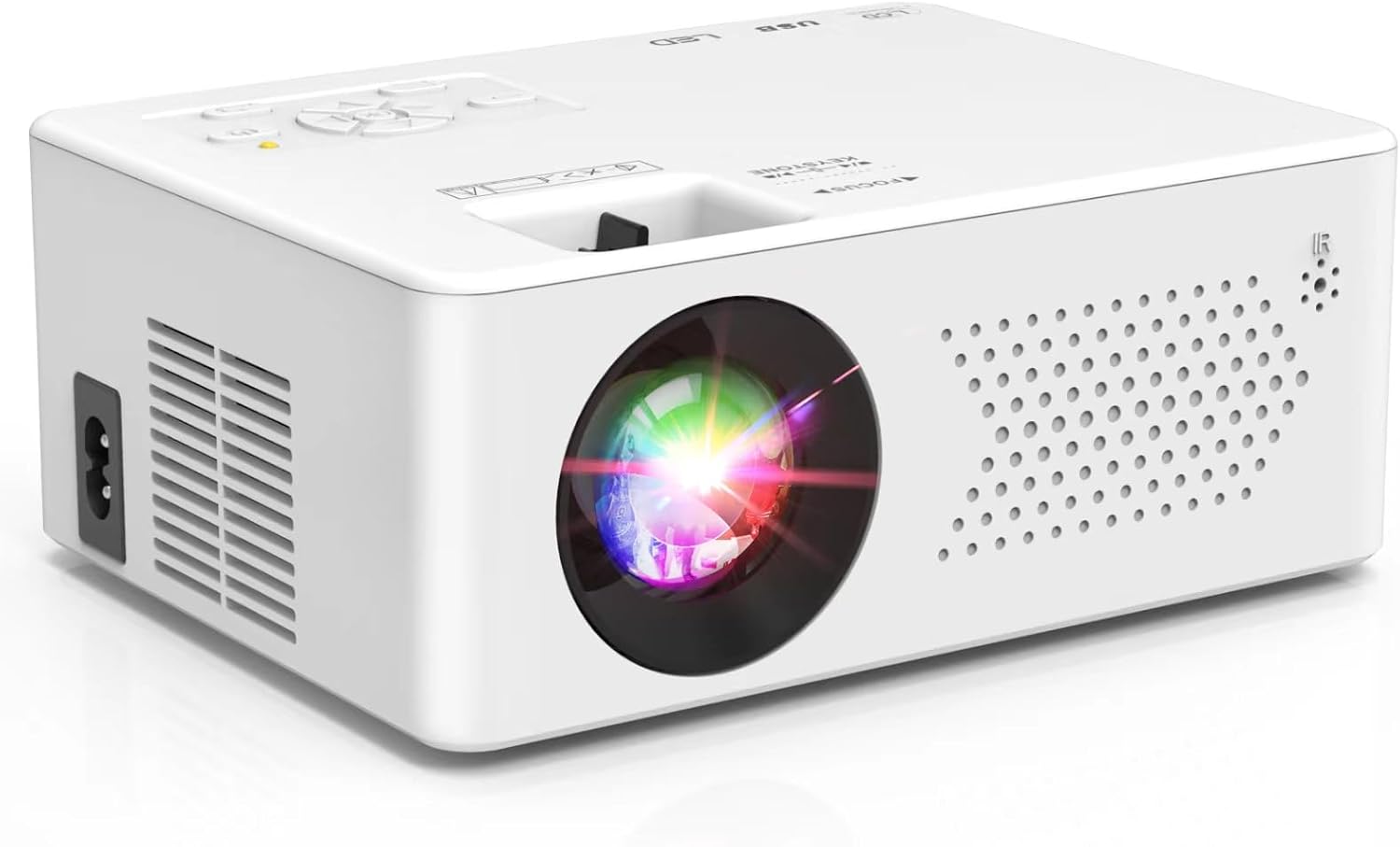
PURSHE Mini Bluetooth Projector 1080P
Prime ROCKBROS 14L Waterproof Bike Saddle Bag

Prime Leviton Decora Smart Wi-Fi 2nd Gen Switch
As an Amazon Associate we earn from qualifying purchases. Product prices and availability are accurate as of the date/time indicated.
For a comprehensive security setup that works with both platforms, consider the SimpliSafe 10 Piece Wireless Home Security System. It offers professional monitoring and integrates directly with Google Assistant for voice arming and status checks, while its sensors can also be valuable data points in a broader OpenHAB automation.
For lighting control, a smart switch like the Leviton Decora Smart Switch, Wi-Fi 2nd Gen is a reliable choice. It connects directly to Wi-Fi and Google Assistant without a hub, but you can also manage it through OpenHAB for complex rules and schedules that go beyond simple voice commands.
Frequently Asked Questions
Do I need a Google Nest device to use Google Assistant with OpenHAB?
No, you don’t. While a Nest speaker or display is the most common way to interact with Google Assistant, you can also use the Google Assistant app on your smartphone or tablet to control your OpenHAB devices once they are linked.
Is the myopenhab cloud service free to use?
Yes, the basic myopenhab cloud connector service is free for personal, non-commercial use. It provides a reliable way to connect OpenHAB to Google Assistant and Amazon Alexa without needing to manage your own public server.
Can I control OpenHAB routines with Google Assistant?
Yes, but indirectly. You cannot trigger an OpenHAB rule directly by voice. Instead, you expose a virtual switch or scene from OpenHAB to Google Assistant. Saying u0022Hey Google, turn on Morning Routineu0022 flips that virtual switch, which then triggers the complex rule within OpenHAB itself.
Which method is more secure: cloud or local?
The local integration via the Local Home SDK is generally considered more secure from a privacy standpoint because your device commands and statuses never leave your home network. The cloud method is secure in terms of encrypted data transmission, but it does rely on the security of the third-party cloud servers.
Why are my OpenHAB devices not showing up in the Google Home app?
This is a common issue. First, ensure your OpenHAB items are properly tagged for exposure in the myopenhab service or your local bridge. Second, try removing the OpenHAB service from your Google Home app and re-linking it. Often, a fresh sync resolves missing devices.
Can I get spoken responses from OpenHAB through Google Assistant?
Limited responses are possible. For example, you can ask Google Assistant for the state of a sensor exposed from OpenHAB (u0022Hey Google, what’s the living room temperature?u0022). However, having Google Assistant speak dynamic information generated by an OpenHAB rule is complex and typically requires advanced workarounds.
Final Thoughts
The compatibility between OpenHAB and Google Assistant is robust and well-established, offering multiple pathways to achieve voice control. For most users, starting with the official myopenhab cloud connector is the best approach due to its balance of simplicity and reliability. As your smart home grows and your technical comfort increases, exploring local integrations can offer faster response times and greater privacy.
The true power lies in using OpenHAB as the brain and Google Assistant as the voice. OpenHAB handles the complex automation logic, device interoperability, and local control, while Google Assistant provides a convenient, hands-free interface. This combination allows you to build a smart home that is both powerful and easy to use. For more on setting up smart home integrations, see our guide on connecting audio devices or explore other smart home topics on our blog.
About the author

Elvis Dicki writes reviews and buying guides for CyberSecLabs.