How to Choose a Secure WiFi Router with Strong Cybersecurity Protection
Learn the essential steps to select a WiFi router that prioritizes security, from understanding encryption standards to enabling critical protection features.
 By Elvis Dicki
Updated October 22, 2026
To choose a secure WiFi router, prioritize models that support the latest WPA3 encryption, offer automatic security updates, and include robust firewall and guest network features. Avoid routers with default, easy-to-guess admin passwords and ensure you can disable insecure services like WPS.
Your home WiFi router is the front door to your digital life. Every connected device—from your laptop and phone to your smart TV and security cameras—relies on it. Choosing a router with strong cybersecurity protection isn’t just about faster speeds; it’s about building a secure foundation for your entire network.
This guide walks you through the key features and steps to select a router that will actively defend your data and privacy. By the end, you’ll know exactly what to look for to keep your home network safe.

What You’ll Need
- A list of your current and planned internet-connected devices.
- Access to your internet service provider’s (ISP) specifications or modem details.
- A notepad or digital document to compare router features.
- A basic understanding of your home’s layout for Wi-Fi coverage needs.
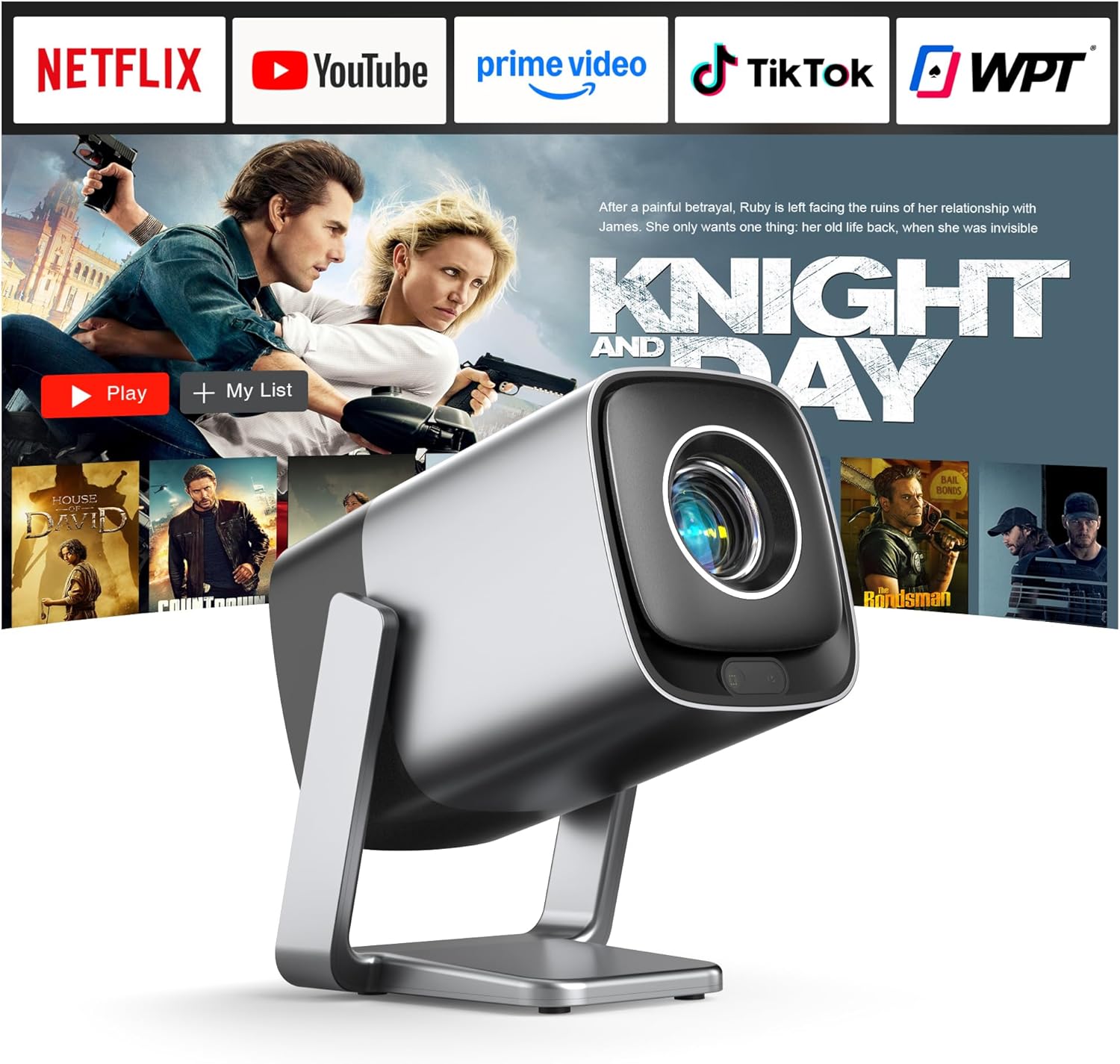
Many modern smart home devices, like the 【Built-in APPS】Mini Projector With Wifi or the [Compatible with Netflix & TOF Real-time Focus] projector, rely on a stable and secure Wi-Fi connection for streaming and updates. Choosing a secure router protects these devices from being compromised.
How to Choose a Secure WiFi Router, Step by Step
Step 1: Mandate WPA3 Encryption
WPA3 (Wi-Fi Protected Access 3) is the current, non-negotiable security standard. It addresses critical weaknesses in the older WPA2 protocol, making it vastly more resistant to password-guessing attacks. Any router you consider must list WPA3 support. If a router only supports WPA2, it is outdated from a security perspective and should be avoided.
Step 2: Prioritize Automatic Firmware Updates
Router vulnerabilities are discovered regularly. A router that can automatically download and install security updates—without you needing to log in and manually check—is crucial. Look for phrasing like “automatic security updates” or “firmware auto-update” in the product specifications. This ensures your router’s defense mechanisms are always current.
Step 3: Assess Built-In Security Features
Go beyond basic encryption. Look for a built-in, stateful firewall that monitors and controls incoming and outgoing traffic. A robust guest network feature is also essential, allowing you to isolate visitors’ devices from your main network where your personal files and smart home gadgets reside. Some routers also offer integrated threat databases that block connections to known malicious websites.

Step 4: Disable Insecure Legacy Features
Ensure the router allows you to turn off features that are known security risks. Wi-Fi Protected Setup (WPS) is a common convenience feature for connecting devices with a button press, but it has well-documented flaws that can be exploited. A secure router should let you disable WPS entirely. Similarly, the ability to disable remote administration (accessing the router’s settings from the internet) is a critical check.
Step 5: Plan for Strong Administrative Controls
The first thing you should do with any new router is change the default admin username and password. Choose a router from a brand that forces or strongly prompts you to create a unique, strong credential during setup. Routers that ship with generic admin/password combos are an immediate red flag, as they are trivial for attackers to access.
Recommended Products
While the core security features are paramount, choosing a router from a reputable brand known for consistent updates adds a layer of assurance. For a holistic secure home setup, remember that devices like the Sound Bar with Wired Subwoofer for TV and other smart gadgets depend on the network security your router provides.
Maypug Mini Projector WiFi Bluetooth Built-in Apps
XuanPad Mini Projector Netflix WiFi Bluetooth TOF
WebsLand 70W 2.1 Soundbar with Wired Subwoofer
As an Amazon Associate we earn from qualifying purchases. Product prices and availability are accurate as of the date/time indicated.
Common Mistakes to Avoid
- Choosing solely on speed and range: A fast but insecure router puts all your devices at risk. Security should be the primary filter.
- Keeping default credentials: Never leave the admin username and password as the factory defaults like “admin” and “password.”
- Forgetting about guest networks: Always provide visitors with a separate guest Wi-Fi. It keeps your main network private.
- Ignoring firmware updates: An outdated router is a vulnerable router. Enable automatic updates if available.
- Placing the router in a vulnerable location: Avoid windows or exterior walls where the signal easily bleeds outside your home.
- Enabling WPS for convenience: The security trade-off isn’t worth it. Disable Wi-Fi Protected Setup entirely.
Frequently Asked Questions
Is a router provided by my ISP secure enough?
ISP-provided routers are often convenient but can vary in security. They may not always have the latest features like WPA3 enabled by default, and firmware updates depend on the ISP’s schedule. For maximum control and security, using your own, well-reviewed third-party router is generally recommended.
What’s the difference between WPA2 and WPA3?
WPA3 is the successor to WPA2 and provides stronger protection. Its key improvement is “Simultaneous Authentication of Equals” (SAE), which protects against offline dictionary attacks where hackers try to guess your password. WPA3 is now the minimum standard for a new, secure router.
Do I need a “gaming” router for better security?
Not necessarily. Gaming routers prioritize low latency and traffic prioritization. While many high-end gaming routers include robust security suites, you can find excellent security features in standard home routers. Focus on the security specifications (WPA3, auto-updates, firewall) rather than the “gaming” marketing label.
How often should I replace my router for security?
A good rule of thumb is to consider replacing your router every 3-5 years. Technology and security standards evolve quickly. If your router no longer receives security updates from the manufacturer, it’s time to replace it, regardless of its age.
What is a guest network, and why is it important?
A guest network is a separate Wi-Fi network that shares your internet connection but isolates connected devices from your primary network. This means guests can’t accidentally or maliciously access your shared files, smart home devices, or other computers. It’s a critical security and privacy feature.
Final Thoughts
Selecting a secure WiFi router is one of the most impactful cybersecurity steps you can take for your home. It creates a protected environment for every online activity. By focusing on WPA3 encryption, automatic updates, and strong built-in firewalls, you move from being a passive user to an active defender of your network.
Remember, security is an ongoing process. After you choose and set up your secure router, make a habit of checking its admin panel periodically to ensure updates are applied and your settings remain robust. For more guidance on protecting your digital life, explore our other resources on Cybersecurity and read our guide to choosing a soundbar, which highlights considerations for connected audio devices.
About the author

Elvis Dicki writes reviews and buying guides for CyberSecLabs.