How to Use ChatGPT Prompts for Article Writing
Learn how to write effective ChatGPT prompts to generate outlines, drafts, and full articles. This step-by-step guide shows you how to get the best results for your blog or website.
 By Elvis Dicki
Updated October 22, 2026
To use ChatGPT prompts for article writing, you provide the AI with a clear, detailed instruction containing your topic, target audience, desired tone, and structure. The more specific your prompt, the more useful and tailored the generated content will be for your drafts and outlines.
Writing articles consistently is a challenge for many bloggers and content creators. ChatGPT can be a powerful tool to overcome writer’s block, generate ideas, and speed up your workflow. However, getting high-quality, relevant output requires knowing how to communicate effectively with the AI.
This guide will walk you through the exact process of crafting prompts that yield useful article drafts, from initial brainstorming to final polishing. You’ll learn how to structure your requests to get the content you need, saving time and boosting your productivity.

What You’ll Need
- Access to ChatGPT (free or paid version)
- Your article topic and target keywords
- A clear idea of your target reader
- A quiet, organized workspace to focus
- YSAGi Leather Desk Protector, Office Mat (for a clean, dedicated writing surface)
- EYEYE Fountain Pens for Writing (for quick, offline note-taking and brainstorming)
How to Write Effective ChatGPT Prompts for Articles, Step by Step
Step 1: Define Your Article’s Core Elements
Before you even open ChatGPT, clarify what you want the article to achieve. Who are you writing for? What is the primary question you’re answering? What is the desired tone—authoritative, friendly, conversational, or technical? Having this foundation turns a vague request into a targeted one.
For example, instead of “write about cybersecurity,” your starting point should be “Write an introductory guide for small business owners who are new to cybersecurity, explaining why basic measures are important in a friendly, non-technical tone.” This gives the AI crucial context.

Step 2: Request a Detailed Outline
Your first prompt to ChatGPT should often be a request for an outline. This allows you to evaluate the AI’s proposed structure and logic before it writes thousands of words. A good outline prompt includes the title, keyword, and a request for specific sections.
Try: “Act as an expert SEO content writer. Create a detailed outline for a blog post titled ‘How to Choose a Soundbar for Your TV in 2024.’ The primary keyword is ‘how to choose a soundbar.’ The audience is beginners. Include an introduction, 5 main H2 sections with 2-3 H3 points under each, a product recommendations section, an FAQ, and a conclusion.” Review and refine this outline before proceeding.
Step 3: Generate Content Section by Section
Instead of asking for a full 2000-word article in one go, break it down. Feed the approved outline back to ChatGPT and ask it to expand on one section at a time. This gives you more control and often results in higher-quality, more focused paragraphs.
Your prompt could be: “Using the outline we created, now write the introduction section. Keep it under 150 words, engaging, and directly address the beginner’s confusion about soundbar specs. End with a promise of what the guide will deliver.” After you get and tweak that output, move to the next section: “Now write the first H2 section: ‘Understanding Soundbar Channels and Configuration.'”

Step 4: Inject Specificity and Originality
ChatGPT’s default output can be generic. Your prompts must force it to be specific. Provide data points, unique angles, or real-world examples. Ask it to include step-by-step instructions, product names (if applicable), or common mistakes to avoid.
For instance: “In the section ‘Step-by-Step Setup Guide,’ write detailed instructions for connecting a soundbar via HDMI ARC. Include troubleshooting steps for when there is no sound, mentioning to check the TV’s audio output settings and the HDMI cable.” You can also ask it to adopt a unique perspective: “Write the ‘Common Mistakes’ section from the viewpoint of a frustrated customer who bought the wrong soundbar size for their room.”
Step 5: Edit and Humanize the Output
Never publish AI-generated content verbatim. Use ChatGPT’s draft as a foundation. Edit for clarity, add your personal voice, check facts, and ensure the flow matches your style. This is where you integrate your own expertise.
You can even use ChatGPT to help with editing. Prompt it: “Here is a paragraph from my article. Rewrite it to be more concise and use stronger active verbs: [Paste your text].” Or, “Suggest three more engaging headlines for this article draft.” The AI is a collaborative tool, not a replacement for your judgment.
Recommended Products
Creating a focused environment is key to productive writing sessions. A dedicated journal can help you organize AI-generated ideas and prompts offline, while quality tools make the process more enjoyable. These products support a streamlined workflow.
Prime Cheer Collection Meditation Cushion Buckwheat Yoga
Prime YSAGi Leather Desk Protector, Office Mat
Prime EYEYE Fountain Pens for Writing

Prime Guided Journal for Women
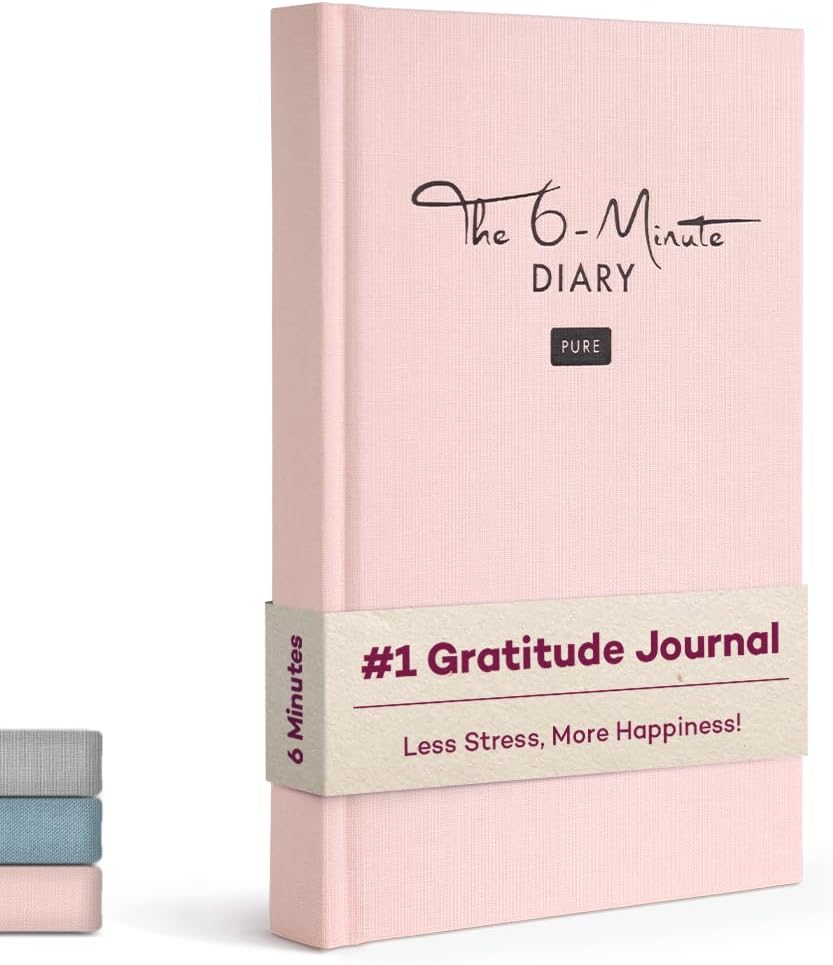
Prime 6-Minute Diary Pure – 3 Million User Gratitude
As an Amazon Associate we earn from qualifying purchases. Product prices and availability are accurate as of the date/time indicated.
Common Mistakes to Avoid
- Being Too Vague: Prompts like “write a blog post” produce useless, generic content. Always specify audience, tone, length, and structure.
- Accepting the First Draft: Always plan to edit and refine. AI content is a starting point, not a finished product.
- Ignoring Fact-Checking: ChatGPT can “hallucinate” incorrect details, dates, or specs. Verify all technical claims, especially in fields like cybersecurity or tech reviews.
- Forgetting Your Voice: The output will lack your unique perspective. Edit to inject personal anecdotes, specific experiences, or brand-specific phrasing.
- Over-Reliance: Using AI for every single piece can dull your own writing skills. Balance AI-assisted articles with fully self-written content.
- Poor Structuring: Asking for a full article in one prompt often leads to a meandering structure. Break it down into manageable sections for better control.
Frequently Asked Questions
Can ChatGPT write a complete, publish-ready article?
No. ChatGPT can generate a comprehensive draft, but it requires significant human editing, fact-checking, and personalization to be publish-ready. You must add your unique voice, verify accuracy, and ensure it aligns with your brand’s standards. Think of it as a powerful research and drafting assistant.
How do I make ChatGPT write in a specific style?
Explicitly state the style in your prompt. Use commands like u0022Write in a conversational, beginner-friendly tone,u0022 u0022Adopt a formal, technical style suitable for IT professionals,u0022 or u0022Mimic the style of a popular how-to blog like Wirecutter.u0022 You can also provide a short sample of your desired style and ask ChatGPT to analyze and replicate it.
Will using ChatGPT for articles hurt my SEO?
Not if you use it correctly. Search engines like Google prioritize helpful, original content. If you use ChatGPT to create a thin, unedited, duplicated article, it may perform poorly. However, if you use it as a tool to enhance your process—generating ideas and drafts that you then heavily edit, expand, and personalize—you can create high-quality content that ranks well. The key is adding significant human value.
What are the best ChatGPT prompts for blog post introductions?
Effective introduction prompts include: u0022Write a 100-word introduction for an article titled [Your Title]. Start by addressing a common pain point for [Audience], then state the article’s promise, and end with a brief preview of what they’ll learn.u0022 Or, u0022Draft an engaging hook for a blog post about [Topic] that uses a surprising statistic or a relatable question to draw the reader in.u0022
Can ChatGPT help with article outlines?
Yes, this is one of its strongest applications. Provide your topic and keyword, and ask for a logical outline with headings and subheadings. For example: u0022Create a SEO-friendly outline for a ‘how-to’ guide on [Topic]. Include H2s for introduction, tools needed, step-by-step instructions, common mistakes, FAQ, and conclusion.u0022 You can then iterate on this outline before any content is written.
How can I use ChatGPT to overcome writeru0026#039;s block?
Use it for brainstorming and ideation. Prompts like u0022Generate 10 headline ideas for an article about [Your Niche]u0022 or u0022List 5 common questions beginners have about [Your Topic]u0022 can spark new directions. You can also ask it to write the first few paragraphs of a section you’re stuck on to get momentum, which you can then rewrite in your own words.
Final Thoughts
Mastering ChatGPT prompts for article writing is a skill that blends clarity, specificity, and iterative refinement. By defining your goals, building from outlines, and treating the AI as a collaborative partner, you can significantly enhance your content creation workflow. The tool excels at overcoming blank-page syndrome and generating structural drafts.
Remember, the final product must always bear your mark. Edit thoroughly, fact-check diligently, and infuse the content with your unique expertise and perspective. For more on structuring technical guides, see our Flipper Zero tutorial. To explore how AI is applied in other areas, check out our AI & Software category. When used wisely, ChatGPT isn’t a shortcut—it’s a lever that amplifies your own capabilities as a writer.
About the author

Elvis Dicki writes reviews and buying guides for CyberSecLabs.