Ugreen DH2300,2-Bay (Diskless) Review: AI Photo Hub & Entry-Level NAS
The UGREEN DH2300 is a solid entry-level NAS offering AI-powered photo organization and simple setup, but lacks Docker and advanced server features, making it best for personal storage.
 By Elvis Dicki
Updated October 21, 2026
By Elvis Dicki
Updated October 21, 2026
For individuals and families feeling the pinch of subscription cloud storage or dealing with files scattered across devices, a personal Network Attached Storage (NAS) device offers an attractive, one-time-purchase alternative. The UGREEN DH2300,2-Bay (Diskless) positions itself as the gateway into this world, designed explicitly for beginners seeking a private, centralized storage solution for photos, videos, and personal files. It promises to simplify digital life with intuitive software and standout AI tools for photo management, all while keeping data securely at home. This review analyzes whether the Ugreen DH2300,2-Bay (Diskless) delivers on its goal of being a user-friendly first NAS or if its entry-level nature proves too limiting.

At its core, the DH2300 is a diskless 2-bay enclosure, meaning users must supply their own 3.5-inch SATA hard drives or SSDs to reach its advertised capacity of up to 64TB. It is built around a consumer-friendly philosophy, emphasizing ease of use, privacy, and long-term savings over monthly cloud fees. Its standout feature is an AI-powered photo album capable of tagging faces, locations, and objects. However, it is important to note that this NAS is strictly for personal and light creative use; it does not support Docker, virtual machines, or server-grade applications. For those wanting to consolidate their digital life without a steep learning curve, the UGREEN DH2300 presents a compelling, if purpose-limited, option.
UGREEN NAS DH2300 2-Bay Desktop NAS with 4GB RAM











As an Amazon Associate we earn from qualifying purchases. Product prices and availability are accurate as of the date/time indicated.
Ugreen DH2300,2-Bay (Diskless) at a Glance
| Specification | Detail |
|---|---|
| Model | UGREEN DH2300,2-Bay (Diskless) |
| Drive Bays | 2 x 3.5″ SATA |
| Maximum Raw Capacity | 64 TB |
| Onboard RAM | 4 GB |
| Network Interface | 1 Gigabit Ethernet (wired only) |
| Additional Ports | 4K HDMI, USB |
| Key Software Features | AI Photo Album, Automatic Backups, Remote Access |
| Notable Omissions | No Docker, No Virtual Machine Support, No Wi-Fi |
| Security Features | Two-Factor Authentication, RAID Modes, Encrypted Transfers |
| Primary Use Case | Personal Storage, Photo Management, Media Streaming |
Design and Build
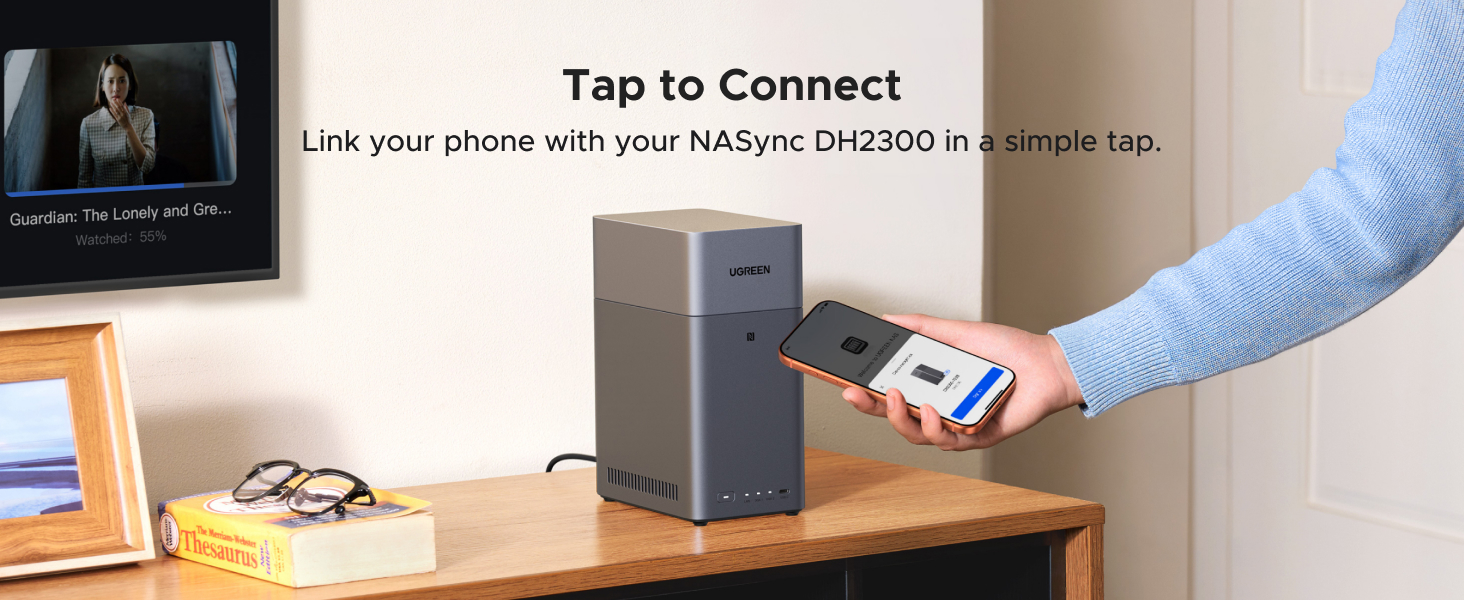
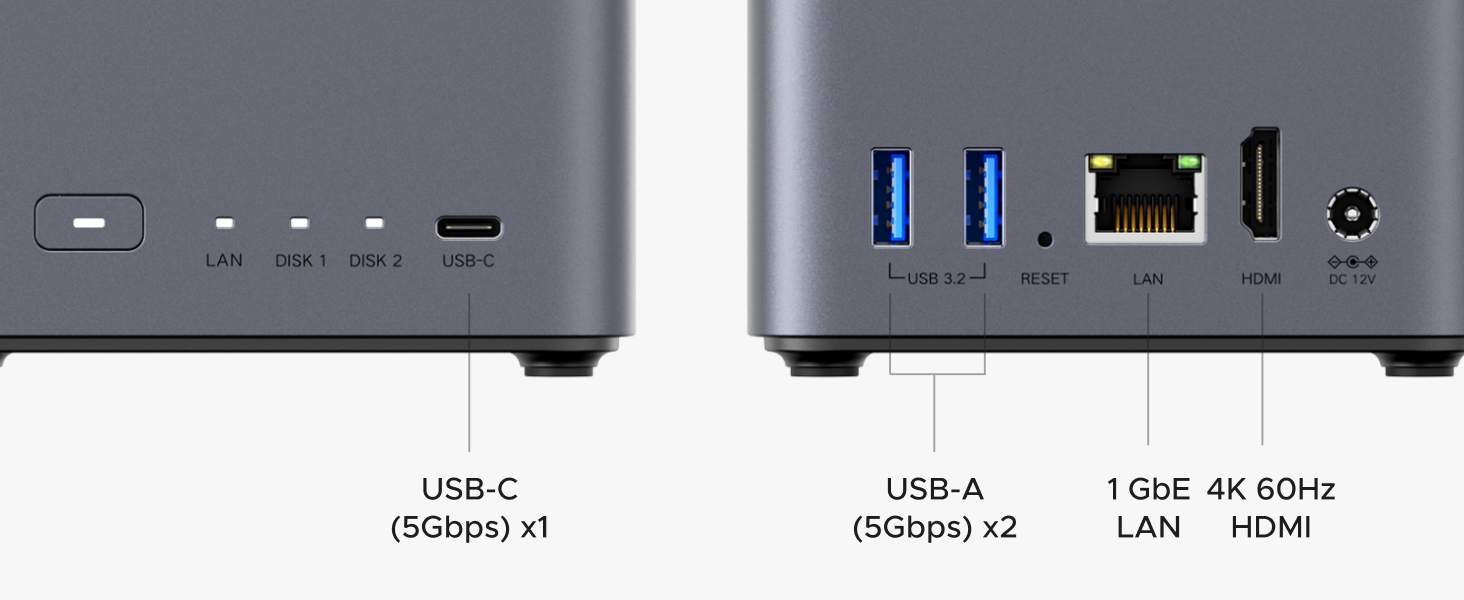
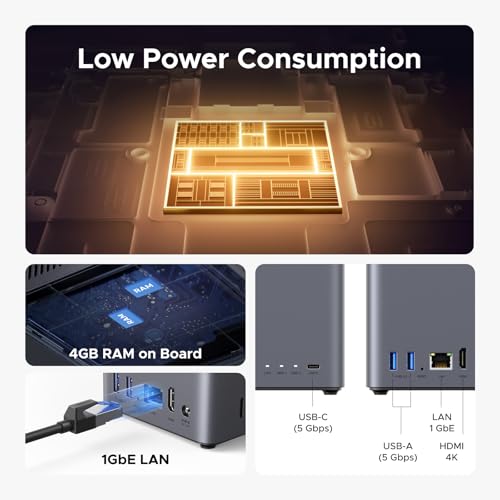
The UGREEN DH2300 adopts a compact desktop form factor with a grey finish and a plastic enclosure, as noted in the specifications. Its design is functional and intended to blend into a home office or entertainment setup without drawing undue attention. The front panel is likely clean, with status indicators, while the rear houses the essential connectivity: a single 1GbE port for network connection, a 4K HDMI output for direct media playback to a TV, and USB ports for connecting external drives or, as mentioned, an optional USB Wi-Fi adapter (the device itself does not have built-in Wi-Fi). The unit includes all necessary hardware for drive installation, such as screws and a screwdriver, promoting a tool-free or minimal-tool setup process. While specific dimensions or detailed material composition are not listed by the manufacturer, the product is described as portable, which suggests a relatively lightweight and manageable build suitable for desktop placement.
Performance and Features
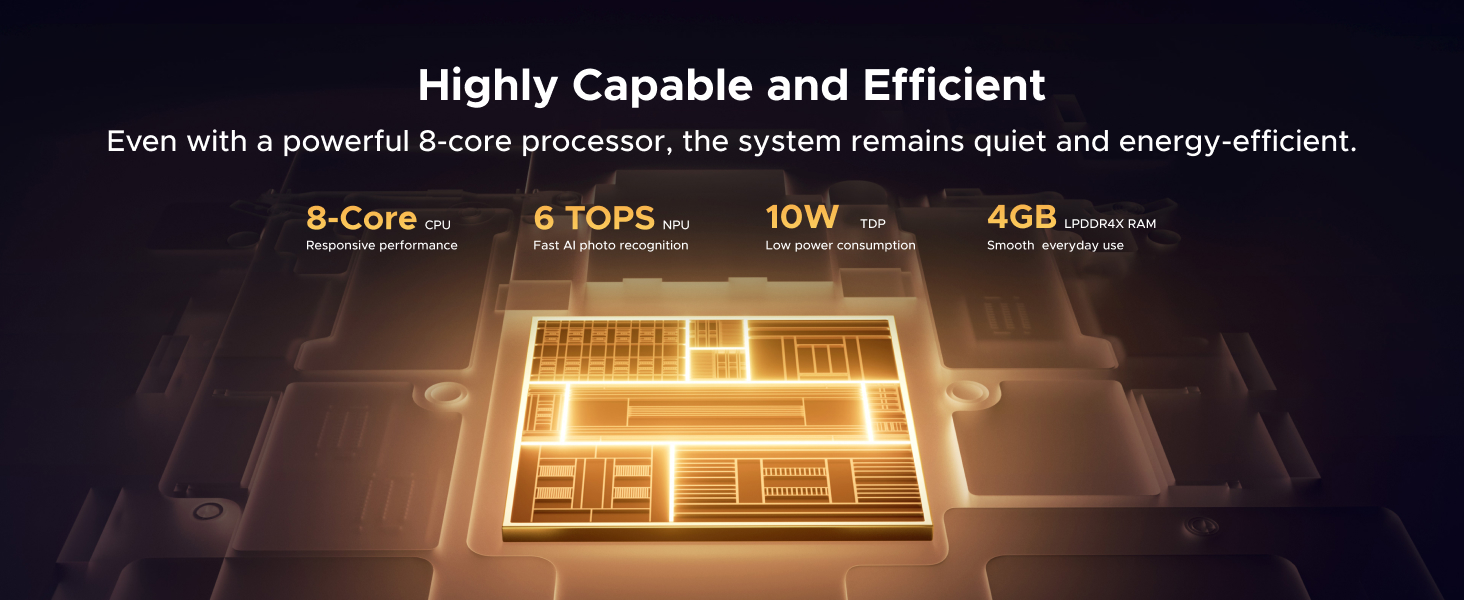
UGREEN markets the DH2300 as an entry-level device, and its performance specifications reflect that positioning. The onboard 4GB of RAM and a high-performance processor (exact model not specified) are designed to handle the core tasks of file serving, backups, and media management for a single household.
Storage and Speed
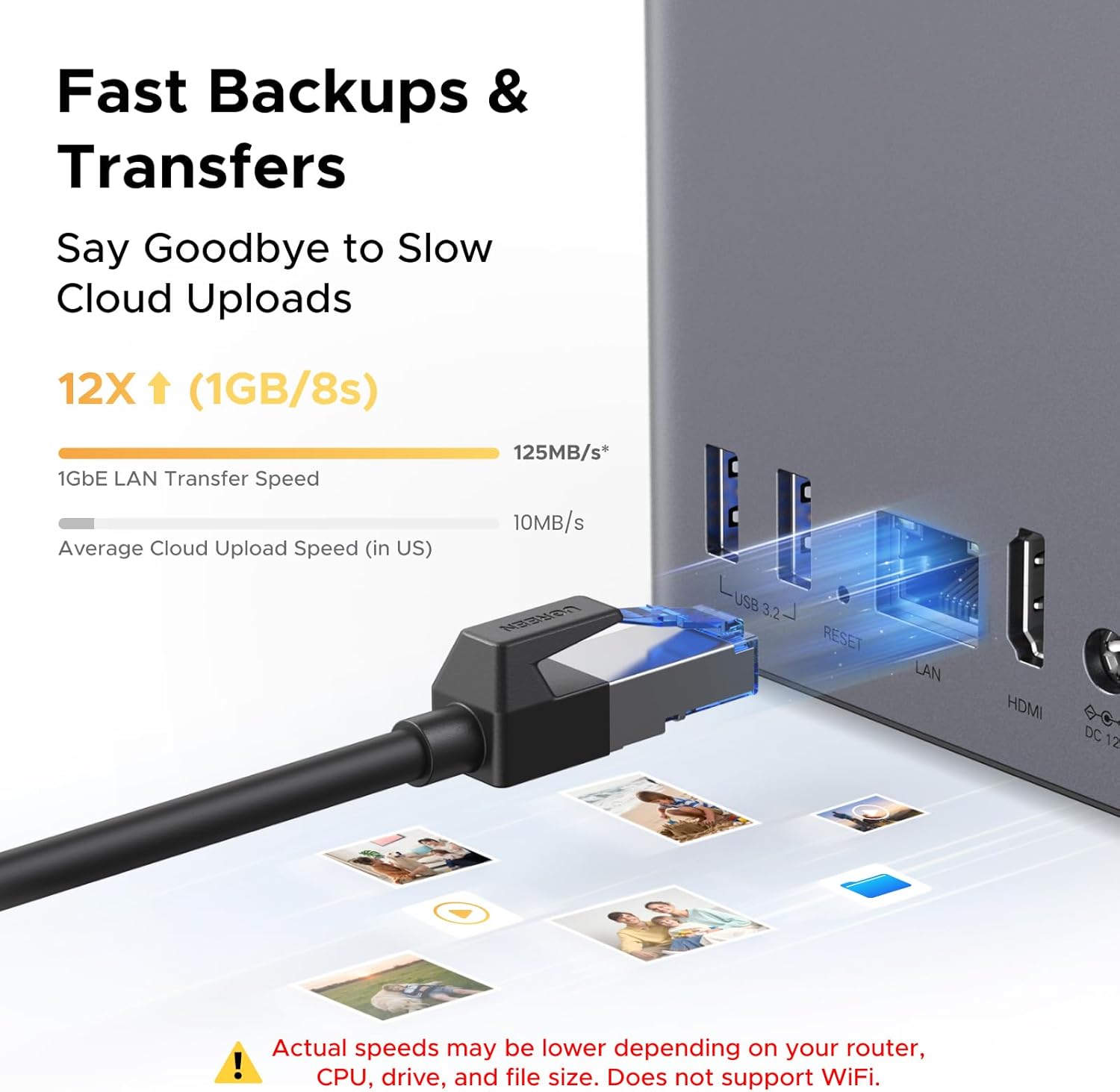
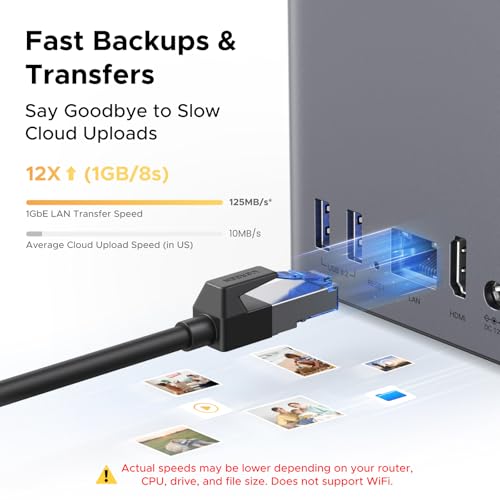
The DH2300 supports two 3.5-inch SATA hard drives or SSDs, with a theoretical maximum combined capacity of 64TB when configured in a RAID 0 array. It’s crucial to remember that drives are not included. The manufacturer claims file transfer speeds of up to 125 MB/s via its 1GbE port, which translates to moving a 1GB file in approximately 8 seconds under ideal conditions. However, the product details caution that actual speeds depend on your router, the specific drives used, CPU performance, and file sizes. This performance is adequate for serving media, backing up family devices, and general file access, but it is not intended for heavy, concurrent workloads or business applications.
Connectivity and Ports
Connectivity is straightforward but has clear limitations. The single 1GbE Ethernet port is the primary and recommended connection method; an Ethernet cable is included. There is no built-in Wi-Fi, though the system can utilize an external USB wireless adapter. The 4K HDMI port is a notable feature, allowing users to connect the NAS directly to a television to stream stored media without needing another device as a middleman. USB ports provide expansion for external storage or peripherals.
Key Features and Software
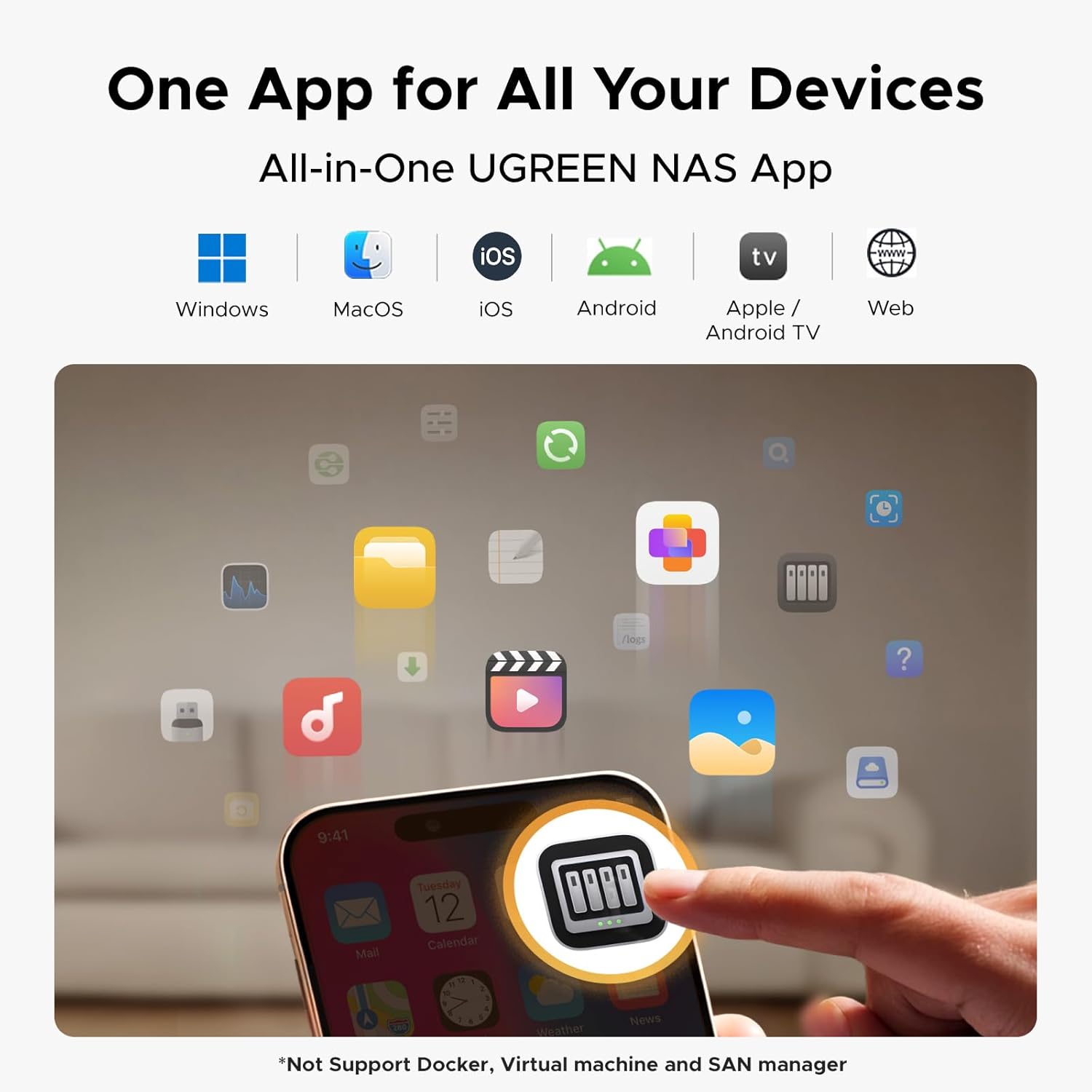
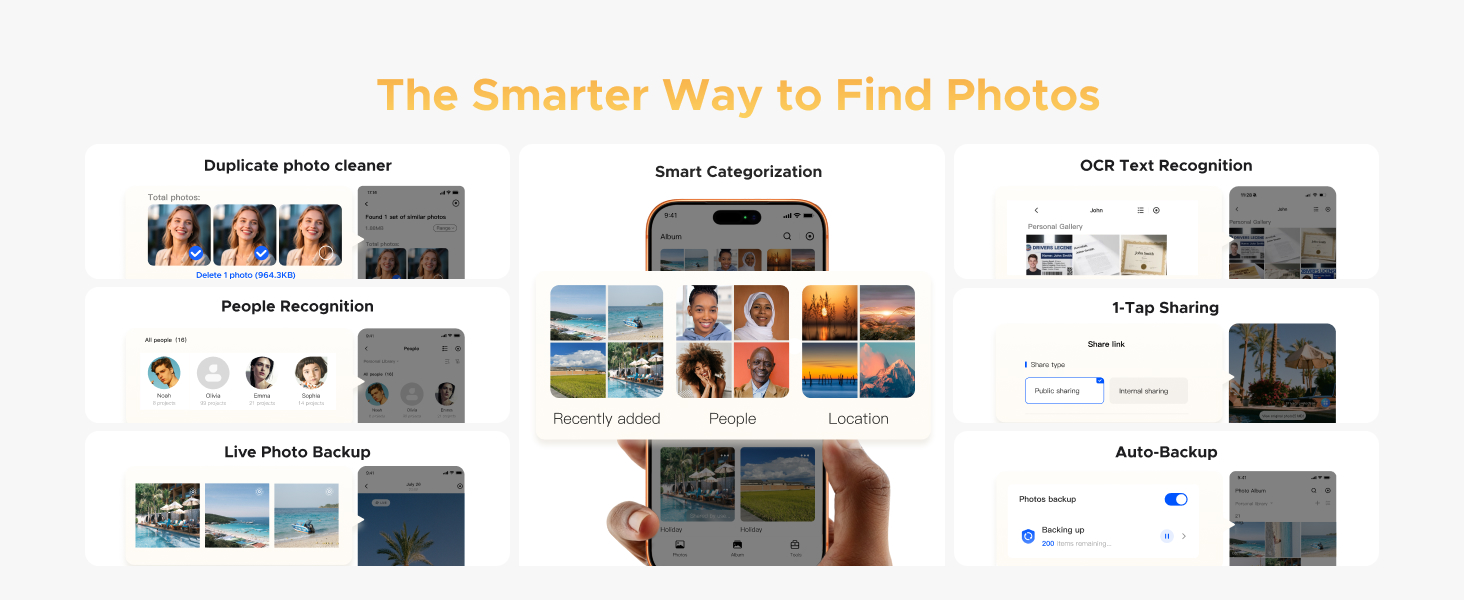
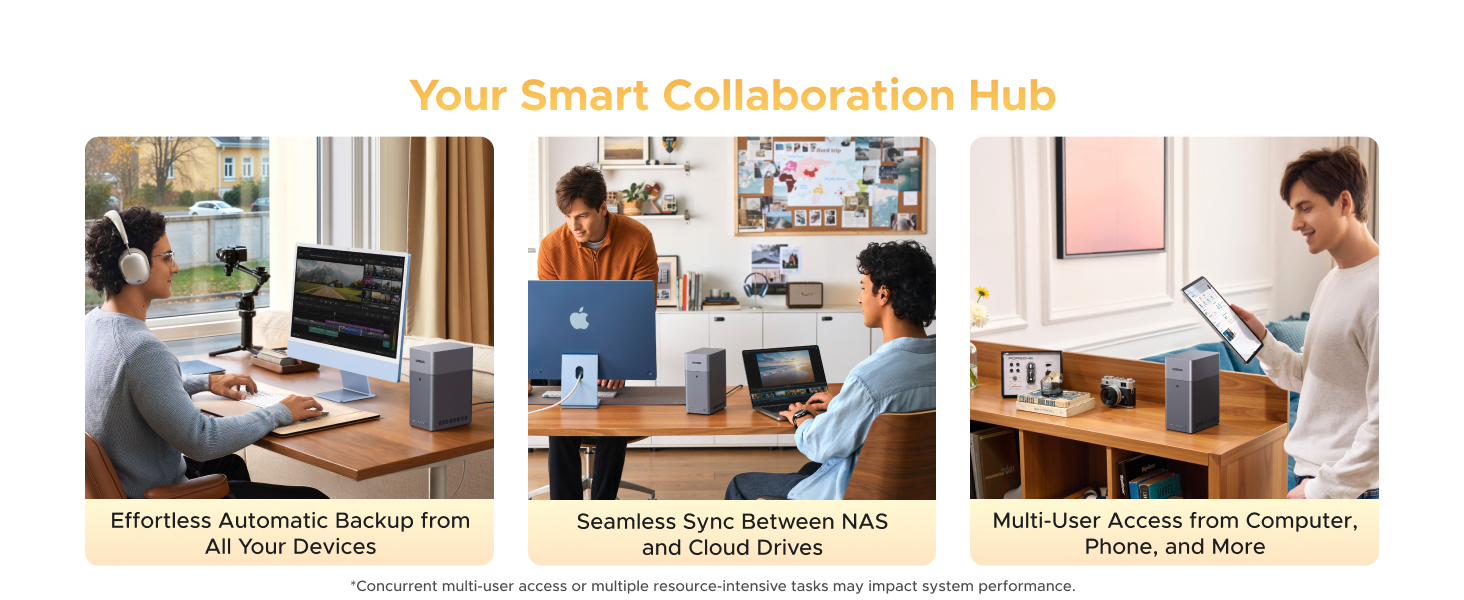
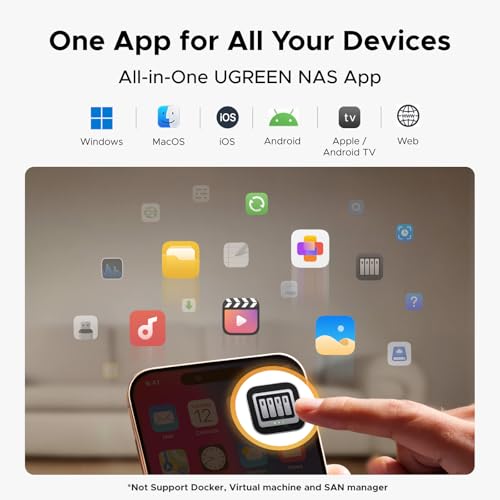
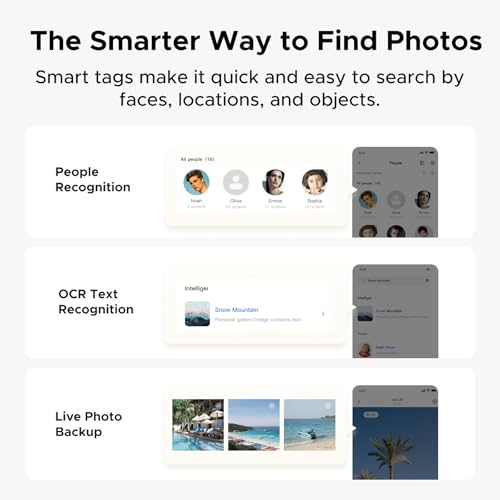
The DH2300’s software is its main attraction for beginners. The system offers automatic backups from Windows, iOS, Android, and macOS devices, helping to consolidate data. The flagship feature is the AI Photo Album, which automatically scans photos to tag faces, locations, objects, and text. This enables powerful search functionality, such as finding all photos containing a specific person or item. The software also identifies and can delete similar or duplicate photos, and it supports backing up and sharing Live Photos. The interface is described as intuitive and beginner-friendly, with mobile and desktop apps available.
Security and Privacy
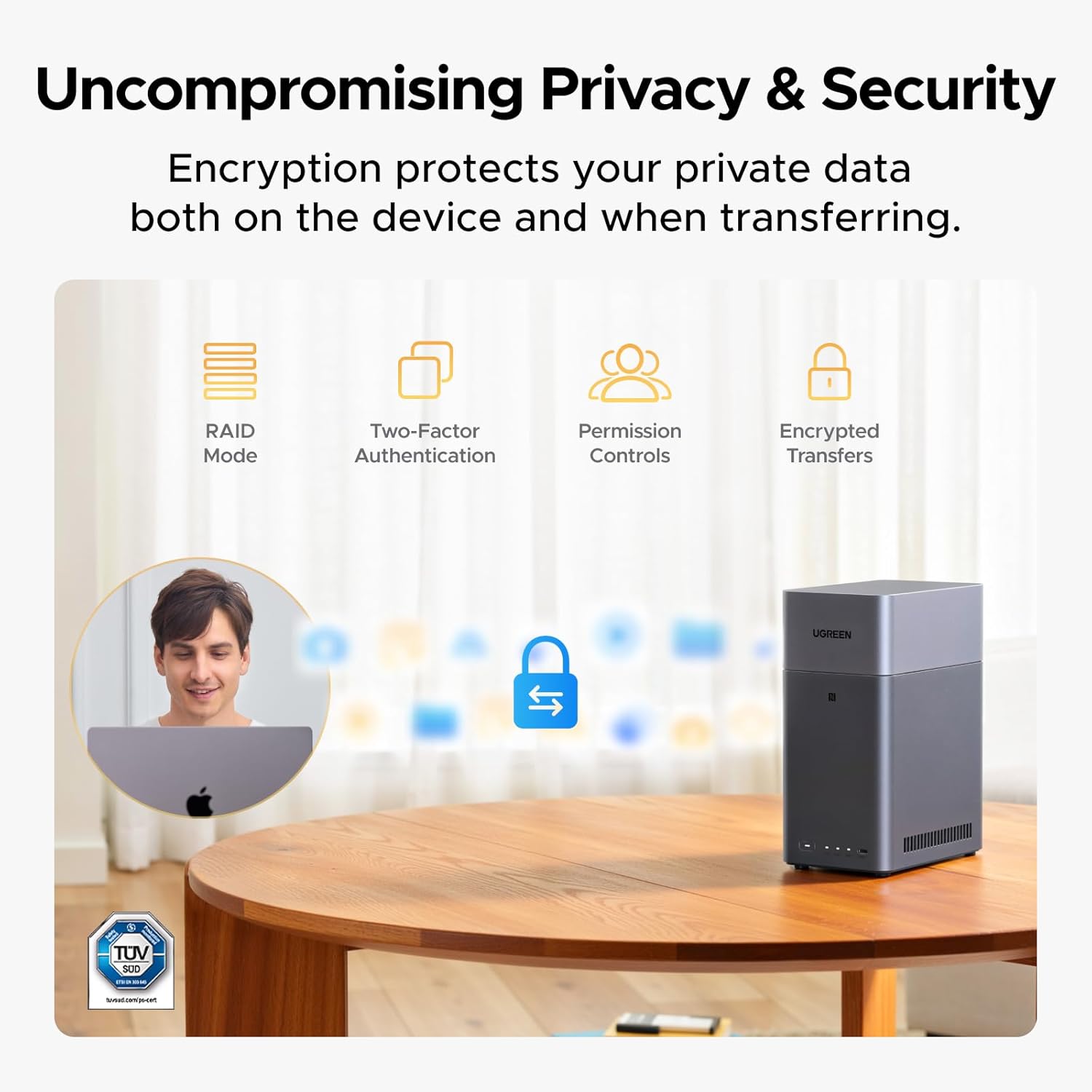
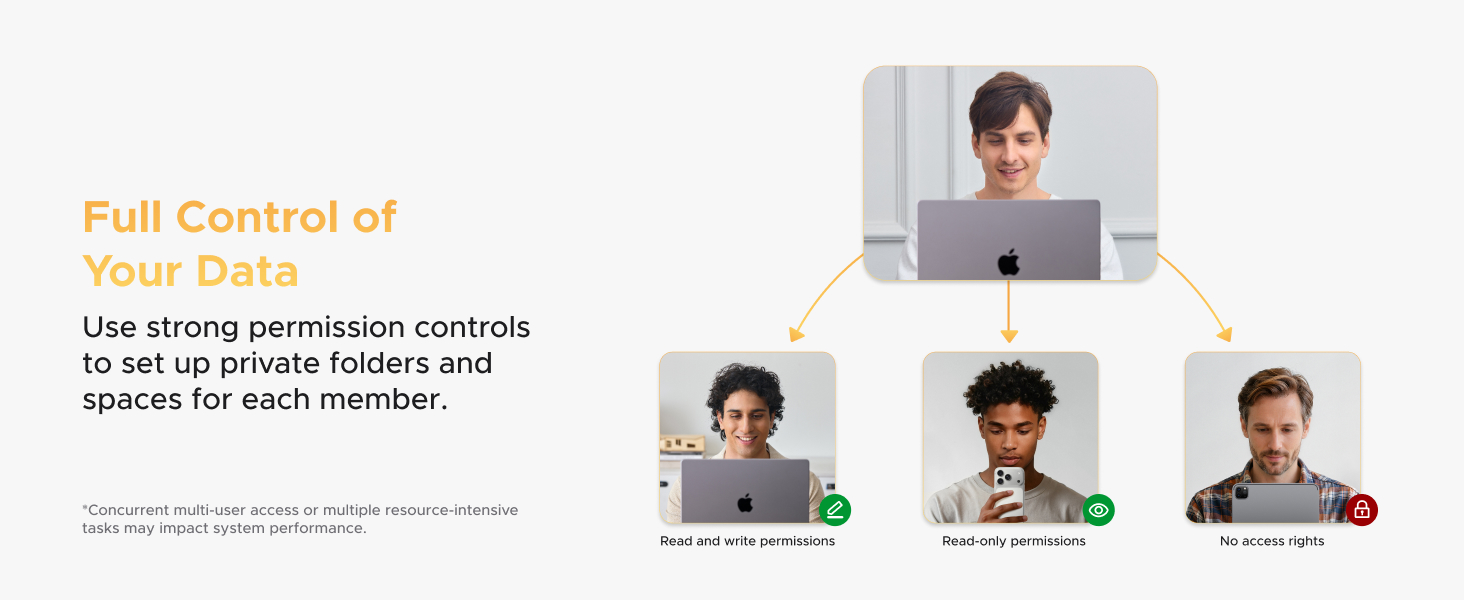
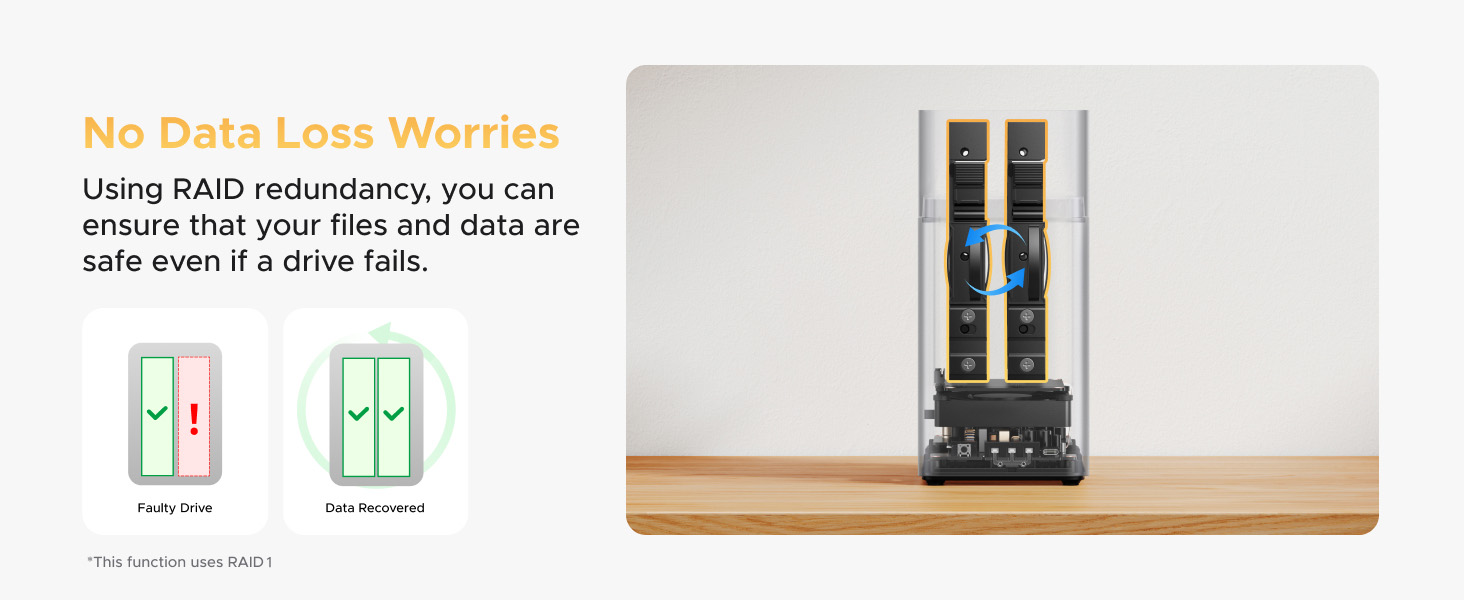
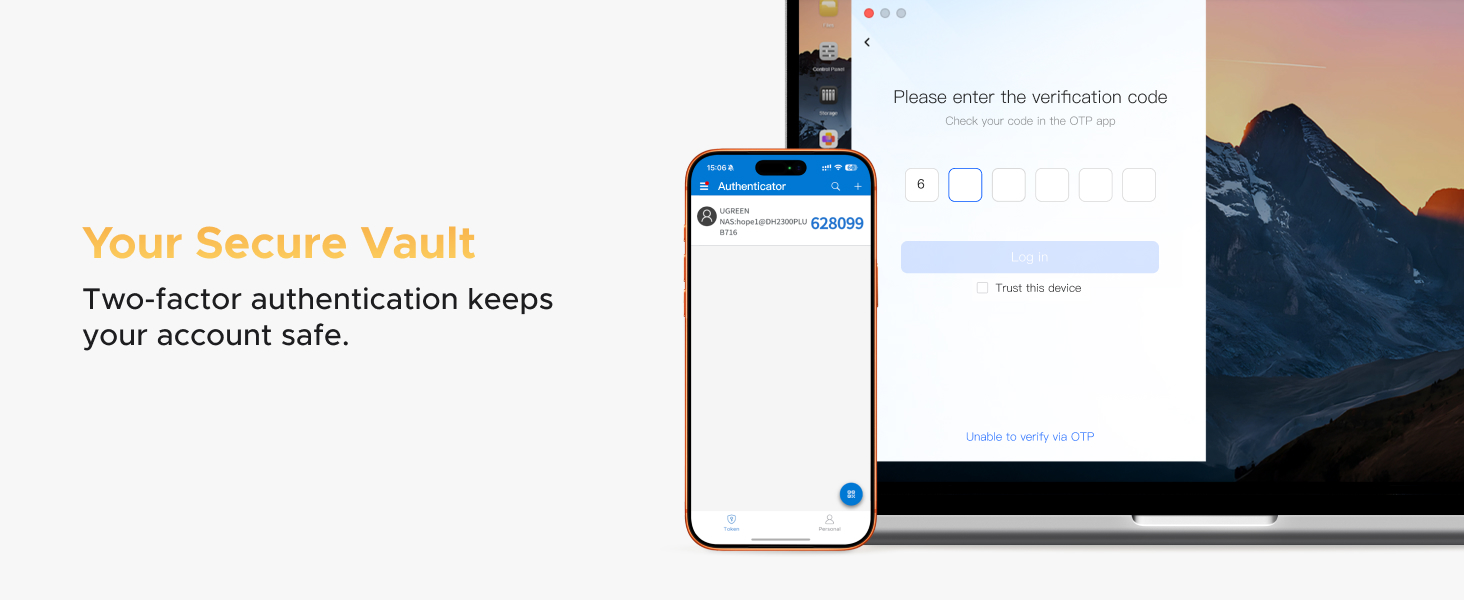
Privacy is a major selling point. All data resides on your physically owned drives, with no third-party cloud access. To protect this data, UGREEN implements layered security including support for RAID modes (for redundancy), two-factor authentication for account access, user permission controls, and encrypted data transfers. The product is backed by a TRUSTe certification and is noted as the first NAS certified by TÜV SÜD to meet the ETSI EN 303 645 cybersecurity standard for consumer IoT devices.
Setup, Support and Ownership
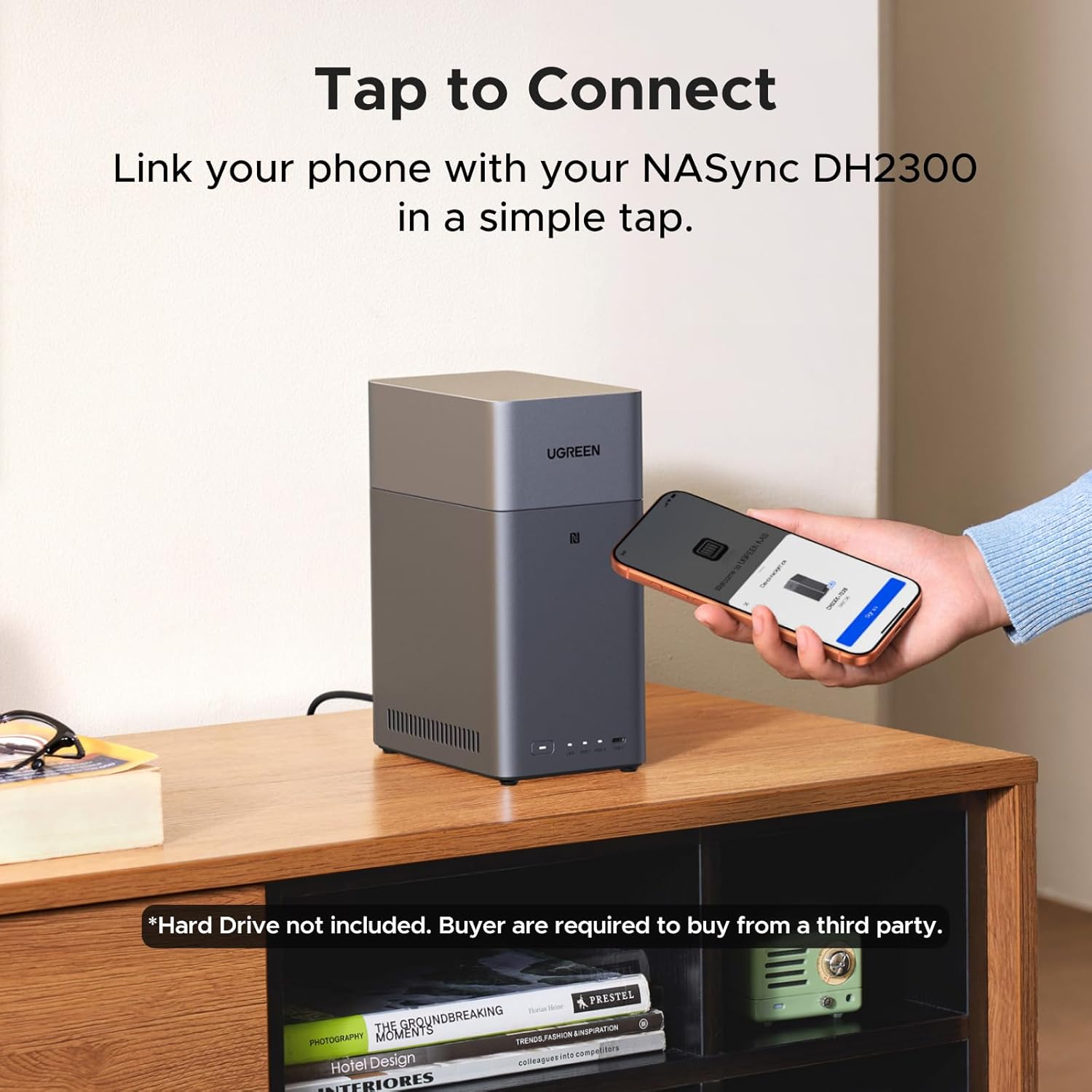
Setup is consistently highlighted as straightforward in the provided data. The process is guided by the UGREEN software, walking users through drive installation, network configuration, and initial folder creation. The package includes a quick start guide and all necessary cables and hardware. Since the device is diskless, the primary additional cost and consideration for owners is the purchase of compatible hard drives or SSDs from a third party.
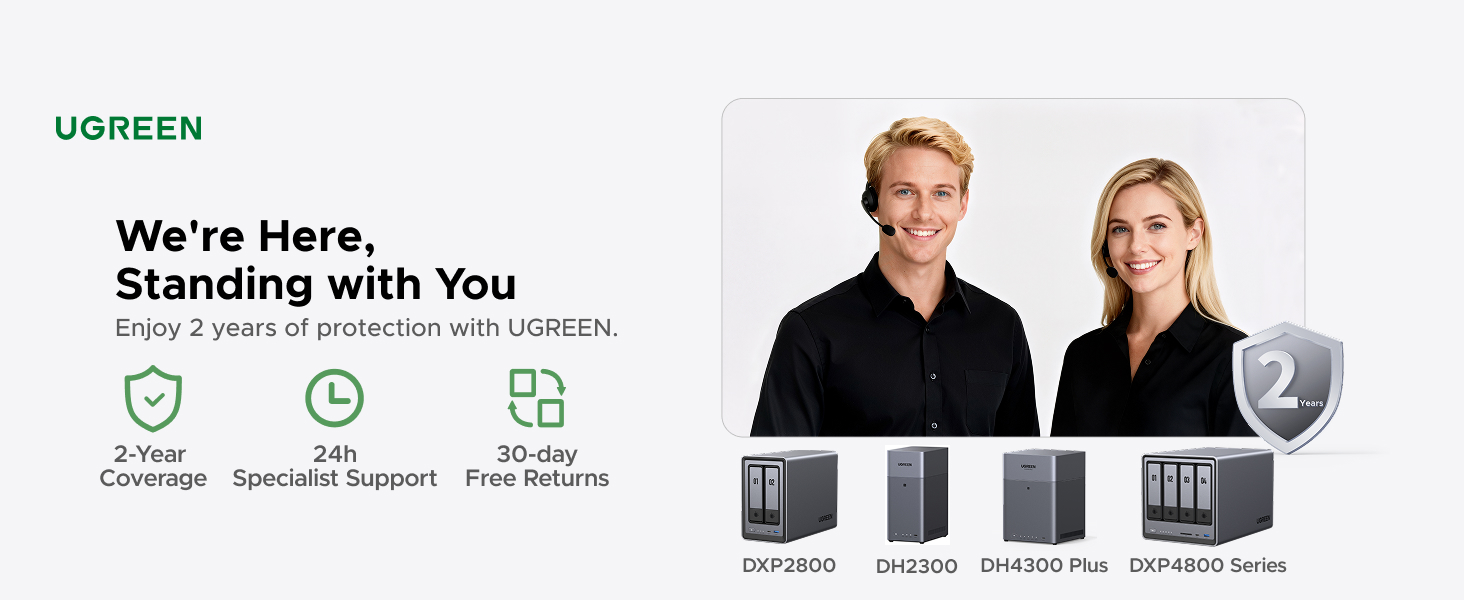
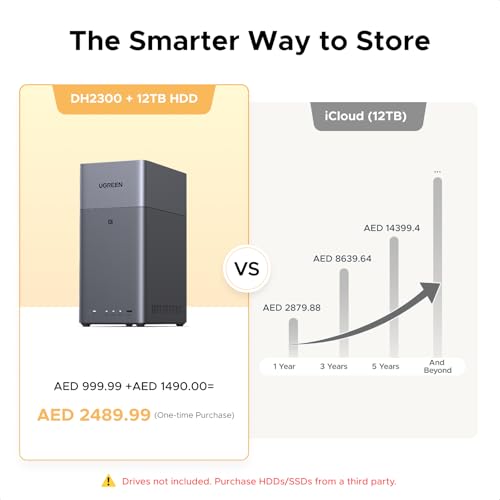
Ownership is framed as a long-term, cost-saving alternative to subscription cloud services. The manufacturer provides a cost comparison example, suggesting significant savings over a 10-year period compared to a recurring 12TB cloud plan. The device comes with a 2-year manufacturer warranty, and spare parts are available for 2 years in the EU. Support is provided, though the specifics of software update frequency or community support channels are not detailed in the provided information.
What Owners Say
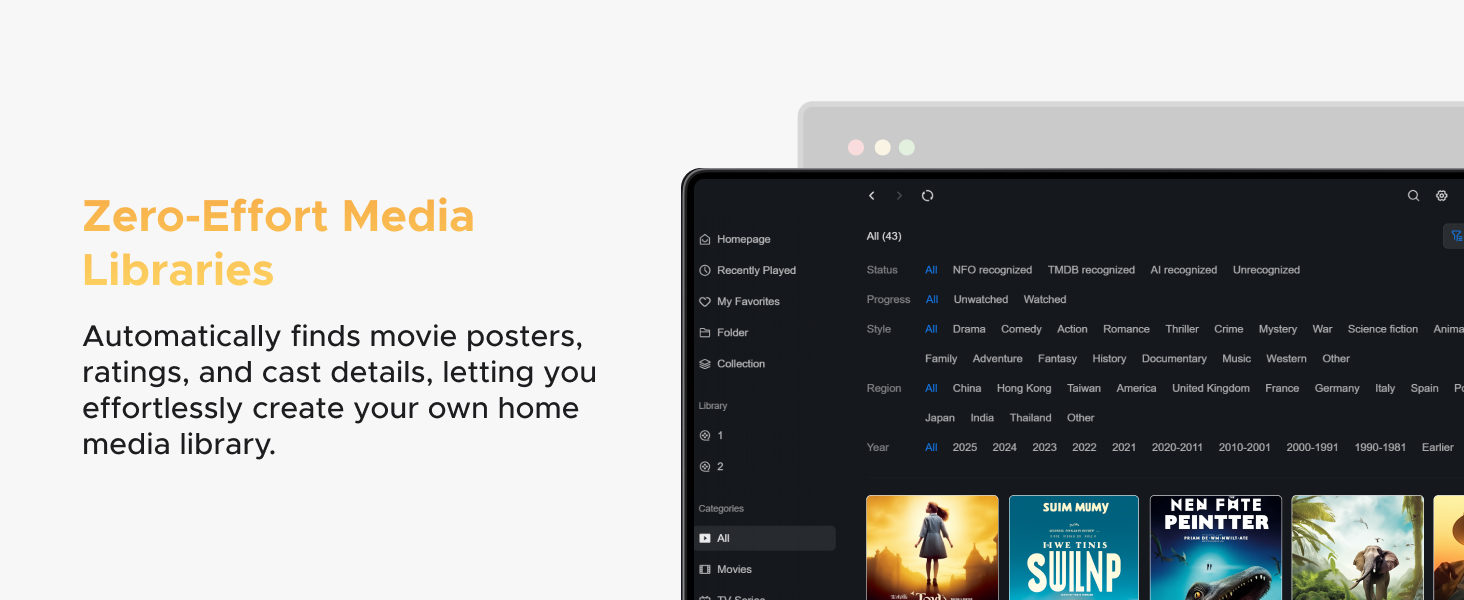
Owner feedback for the UGREEN DH2300 is overwhelmingly positive, with a high percentage of 5-star reviews. Many praise its ease of setup, describing it as plug-and-play and much simpler than building a custom PC-based NAS. Users appreciate the intuitive mobile and desktop apps and the performance for home use, including serving as a Plex media server (though Docker must be manually installed for this). The AI photo organization receives positive mentions for its effectiveness in managing large libraries.
The rating distribution shows most users are very satisfied, with a smaller segment expressing concerns. Some reviewers note that while the hardware is great and the price competitive, the proprietary web interface can feel clunky or confusing when attempting more complex configurations, such as setting up multiple mirrored storage pools. The lack of official Docker support is a recurring point of criticism among more technical users who wish to extend functionality. A minority of reviews report issues, contributing to the 1-star ratings, though specific common problems are not detailed in the excerpts provided.
Pros and Cons
Pros
- Beginner-friendly setup and intuitive software interface
- Powerful AI photo organization with face and object tagging
- Strong privacy controls and security certifications
- Solid performance for home media and backup tasks
- Includes 4K HDMI for direct TV streaming
- Cost-effective long-term alternative to cloud subscriptions
Cons
- No support for Docker, virtual machines, or advanced applications
- Requires separate purchase of hard drives
- Wired Ethernet only (Wi-Fi requires USB adapter)
- Software can be limiting for complex configurations
- Performance not suitable for business or server use
- Limited to personal and entry-level use cases
Who Should Buy It (and Who Should Skip It)
The UGREEN DH2300 is an ideal first NAS for individuals and families who want to escape monthly cloud fees and centralize their personal data photos, videos, documents in a private, secure location. It’s perfectly suited for those who value a simple, guided setup process and would benefit greatly from automated photo organization. Home users looking to build a basic media server or create a unified backup hub for all their devices will find it more than capable. For more on optimizing your personal tech setup, consider our guides on the best ultra-wide monitors and tech gear.
Conversely, power users, developers, and small business owners should look elsewhere. The explicit lack of Docker and virtual machine support rules out running many self-hosted applications, development environments, or advanced services like a full-featured Plex server via the intended method. Those needing wireless connectivity, multi-gigabit speeds, or the ability to host websites or databases should consider higher-end, business-oriented NAS solutions or building a custom server.
Final Verdict
The UGREEN DH2300,2-Bay (Diskless) successfully accomplishes its primary mission: to be an accessible, no-fuss entry point into personal network storage. It removes much of the intimidation factor associated with NAS devices through clever software design and a focus on core consumer needs like photo management and cross-device backup. The AI photo album is a genuinely useful differentiating feature that adds significant value for anyone with a large, disorganized photo library. When evaluated purely as a personal storage appliance, it delivers strong performance, robust security for the home, and the tangible benefit of long-term cost savings over cloud subscriptions.
However, its strengths are defined by its limitations. By omitting Docker and advanced server features, UGREEN has drawn a bright line around its target audience. This is not a tinkerer’s device or a foundation for a home lab. It is a purpose-built tool for digital consolidation and media enjoyment. For the right user someone who wants the benefits of a NAS without the complexity the Ugreen DH2300,2-Bay (Diskless) is an easy recommendation. For those whose needs might grow, or who already have more technical requirements, its constraints will quickly become apparent, making it a stepping stone rather than a final destination. For related insights on managing your digital workspace, explore our best desk chairs guide and other product reviews.
FAQs
Does the UGREEN DH2300 come with hard drives?
No, the DH2300 is sold as a diskless enclosure. This means the unit itself does not include any storage drives. You must purchase compatible 3.5-inch SATA hard disk drives (HDDs) or solid-state drives (SSDs) separately from a third-party retailer. The advertised 64TB maximum capacity is achieved by using two large-capacity drives in a specific configuration.
Can I use it as a wireless NAS?
The DH2300 does not have built-in Wi-Fi. It includes an Ethernet cable and is designed for a wired network connection, which is recommended for stability and speed. However, the product information states that Wi-Fi connectivity is possible by using an external USB wireless network adapter, which you would need to purchase separately.
Can I run Plex or Docker on this NAS?
The DH2300 does not officially support Docker, and Plex cannot be run via Docker on this system as intended. Some owners have reported manually installing Docker to run Plex, but this requires following third-party guides and is not a supported or streamlined process by UGREEN. The device is not designed for virtual machines or advanced server applications.
Is my data safe if a hard drive fails?
The safety of your data depends on the RAID configuration you choose. The DH2300 supports various RAID modes. If you configure the two drives in a RAID 1 (mirror) setup, your data will be duplicated on both drives, protecting you from a single drive failure. If you use RAID 0 for maximum capacity or two independent drives, a single drive failure will result in data loss. It is always recommended to maintain additional backups of critical data.
About the author

Elvis Dicki writes reviews and buying guides for CyberSecLabs.