TP-Link Archer A6 V4.6 Review: A Budget Router with Mesh-Ready WPA3 Security
The TP-Link Archer A6 V4.6 delivers reliable AC1200 dual-band performance and OneMesh compatibility for seamless coverage, making it a strong value pick for home users.
 By Elvis Dicki
Updated October 20, 2026
By Elvis Dicki
Updated October 20, 2026
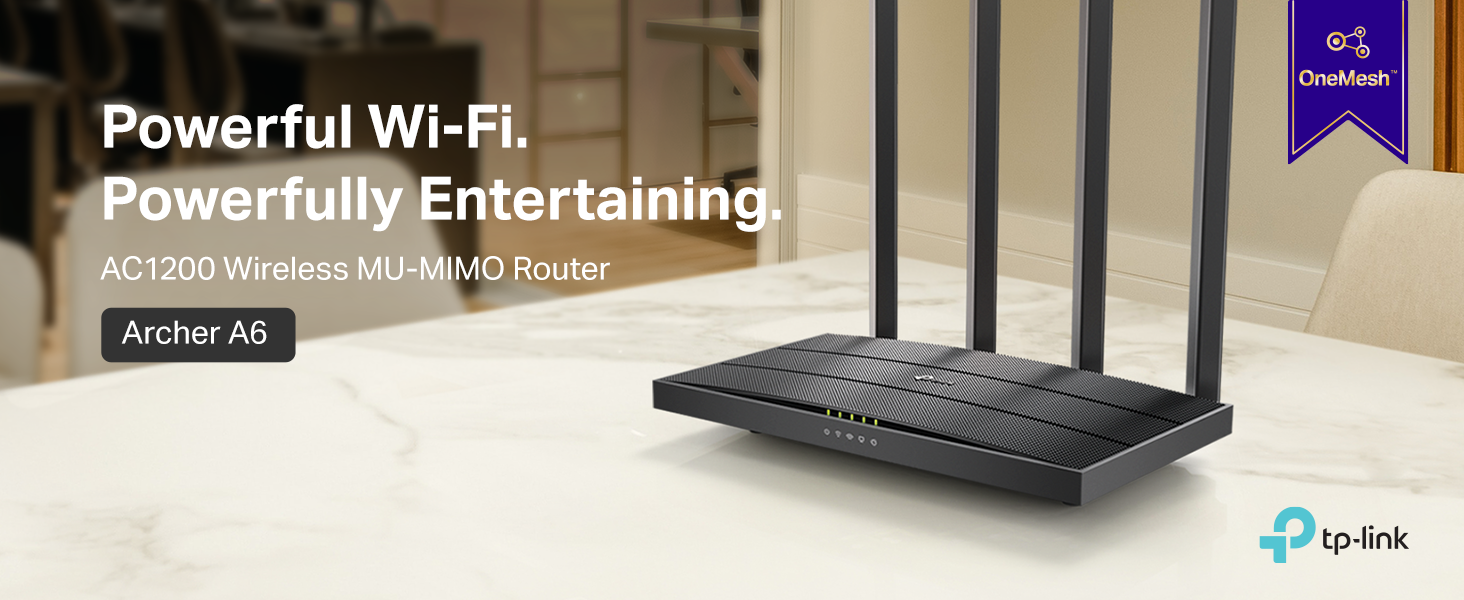
In the crowded field of home networking, the TP-Link Archer A6 V4.6 presents itself as a compelling budget-friendly option. This dual-band AC1200 Gigabit WiFi router is designed for households seeking to eliminate buffering during streaming, support multiple devices, and potentially expand their network coverage seamlessly. Its combination of four external antennas, MU-MIMO technology, and the latest WPA3 security protocol aims to deliver robust performance without a complex setup. For users with medium-sized homes looking for a reliable wireless foundation that can grow with a mesh system, the Archer A6 V4.6 warrants a close look.

The router’s core promise is smooth entertainment, leveraging its dual-band architecture to separate everyday tasks on the 2.4GHz band from high-bandwidth activities like 4K streaming and online gaming on the faster 5GHz band. Management is handled through an intuitive smartphone app, and compatibility with TP-Link’s OneMesh ecosystem offers a clear path for future expansion. This review analyzes its specifications, design, performance features, and real-world owner feedback to determine if it lives up to its claims as a versatile and secure home networking solution.
TP-Link Archer A6 AC1200 WiFi Router




As an Amazon Associate we earn from qualifying purchases. Product prices and availability are accurate as of the date/time indicated.
TP-Link Archer A6 V4.6 at a Glance
| Specification | Detail |
|---|---|
| Wi-Fi Standard | Wi-Fi 5 (802.11ac) |
| Dual-Band Speed | AC1200 (300 Mbps on 2.4GHz + 867 Mbps on 5GHz) |
| Antennas | 4 Fixed External Antennas |
| Ports | 1 Gigabit WAN, 4 Gigabit LAN |
| Key Technologies | MU-MIMO (5GHz), Beamforming, OneMesh Compatible |
| Security Protocol | WPA3 |
| Management | TP-Link Tether App (Android/iOS) |
| Special Features | Access Point Mode, Guest Network, Parental Controls, QoS |
| Dimensions | 8.46″ L x 4.92″ W x 1.81″ H |
Design and Build
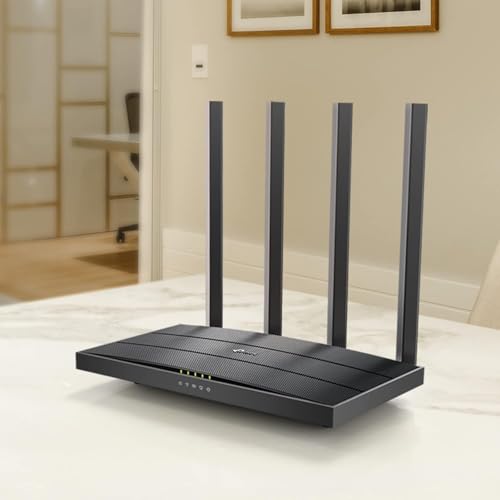
The TP-Link Archer A6 V4.6 adopts a familiar black, angular design common to many modern routers. Its footprint is relatively compact, measuring 8.46 inches in length, 4.92 inches in width, and 1.81 inches in height. The most prominent visual features are the four non-adjustable external antennas positioned at the rear, which contribute to its signal coverage claims. The build quality, as described in owner feedback, is solid for its class, though some users note the unit can feel warm during continuous operation, a typical characteristic for actively cooled networking hardware. It is recommended to place it in a location with adequate airflow.
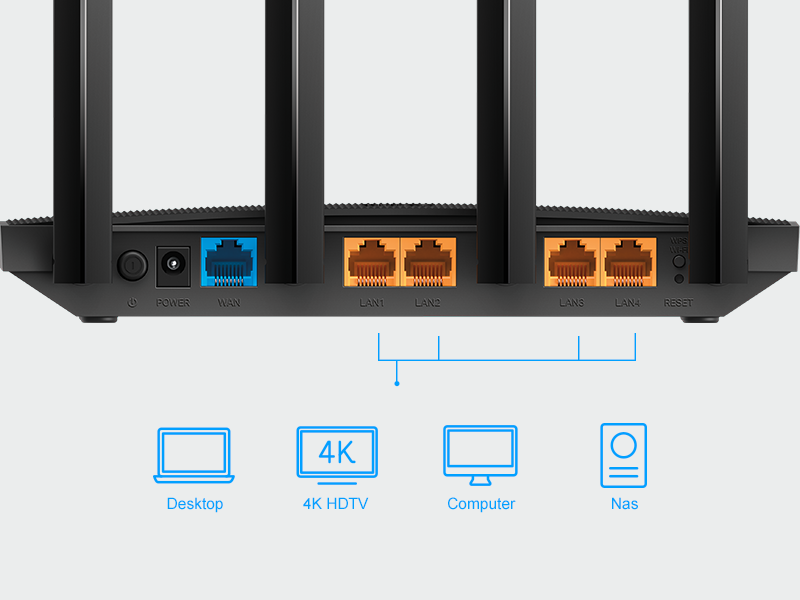
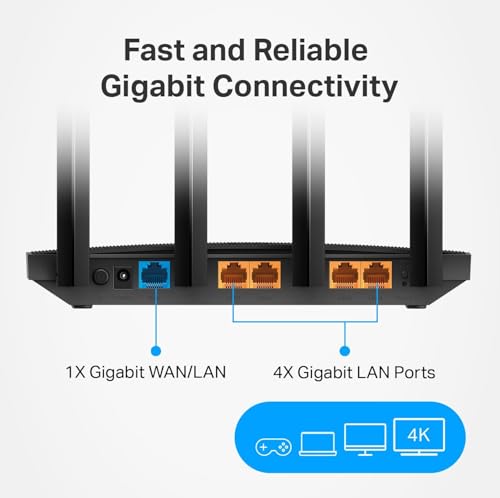
On the rear panel, the router provides a clear and practical layout: one yellow-colored Gigabit WAN port for connecting to your modem, followed by four black Gigabit LAN ports for wired devices. This full suite of Gigabit ports is a significant advantage, allowing for 10x faster wired connections than standard Ethernet and future-proofing the router for any high-speed internet plan. The physical design is straightforward and functional, prioritizing internal hardware like its chipset and the beamforming technology that works with the antennas to direct signal strength towards connected devices.
Performance and Features
Wireless Performance and Connectivity
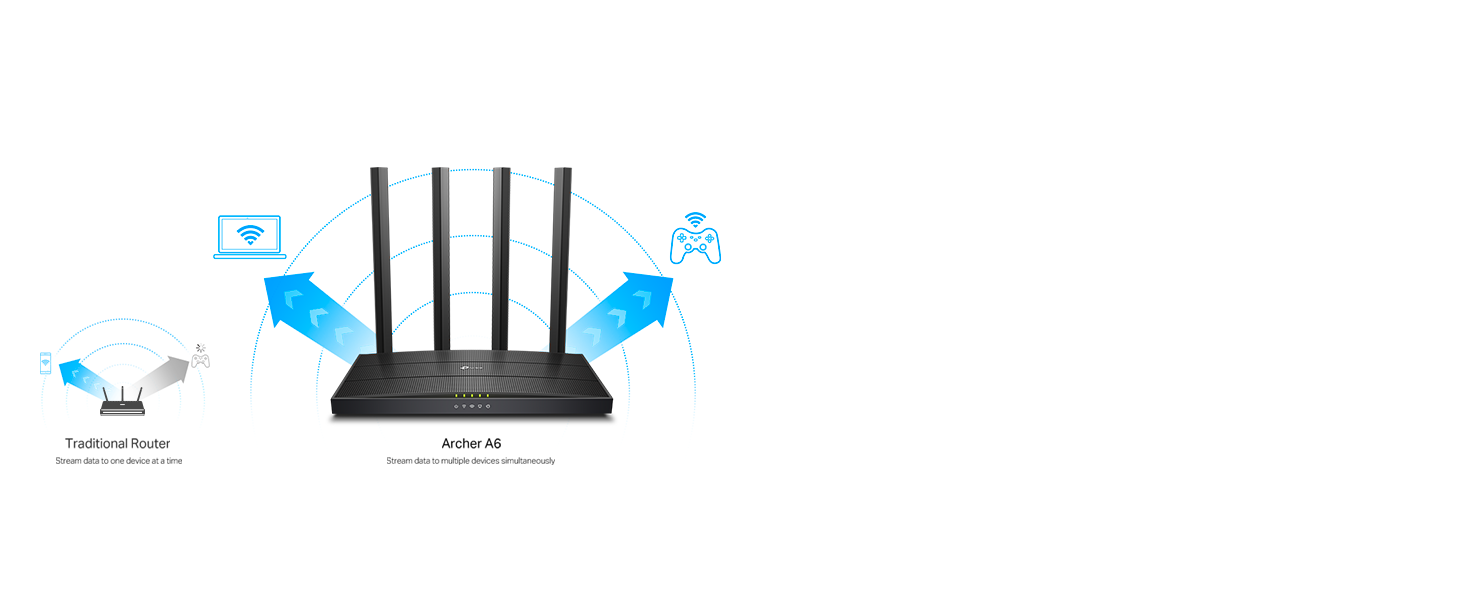
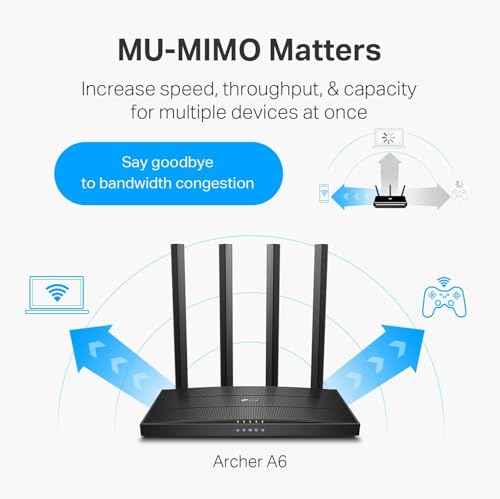
As an AC1200 class router, the Archer A6 V4.6 divides its wireless bandwidth across two bands. The 2.4GHz band offers speeds up to 300 Mbps, suitable for basic web browsing, email, and connecting smart home devices. The 5GHz band delivers up to 867 Mbps, which is designed to handle more demanding tasks like HD video streaming, lag-free online gaming, and large file transfers. The inclusion of MU-MIMO technology on the 5GHz band is crucial, as it allows the router to communicate with multiple devices simultaneously rather than sequentially, reducing congestion and latency in multi-device households.
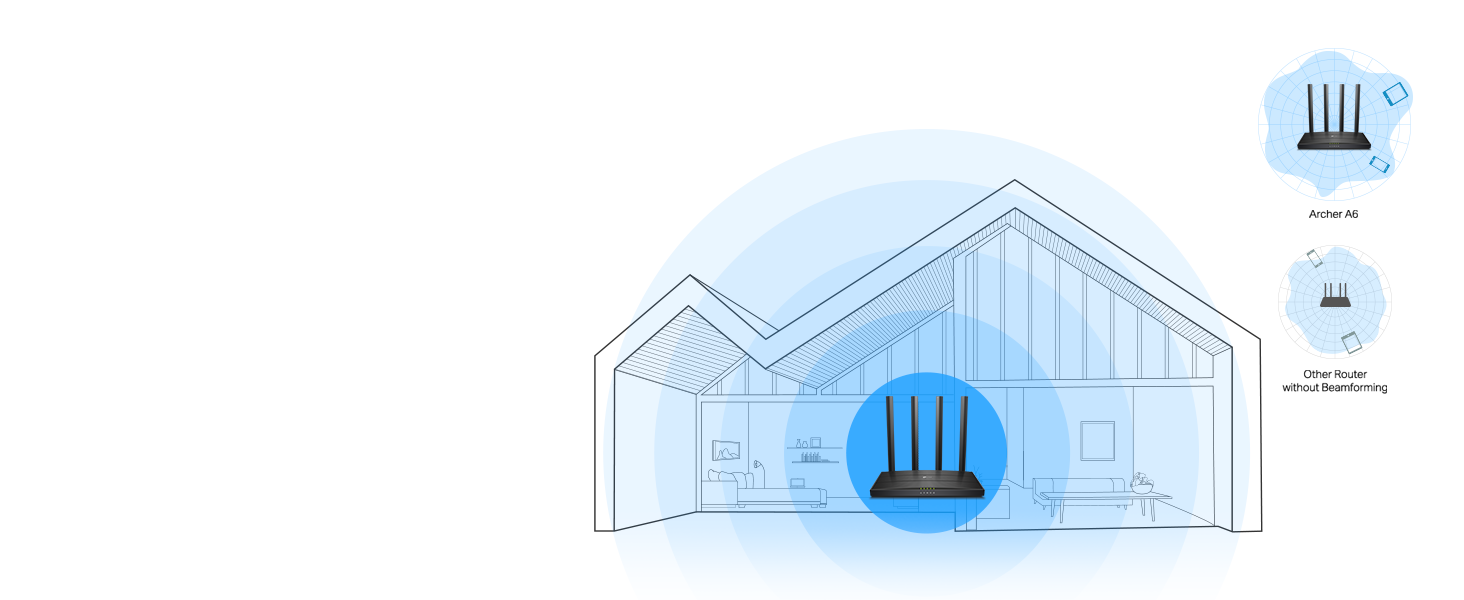
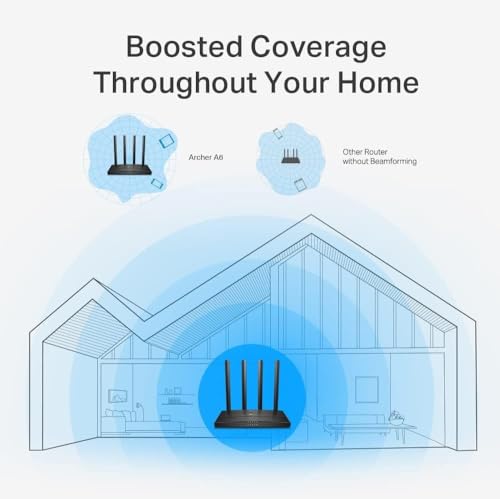
The four external antennas are equipped with Beamforming technology. This feature intelligently detects the location of WiFi devices and concentrates the wireless signal towards them, rather than broadcasting evenly in all directions. The result, as claimed by TP-Link, is extended and more reliable coverage throughout a home, helping to eliminate dead zones in corners or on other floors. Owner reviews frequently praise the router’s reliable speed and solid range for medium-sized homes.
Ports and Wired Connectivity
The TP-Link Archer A6 V4.6 provides robust wired connectivity options. Its five Gigabit ports (1 WAN + 4 LAN) ensure that both your internet connection and any locally connected devices—like gaming consoles, desktop PCs, or network-attached storage—can operate at the highest possible speeds your plan supports. This is a key differentiator from budget routers that often use slower Fast Ethernet (10/100 Mbps) ports, which can bottleneck modern internet connections. For users who prioritize a stable connection for gaming or media servers, these ports are invaluable.
Key Features and Software
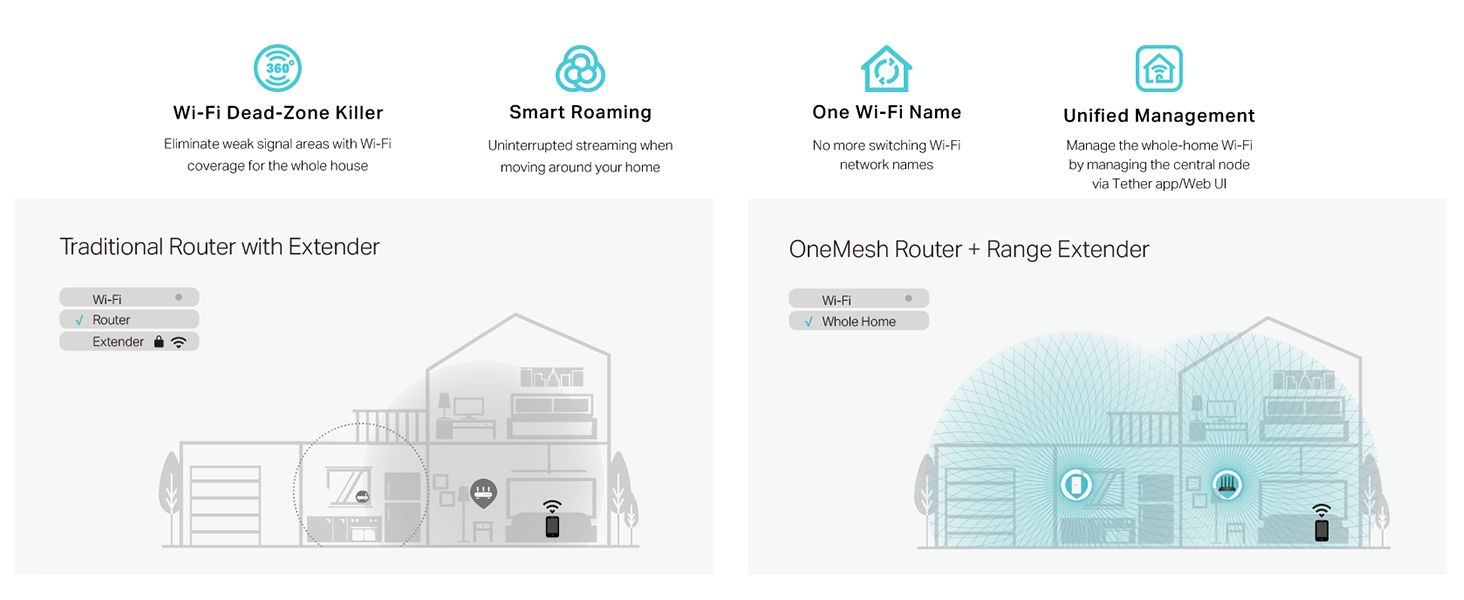
One of the standout features is compatibility with TP-Link’s OneMesh system. This allows users to seamlessly add a compatible TP-Link range extender to the network, creating a unified mesh network with a single WiFi name for whole-home coverage without the need for a dedicated, more expensive mesh system. The router also supports Access Point (AP) mode, enabling it to transform a wired network connection into a wireless one, useful for extending an existing network.
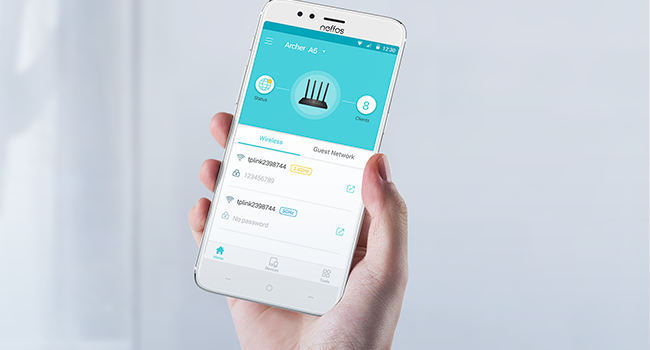
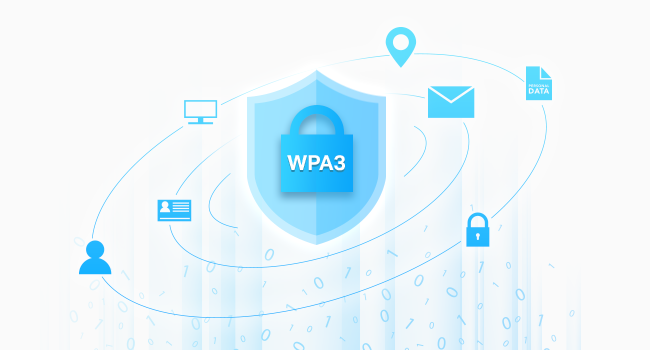
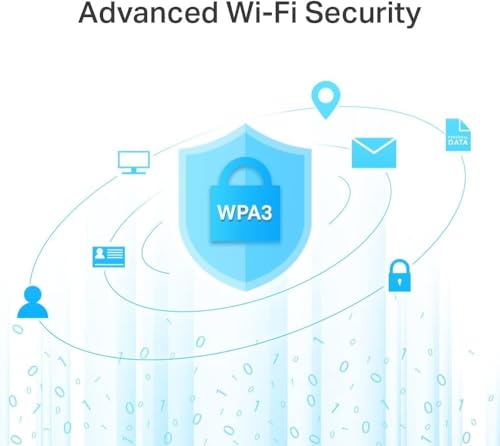
Setup and management are handled primarily through the free Tether app for Android and iOS devices. The app guides users through installation, network configuration, and offers control over features like guest networks, parental controls, and Quality of Service (QoS) settings to prioritize traffic for specific applications or devices. On the security front, the router supports the latest WPA3 protocol, which brings improved encryption for WiFi passwords and enhanced protection against brute-force attacks, a significant upgrade for personal network cybersecurity. For more on securing your network, explore our guide on the best VPN routers.
Setup, Support and Ownership
Setup is reported by owners to be quick and straightforward, often completed in under 15 minutes using the intuitive Tether app. The process does require a separate modem for most internet service providers, as the Archer A6 is a router only. TP-Link states compatibility with major ISPs like AT&T, Verizon, Xfinity, and Spectrum. The manufacturer provides a two-year warranty, which offers a reasonable safety net. Firmware updates are delivered to address security and performance, managed through the app or web interface.
For users looking to expand their network, the OneMesh compatibility is the primary upgrade path, allowing the addition of range extenders without creating separate network names. It is important to note that the router lacks a built-in USB port, so features like network storage sharing or printer servers are not supported. Ownership is geared towards simplicity, with the app providing most necessary controls for typical home users without requiring deep technical knowledge. For those building more complex setups, our resources on enterprise servers for network management may be of interest.
What Owners Say
Owner feedback for the TP-Link Archer A6 V4.6 is overwhelmingly positive, reflected in its high average rating. The majority of reviews award five stars, with common praises focusing on strong signal strength, quick and easy setup via the app, and reliable performance for streaming and multi-device use. Several users specifically highlight its effectiveness in eliminating buffering for 4K content and providing a stable connection for online gaming and VR applications. Others appreciate its value as a budget-friendly router that doesn’t sacrifice essential features like Gigabit ports.
A smaller segment of four-star reviews often describes it as a reliable workhorse with solid range but acknowledges its feature set as basic compared to more premium models, noting the absence of a USB port. Critical one-star reviews are in the minority and typically relate to isolated hardware issues or specific connectivity problems. The consensus from the review excerpts indicates that for its price point, the Archer A6 V4.6 delivers consistent, no-fuss performance that meets or exceeds the expectations of most home users.
Pros and Cons
Pros
- Excellent value for performance and features
- Simple, app-based setup and management
- Strong, reliable WiFi coverage with beamforming
- Full Gigabit ports for high-speed wired connections
- OneMesh compatibility for easy future expansion
- WPA3 security for enhanced network protection
- Stable performance for streaming and gaming
Cons
- 2.4GHz band limited to 300 Mbps
- Requires a separate modem
- No USB port for storage or printer sharing
- Can run warm during operation
- Basic feature set compared to higher-end routers
- Wi-Fi 5 standard, not Wi-Fi 6
Who Should Buy It (and Who Should Skip It)
The TP-Link Archer A6 V4.6 is an ideal choice for budget-conscious households and apartment dwellers with medium-sized spaces. It’s perfect for users who need reliable dual-band WiFi to support multiple devices for streaming, browsing, and casual gaming without constant buffering or lag. Its straightforward setup makes it excellent for non-technical users, while its Gigabit ports and OneMesh potential appeal to those who may want to expand their network later. Students, remote workers, and families looking for a dependable router with modern security (WPA3) will find it a strong fit.
This router is less suitable for users with very large homes who need immediate, extensive coverage without adding extenders, as its range, while good, has limits. Power users who require advanced features like built-in network storage (NAS), multiple customizable VPN servers, or the latest Wi-Fi 6 speeds should look at more premium models. It’s also not the best pick for those who want an all-in-one modem-router combo, as it requires a separate modem. For insights into other essential tech, check out our reviews of the best ultra-wide monitors.
Final Verdict
The TP-Link Archer A6 V4.6 successfully carves out a niche as a highly competent budget router. It delivers on its core promises: providing fast, stable dual-band AC1200 WiFi, extensive coverage aided by four antennas and beamforming, and simple management through a smartphone app. Its support for WPA3 security and OneMesh ecosystem compatibility are forward-thinking features rarely found at this price point, offering both enhanced safety and a clear path for network growth. For everyday home use—streaming video, online gaming, supporting smart home devices, and browsing—it performs reliably and consistently.
While it makes understandable compromises, such as the lack of a USB port and the older Wi-Fi 5 standard, these are balanced by its significant strengths, including full Gigabit Ethernet ports and MU-MIMO support. If you need a no-nonsense router that works well out of the box, covers a typical home effectively, and leaves the door open for easy mesh expansion, the Archer A6 V4.6 represents outstanding value. It is a pragmatic and highly recommended choice for most users looking to upgrade their home network without overspending.
FAQs
Does the TP-Link Archer A6 V4.6 include a modem?
No, the Archer A6 V4.6 is a wireless router only and does not contain a built-in modem. You will need a separate cable or DSL modem from your internet service provider (or a standalone modem you own) to connect to the internet. The router’s WAN port connects directly to your modem.
Can I use this router to create a mesh network?
Yes, the Archer A6 V4.6 is compatible with TP-Link’s OneMesh technology. You can add compatible TP-Link OneMesh range extenders to your network at any time. Once added, they will form a unified mesh network with a single WiFi name, allowing devices to roam seamlessly between the router and extenders for whole-home coverage.
What is the difference between the 2.4GHz and 5GHz bands?
The router broadcasts two separate WiFi networks. The 2.4GHz band offers wider coverage and better wall penetration but lower maximum speeds (300 Mbps), making it ideal for basic tasks and smart home devices. The 5GHz band provides much faster speeds (up to 867 Mbps) with less interference but over a shorter range, perfect for HD streaming, online gaming, and large file downloads.
How do I set up and manage the Archer A6 router?
TP-Link provides the free Tether app, available for both Android and iOS devices. The app guides you through the physical connection and step-by-step configuration. After setup, you can use the app to manage network settings, set up guest WiFi, enable parental controls, prioritize devices with QoS, and check connected devices, all from your smartphone without needing to access a web interface.
About the author

Elvis Dicki writes reviews and buying guides for CyberSecLabs.