Synology DS124 Review: A Private Cloud Hub for Centralized Access
The Synology DS124 is a compact, single-bay NAS enclosure that excels at consolidating scattered data into a secure, private cloud, making it ideal for home users and small offices seeking basic backup, sharing, and surveillance capabilities.
 By Elvis Dicki
Updated October 22, 2026
In an era of data sprawl across multiple devices and cloud accounts, the Synology DS124 offers a focused solution. This single-bay Network Attached Storage (NAS) enclosure is designed to bring order to digital chaos by creating a centralized, private data hub. It’s a diskless model, meaning you supply the hard drive, which is then managed by Synology’s renowned DiskStation Manager (DSM) software. Primarily aimed at home users, remote workers, and small offices, the DS124 serves those who need a simple, secure way to back up files, share documents across platforms, and even set up a basic video surveillance system without recurring subscription fees. For users whose primary need is consolidating data from various sources into one accessible, self-owned location, the DS124 provides a compelling and streamlined entry point into networked storage.

The core proposition of the DS124 is control. It replaces reliance on fragmented USB drives and multiple cloud services with a single, always-on repository that you fully own. The license-free DSM software transforms the hardware into a versatile private cloud, enabling access from Windows, Mac, Linux, and mobile devices. While its single-bay design inherently limits expansion and data redundancy options like RAID, it delivers precisely on its promise of effortless data centralization, organization, and sharing in a super-compact form factor.
Synology DS124 1-Bay DiskStation NAS Enclosure







As an Amazon Associate we earn from qualifying purchases. Product prices and availability are accurate as of the date/time indicated.
Synology DS124 at a Glance
| Specification | Detail |
|---|---|
| Model | Synology DS124 |
| Form Factor | 1-Bay Diskless NAS Enclosure |
| Maximum Raw Capacity | Up to 36 TB (with a single drive) |
| Dimensions | 2.8″D x 6.54″W x 8.82″H |
| Weight | 1247 Grams |
| Enclosure Material | Alloy Steel |
| Key Software | Synology DiskStation Manager (DSM) |
| Primary Use Cases | Private Cloud, File Backup & Sync, Media Streaming, Surveillance |
| Compatible Devices | Desktop, Laptop, Server, Smart Phone |
| Warranty | 2 Years |
Design and Build
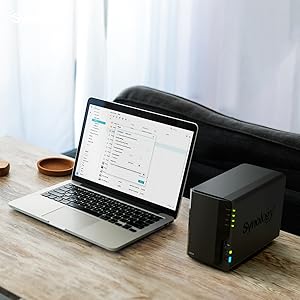
The Synology DS124 embodies a no-frills, functional design philosophy. Its compact dimensions make it easy to place on a desk, shelf, or in a network cabinet without demanding significant space. The enclosure is constructed from alloy steel, which provides a sturdy feel and aids in heat dissipation for the single internal drive. The black finish is consistent with Synology’s product lineup and suits most environments. The front panel is minimalist, typically featuring status LEDs, while the rear houses the necessary connectivity ports. This design prioritizes practicality and silent operation in a home or small office setting over flashy aesthetics. Its surface mount capability adds flexibility for placement, though specific mounting bracket details are not listed by the manufacturer.
Performance and Features
Core Functionality: The Private Cloud Hub
The true value of the Synology DS124 lies in its software-defined features, all powered by the Synology DiskStation Manager (DSM). DSM acts as the operating system, providing a web-based interface to manage the NAS. Its primary role is to serve as a centralized data hub, consolidating files from scattered PCs, phones, and external drives into one location. Users maintain complete data ownership and can access their files from any device with an internet connection, effectively creating a personal Google Drive or Dropbox alternative without monthly fees. The system supports military-grade encryption to ensure privacy for sensitive data.
Sharing, Syncing, and Collaboration
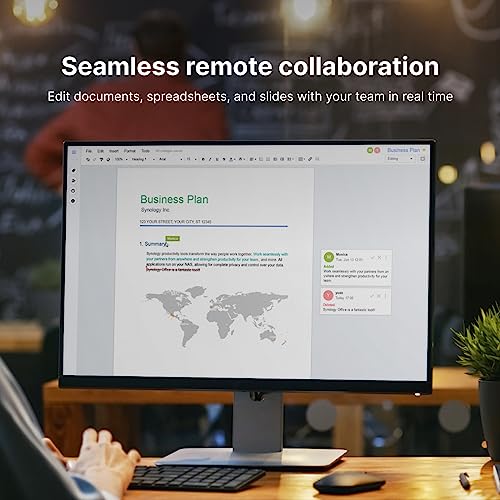
For sharing and collaboration, the DS124 offers comprehensive support for standard network file sharing protocols like CIFS (for Windows), AFP (for Mac), NFS, and FTP. This allows it to seamlessly integrate into mixed-OS environments, enabling an entire office or remote team to centralize project files. The Synology Drive application can sync files across multiple computers and devices, ensuring teams have the latest versions regardless of location. Sharing large files or entire folders is simplified through generated links, bypassing email attachment limits.
Backup and Data Protection
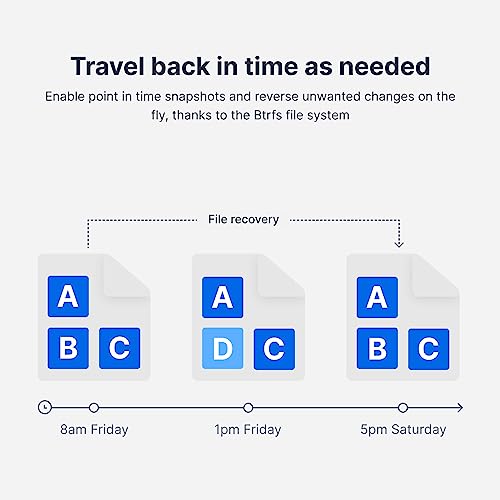
Data protection is a cornerstone feature. The DS124 includes built-in backup tools that can back up computers (Windows and Mac), mobile devices (Android and iOS), virtual machines, and even cloud accounts like Microsoft 365 and Google Workspace. This provides a unified strategy to guard against accidental deletion, device failure, or ransomware. Since these tools are part of DSM, there are no subscription costs for the backup software itself, though the single drive bay means backups should also be copied to an external destination or another cloud service for full redundancy.
Media and Surveillance Capabilities
Beyond file storage, the DS124 can function as a private media server. Using applications like Video Station or Plex (via package installation), it can stream videos natively to smart TVs, media players like Apple TV or Chromecast, and any DLNA/UPnP-compatible device. For mobile viewing, apps allow streaming or downloading. On the surveillance front, Synology’s Surveillance Station package can transform the DS124 into a network video recorder (NVR). It supports a number of IP cameras, providing intelligent monitoring, recording, and alert features to create a scalable video surveillance system for home or small business security.
Setup, Support, and Ownership
Setup involves installing a compatible hard drive into the bay, connecting the DS124 to a network router via Ethernet, and powering it on. The initial configuration is guided through Synology’s web-based assistant, which installs DSM. The process is generally considered straightforward for users with basic networking knowledge. Being a diskless model, the total initial cost must factor in the price of a hard drive. Ownership is supported by a two-year warranty from Synology, and the company has a reputation for providing long-term software updates and security patches for its DSM platform, which enhances the product’s lifespan. The EU spare part availability duration is also listed as two years. For those looking to expand their home lab or security setup, exploring the best enterprise computer server for network security management can provide context on more advanced options.
What Owners Say
Owner feedback for the Synology DS124 is generally positive, reflected in its high rating. The vast majority of reviews are highly favorable, with a significant portion of users awarding the highest rating. These users frequently praise the ease of use of the DSM software, the reliability of the unit, and its effectiveness as a simple backup and file-sharing solution. A smaller portion of reviews in the middle ratings may mention the limitations of the single-bay design or specific setup nuances. Critical reviews in the lowest rating category are a minority and often relate to individual expectations or issues not necessarily indicative of widespread problems. The consensus highlights the DS124 as a solid performer that delivers on its core promises for the target audience.
Pros and Cons
Pros
- Compact, space-efficient design with a sturdy alloy steel build.
- Powerful and intuitive DSM software for easy management and robust features.
- Creates a secure, private cloud with full data ownership and multi-platform access.
- Comprehensive backup tools for devices and cloud services without extra licenses.
- Effective file sharing and syncing across Windows, Mac, and mobile devices.
- Additional functionality as a media server and surveillance NVR system.
Cons
- Single-bay design limits total storage capacity and prevents RAID-based redundancy.
- Diskless, requiring a separate purchase of a hard drive.
- Lacks expansion ports (like USB 3.2 Gen 2 or eSATA) found on higher-end models.
- Performance is capped by single-drive and network interface speeds.
- Not suitable for users requiring multi-drive storage pools or high-performance workloads.
Who Should Buy It (and Who Should Skip It)
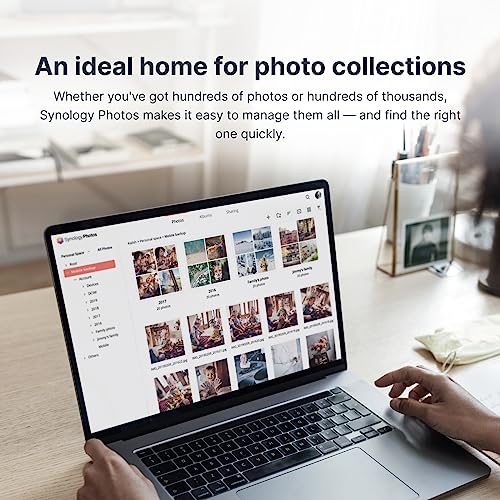
The Synology DS124 is an ideal fit for home users, students, freelancers, and small offices looking to take their first step into networked storage. It’s perfect for anyone tired of managing data across multiple USB drives or cloud subscriptions and who wants a unified, always-available private cloud. It’s excellent for backing up a few computers and phones, sharing family photos, streaming media locally, or setting up a couple of security cameras. Users who value Synology’s software ecosystem but have modest capacity needs will find it a cost-effective entry point.
This unit should be skipped by users who need data redundancy through RAID, as the single bay offers no protection against drive failure. It’s not suitable for media editors working with large files, small businesses needing to store terabytes of data for many users, or anyone planning to run multiple demanding applications simultaneously. Users requiring extensive connectivity for direct-attached storage expansion should look at multi-bay Synology models. For those with more advanced security and networking needs, resources on the best VPN routers or best laptops for cybersecurity students might be more relevant.
Final Verdict
The Synology DS124 successfully fulfills its role as a compact, streamlined data hub. It doesn’t try to be everything to everyone; instead, it focuses on doing a few things very well for a specific audience. The combination of reliable hardware and the exceptionally capable DSM software creates a solution that is greater than the sum of its parts. For consolidating scattered files, performing automated backups, and enabling easy access from anywhere, it delivers tangible value. The added bonuses of media streaming and surveillance capabilities provide welcome versatility without complicating the core experience.
Its limitations are clear and inherent to the single-bay form factor: no drive redundancy and a finite capacity ceiling. However, for users whose needs align with its strengths, these are acceptable trade-offs for the simplicity and lower cost of entry. If your goal is to centralize data from a handful of devices into a secure, self-hosted cloud that you control, the Synology DS124 is a compelling and highly competent choice. It exemplifies how smart software can leverage straightforward hardware to solve common digital organization problems effectively.
FAQs
What hard drive do I need for the Synology DS124?
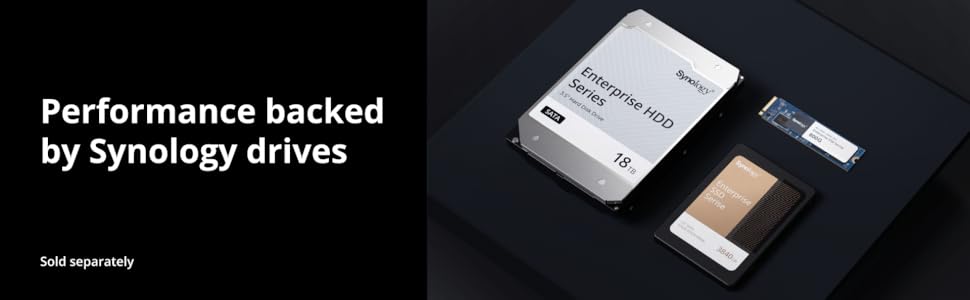
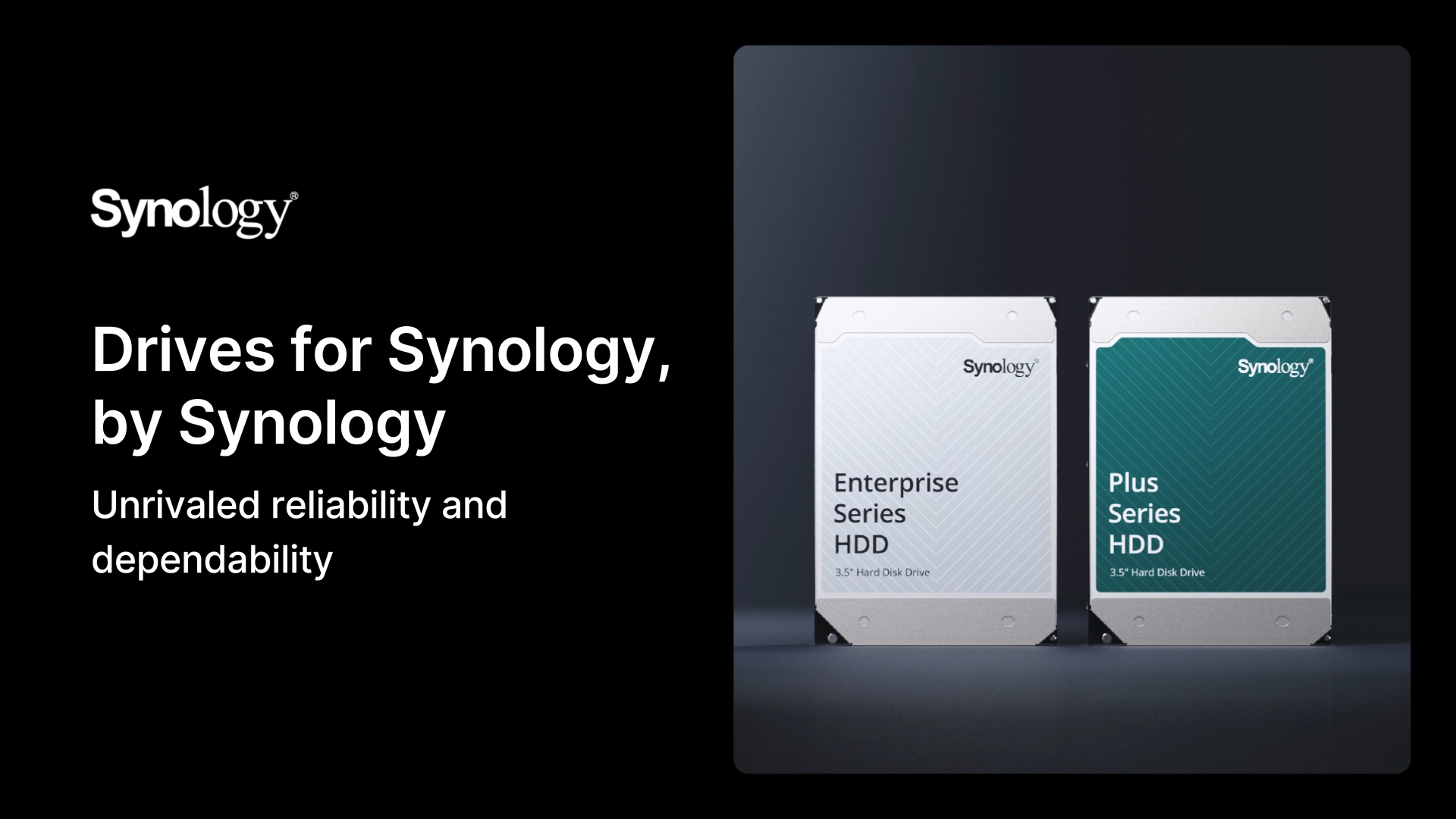
The DS124 is a diskless enclosure, so you must purchase a compatible 3.5-inch SATA hard drive separately. Synology recommends using drives from their compatibility list for optimal performance and reliability, but many standard consumer and NAS-rated drives from brands like Western Digital (WD Red) or Seagate (IronWolf) will work. The unit supports a single drive with a maximum capacity of up to 36 TB.
Can I access my files on the DS124 from over the internet?
Yes, one of the primary features is creating a private cloud. Using Synology’s QuickConnect service or setting up a secure connection via your router (DDNS/VPN), you can access all your files on the DS124 from any computer, smartphone, or tablet with an internet connection. This allows you to retrieve documents, view photos, or play media remotely as if you were on your home network.
How does the DS124 handle data backup if it only has one drive?
The DS124 can back up data from your computers, phones, and cloud services to its internal single drive. However, for comprehensive data protection, it is crucial to also back up the NAS itself. This is done using the built-in tools to copy data from the DS124 to another destination, such as an external USB drive attached to the NAS, another Synology NAS, or a supported public cloud storage service. This 3-2-1 backup strategy protects against drive failure in the NAS itself.
Is the Synology DS124 good for video surveillance?
Yes, with the addition of the Surveillance Station package from Synology’s package center, the DS124 can function as a capable Network Video Recorder (NVR). It supports a number of IP camera licenses (often two are included for free) and offers features like motion detection, live viewing, recording schedules, and mobile alerts. It is well-suited for setting up a small home or office surveillance system with a handful of cameras, scaling with your needs by purchasing additional camera licenses if required.
About the author

Elvis Dicki writes reviews and buying guides for CyberSecLabs.