Synology BST170-8T Review: A Metal-Body Personal Cloud for Centralized Storage
The Synology BeeStation Plus 8TB is a personal cloud storage device designed for data-intensive professionals and households seeking a private, high-performance alternative to public cloud services.
 By Elvis Dicki
Updated October 22, 2026
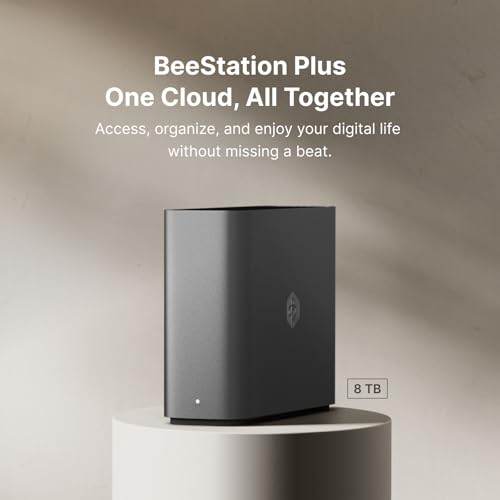
In an era where digital data sprawls across phones, computers, and multiple cloud services, consolidating files into a single, private, and accessible location is a growing need. The Synology BST170-8T, also known as the BeeStation Plus 8TB Personal Cloud, addresses this by offering a user-friendly personal cloud storage solution. It is designed for data-intensive professionals, households, and small studios seeking a cloud alternative, efficiently managing large volumes of data from various sources. This device aims to deliver cloud-like workflows while maintaining full user privacy and control, positioning itself as a centralized hub for files, backups, and media.

The Synology BeeStation Plus 8TB is more than just a network-attached storage (NAS) enclosure; it is a simplified ecosystem built for ease of use without sacrificing core functionality. With its built-in 8TB capacity, enhanced Intel Celeron processor, and 4GB of RAM, it targets users who need greater data protection, performance for multitasking, and features like media streaming. The bottom line: this device is a compelling option for those wanting to escape monthly cloud fees and centralize their digital life, provided its specific workflow and feature set align with their needs.
Synology BeeStation Plus 8TB Personal Cloud








As an Amazon Associate we earn from qualifying purchases. Product prices and availability are accurate as of the date/time indicated.
Synology BST170-8T at a Glance
| Specification | Detail |
|---|---|
| Model | Synology BeeStation Plus (BST170-8T) |
| Total Built-in Storage | 8TB |
| Processor | Intel Celeron |
| Memory | 4GB DDR4 RAM |
| Network Connectivity | 1GbE LAN |
| External Ports | USB, USB-C (for external drives) |
| Dimensions (D x W x H) | 7.73″ x 2.46″ x 5.83″ |
| Weight | 2.7 pounds |
| Enclosure Material | Metal |
| Warranty | 3 years |
| Maximum Users | Up to 8 independent spaces |
Design and Build
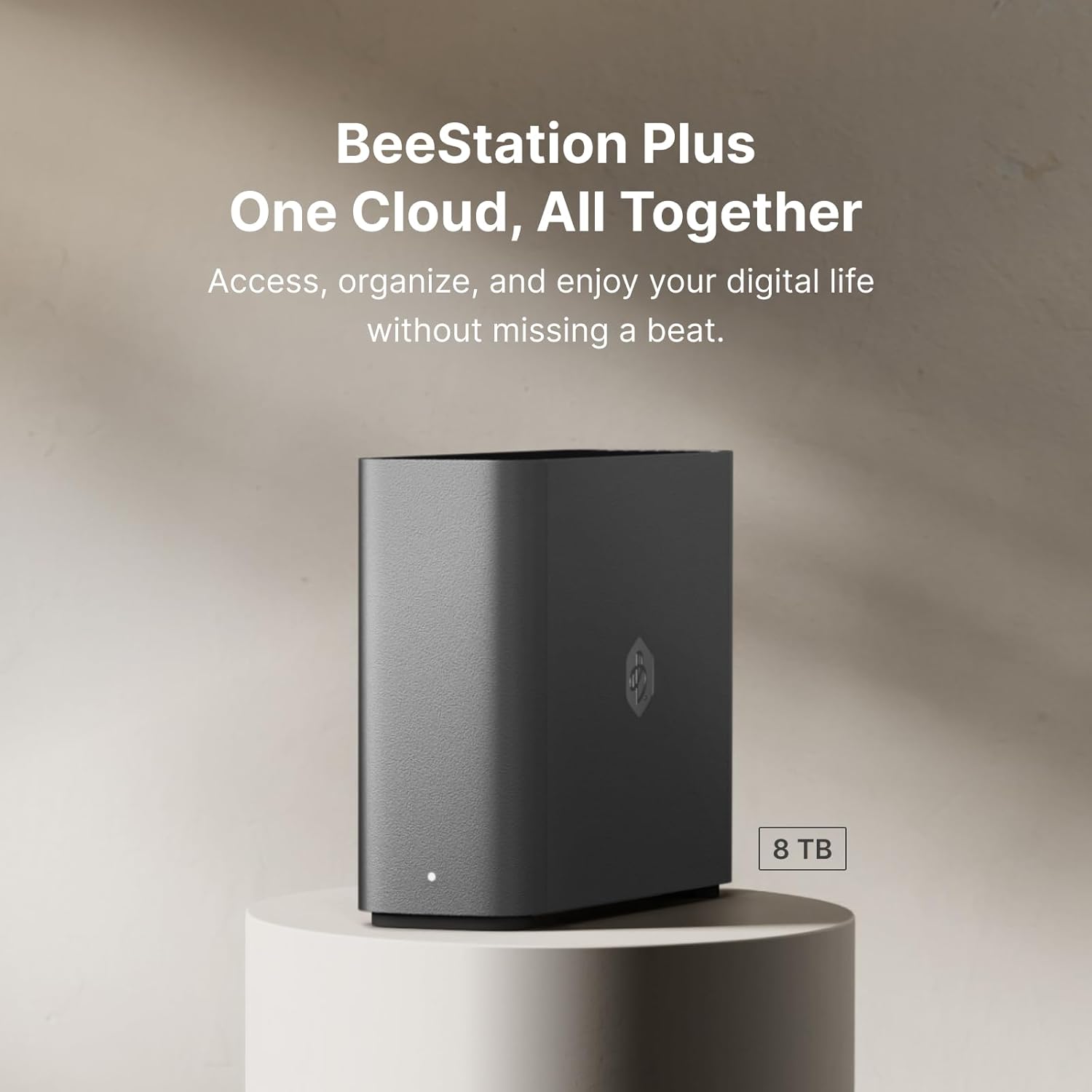
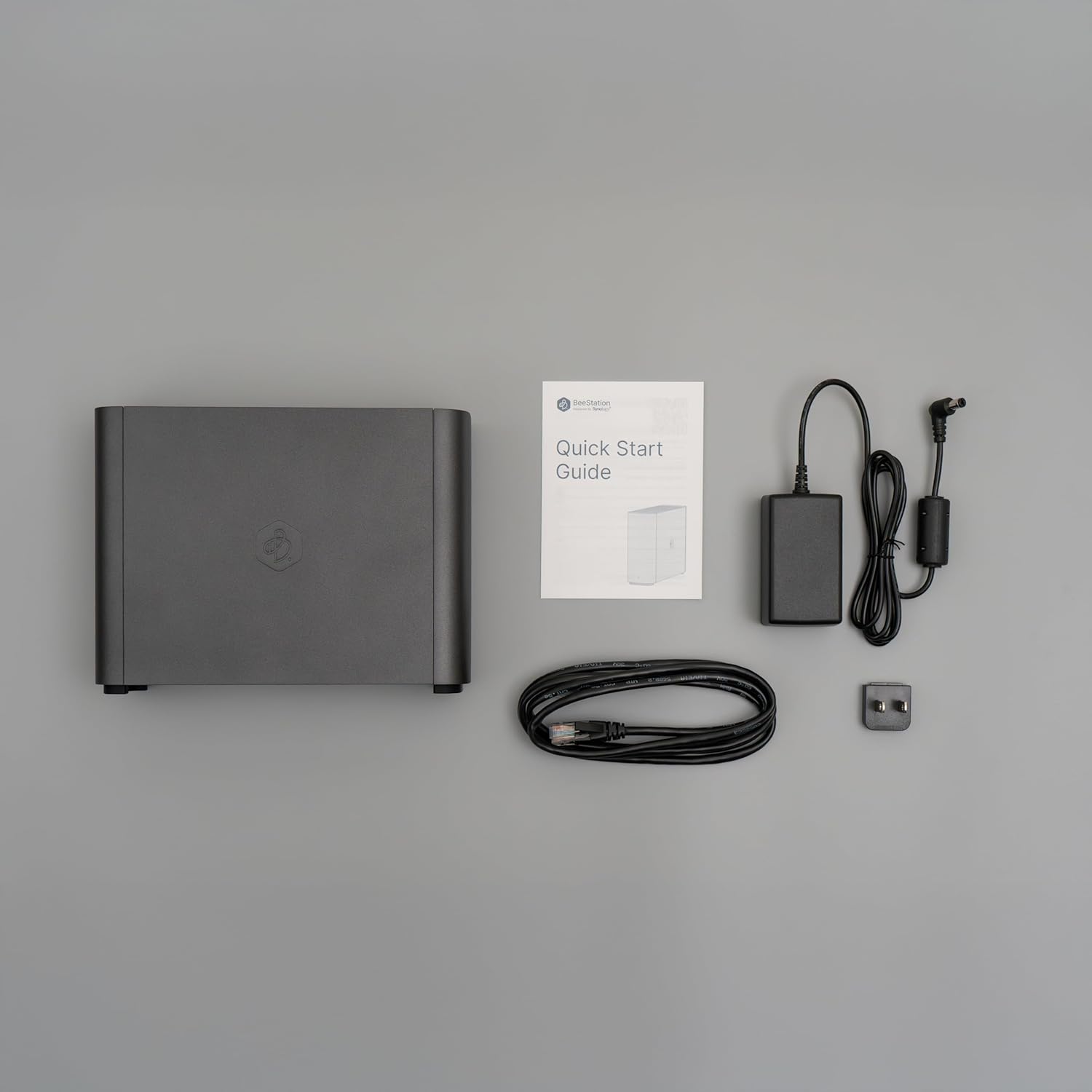
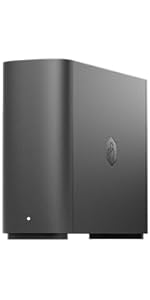
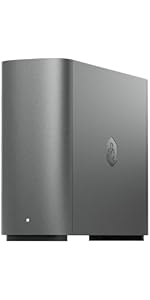
The Synology BeeStation Plus presents a compact, tabletop design with dimensions of 7.73 inches deep, 2.46 inches wide, and 5.83 inches high. Weighing 2.7 pounds, it has a relatively small footprint suitable for a desk or shelf. The enclosure is constructed from metal, which typically aids in heat dissipation and provides a durable, premium feel compared to plastic alternatives. The unit’s black color scheme is understated and should blend into most home or office environments. The physical design prioritizes function, with the necessary ports accessible for connectivity. It is a dedicated storage appliance, not intended for portability or wall mounting, reflecting its role as a stationary hub for continuous access.
Performance and Features
Hardware and Core Performance
The BeeStation Plus is built around an Intel Celeron processor paired with 4GB of DDR4 RAM. This represents a step up in performance from the base 4TB model, with Synology claiming significant speed improvements for common tasks. According to the manufacturer, this configuration delivers 2.6x faster mobile photo backups, 3.8x faster web uploads, and 4.8x faster desktop sync compared to the 4TB version. The 4GB of RAM is specifically noted as supporting multiple users and processes simultaneously, making it more suitable for family or small team use where several people might be accessing or backing up data at once. The built-in storage is a fixed 8TB, which is a substantial amount for consolidating files from computers, phones, and cloud services.
Connectivity and Expansion
Network connectivity is provided by a 1GbE LAN port. This is a standard speed for home networks, allowing for fast file transfers, though it may become a limiting factor in high-demand environments where multiple users are streaming very high-bitrate media concurrently. For expansion and local backups, the device features USB and USB-C ports. It is important to note that these ports are specifically for attaching external drives for backup purposes; they are not listed as general-purpose ports for peripherals. The device supports external drives formatted in NTFS and ext4 filesystems for this backup functionality.
Key Software Features
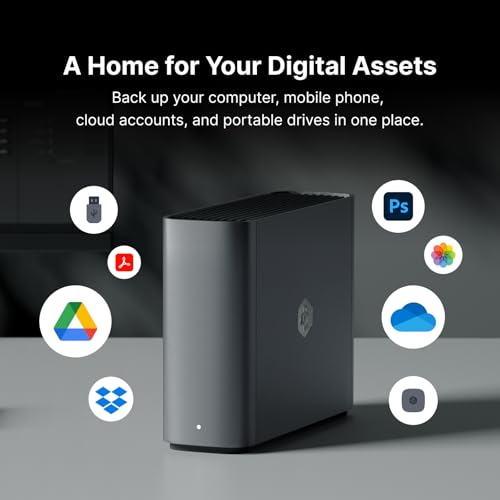
The software experience is where the BeeStation Plus aims to simplify the personal cloud. Its core promise is setting up a personal cloud in minutes. Users can sign in with a Google Account, Apple ID, or Synology Account for a guided setup, eliminating the need to remember separate credentials. A central feature is the ability to sync and back up files from major cloud services like Google Drive, OneDrive, and Dropbox—including their collaborative workspaces—to the BeeStation. This creates a centralized, private backup of cloud-stored data.
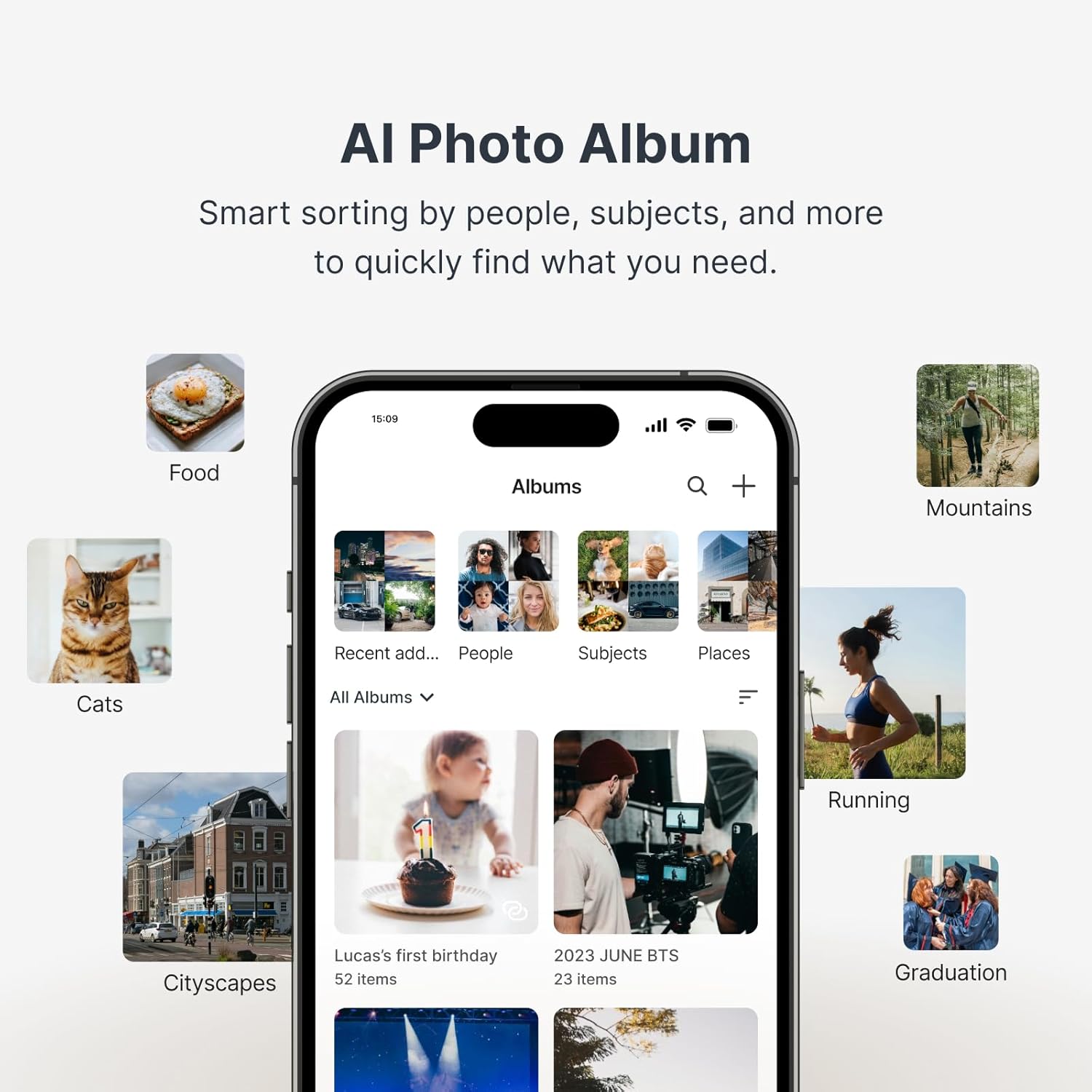
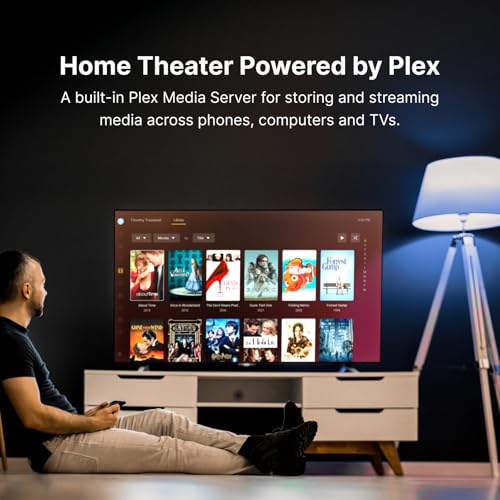
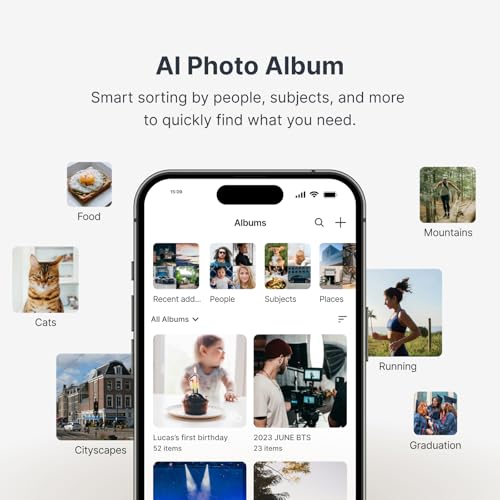
For media, the device has built-in integration with Plex Media Server. This integration is designed to simplify the technical setup typically associated with Plex. Users can drag and drop media files into a designated folder, and Plex will automatically scan and organize the library, fetching metadata like movie posters and subtitles. However, this feature requires a Plex account to function. The device also includes local AI for photo management on mobile backups, helping to find people or objects in your photo library. Data protection is handled through automatic internal restore points (version history) and the option to back up to external drives or off-site locations.
Sharing and User Management
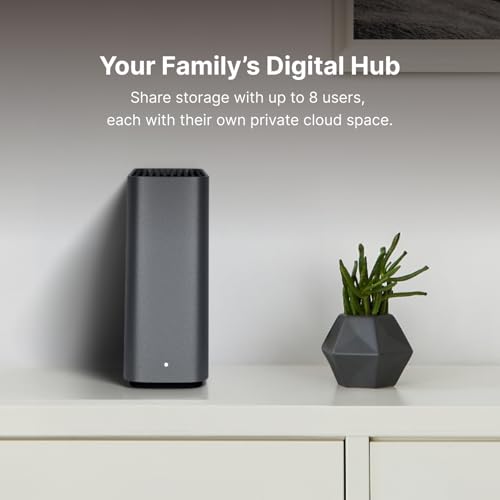
The BeeStation Plus supports multi-user environments, allowing the storage space to be shared with family or team members. It can assign independent, private storage space to up to 8 users. This makes it viable for a household where each member wants their own backup and file space, or for a very small team to collaborate while maintaining some separation of data.
Setup, Support and Ownership
Synology emphasizes an easy, guided setup process that can be completed in minutes, even for first-time users. The ability to log in with existing Google or Apple accounts lowers the barrier to entry. Ownership considerations are straightforward: the 8TB of storage is built-in and not user-upgradeable, so buyers must choose the capacity that fits their long-term needs. The device comes with a 3-year warranty and Synology offers a 3-year spare part availability duration in the EU, indicating a commitment to product support. The manufacturer does not list specifics about software update frequency or long-term support policies. For those interested in broader tech ecosystems, our AI & Software section explores other integrated digital tools.
What Owners Say
Owner feedback presents a mixed but generally positive picture. The overall rating is favorable, with a significant majority of reviews being 5-star. Positive reviews frequently highlight the device’s simplicity and reliability, with users calling it an “easiest Time Capsule replacement” and a “simple and dependable NAS.” Many appreciate its role as a “best homebased cloud” that is easy to use. The setup is noted as requiring “a basic knowledge of tech specs,” but is generally considered manageable.
On the critical side, the 1-star reviews reveal specific pain points. Some users report connectivity issues, with the device having trouble staying connected to the local network despite a wired connection. The Plex integration, a key selling point for some, has drawn criticism for being limited—one user notes only 4TB is usable for Plex and that the BeeStation storage isn’t accessible from the Plex interface. Noise is another concern raised, with one owner describing the drive as unusually loud. The rating distribution shows most users are very satisfied, but a notable portion has experienced significant frustrations, particularly regarding Plex and operational reliability.
Pros and Cons
Pros
- User-friendly setup with social login options
- Strong backup features including cloud sync and version history
- Seamless Plex media server integration for easy streaming
- Ability to share storage with up to 8 users independently
- Enhanced hardware (Intel Celeron, 4GB RAM) for multitasking
- 3-year warranty for peace of mind
Cons
- Plex integration requires a separate Plex account
- External drive backup limited to specific file formats (NTFS, ext4)
- Relies on 1GbE LAN, which may bottleneck high-demand networks
- Built-in storage is not user-upgradeable
- Some users report connectivity issues and operational noise
- The Plex storage partition may not use the full 8TB capacity
Who Should Buy It (and Who Should Skip It)
The Synology BST170-8T is an ideal fit for households or data-intensive professionals who want a simple, all-in-one personal cloud. It’s perfect for someone tired of managing files across Google Drive, Dropbox, and local hard drives, and who wants a private, centralized repository. It’s also a strong candidate for families wanting to give each member their own backup space or for small teams needing basic collaborative storage. Users looking for a straightforward Plex server setup without complex configuration will find its integrated approach appealing.
This device is not the best choice for power users who require extensive customization, upgradable storage bays, or advanced NAS applications like virtual machines. Those with very high-speed home networks (beyond 1GbE) seeking maximum transfer speeds should look elsewhere. Users who are highly sensitive to noise might want to consider feedback about drive acoustics. If your primary goal is a complex, multi-bay RAID setup or you need maximum control over every software aspect, a more traditional NAS from Synology’s DiskStation series or other brands would be more appropriate. For those prioritizing other types of tech setups, our Tech Gear section offers reviews on different equipment.
Final Verdict
The Synology BeeStation Plus 8TB Personal Cloud successfully carves out a niche in the storage market by balancing capability with simplicity. It takes the powerful concept of a private NAS and wraps it in a software experience designed for consumers, not IT professionals. The ability to unify cloud accounts, back up phones and computers automatically, and serve as a quiet (for most) media hub with Plex is a compelling package. The enhanced hardware provides noticeable performance gains for multi-user environments, making it more capable than its predecessor.
However, its simplicity comes with trade-offs. The fixed storage, specific limitations on Plex usage, and network speed are considerations that buyers must weigh. While most owners report a positive, reliable experience, the critical reviews highlight potential issues with connectivity and noise that could be deal-breakers for some. Ultimately, if your priority is a hassle-free personal cloud that “just works” for file consolidation, backup, and media streaming without deep technical tinkering, the BeeStation Plus is a strong contender and a worthy successor to devices like Apple’s Time Capsule. For more insights on optimizing your digital workspace, explore our Reviews page for related product analyses.
FAQs
Can I upgrade the internal 8TB hard drive myself?
No. The Synology BeeStation Plus 8TB comes with its storage pre-installed and sealed within the metal enclosure. It is not designed for user upgrades or hard drive replacement. You must select the storage capacity you need at the time of purchase. For additional space, you can attach external USB or USB-C drives to use as backup targets.
Do I need a Plex Pass subscription to use the Plex feature?
You do not need a paid Plex Pass subscription to use the basic Plex Media Server functionality on the BeeStation Plus. However, you do need a free Plex account to set up and access the Plex server. The Plex Pass subscription unlocks premium features like hardware transcoding and mobile sync, but core streaming to your devices works with the free account.
How does the BeeStation Plus protect my data from drive failure?
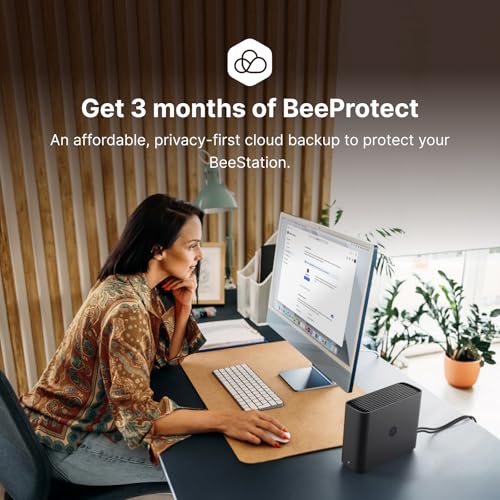
The BeeStation Plus employs several data protection strategies. It creates automatic internal restore points, maintaining version history so you can recover previous versions of files. For comprehensive backup, you can use its software to back up the BeeStation’s data to external USB drives or to another off-site location, such as a different Synology device or a compatible cloud service, providing a secondary copy of your important data.
Can I access my files from anywhere, like with Dropbox or Google Drive?
Yes, one of the core features of the BeeStation Plus is remote access. Once set up on your home network, you can access your files from anywhere with an internet connection using Synology’s web interface or mobile apps. This creates a true personal cloud, allowing you to retrieve, upload, or manage files without relying on a third-party cloud service’s storage limits or privacy policies.
About the author

Elvis Dicki writes reviews and buying guides for CyberSecLabs.