Stationpc PA100 Review: Can a Portable NAS Have Replaceable Batteries?
The Stationpc PA100 PocketCloud Portable NAS offers a unique blend of mobility and local data control with its dual hot-swappable batteries and multiple backup methods, making it a strong contender for on-the-go professionals.
 By Elvis Dicki
Updated October 21, 2026
By Elvis Dicki
Updated October 21, 2026
In a world where data is increasingly stored in the cloud, the Stationpc PA100, marketed as the PocketCloud Portable NAS, presents a compelling alternative. It is a portable network-attached storage enclosure designed for photographers, vloggers, and frequent travelers who need to back up and access large media files anywhere. This device shifts the paradigm from relying on third-party cloud services to maintaining a private, mobile data hub with features like an M.2 NVMe slot, Wi-Fi 6, and an SD card reader. For those seeking to keep their data under their own control while away from a fixed desk, the Stationpc PA100 aims to be a complete mobile storage solution.

This review analyzes the specifications, features, and reported user experience of the Stationpc PA100 to determine its real-world value. We will examine its unique selling points, such as its dual replaceable batteries and five backup methods, against its potential drawbacks, like requiring a separate SSD purchase. The bottom line up front: the Stationpc PA100 is a specialized tool that prioritizes data privacy and field-ready portability over being a general-purpose NAS, making it an interesting option for a specific audience within the broader data storage market.
Prime STATIONPC PocketCloud Portable NAS M.2 NVMe SD




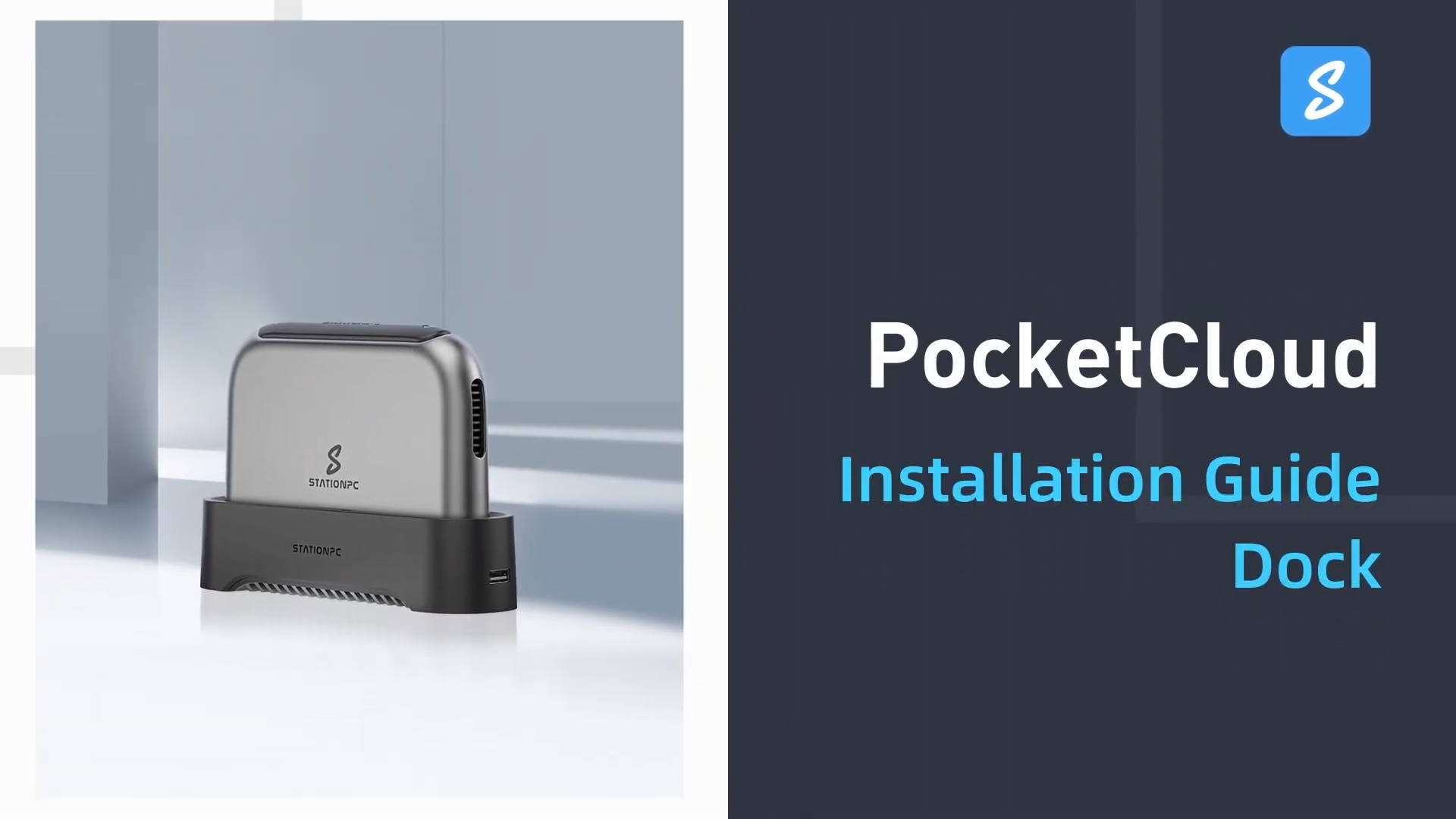
As an Amazon Associate we earn from qualifying purchases. Product prices and availability are accurate as of the date/time indicated.
Stationpc PA100 at a Glance
| Specification | Detail |
|---|---|
| Model Name | PocketCloud Portable NAS (PA100) |
| Primary Storage | M.2 NVMe Slot (Diskless) |
| Maximum Capacity | Up to 8TB (expandable to 16TB with optional dock) |
| Connectivity | Wi-Fi 6, SD Card Slot, USB, AP Mode, Ethernet (via dock) |
| Battery | Dual 3200mAh Replaceable Batteries |
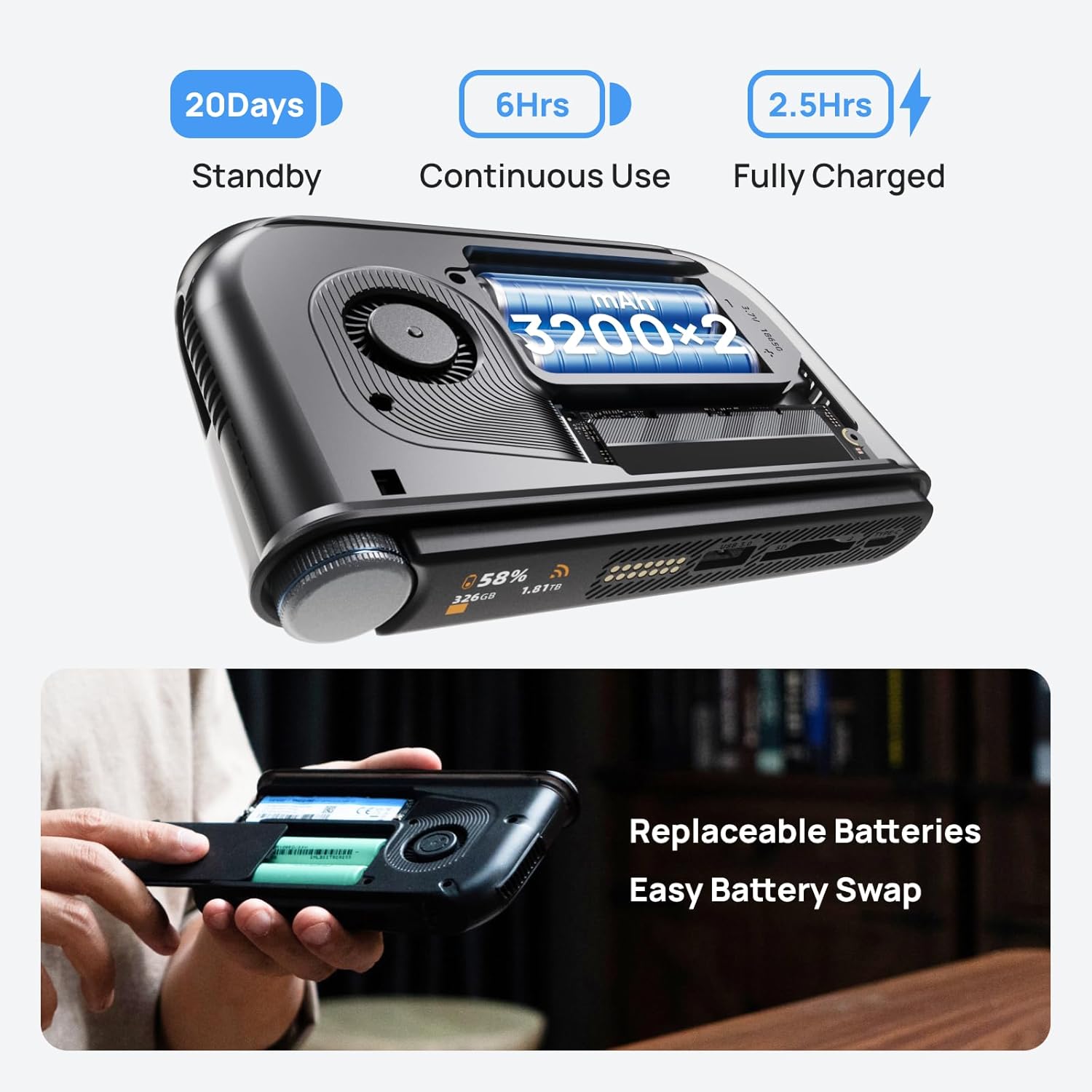
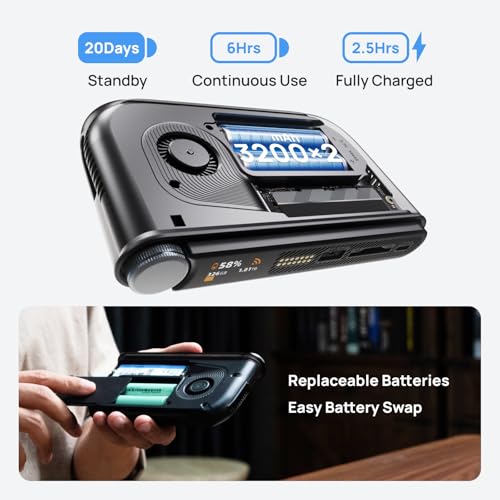
| Battery Life | Six-hour continuous use, twenty-day standby |
| Charging | Type-C Fast Charging (33W Charger Included) |
| Display & Controls | LCD Display, Smart Control Knob, One-Click Backup Button |
| Enclosure Material | Aluminum Alloy |
| Cooling | Intelligent Turbo Fan |
| Security | SSL & Asymmetric Encryption, Local Account Storage |
| Warranty | 2-year limited |
Design and Build
The Stationpc PA100 is built around a durable aluminum alloy enclosure, which the manufacturer states ensures robustness for outdoor or mobile use. Its dimensions are listed as 6 inches long by 3.6 inches wide by 1 inch thick, with a weight of 722 grams, suggesting a substantial but handheld form factor. A key design element is the integrated LCD display and Smart Control Knob, intended to simplify operation in low-light conditions or on the move by providing real-time status information for memory and backup progress. The inclusion of an active cooling system, described as an intelligent turbo fan, is noted for efficient heat dissipation to maintain performance during high-load conditions.
The physical design also incorporates what is arguably its most distinctive feature: dual user-replaceable 3200mAh batteries. These are certified to UN38.3 and MDSD safety standards. This design choice directly supports its portable mission, allowing users to swap batteries for extended use or carry spares. The device includes a Type-C PD cable and a 33W charger for fast replenishment. The overall build appears focused on delivering a self-contained, rugged unit that can operate independently of wall power for significant periods, a clear differentiator from most stationary NAS enclosures.
Performance and Features
Storage and Expansion
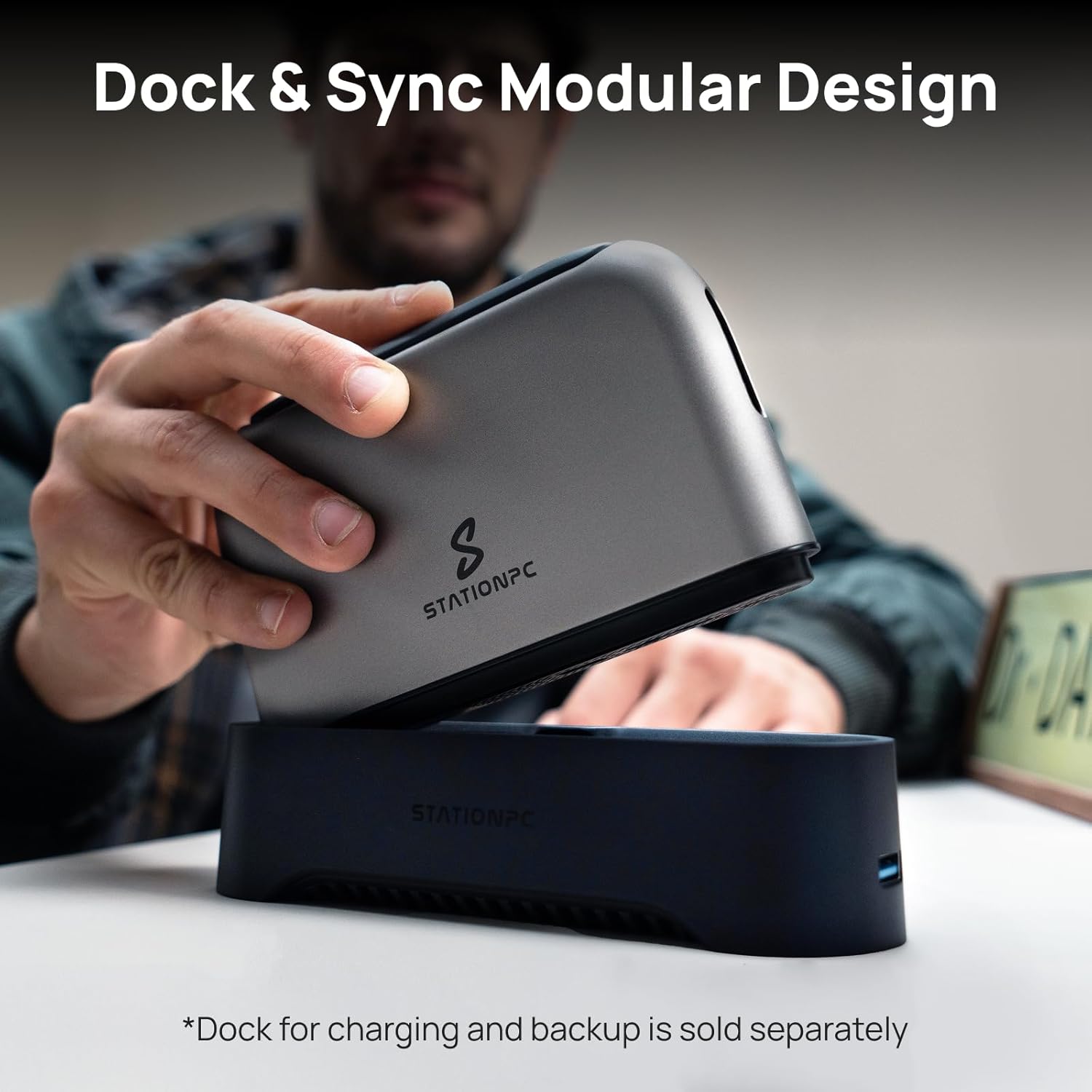
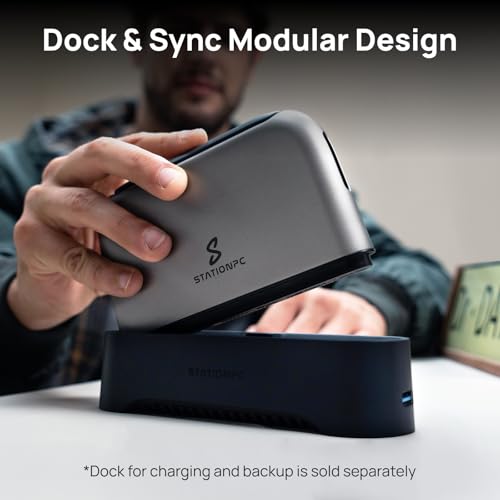
The core function of the Stationpc PA100 is to host an M.2 NVMe SSD, which is not included. It supports PCIe 3.0 and 4.0 interfaces with a stated maximum capacity of 8TB for the unit itself. A notable expansion path is offered through an optional matching dock, which can double the total capacity to 16TB in a modular setup. This flexibility allows users to start with a smaller, more affordable SSD and scale up later, or maintain a larger stationary base (the dock) while using the portable unit for fieldwork.
Connectivity and Backup Methods
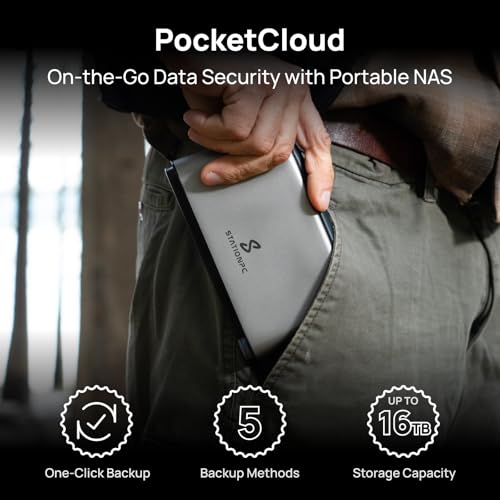
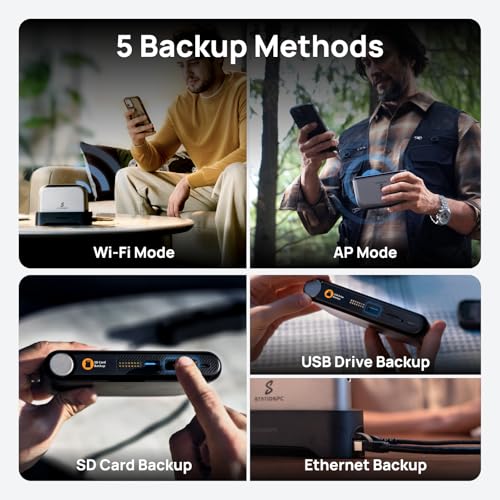
The device promotes five versatile backup methods. Direct connections are facilitated via its SD card slot and support for USB drives. For wireless transfers, it supports Wi-Fi 6 and can create its own Wi-Fi hotspot (AP mode), enabling devices to connect to it directly without a traditional network. A wired Ethernet connection is also possible, but this requires the optional dock. This combination aims to cover common scenarios for content creators, such as pulling photos from a camera’s SD card or backing up files from a laptop over a fast local wireless connection.
Software and Security
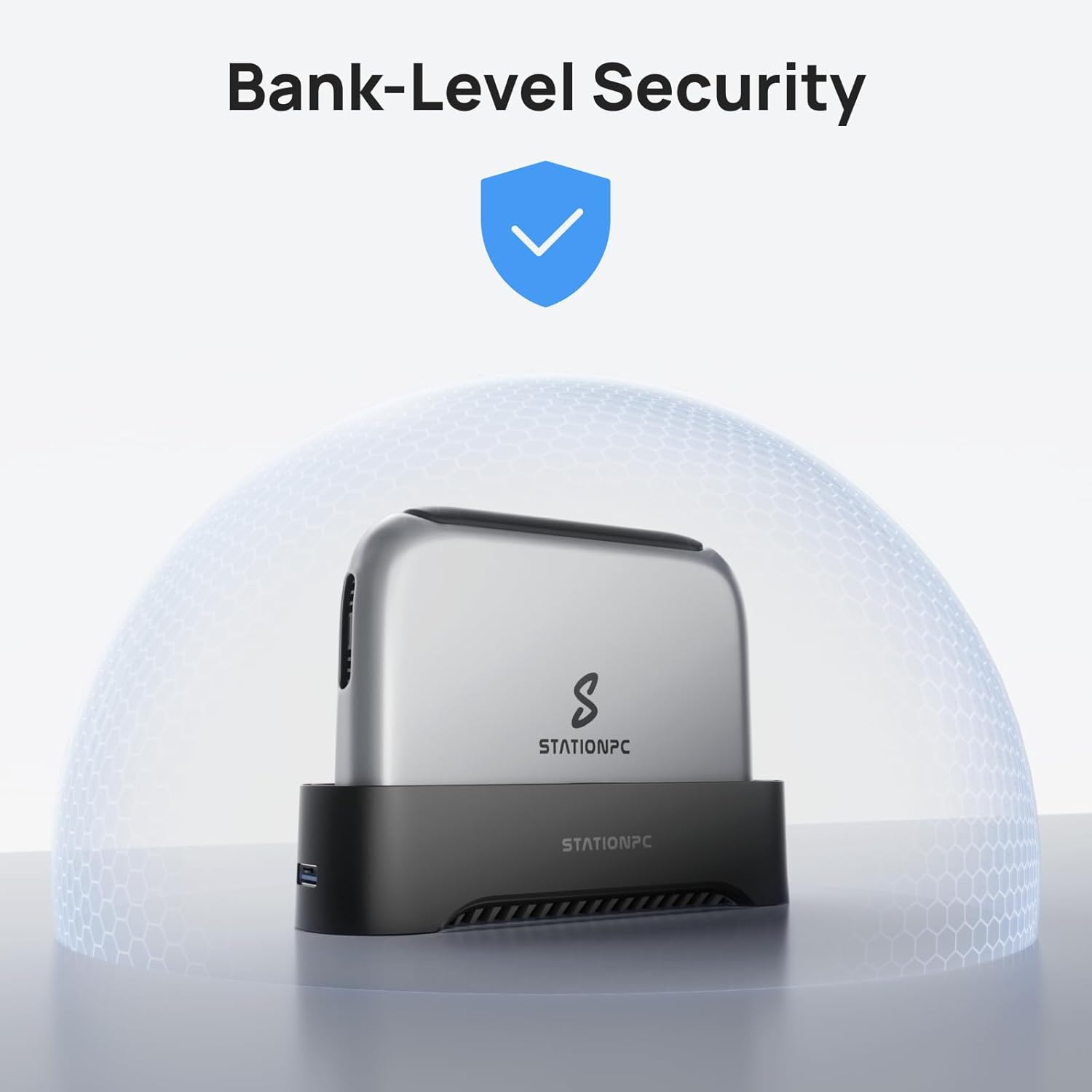
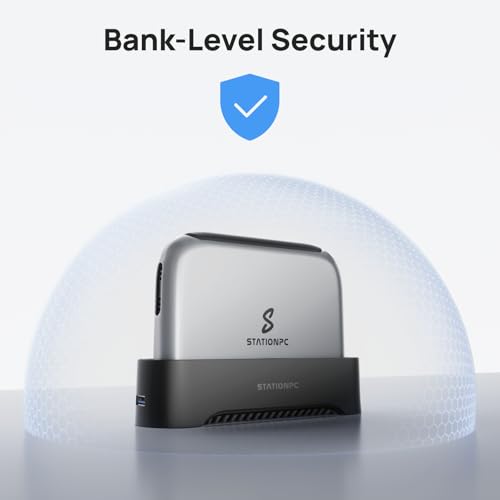
The unit runs a built-in operating system called StationOS, managed through a dedicated smartphone app. A highlighted software feature is an AI-powered album that automatically organizes photos and videos for easier viewing, sorting, and sharing. On the security front, the manufacturer emphasizes bank-level data privacy. This is achieved through SSL and asymmetric encryption for data transmission, and a critical design choice: all account and password information is stored locally on the device, not on external servers, to eliminate cloud-based data leakage risks. This local-first approach is central to the product’s value proposition for security-conscious users.
Triple Backup Assurance
The product literature describes a Triple Backup Assurance strategy. First, users can save data directly to the portable NAS on the go. Second, the portable unit can sync data back to the optional dock when connected. Third, files can be uploaded to a cloud service via the app. This layered approach is designed to minimize data loss by creating multiple copies across different locations (mobile device, home base, cloud).
Setup, Support and Ownership
Initial setup involves installing a compatible M.2 NVMe SSD into the unit, a process aided by the included screwdriver. The manufacturer claims setup takes minutes, guided by the LCD screen and app. The device is covered by a 2-year limited warranty. Ownership costs extend beyond the initial purchase, as users must buy their own SSD. The optional docking station is also a separate purchase for those wanting expanded capacity or Ethernet connectivity. The ecosystem, including the StationOS software and companion app, appears to be under ongoing development, which can influence the long-term user experience regarding features and stability.
What Owners Say
Aggregate customer reviews for the product show a rating of 4.0 out of 5 stars. The rating distribution indicates that half of the reviewers gave it a 5-star rating, while 24% gave it 4 stars. A smaller portion of reviews were more critical, with 9% giving 3 stars, 8% giving 2 stars, and 9% giving 1 star. This pattern suggests a generally positive reception with most users satisfied, but it also points to a segment of users who encountered issues significant enough to warrant lower scores. Specific excerpts from buyer reviews are not provided in the available data, so the nature of the praise or criticism is not detailed.
Pros and Cons
Pros
- True portability with dual hot-swappable batteries
- Multiple wired and wireless backup options (SD, USB, Wi-Fi 6, AP Mode)
- Strong emphasis on local data control and encryption
- Modular design expandable via optional dock
- Durable aluminum alloy build with active cooling
- Intuitive physical controls and LCD for field use
Cons
- Requires separate purchase of an SSD (diskless)
- App and software ecosystem may still be maturing
- Higher price point for a portable NAS enclosure
- Full feature set (like Ethernet) requires additional dock purchase
- Some users report issues, as indicated by the rating distribution
- Bulkier and heavier than a simple portable SSD
Who Should Buy It (and Who Should Skip It)
The Stationpc PA100 is ideally suited for photographers, videographers, and field researchers who frequently work in locations without reliable internet or power. Its combination of direct media ingestion (SD card), local wireless backup, and sustained battery life makes it a compelling tool for backing up a day’s shoot on location. It is also a strong match for privacy-focused individuals who want to avoid cloud services but still need remote access to their files, as explored in resources like our guide on the best solutions for secure remote access.
Conversely, users who primarily need simple, inexpensive backup for a home office should skip this. A traditional desktop NAS or a direct-attached storage drive would be more cost-effective. Those who are not technically comfortable installing an SSD and configuring network settings may find the process daunting. Individuals who already rely on and trust cloud services like Google Drive or Dropbox for their workflow will likely not see enough added value in the local storage focus to justify the investment and setup.
Final Verdict
The Stationpc PA100 PocketCloud Portable NAS carves out a distinct niche by successfully merging the concepts of a network-attached storage device with genuine field readiness. Its standout features—the replaceable battery system, multiple direct-connection options, and a security model that keeps credentials offline—address real pain points for mobile professionals. While it demands a higher initial investment and additional component purchases, it delivers a unique set of capabilities not found in standard portable hard drives or stationary NAS units.
For the right user, its value is clear. It enables a secure, self-contained workflow where data is captured, backed up, and organized without ever needing to pass through a third-party server. Potential buyers should weigh the current feedback on the app experience and be prepared for the ecosystem nature of the product. When it works as intended, it can significantly streamline data management on the go, much like how specialized tools can optimize other technical workflows. It is not the most affordable or simplest storage solution, but for its target audience seeking control and mobility, it is a compelling and innovative option.
FAQs
Does the Stationpc PA100 come with a hard drive?
No, the Stationpc PA100 is sold as a diskless enclosure. You must purchase a compatible M.2 NVMe SSD separately and install it yourself. The unit includes a screwdriver to facilitate this installation. This allows users to choose their preferred brand, capacity, and performance level of SSD.
How do you access files on the PocketCloud NAS remotely?
Remote access is managed through the dedicated StationPC smartphone app. The device connects to your local Wi-Fi network, and the app provides an interface to browse, manage, and retrieve files from anywhere with an internet connection. The system uses SSL encryption for these connections to secure your data in transit.
What is the purpose of the optional dock?
The optional docking station serves two primary functions. First, it can host a second SSD, expanding the total available storage capacity of the system up to 16TB. Second, it provides an Ethernet port for a faster, more stable wired network connection, which is useful for large sync operations or using the device as a more permanent part of a home network setup.
Is data on the Stationpc PA100 secure from online threats?
The manufacturer implements several security measures. Data transferred between the device and your phone or computer is protected by SSL and asymmetric encryption. Crucially, your login credentials are stored locally on the NAS hardware itself, not on a company server, reducing the risk of a mass credential breach. For those interested in broader network security principles, our Cybersecurity section covers related topics. However, as with any network-connected device, its security also depends on user practices like setting strong passwords and keeping software updated.
About the author

Elvis Dicki writes reviews and buying guides for CyberSecLabs.