Samsung LS49CG932SNXZA Review: QD-OLED Ultrawide With 240Hz and 0.03ms Speed
The Samsung Odyssey G93SC delivers an exceptional immersive gaming experience with its 49-inch QD-OLED panel, ultra-responsive 240Hz refresh rate, and expansive 32:9 DQHD resolution.
 By Elvis Dicki
Updated October 20, 2026
By Elvis Dicki
Updated October 20, 2026
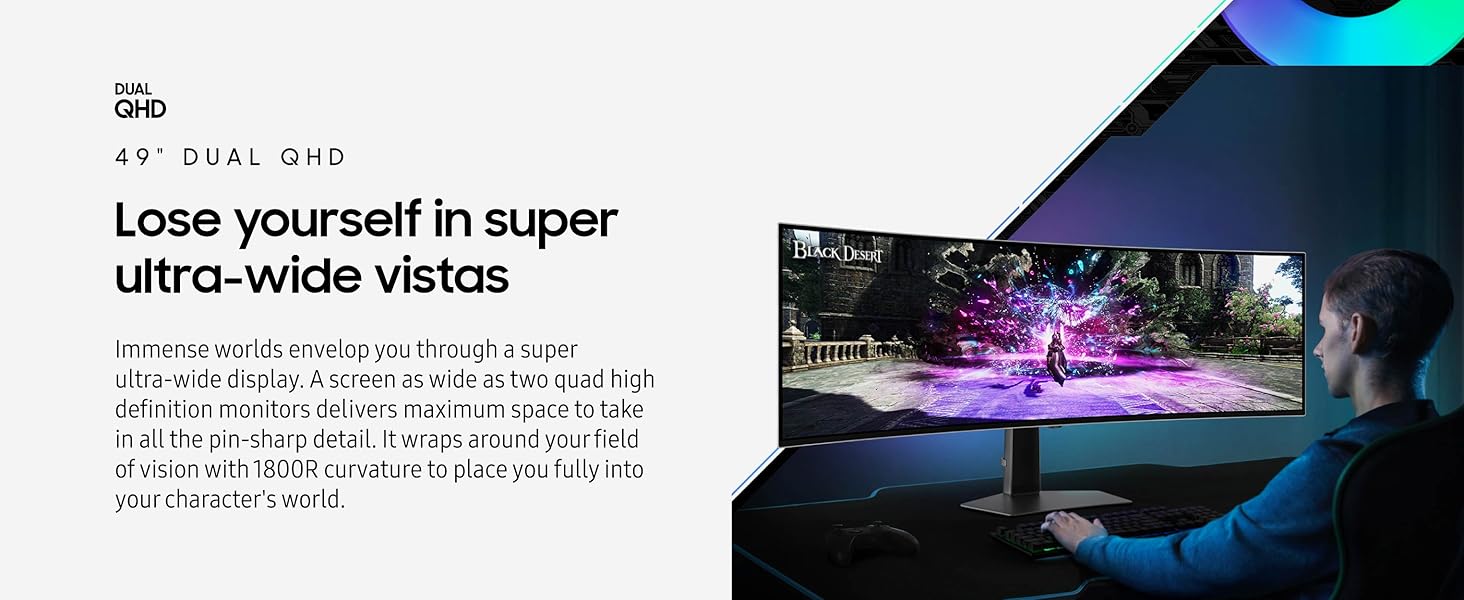
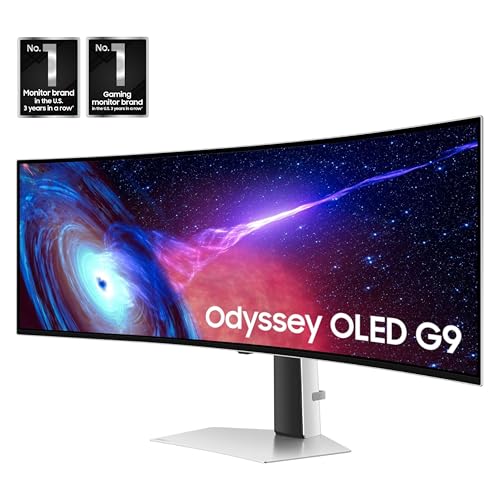
The Samsung LS49CG932SNXZA, known as the 49-inch Odyssey G93SC Series Curved Gaming Monitor, is a premium display engineered for gamers seeking the ultimate edge in immersion and responsiveness. It combines a 49-inch QD-OLED panel with a super ultrawide 32:9 aspect ratio, a blistering 240Hz refresh rate, and a near-instantaneous 0.03ms gray-to-gray response time. This monitor is built to deliver stutter-free, tear-free action in expansive gaming worlds, making it a top contender for competitive and immersive gaming enthusiasts who prioritize visual fidelity and speed.

Wrapped in an 1800R curvature and featuring Samsung’s CoreSync ambient lighting, the Samsung LS49CG932SNXZA aims to be the centerpiece of a high-end gaming setup. It leverages QD-OLED technology for its infinite contrast and vibrant colors, supported by adaptive sync technologies like G-Sync compatibility and AMD FreeSync Premium Pro. In short, this monitor offers a high-specification package designed to provide a significant visual and competitive advantage.
Samsung 49" Odyssey G93SC QD-OLED Curved











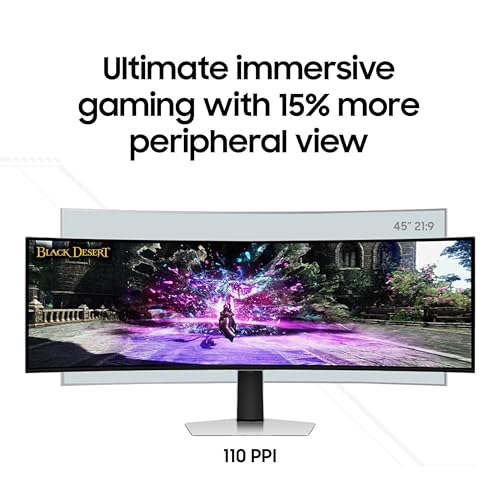

As an Amazon Associate we earn from qualifying purchases. Product prices and availability are accurate as of the date/time indicated.
Samsung LS49CG932SNXZA at a Glance
| Specification | Detail |
|---|---|
| Screen Size & Panel | 49-inch QD-OLED Curved |
| Resolution & Aspect Ratio | DQHD (5120 x 1440) 32:9 |
| Refresh Rate | 240 Hz |
| Response Time | 0.03 ms (GTG) |
| Adaptive Sync | G-Sync Compatible, AMD FreeSync Premium Pro |
| HDR Standard | DisplayHDR True Black 400 |
| Curvature | 1800R |
| Key Connectivity | HDMI 2.1, DisplayPort, USB Hub (data only) |
| Stand Adjustments | Height, Tilt |
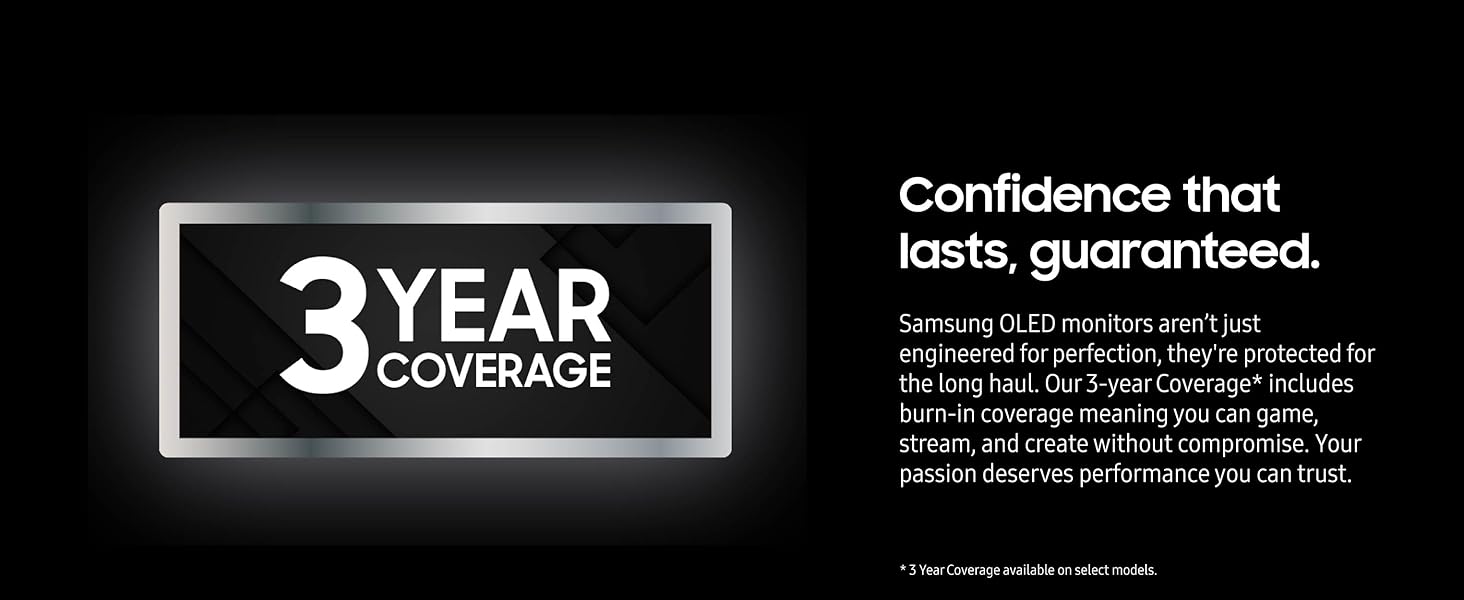
| Warranty | 3 Year Manufacturer |
Design and Build
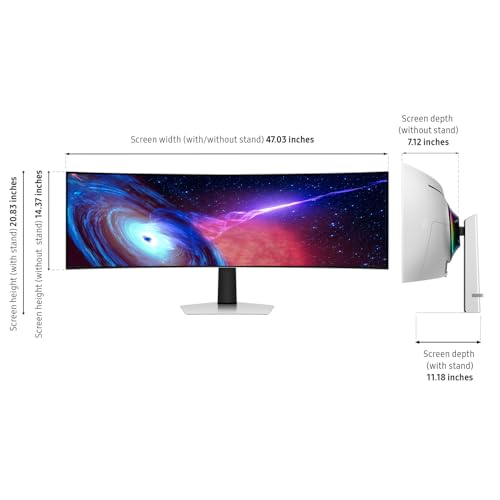
The Samsung LS49CG932SNXZA presents a commanding physical presence with its 49-inch ultrawide display, yet it maintains a premium, modern aesthetic. Its design is anchored by a slim metal finish, measuring just 4.5mm at its thinnest point, which gives it a razor-sharp profile suitable for sophisticated gaming stations. The monitor comes with an ergonomic stand that offers height and tilt adjustments, promoting comfortable viewing angles during long gaming sessions. The stand’s substantial footprint is necessary to support the 27.8-pound monitor, which has overall dimensions of 47.1 inches wide, 20.9 inches high, and 11.2 inches deep.
For those preferring a cleaner desk setup or different ergonomics, the monitor is VESA mount compatible. The 1800R screen curvature is designed to wrap around the user’s field of vision, enhancing depth perception and immersion. Aesthetic touches include CoreSync and Core Lighting+ ambient lighting on the rear, which can sync with on-screen content. While the design is largely premium, it is worth noting the screen finish is matte, but the manufacturer does not list a specific glare-free coating, which could affect viewing in brightly lit environments.
Performance and Features
Visual Performance
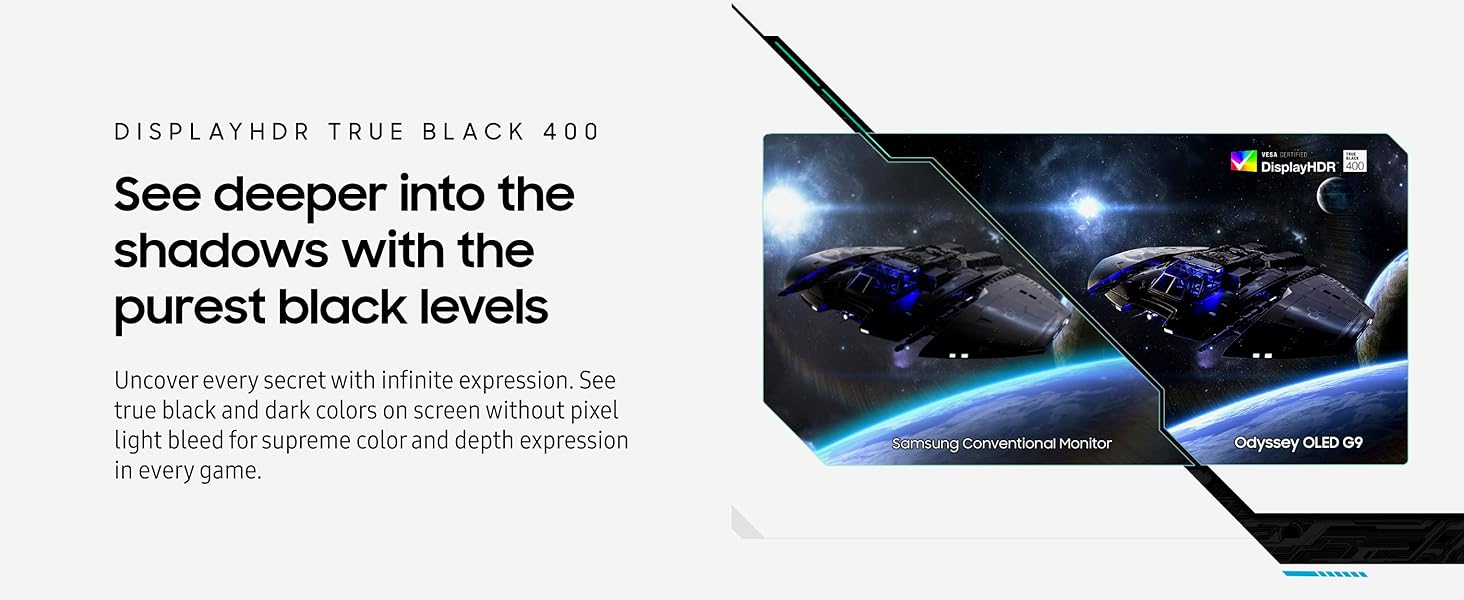
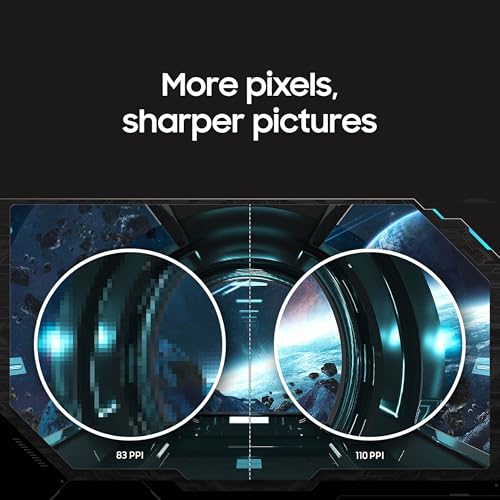
At the heart of the Samsung LS49CG932SNXZA is its Quantum Dot OLED (QD-OLED) panel. This technology is the primary driver behind its key selling points: brilliant colors, infinite contrast ratio (listed as 1,000,000:1), and true blacks. The Dual QHD resolution (5120 x 1440) spread across the 49-inch screen provides sharp detail, though the pixel density is noted as 109 PPI. The monitor supports DisplayHDR True Black 400, which is designed to deliver rich dark tones and highlight details without pixel light bleed, enhancing the visual depth in games and media. Its 178-degree viewing angle ensures consistent color and brightness from off-center positions.
Speed and Responsiveness
For competitive gaming, speed is paramount, and this monitor delivers with a 240Hz refresh rate and a remarkably fast 0.03ms gray-to-gray response time. This combination aims to eliminate motion blur and ghosting, providing hyper-responsive visuals crucial for fast-paced titles. The high refresh rate is fully supported by both HDMI 2.1 and DisplayPort connections, ensuring compatibility with modern gaming PCs and consoles.
Sync Technologies and Smooth Gameplay
To maintain smoothness, the monitor is both G-Sync compatible and certified for AMD FreeSync Premium Pro. These adaptive sync technologies work to synchronize the monitor’s refresh rate with the graphics card’s frame output, effectively eliminating screen tearing, stuttering, and input lag. This results in seamless, uninterrupted action, which is a critical feature for both competitive and immersive gaming experiences.
Connectivity and Multitasking
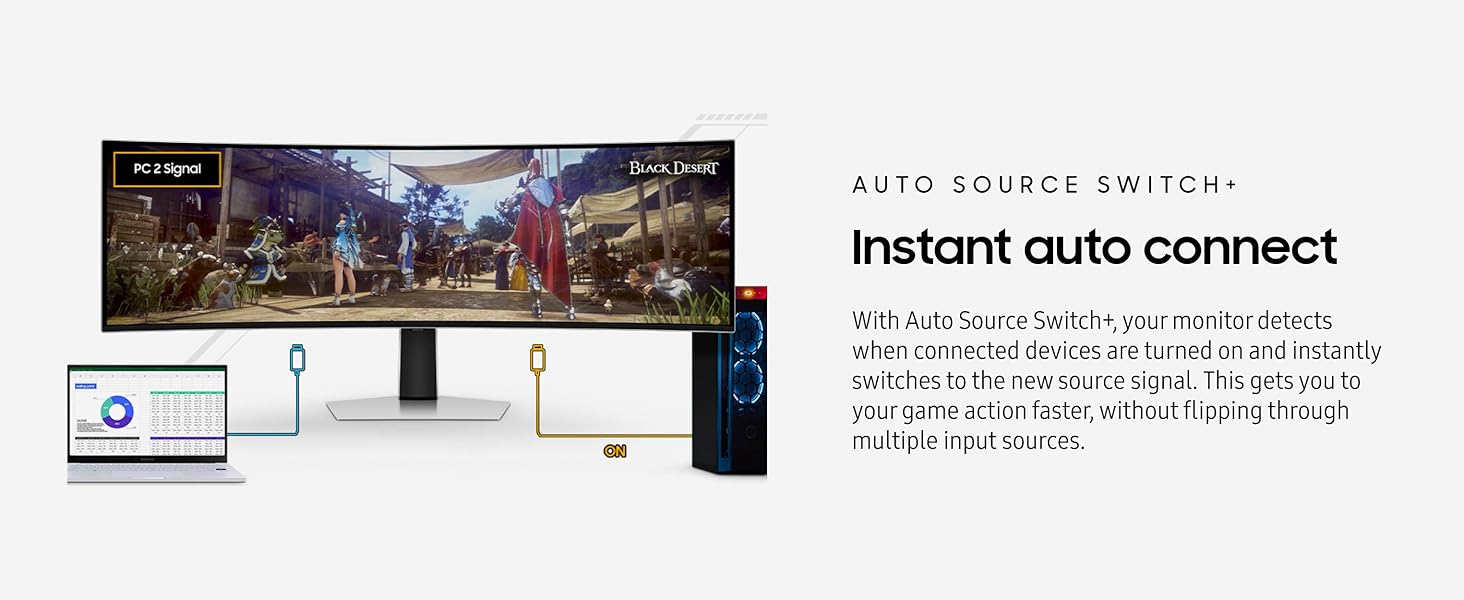
Connectivity options are comprehensive, featuring HDMI 2.1, DisplayPort, and a USB hub. It is important to note the manufacturer specifies the USB hub supports data transmission only. A key productivity and multitasking feature is Picture-by-Picture (PBP), which allows the screen to be split in half, displaying two input sources at their native resolution simultaneously. For convenience, the Auto Source Switch+ feature automatically detects and switches to an active input signal, reducing manual input switching. The monitor also includes built-in stereo speakers (5W x 2 channels) for basic audio needs.
Setup, Support and Ownership
Setup is straightforward with the included adjustable stand, and the monitor is ready for VESA mounting if desired. Cables included are a DisplayPort cable and an HDMI cable, as well as a power cable, providing the essentials for getting started. The monitor does not have built-in smart features, so its functionality is tied directly to connected devices. Samsung provides a 3-year manufacturer warranty, which offers a standard period of coverage for a display in this category. For users looking to expand their setup, exploring options like the best ergonomic gaming chairs can complement the immersive experience this monitor provides.
What Owners Say
The Samsung LS49CG932SNXZA holds a solid rating based on user feedback. Owners frequently praise the immersive experience provided by the massive, curved ultrawide screen and the exceptional visual quality of the QD-OLED panel, noting the vibrant colors and deep blacks. The high refresh rate and responsive performance are also highlighted as major benefits for gaming. Common points of consideration mentioned in reviews relate to the monitor’s sheer size and the desk space it requires, as well as the need for a powerful graphics card to drive the high resolution and frame rates effectively.
Pros and Cons
Pros
- Exceptional QD-OLED panel with true blacks and vivid HDR
- Ultrawide 1800R curve significantly enhances immersion
- Blazing 240Hz refresh rate with 0.03ms response for competitive play
- Effective G-Sync and FreeSync Premium Pro support for tear-free gaming
- Versatile connectivity with HDMI 2.1 and DisplayPort
- Useful Picture-by-Picture feature for multitasking
Cons
- Lacks a specified glare-free coating for bright rooms
- USB hub is limited to data transmission only
- No built-in smart features or operating system
- Requires substantial desk space due to large footprint
- Demands a high-end GPU for full performance potential
- Basic built-in speaker system
Who Should Buy It (and Who Should Skip It)
The Samsung LS49CG932SNXZA is an ideal choice for dedicated PC gamers and sim enthusiasts who crave maximum immersion and have the hardware to leverage its high resolution and refresh rate. It’s perfect for those playing expansive open-world games, flight simulators, or competitive titles where the wide field of view and fast response provide a tangible advantage. Professionals in video or photo editing who value color accuracy and screen real estate for timelines may also find it beneficial, though its core design is gaming-centric.
This monitor is not the best fit for users with limited desk space or those on a budget, as it requires a sizable investment in both the monitor itself and a capable graphics card. It should be skipped by those who primarily use consoles that don’t support the full 240Hz or ultrawide aspect ratio, or by users who require integrated smart TV functionalities. If your focus is on a more balanced setup, considering the best ultrawide monitors for general use might offer more suitable alternatives.
Final Verdict
The Samsung Odyssey G93SC (LS49CG932SNXZA) stands as a formidable flagship gaming monitor that successfully executes its core mission: delivering an unparalleled, immersive gaming experience. Its combination of QD-OLED picture quality, ultra-wide curvature, and top-tier gaming performance specs creates a compelling package for the enthusiast market. The visual impact is significant, with deep contrast and vibrant colors bringing games to life, while the 240Hz refresh rate ensures buttery-smooth motion.
While it excels in its primary role, potential buyers should be aware of its demands. It requires a spacious setup and powerful PC hardware to truly shine. The lack of certain conveniences like a more versatile USB hub or smart features is a trade-off for its pure focus on display performance. For the right user—a dedicated gamer with the space, budget, and hardware to match—this monitor is a spectacular centerpiece that delivers on its high-performance promises. For broader tech insights, the Tech Gear section offers more reviews and guides.
FAQs
Is the Samsung LS49CG932SNXZA good for console gaming?
It can be used with modern consoles via its HDMI 2.1 ports, which support high frame rates and resolutions. However, most console games do not natively support the 32:9 ultrawide aspect ratio, so you will likely see black bars on the sides of the image. The monitor’s high refresh rate and HDR capabilities will still benefit supported console titles, but the full immersive experience is best realized with a PC.
Does this monitor have built-in speakers?
Yes, the Samsung LS49CG932SNXZA includes built-in stereo speakers, rated at 5W per channel (5W x 2ch). These are suitable for basic audio needs, but for a truly immersive gaming or multimedia experience, dedicated external speakers or a high-quality headset are recommended, as monitor speakers generally lack depth and power.
What is the difference between QD-OLED and traditional OLED?
QD-OLED, or Quantum Dot OLED, is a hybrid technology that uses a blue OLED panel with a quantum dot layer to produce red and green light. This design aims to combine the perfect blacks and infinite contrast of OLED with the higher peak brightness and wider color volume associated with quantum dots. The result, as seen in this monitor, is a display capable of both deep blacks and exceptionally vibrant, bright colors.
Can I use this monitor for productivity and multitasking?
Absolutely. The massive 49-inch screen and DQHD resolution provide ample space for multiple windows and applications. The Picture-by-Picture (PBP) feature is particularly useful, allowing you to display inputs from two different computers or devices side-by-side at their native resolution. This makes it effective for tasks like coding, content creation, or financial trading where screen real estate is valuable. For related productivity tech, explore the AI & Software section.
About the author

Elvis Dicki writes reviews and buying guides for CyberSecLabs.