Kodak RODPJS500B Review: Google TV Smart Projector with 2-Hour Battery
The Kodak RODPJS500B is a portable Full HD smart projector that simplifies movie nights with built-in Google TV and AI-assisted setup, though its battery life caps cord-free viewing sessions.
 By Elvis Dicki
Updated October 22, 2026
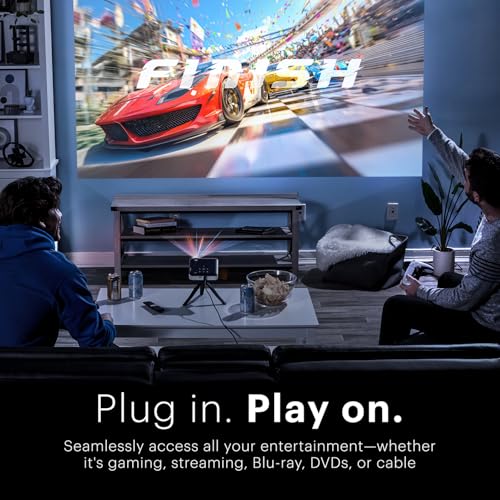
For anyone seeking a portable, all-in-one cinema experience without the tangle of external streaming devices and complex setup, the Kodak RODPJS500B presents a compelling solution. This smart projector, also known as the KODAK Luma 500, is designed for users who prioritize convenience and mobility, whether for backyard movie nights, impromptu presentations, or ceiling-viewing in a bedroom. It combines native 1080p projection with a built-in Google TV operating system and a suite of automated alignment features, aiming to deliver a plug-and-play entertainment hub. In essence, this is a projector for those who want a big screen experience with minimal fuss, trading some raw brightness and extended runtime for smart integration and easy portability.

KODAK Luma 500 Portable Smart Projector



As an Amazon Associate we earn from qualifying purchases. Product prices and availability are accurate as of the date/time indicated.
Kodak RODPJS500B at a Glance
| Specification | Detail |
|---|---|
| Native Resolution | 1920 x 1080 (Full HD) |
| Maximum Supported Input | 4K |
| Maximum Image Size | 150 inches |
| Brightness | 160 ANSI Lumens |
| Operating System | Google TV 11.0 |
| Battery Life (Eco Mode) | Up to 2 hours |
| Key Features | Autofocus, AI 4-Side Keystone, Obstacle Avoidance |
| Connectivity | Bluetooth 5.0, Wi-Fi, Chromecast Built-in, HDMI, USB |
| Form Factor | Portable, Tripod Mountable |
| Dimensions | 5.19″L x 5.19″W x 1.33″H |
Design and Build
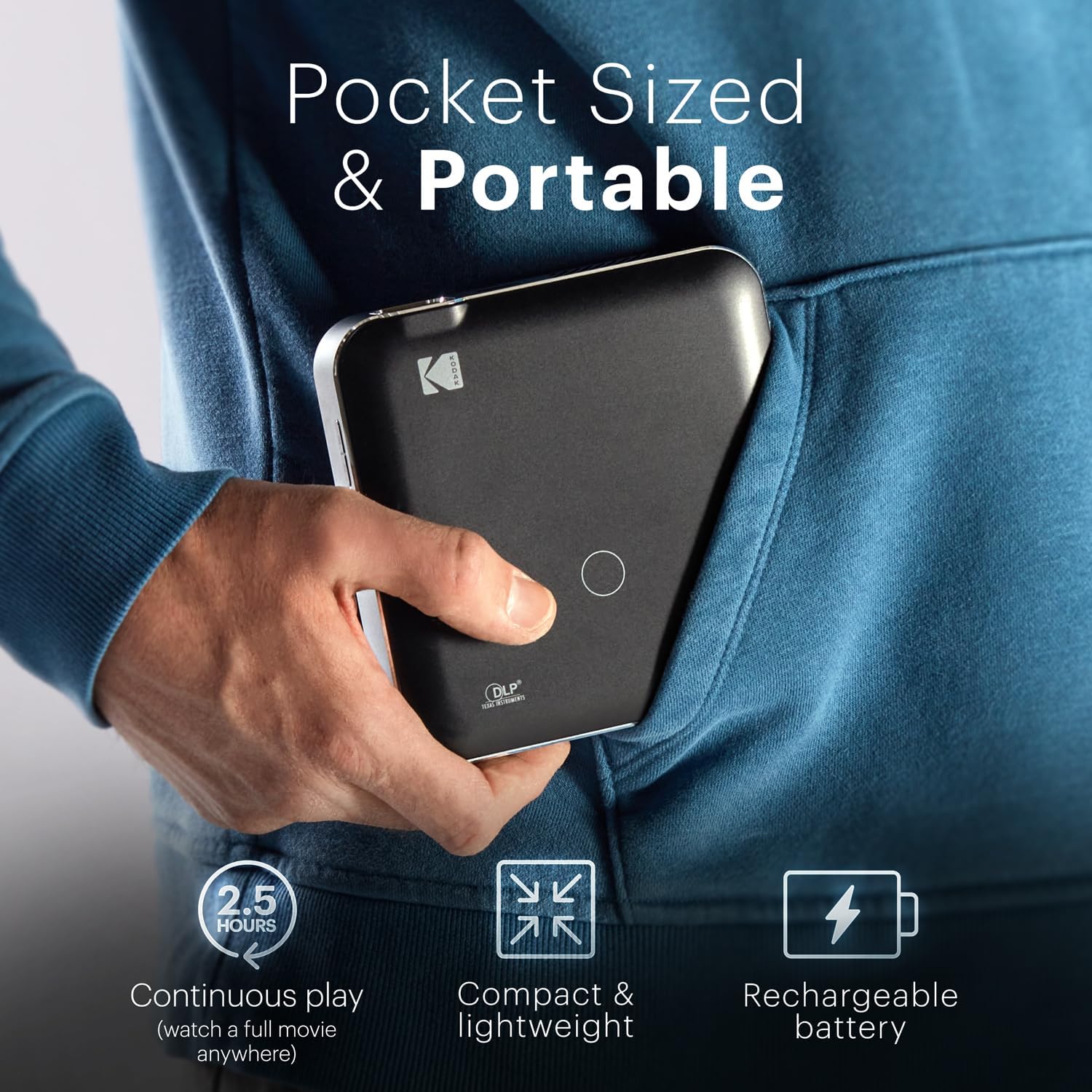
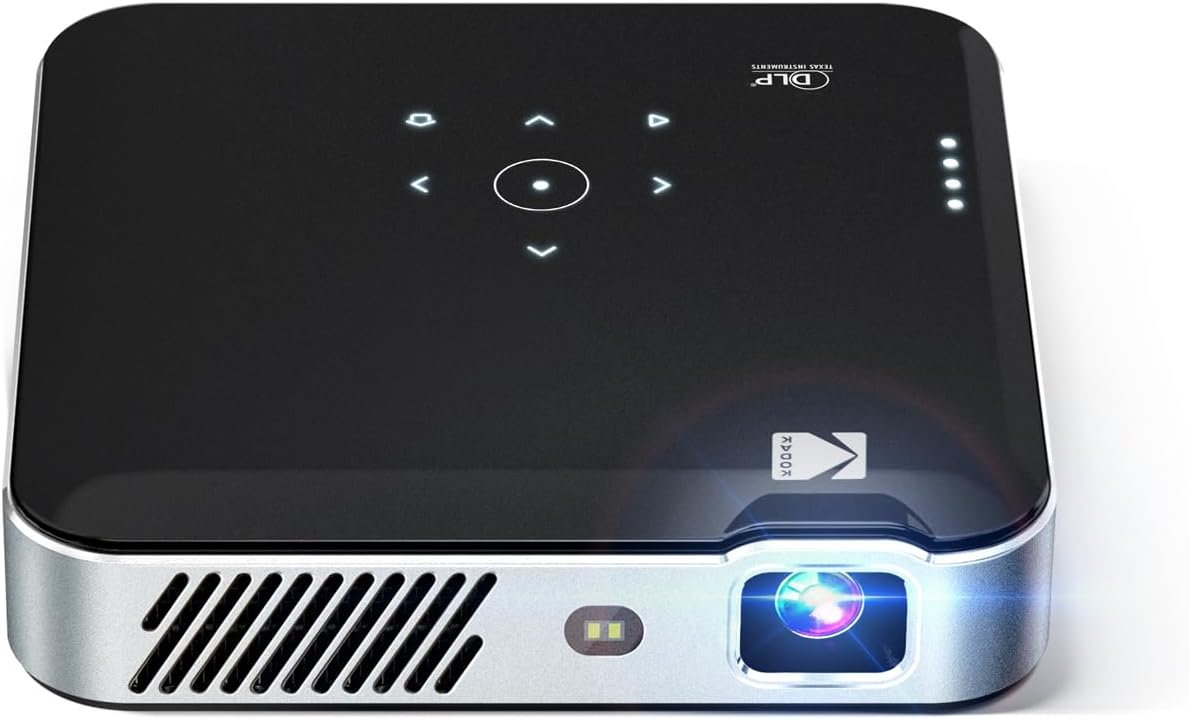
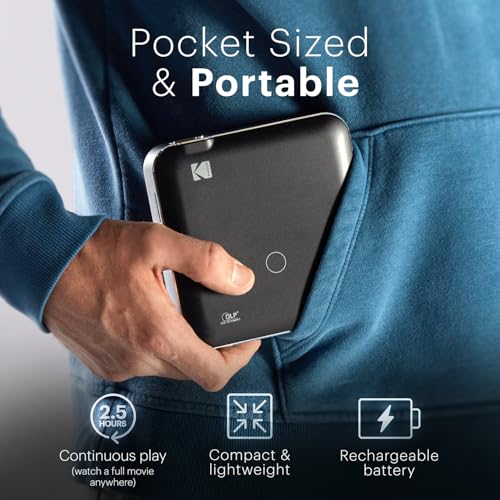
The Kodak RODPJS500B embraces a compact, minimalist design that underscores its portable nature. Measuring just over five inches square and a little more than an inch tall, its black chassis is built for easy transport and storage. The small form factor, comparable to some larger smartphones, makes it a true travel companion. It includes a tripod mount, offering flexibility for placement on various surfaces or standard camera equipment, which is ideal for outdoor use on uneven ground. While specific build materials are not detailed by the manufacturer, the design prioritizes a lightweight profile suitable for its intended use as a mobile projector. The compact size, however, inherently limits the space for large internal speakers or heat dissipation components, which can influence audio performance and sustained brightness output.
Performance and Features
Image Quality and Projection
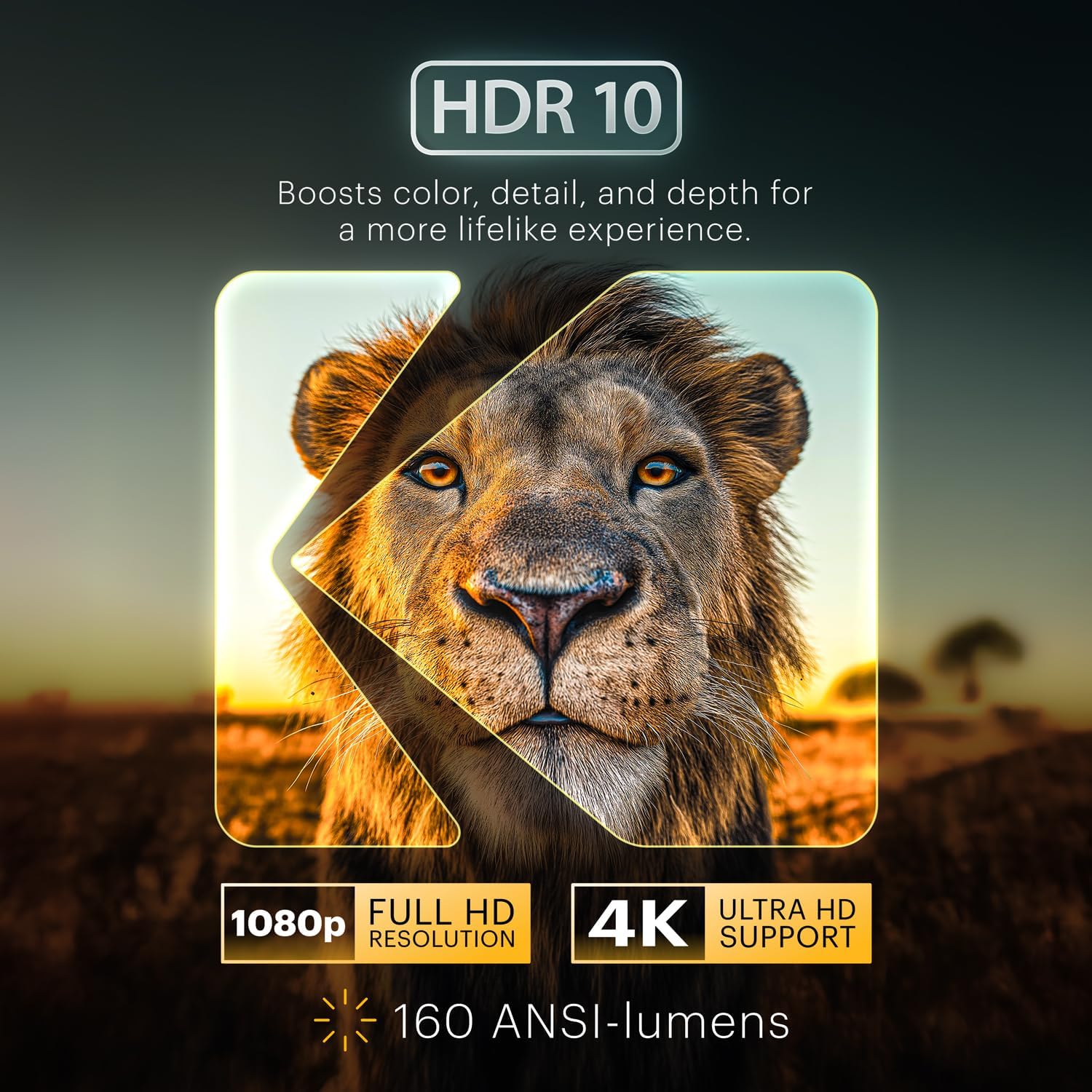
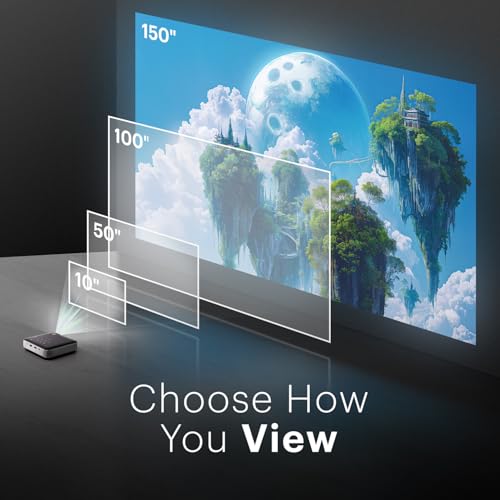
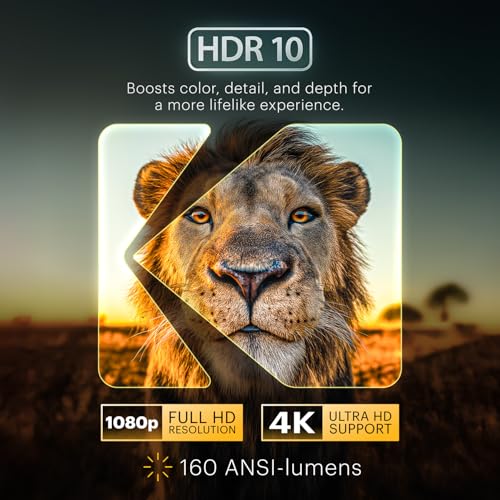
At its core, the projector utilizes DLP technology to deliver a native Full HD (1920×1080) resolution, which provides a detailed and crisp image suitable for movies and streaming content. It supports 4K input, meaning it can accept a 4K signal from compatible devices and downscale it to 1080p, potentially preserving more detail than a native 1080p signal. With a stated brightness of 160 ANSI lumens, it is designed for controlled lighting conditions. The projector can create images from a minimum of 5 inches up to a maximum of 150 inches diagonally, offering significant scaling flexibility for different rooms and surfaces.
Smart Features and Setup Automation
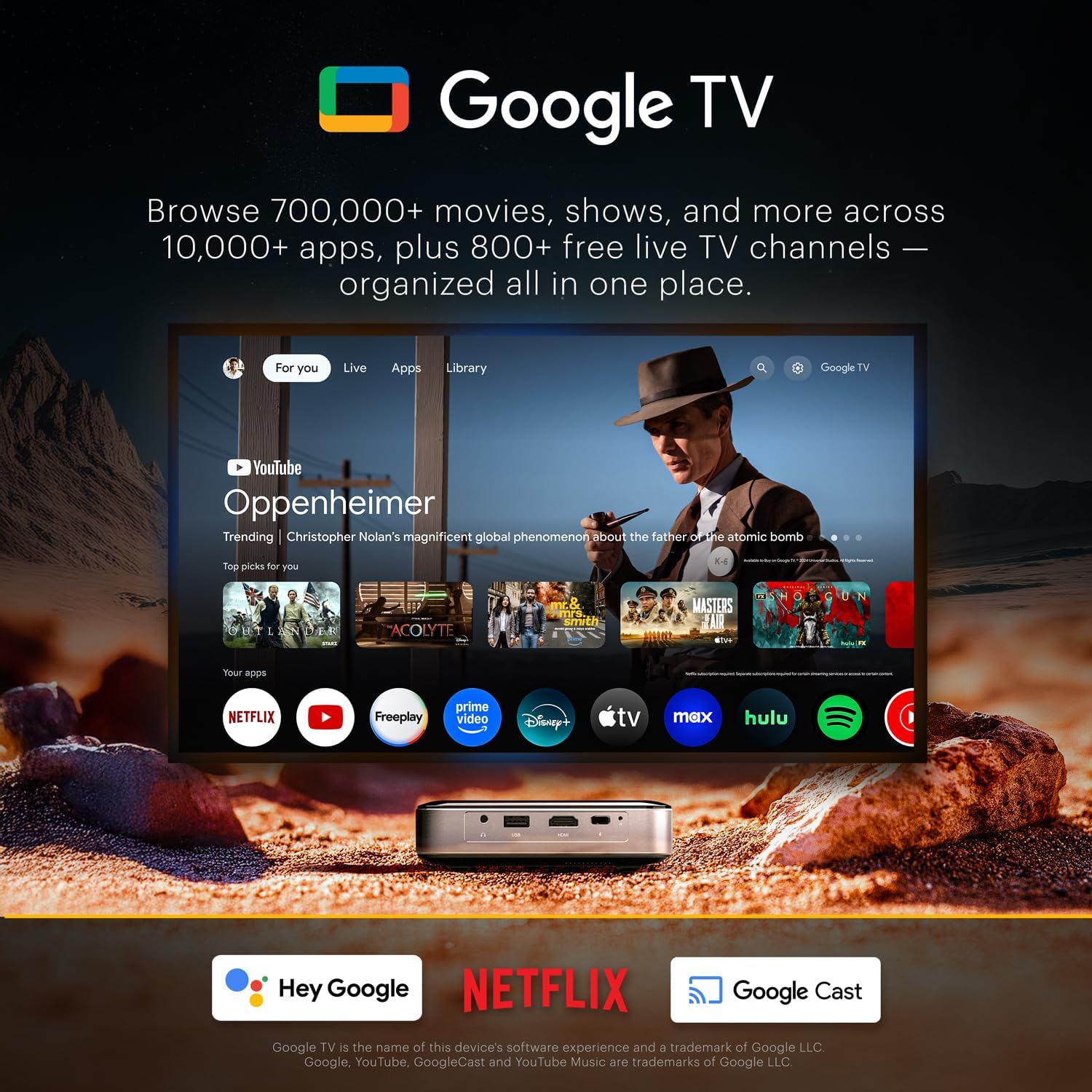
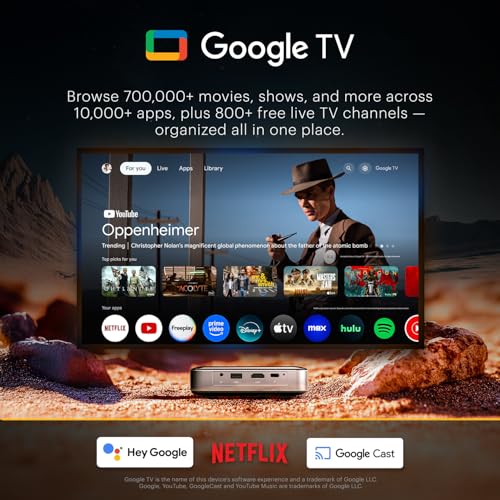
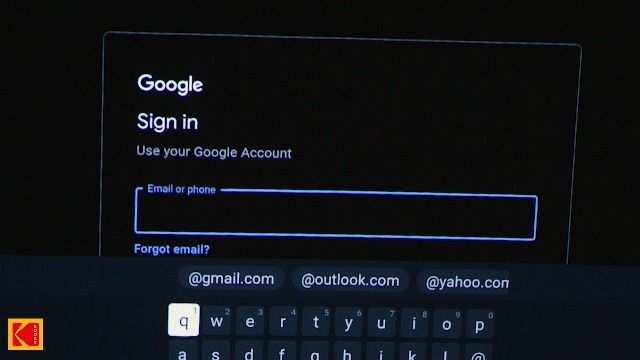
This is where the RODPJS500B differentiates itself. The built-in Google TV 11.0 OS turns the projector into a standalone streaming device. Users can directly access apps like Netflix, which the projector is certified for, along with others available on the Google TV platform, eliminating the need for an external stick or box. The suite of automated setup features is a major selling point. Autofocus instantly sharpens the picture, while AI-powered 4-side keystone correction automatically adjusts the image into a clean rectangle even when the projector is placed off-center or at an angle. Furthermore, obstacle avoidance technology can detect objects in the projection path and shift the image to a clear area on the wall or screen, saving considerable manual adjustment time.
Connectivity and Portability
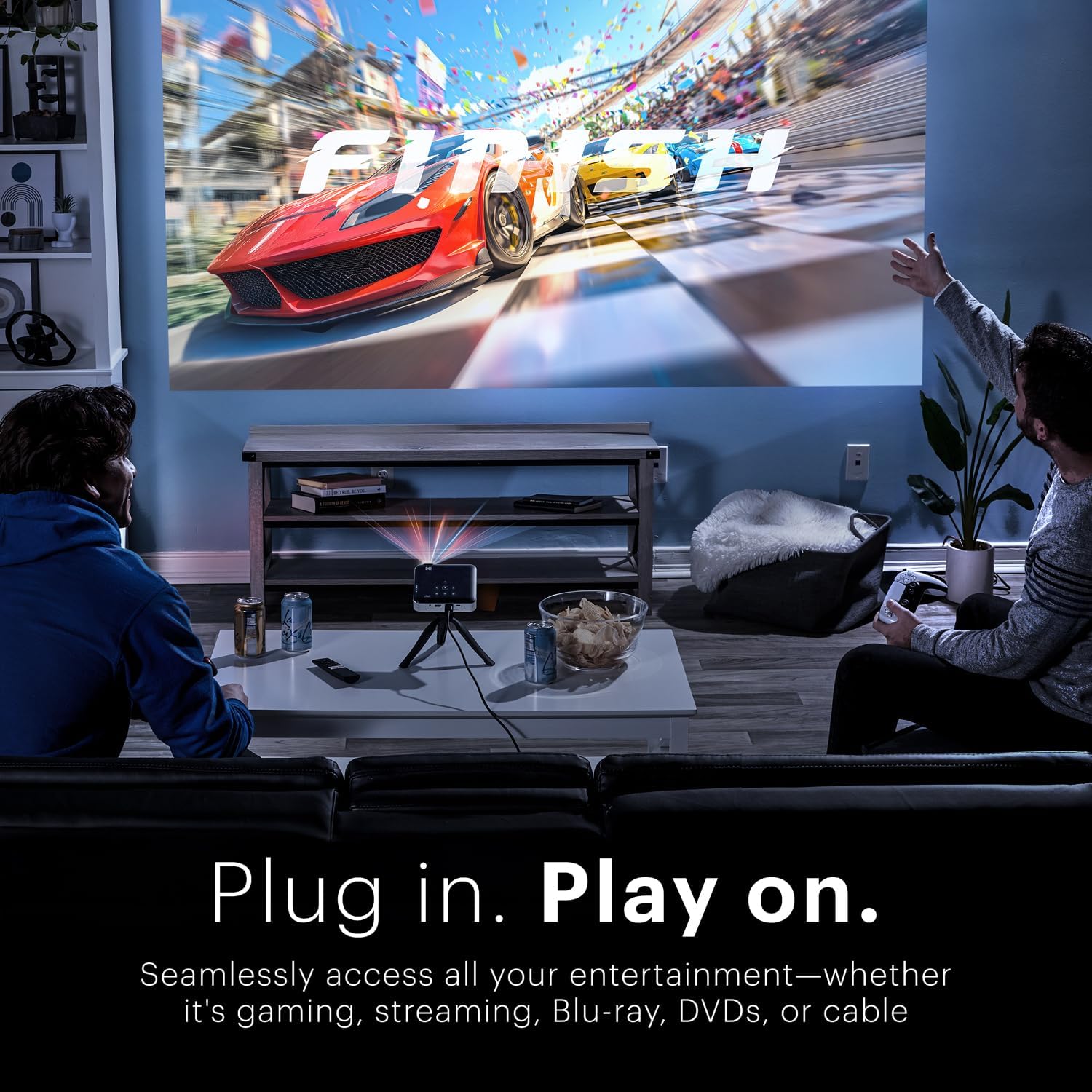
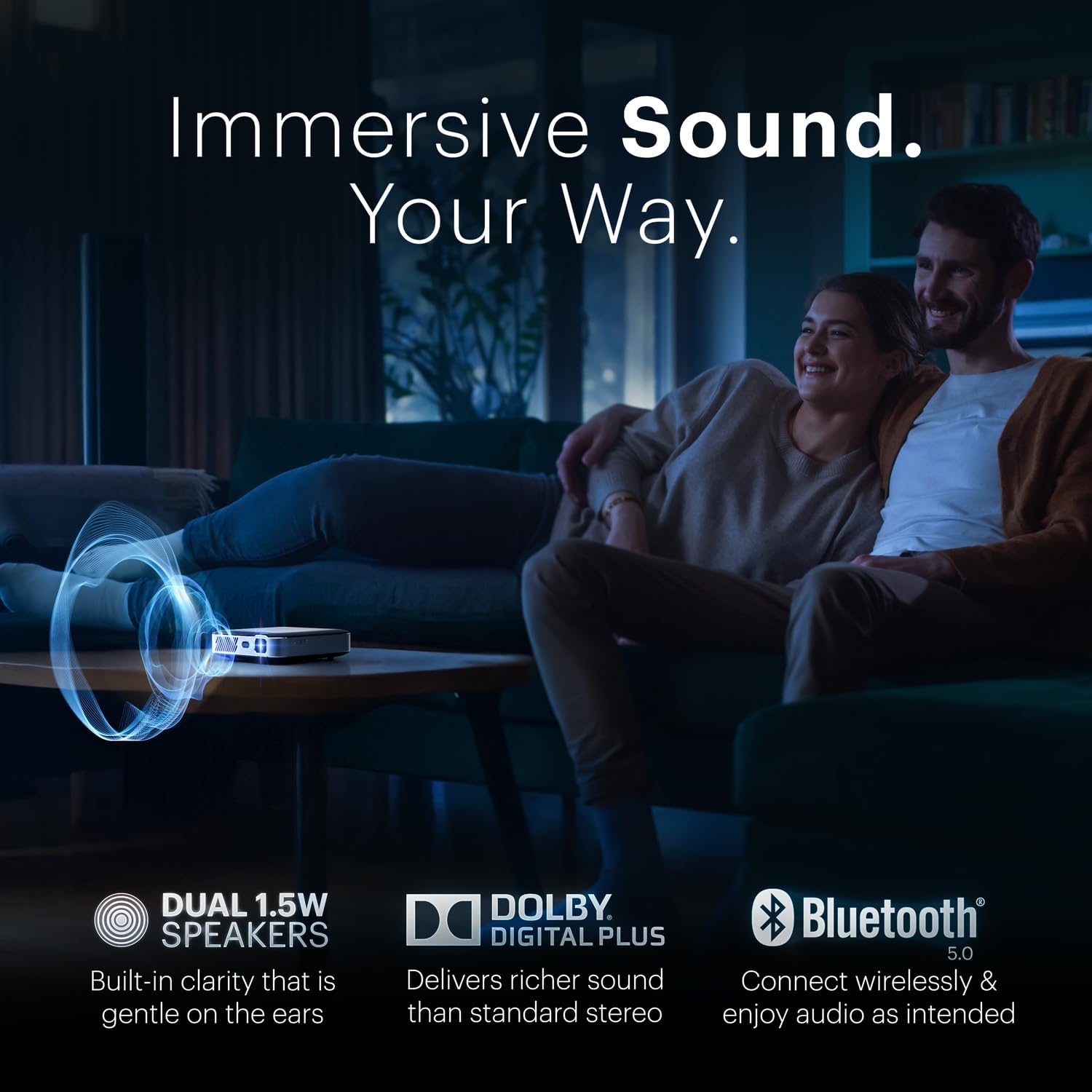
Connectivity is robust for a device of this size. It features Bluetooth 5.0 and Wi-Fi for wireless connections, along with built-in Chromecast support for casting content directly from smartphones, tablets, or laptops. Physical ports include HDMI and USB for connecting other media sources like gaming consoles or flash drives. The integrated battery is a cornerstone of its portability, offering up to two hours of runtime in eco-mode. This allows for truly cord-free operation, making it viable for use in the backyard, at a campsite, or in any location without immediate access to a power outlet.
Setup, Support and Ownership
Setup is designed to be exceptionally user-friendly, largely due to the automated focus, keystone, and obstacle avoidance features. Owners report the process is quick, allowing them to go from unboxing to watching content with minimal manual intervention. The projector’s smart OS means there is no initial configuration of external streaming devices required. Regarding support and updates, the manufacturer does not specify a warranty period or a roadmap for Google TV OS updates, which is a consideration for long-term software security and feature support. As a self-contained unit, there are no user-serviceable parts or upgrade options mentioned, such as expanding storage or memory. Ownership revolves around leveraging its integrated features and managing the battery cycle for portable sessions.
What Owners Say
Owner feedback is overwhelmingly positive, with the product holding a high average rating. The majority of reviews award the highest score, praising its performance as a “great little projector” and an “excellent mini projector.” Users highlight the easy setup, clear picture, and surprising brightness for its size, with specific mentions of using it for ceiling projection in bedrooms and for outdoor activities like camping. Several reviews commend it as the “best bang for your buck” and applaud the cool technology packed into its portable form factor. A small percentage of lower ratings come from users who found it unsuitable for very specific, non-standard use cases, such as an artist seeking a tool for tracing artwork, indicating it excels in its primary role as an entertainment device but may not meet all niche professional needs.
Pros and Cons
Pros
- Built-in Google TV eliminates need for external streaming devices.
- Autofocus and AI keystone enable quick, hassle-free setup.
- Obstacle avoidance saves time by automatically adjusting the image.
- Integrated battery supports true cord-free portability.
- Native 1080p resolution with 4K input support for good detail.
- Chromecast and Bluetooth allow easy casting from mobile devices.
Cons
- Battery runtime limits longer viewing sessions without a recharge.
- Portable size may limit brightness performance in well-lit rooms.
- Relies on specific Netflix certification for seamless app access.
- Designed primarily for entertainment, not specialized professional applications.
- Speaker audio quality and power are not detailed in specifications.
- Long-term software update policy is not specified by the manufacturer.
Who Should Buy It (and Who Should Skip It)
The Kodak RODPJS500B is an ideal choice for casual users and families seeking a simple, portable movie night solution. It’s perfect for those who want to stream content directly without managing extra dongles or boxes, and for anyone who values the convenience of automated image alignment for quick setup in varied environments like living rooms, bedrooms, or outdoors. Its battery-powered operation makes it a strong candidate for campers, tailgaters, or anyone wanting to use a projector away from power outlets for a couple of hours.
Conversely, users who require a projector for extended, marathon viewing sessions without interruption should look for a model with a longer battery life or plan to use it plugged in. Those needing a very bright image for use in rooms with significant ambient light may find its portable design limiting. Professionals seeking a projector for precise artistic tracing, detailed CAD work, or permanent home theater installations with absolute peak brightness and contrast would be better served by specialized, higher-output models. For more on optimizing your viewing setup, explore our guides on the best ultra-wide monitors and top soundbars.
Final Verdict
The Kodak RODPJS500B succeeds by packaging smart functionality and user-friendly automation into a highly portable form factor. Its integration of Google TV is a significant advantage, transforming it from a simple display into a complete entertainment source. The autofocus, keystone correction, and obstacle avoidance features effectively address the traditional pain points of projector setup, making it accessible to non-technical users. For its intended purpose of casual, mobile viewing, it delivers a compelling and convenient experience.
However, this convenience comes with inherent trade-offs. The two-hour battery life defines its cord-free utility, making it suitable for a movie or a short event but not for all-day use. Its brightness, while sufficient for darkened environments, is a product of its compact design. Ultimately, this projector is not about raw specifications leading the category but about offering a streamlined, intelligent user experience. It’s a strong recommendation for anyone whose priority is a grab-and-go smart projector that minimizes setup friction, provided its runtime and brightness align with their typical viewing conditions. For further insights into smart home technology, consider reading about AI smart home devices.
FAQs
Does the Kodak RODPJS500B need an internet connection to work?
An internet connection is required to stream content from the built-in Google TV apps like Netflix and others. However, you can use the projector without the internet by connecting external devices via HDMI or USB to play local media files, or by using the Bluetooth connection for audio. The automated setup features like autofocus and keystone correction also function independently of an internet connection.
Can I use this projector outdoors during the day?
Using any projector outdoors during the day is challenging due to ambient light. The Kodak RODPJS500B, with its 160 ANSI lumen brightness, is designed for use in low-light conditions. For the best results outdoors, you should plan to use it after dusk or in a heavily shaded area. Its battery and portable design make it suitable for outdoor settings, but the viewing experience will be optimal at night or in very dark environments.
What is the difference between 4K input and native 4K resolution?
4K input support means the projector can accept a 4K signal from a source device like a 4K Blu-ray player or streaming stick. It then processes that signal and displays it at its native 1080p resolution. This can sometimes result in a better-looking image than a native 1080p signal due to superior video processing. Native 4K resolution would mean the projector’s imaging chip itself has 4K pixels, which this model does not; it is a native Full HD (1080p) projector.
How does the obstacle avoidance feature work?
The projector uses a sensor to detect objects like picture frames, light switches, or furniture that intrude into the projection path on the wall or screen. When it detects an obstacle, it automatically shifts and resizes the projected image to fit within a clear, unobstructed area of the surface. This allows you to get a perfectly rectangular, usable image without having to physically move the projector or the object blocking the screen, significantly simplifying setup in rooms with cluttered walls.
About the author

Elvis Dicki writes reviews and buying guides for CyberSecLabs.