HP 405T6A#B1H Review: How Good Is Its AI-Powered Print Formatting?
The HP OfficeJet Pro 8125e is a capable all-in-one printer for home offices, offering AI-assisted printing, robust wireless connectivity, and a large paper capacity, though its reliance on HP+ and original ink cartridges may deter some users.
 By Elvis Dicki
Updated October 20, 2026
By Elvis Dicki
Updated October 20, 2026
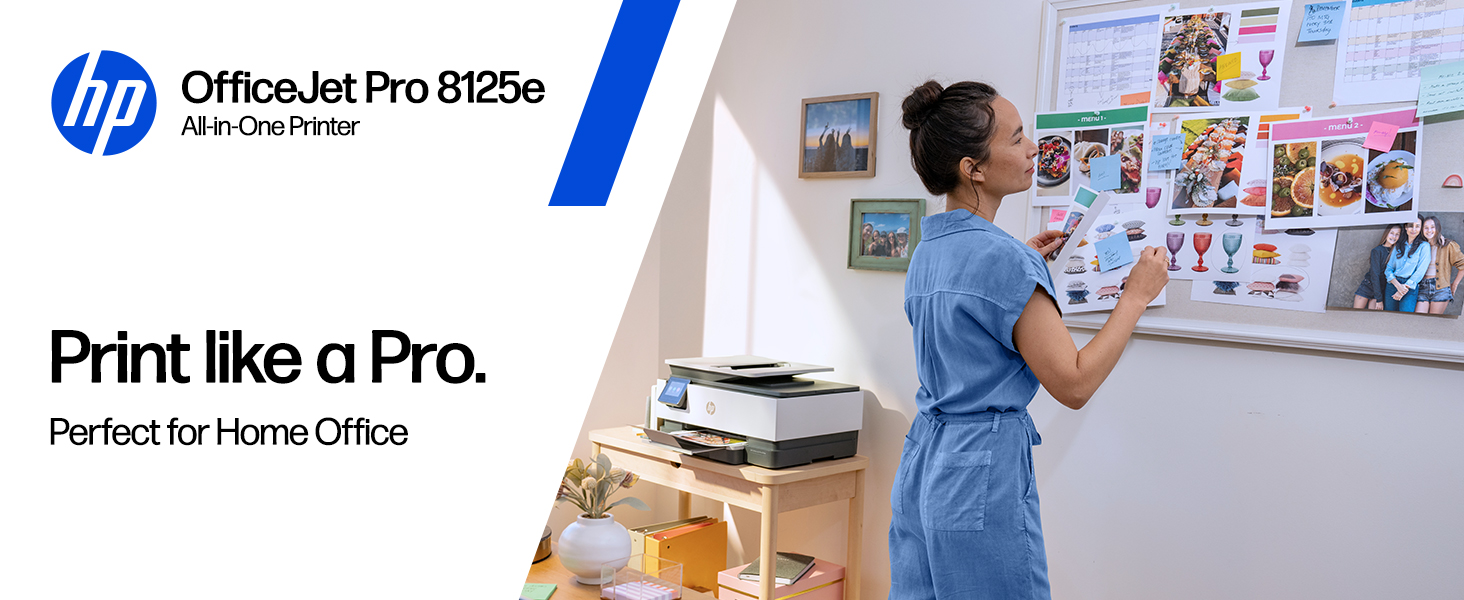
The HP OfficeJet Pro 8125e, model 405T6A#B1H, is a wireless all-in-one color inkjet printer designed for the home office. It consolidates printing, scanning, and copying functions into a single unit, enhanced with an automatic document feeder and duplex printing. Its standout feature is the AI-enabled software designed to format web pages and emails for clean, professional prints. This review analyzes its specifications, features, and real-world feedback to determine if its smart capabilities and all-in-one convenience justify its place in a modern workspace.

For users who need to produce professional-quality color documents, reports, and presentations from a compact home setup, the HP OfficeJet Pro 8125e presents a compelling package. It promises to streamline workflow with its large paper capacity, reliable wireless printing, and the included HP app for mobile control. The bottom line: this printer is built for efficiency and polished output, but its long-term value is tied to HP’s ecosystem, including the Instant Ink subscription service and mandatory use of original HP cartridges.
HP OfficeJet Pro 8125e Wireless All-in-One Color











As an Amazon Associate we earn from qualifying purchases. Product prices and availability are accurate as of the date/time indicated.
HP 405T6A#B1H at a Glance
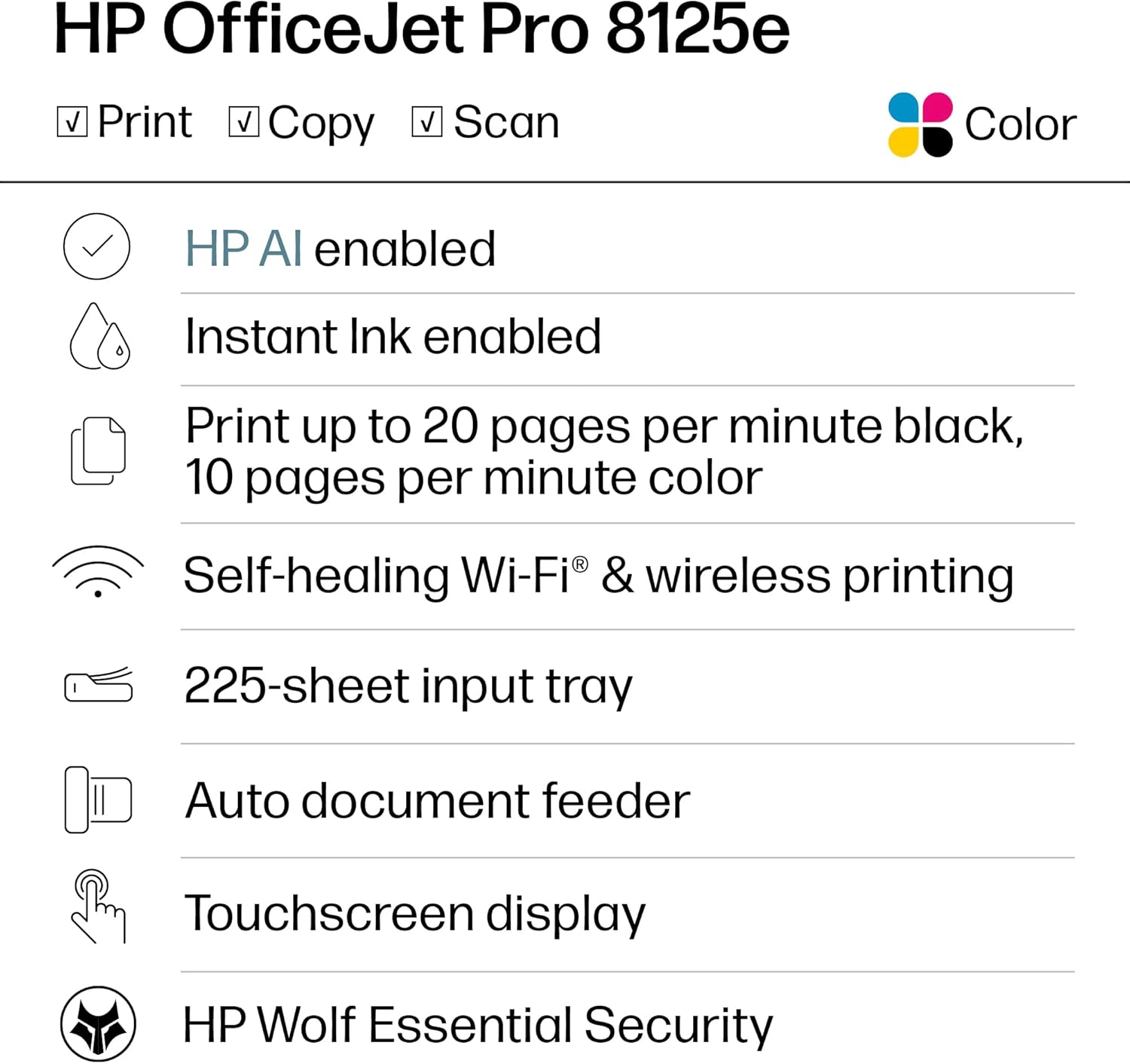
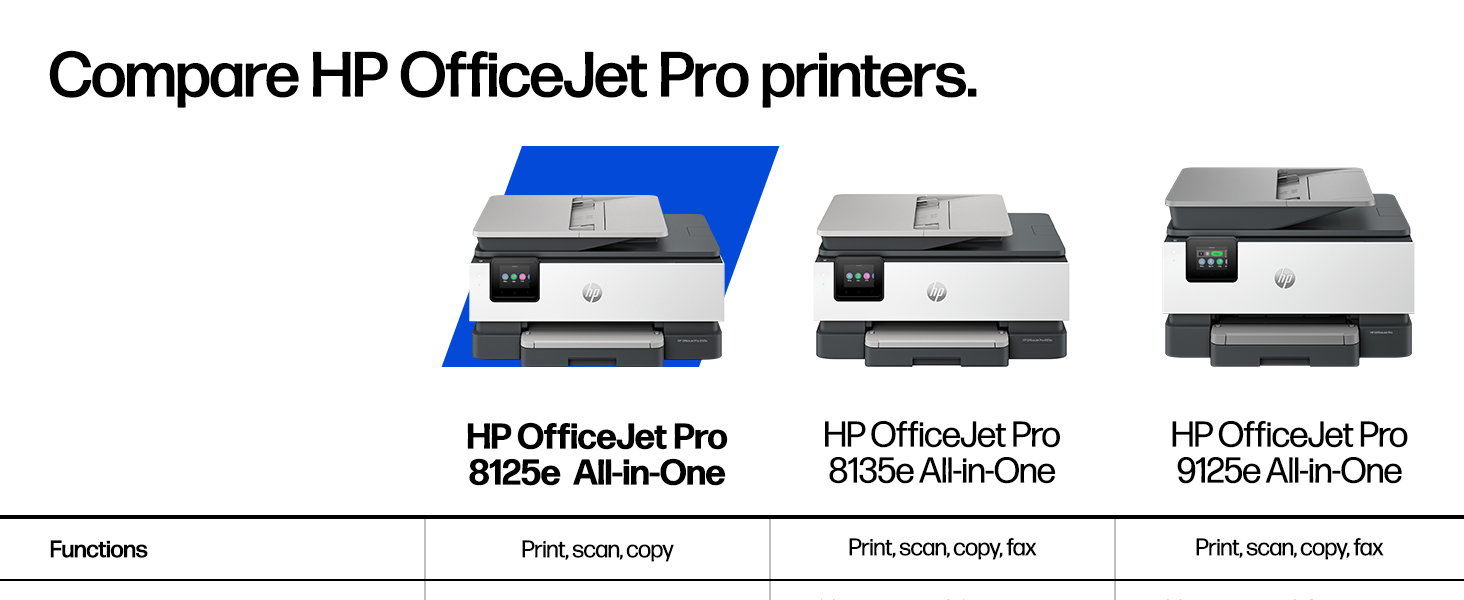
| Specification | Detail |
|---|---|
| Functions | Print, Scan, Copy |
| Print Technology | HP Thermal Inkjet (Color) |
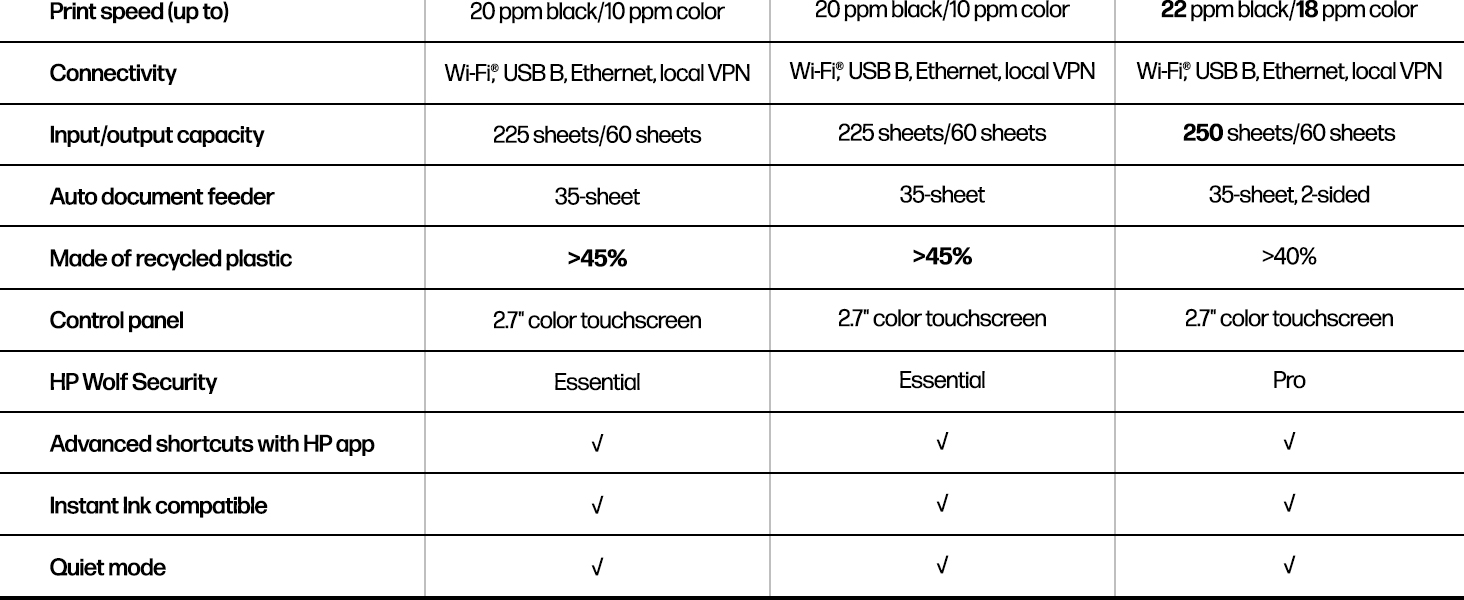
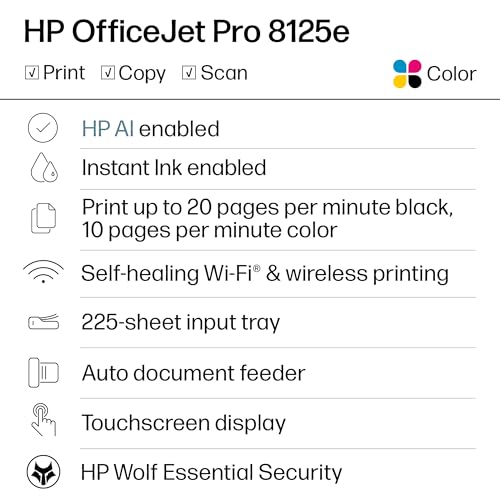
| Maximum Print Speed | 20 ppm (Black), 10 ppm (Color) |
| Paper Input Capacity | 225 sheets |
| Duplex Printing | Automatic (Standard) |
| Scanner Type | Flatbed & 1-sided Automatic Document Feeder (ADF) |
| Connectivity | Wireless (Wi-Fi), Ethernet, USB, Apple AirPrint, Wireless Direct |
| Key Software Feature | HP AI for Print Formatting |
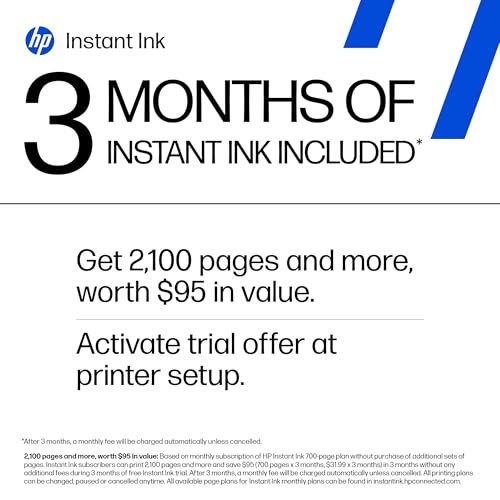
| Ink Service | 3-Month Instant Ink Trial with HP+ Activation |
| Warranty | One-year limited hardware warranty |
Design and Build
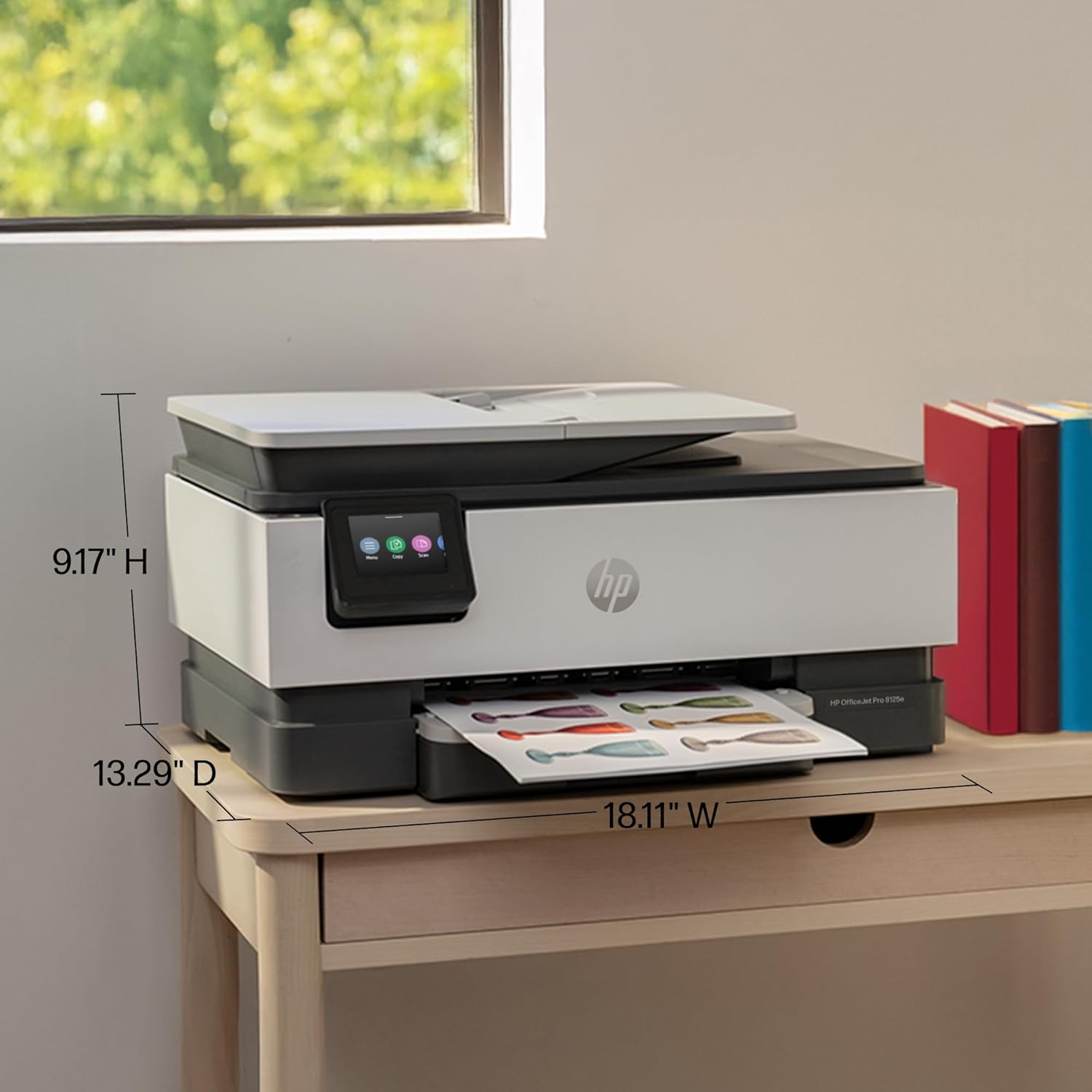
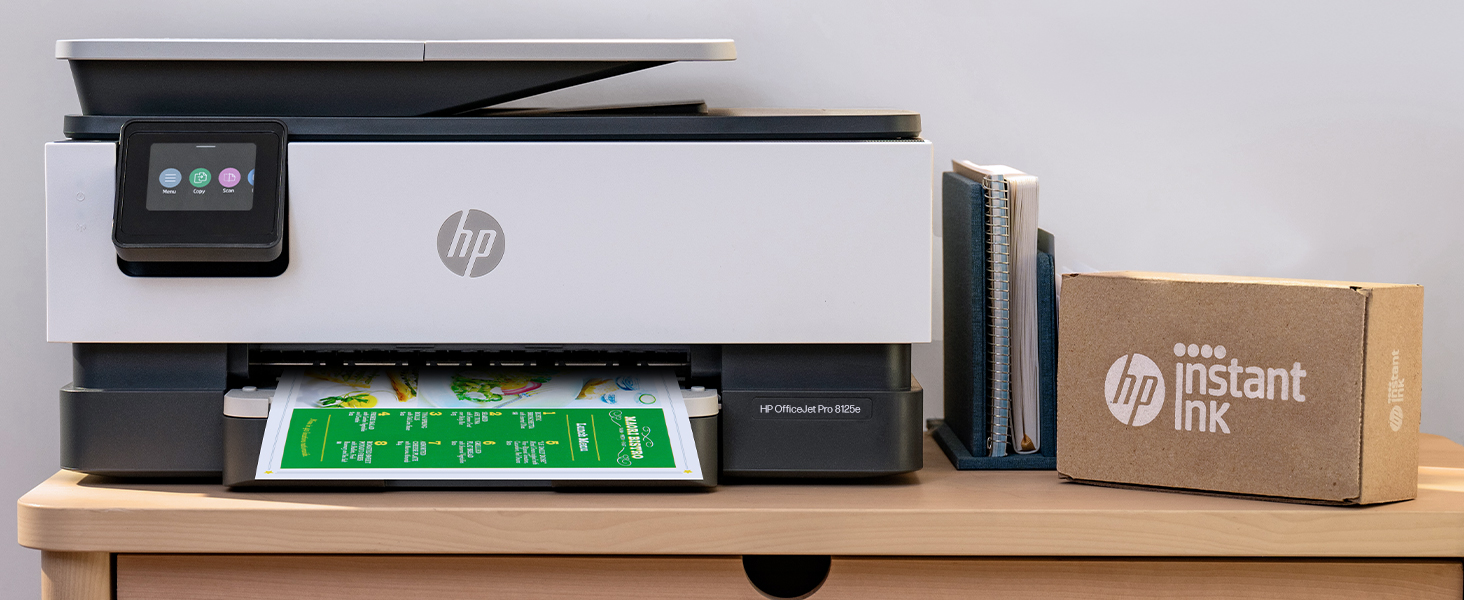
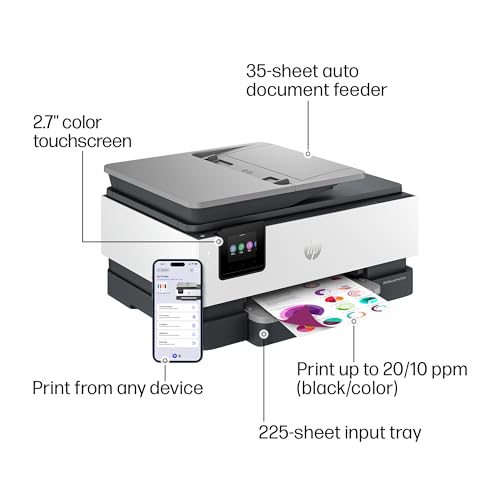
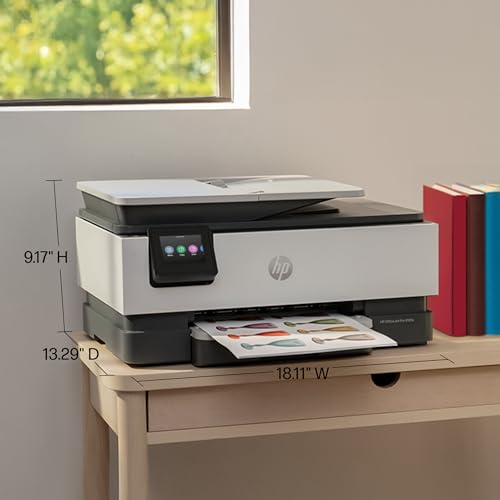
The HP OfficeJet Pro 8125e has a substantial footprint, measuring 13.29 inches deep by 18.11 inches wide by 9.17 inches high and weighing 8 kilograms. This size accommodates its generous 225-sheet input tray and integrated flatbed scanner with an automatic document feeder (ADF) on top. The design is functional, prioritizing paper handling and accessibility over a minimalist profile. It features a touchscreen control panel for direct operation. According to the manufacturer, the packaging uses FSC-certified materials and contains ocean-bound and post-consumer recycled plastic, aligning with eco-conscious practices. The product is also ENERGY STAR certified and EPEAT registered.
Performance and Features
Print and Copy Speeds
The printer is rated for print speeds of up to 20 pages per minute (ppm) for black and white documents and 10 ppm for color. The maximum copy speed for black and white is listed as 12 ppm. These speeds are suited for typical home office workloads involving business documents, reports, and presentations. The automatic duplex printing feature is standard, allowing for two-sided printing without manual page flipping, which saves paper and creates more professional-looking documents.
AI-Enabled Printing and Smart Features
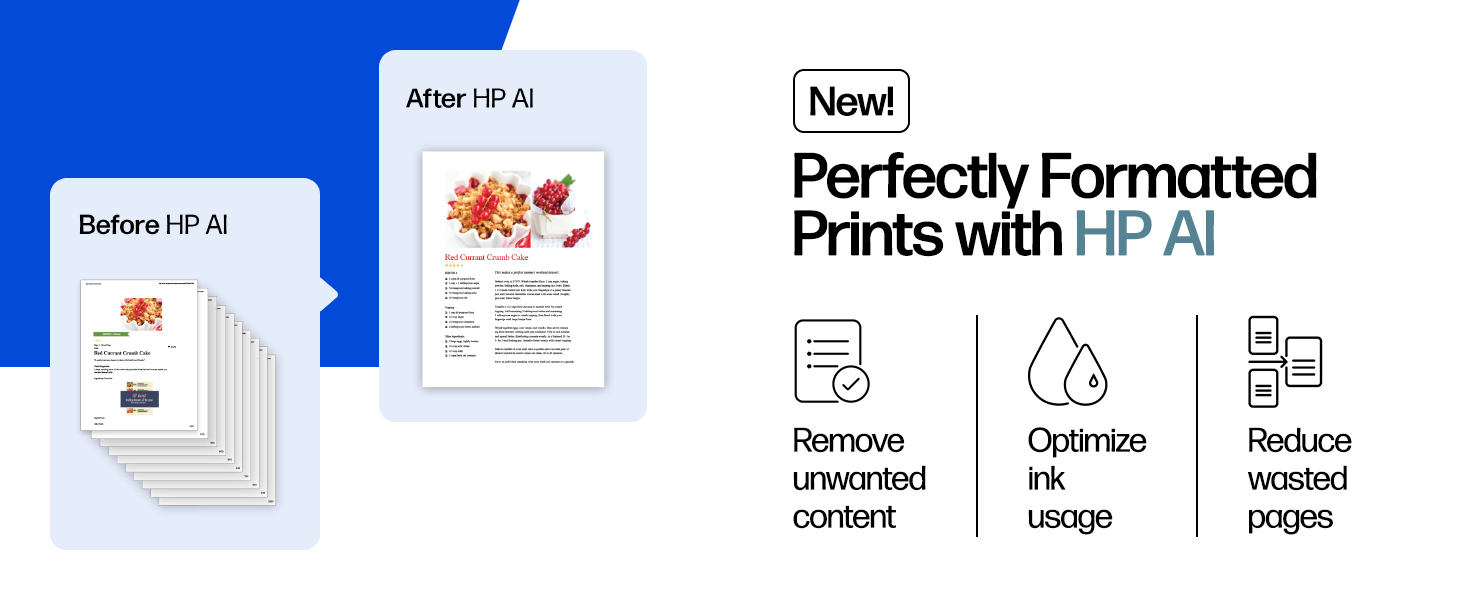
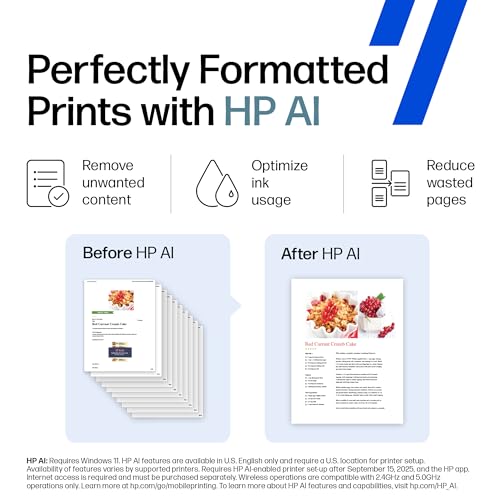
The most distinctive feature of this model is its AI-enabled printing software. HP states this technology is designed to perfectly format web pages and emails, removing unwanted content like ads or headers to prevent awkward layouts and wasted pages. This aims to deliver precisely what the user intends to print. The printer also includes a Quiet Mode and Smart Advance Scan functionality, though specific details on these are not provided in the manufacturer’s data.
Connectivity and Control
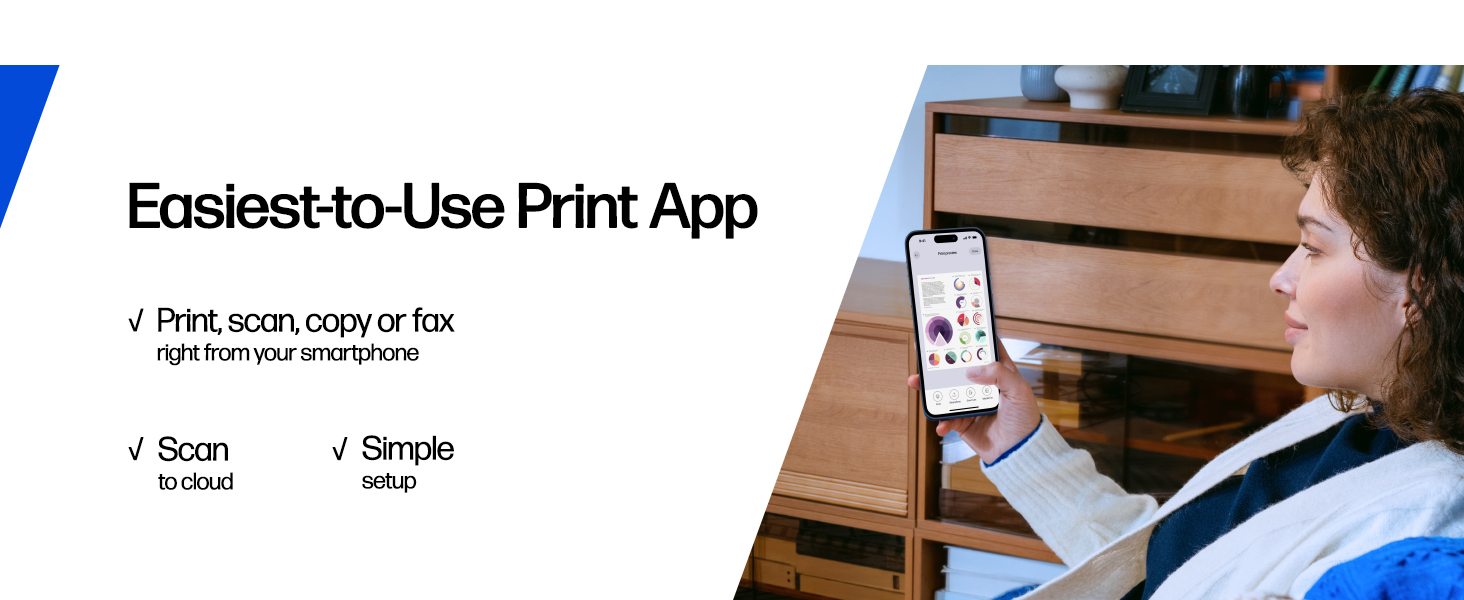
Connectivity is comprehensive, featuring dual-band Wi-Fi that HP describes as its “most reliable,” with the ability to automatically detect and resolve connection issues. It also supports Ethernet for a wired network connection, USB, Apple AirPrint, and wireless direct printing. Control is heavily app-based via the HP app, which allows users to print, scan, copy, or fax from a smartphone, PC, or tablet. The printer has one USB port and the necessary hardware interface for Ethernet. Notably, some user feedback mentions a USB B to USB A cable is not included for direct computer connection.
Scanning and Copying
The all-in-one functionality is supported by a flatbed scanner for single items and a one-sided automatic document feeder (ADF) for multi-page documents. This allows for efficient scanning and copying of reports or contracts. The maximum number of copies per run is up to 99. It is important to note the scanner is specified as a 1-sided ADF; double-sided (duplex) scanning is not a listed feature.
Security and Updates
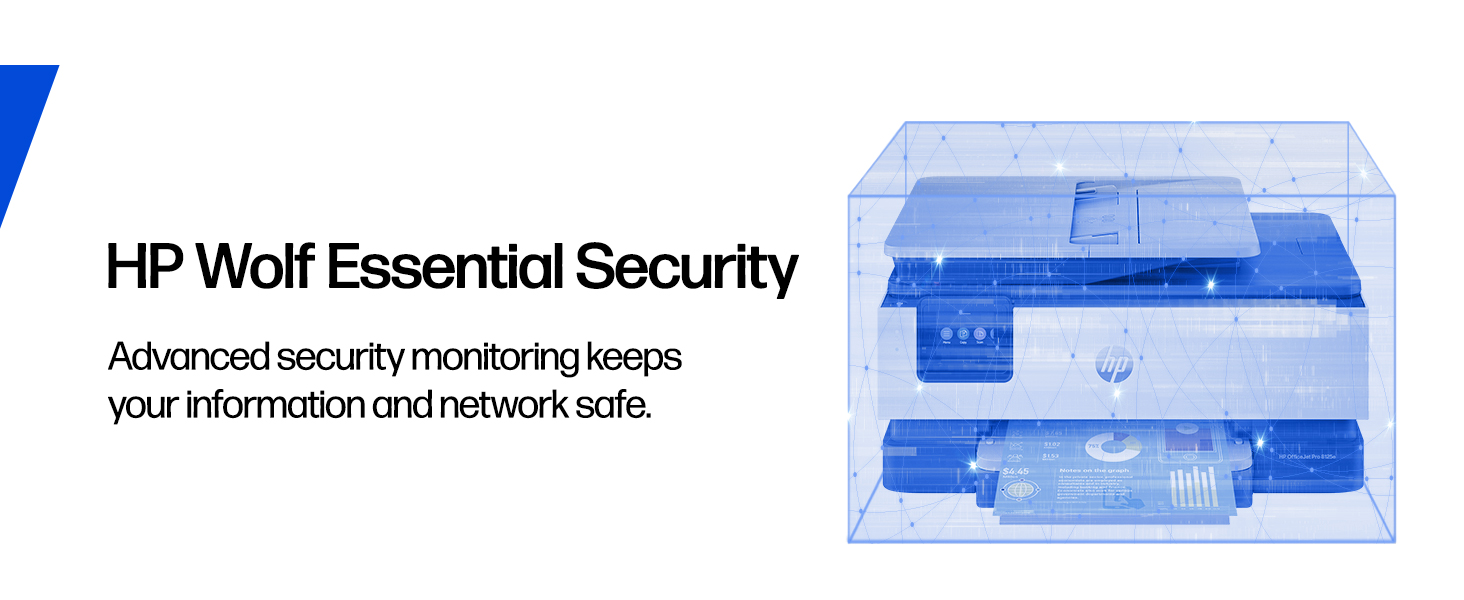
HP emphasizes built-in security features that keep the printer updated and secure, which is crucial for business use. The printer receives firmware updates to address potential vulnerabilities. With HP+ activation, it also gains the ability to print over a VPN, adding a layer of security for remote work scenarios.
Setup, Support and Ownership
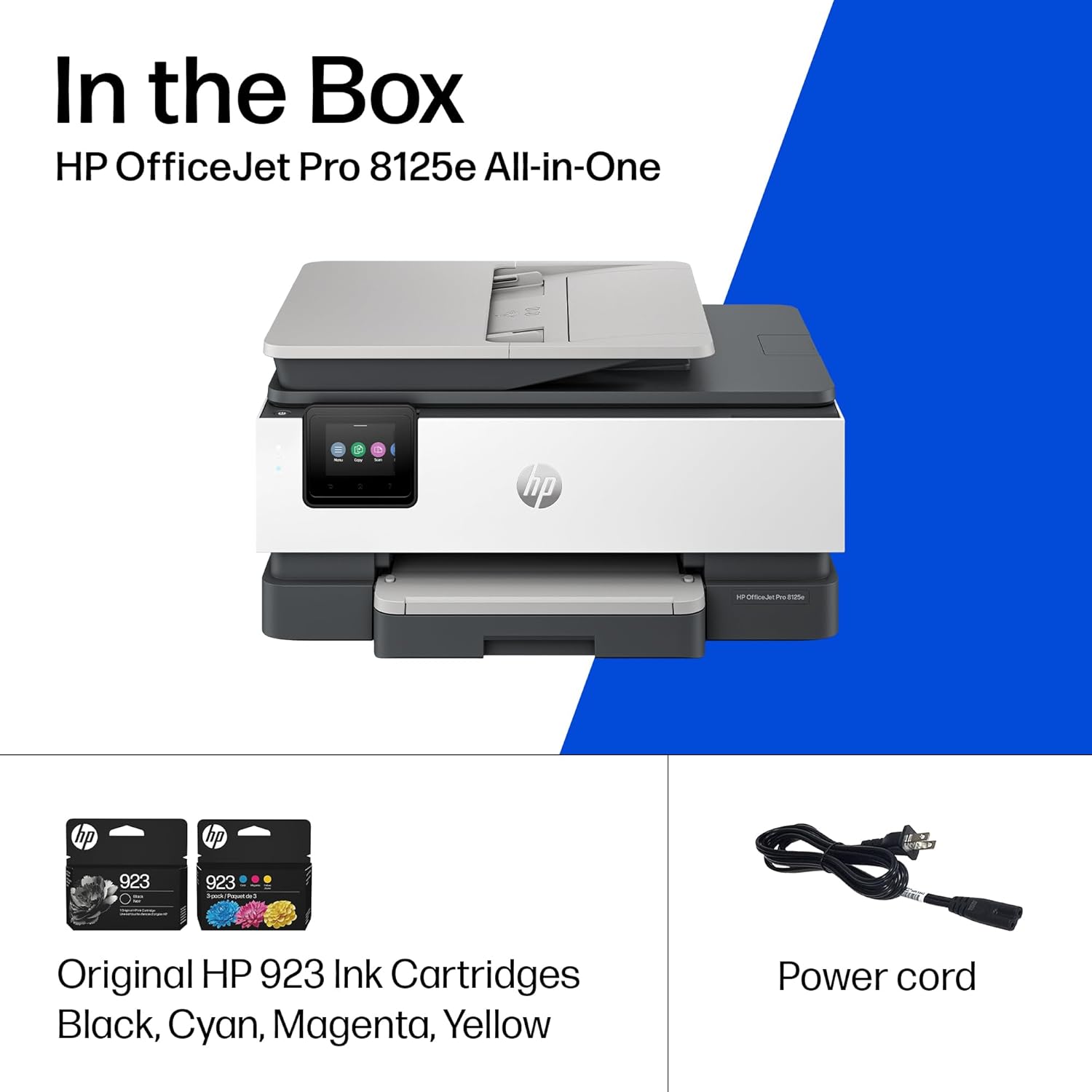
Setup involves using the included HP app, which guides the user through the process. The printer comes with a set of starter ink cartridges (HP 923 Black, Cyan, Magenta, and Yellow). Long-term ownership is closely linked to HP’s ecosystem. The printer is compatible only with specific HP original ink cartridges, including the standard HP 923 series and the planned HP 923e EvoMore series. The manufacturer states that third-party cartridges will not work, as the printer scans the cartridge barcode.
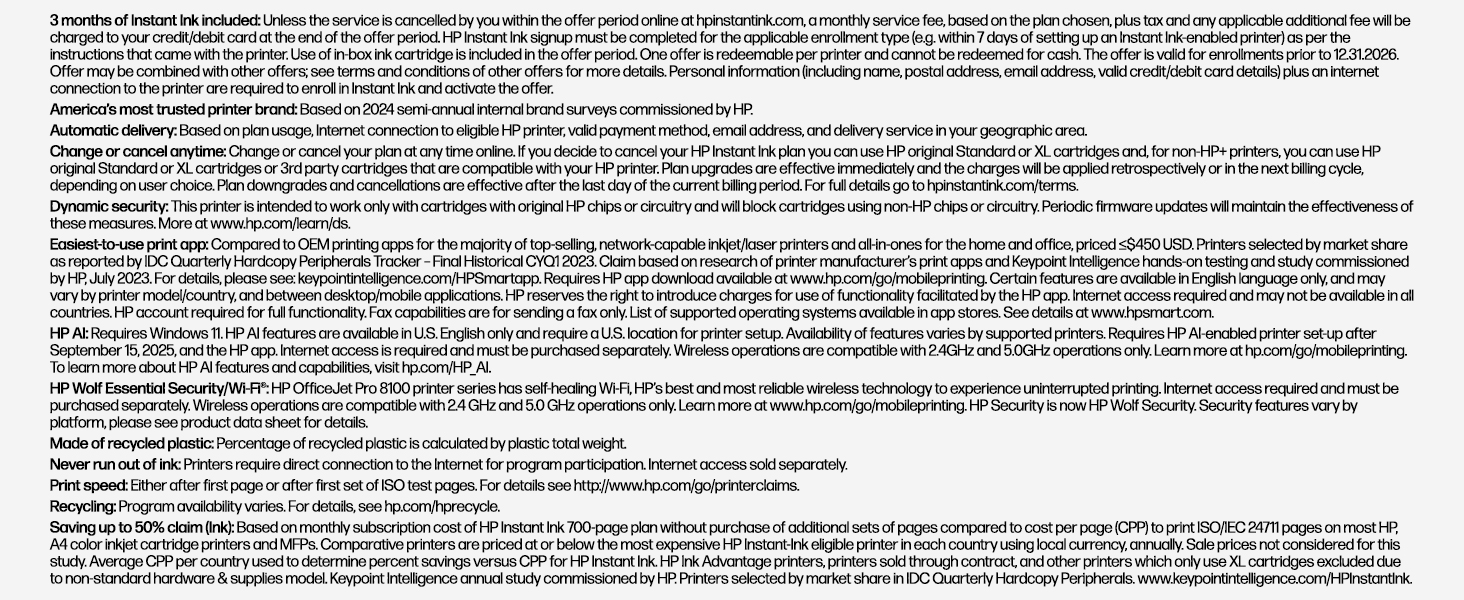
A key aspect of ownership is the HP+ and Instant Ink program. Activating HP+ provides a 3-month trial of the Instant Ink subscription service, which delivers replacement ink cartridges automatically before they run out. After the trial, a monthly fee applies unless cancelled. Accepting the HP+ offer also extends the standard one-year limited hardware warranty to two years. Support is accessed through HP’s official website. For those interested in compact computing solutions that pair with such office gear, our guides on efficient mini PCs and silent fanless systems explore complementary tech for a quiet home office.
What Owners Say
Owner reviews present a mixed but generally positive picture. The overall rating is above average, with a majority of reviews being positive. Many users praise the printer for being easy to set up, offering good print quality, and providing reliable all-in-one functionality for their home office needs. The AI formatting feature and wireless performance receive positive mentions for delivering convenient, professional results.
However, a significant portion of negative feedback centers on HP’s business model. Common complaints include the mandatory use of the HP app and original HP ink cartridges, the persistent prompts to enroll in the Instant Ink subscription, and the perception that ink runs out quickly. Some users also note the printer’s larger-than-expected physical size and the lack of a included USB cable for direct connection. There are also comments from users who found the setup or operation more complex than they preferred for a simple printing task.
Pros and Cons
Pros
- AI-powered formatting for clean prints from web pages and emails
- High paper capacity (225 sheets) reduces frequent reloading
- Reliable, self-healing dual-band Wi-Fi connectivity
- Comprehensive all-in-one functions with ADF for multi-page jobs
- Automatic two-sided printing as a standard feature
- Convenient mobile control via the HP app
Cons
- Mandatory use of original HP ink cartridges (blocks third-party ink)
- Persistent promotion of the Instant Ink subscription service
- No included USB cable for direct computer connection
- Scanner ADF does not support double-sided scanning
- Larger physical footprint may not fit on very small desks
- Ownership is tied to HP’s app and service ecosystem
Who Should Buy It (and Who Should Skip It)
The HP 405T6A#B1H is an excellent fit for home office users and small business owners who regularly print professional color documents like client reports, marketing flyers, or presentations. It’s ideal for those who value the convenience of wireless printing from multiple devices, need to scan or copy multi-page documents, and appreciate features like automatic duplexing and AI-assisted formatting to reduce paper waste. Users comfortable with a subscription-based ink model or those willing to manage the Instant Ink service will find the most seamless experience.
This printer is not the best choice for users on an extremely tight budget who rely on cheap third-party ink cartridges, as it explicitly blocks them. It should be skipped by those who want a completely plug-and-play experience without any app dependency or software prompts. Individuals with very limited desk space or those who need automatic double-sided scanning should also consider other models. For users whose needs are more aligned with compact, general-purpose computing, exploring options like a versatile mini PC might be a better starting point before adding a printer.
Final Verdict
The HP OfficeJet Pro 8125e (405T6A#B1H) successfully delivers on its core promise as a productive all-in-one center for a home office. Its performance specifications are solid, the AI formatting feature is a genuine differentiator for cleaning up web content, and the large paper capacity combined with automatic duplexing supports efficient, uninterrupted work sessions. The wireless connectivity is robust, and the inclusion of an ADF scanner adds significant utility. When evaluated purely as a hardware device for creating professional color documents, it is a capable and feature-rich choice.
The final consideration, however, hinges on software and service. The printer’s long-term value and ease of use are inextricably linked to HP’s ecosystem—the mandatory app, the exclusive use of original ink, and the promoted Instant Ink subscription. For users who accept this integrated model, the HP OfficeJet Pro 8125e offers a streamlined and smart printing solution. For those who prefer autonomy over ink purchases and a simpler setup, these same ecosystem features will be significant drawbacks. It’s a powerful tool, but one that comes with its own defined rules of engagement.
FAQs
Does the HP OfficeJet Pro 8125e work with third-party or refilled ink cartridges?
No, according to both manufacturer specifications and user reports, this printer will not function with third-party or refilled ink cartridges. It is designed to work only with specific HP original cartridges (HP 923 and HP 923e EvoMore series). The printer scans a barcode on the cartridge, and non-HP cartridges will be rejected.
What is HP AI, and how does it help with printing?
HP AI is a software feature in this printer designed to intelligently format documents from web pages and emails. It aims to remove unwanted content like advertisements, page headers, and footers to ensure the final printout contains only the intended material in a clean, properly laid-out format, reducing paper waste from awkward page breaks.
Is the Instant Ink subscription mandatory, and what happens after the trial?
The Instant Ink subscription is not mandatory for using the printer, but activating it is required to receive the 3-month free trial and to extend the hardware warranty to two years. After the 3-month trial period ends, a monthly fee will apply if you do not cancel the service. You can continue to use the printer by purchasing HP original ink cartridges separately without a subscription.
Can this printer scan double-sided documents automatically?
No, the automatic document feeder (ADF) listed for the HP OfficeJet Pro 8125e is specified as a 1-sided ADF. This means it can only scan one side of a page automatically. To scan a double-sided document, you would need to manually flip the pages or use the flatbed scanner for each side individually.
About the author

Elvis Dicki writes reviews and buying guides for CyberSecLabs.