Dell S2725DSM Review: Can Its 4-Star Eye Comfort Certification Deliver?
The Dell S2725DSM is a versatile 27-inch QHD monitor that blends sharp visuals, smooth 144Hz performance, and strong ergonomics, making it a solid all-rounder for work and entertainment.
 By Elvis Dicki
Updated October 21, 2026
By Elvis Dicki
Updated October 21, 2026
The Dell 27 Plus QHD Monitor – S2725DSM is a 27-inch IPS panel designed for users seeking a balance of productivity, entertainment, and visual comfort. It combines a sharp 2560×1440 resolution with a high refresh rate and a suite of ergonomic adjustments in a clean, ash white design. This monitor is positioned for professionals, students, and casual users who need a clear, responsive display for multitasking, media consumption, and light gaming, while prioritizing eye comfort during long sessions.

At its core, the S2725DSM offers a compelling mix of specifications: QHD clarity, a 144Hz refresh rate for fluid motion, and a 1ms Moving Picture Response Time (MPRT) to reduce blur. It also includes integrated speakers and comprehensive adjustability, all backed by Dell’s reputation for build quality. For those looking to enhance their workspace with a monitor that handles both work and play without breaking the bank, the Dell S2725DSM presents a well-rounded option.
Dell S2725DSM 27 Inch QHD 144Hz Monitor




As an Amazon Associate we earn from qualifying purchases. Product prices and availability are accurate as of the date/time indicated.
Dell S2725DSM at a Glance
| Specification | Detail |
|---|---|
| Screen Size & Resolution | 27-inch QHD (2560 x 1440) |
| Panel Type & Viewing Angle | IPS, 178 degrees |
| Refresh Rate & Response Time | 144Hz, 1ms MPRT |
| Adaptive Sync | AMD FreeSync |
| Brightness & Contrast Ratio | 350 nits, 1500:1 |
| Connectivity | HDMI 2.1 (TMDS), DisplayPort 1.4 |
| Built-in Audio | Dual 3W speakers |
| Ergonomic Adjustments | Height, tilt, swivel, pivot |
| Eye Comfort Certification | TÜV 4-star certified |
| Warranty | 1-year Advanced Exchange & Premium Panel Exchange |
Design and Build
The Dell S2725DSM sports a clean, modern aesthetic in an ash white finish. The three-sided ultrathin bezels contribute to a sleek look that minimizes visual distraction, making it suitable for multi-monitor setups. The build incorporates sustainable materials, including up to 95% recycled plastic in parts, 100% recycled aluminum in the stand, and 50% recycled steel in the chassis.
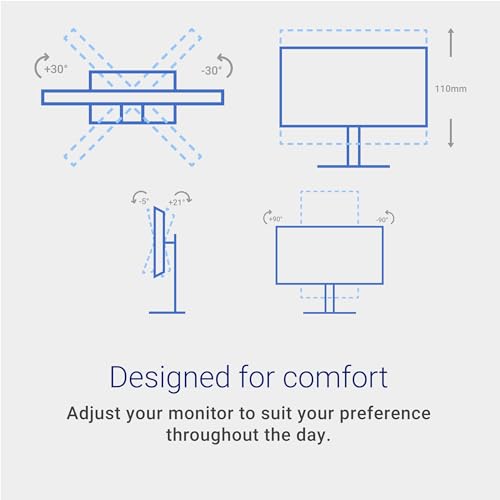
The stand is a highlight, offering extensive ergonomic flexibility. It provides height adjustment up to 110mm, tilt from -5 to +21 degrees, swivel of up to 30 degrees in either direction, and pivot functionality for portrait orientation. This level of adjustability allows users to find a comfortable viewing position throughout the day, aligning with the monitor’s focus on comfort. It’s worth noting that the light-colored finish may show smudges more readily over time compared to darker alternatives.
Performance and Features
Visual Performance
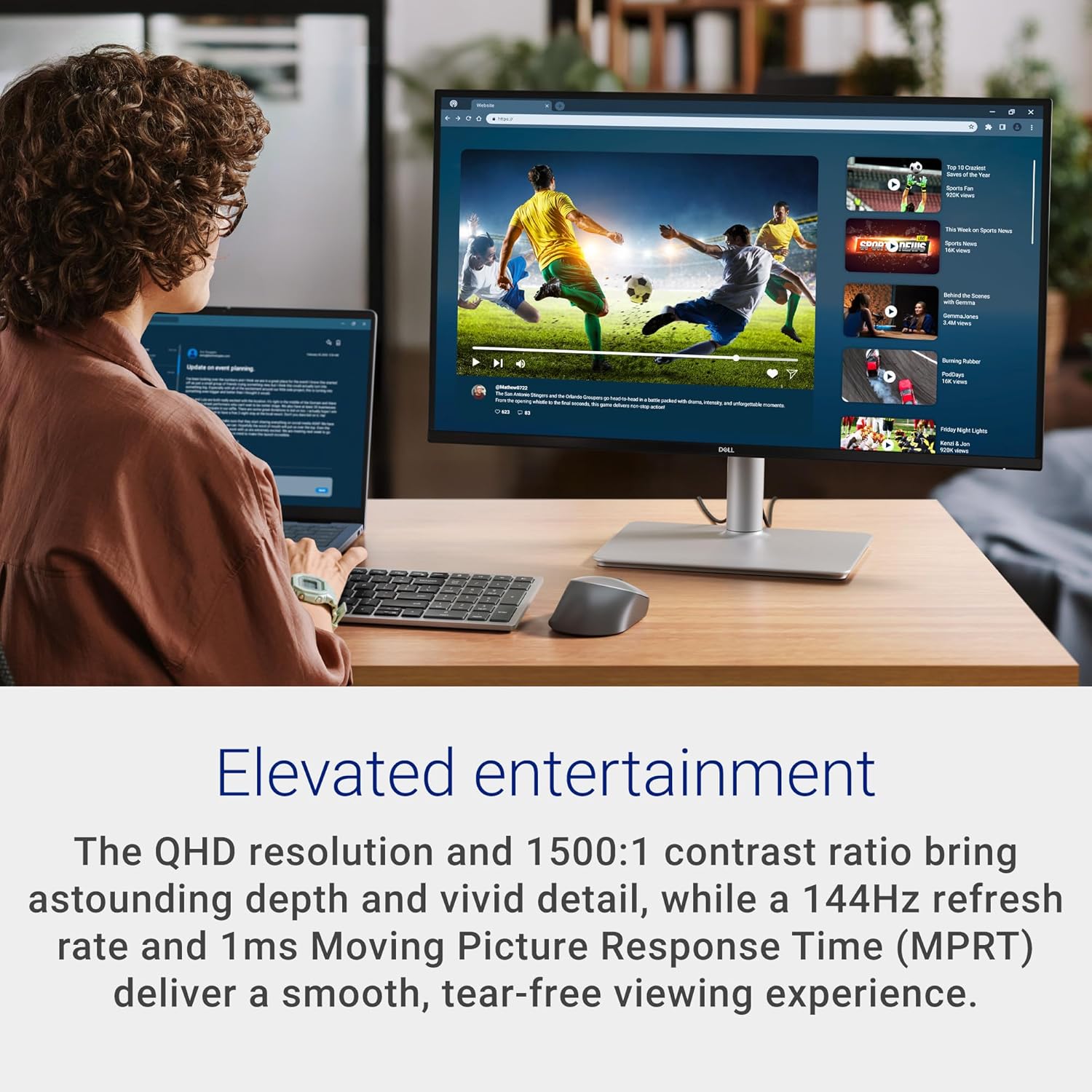
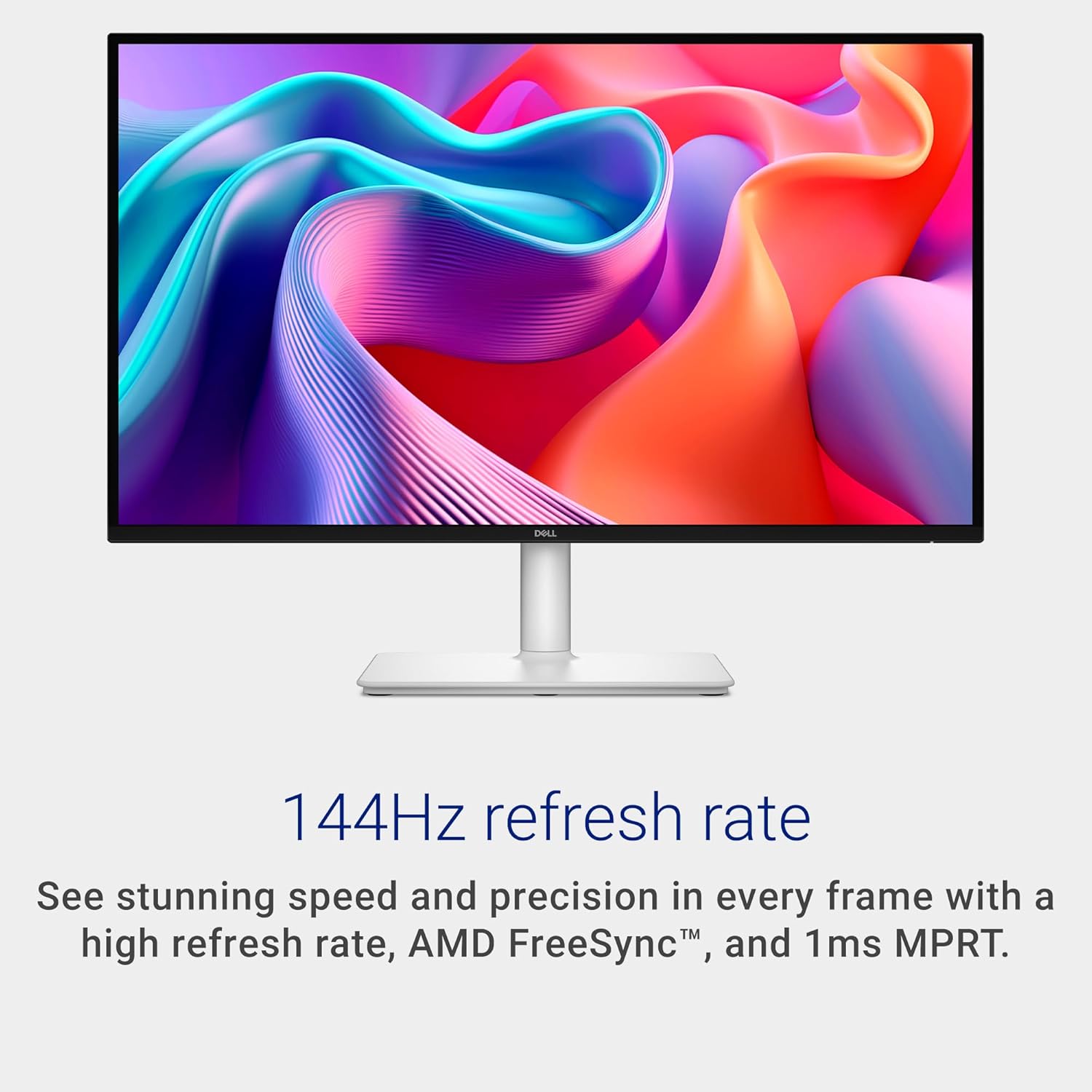
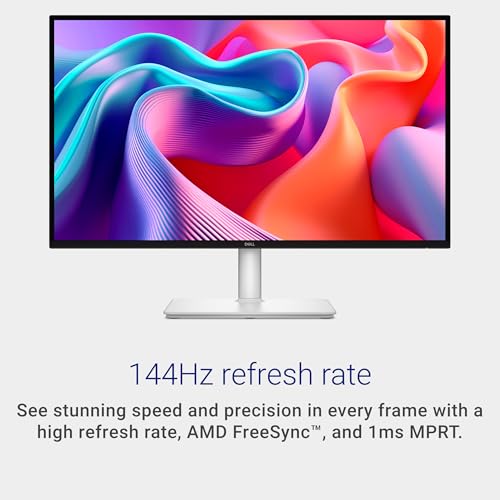
The 27-inch QHD IPS panel delivers sharp, detailed imagery with a pixel density that makes text crisp and images vibrant. The 1500:1 contrast ratio adds depth, while the 350-nit brightness ensures good visibility in most lighting conditions. The matte, anti-glare screen finish helps reduce reflections. For motion handling, the 144Hz refresh rate and 1ms MPRT (Moving Picture Response Time) work in tandem with AMD FreeSync technology to deliver a smooth, tear-free viewing experience, beneficial for fast-paced video content and casual gaming.
Connectivity and Ports
Connectivity is straightforward, centered on modern display inputs. The monitor includes one HDMI 2.1 (TMDS) port and one DisplayPort 1.4 input. The HDMI port supports the full QHD resolution at 144Hz with Variable Refresh Rate (VRR). This allows for a high-performance connection with modern gaming consoles or PCs. There is no built-in USB hub or additional video inputs listed, keeping the feature set focused on core display functionality.
Key Features: Audio, Eye Comfort, and Software
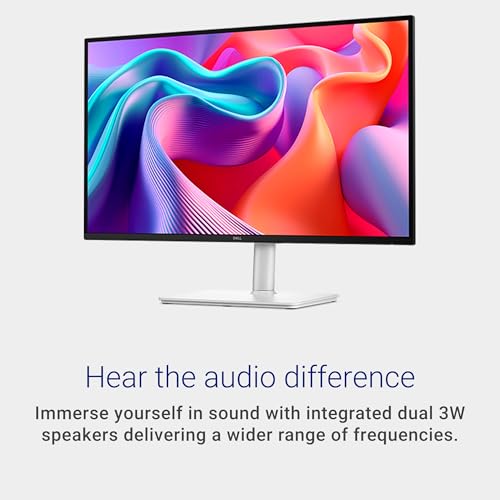
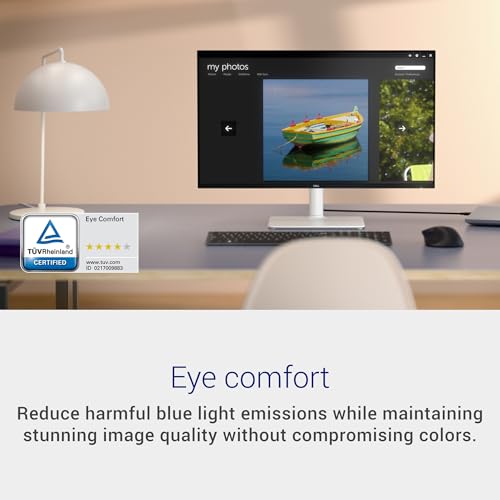
Integrated dual 3W speakers offer basic audio output, eliminating the immediate need for external speakers for everyday tasks. They support five preset sound profiles and a custom profile for tuning audio to different content like movies or music. A central feature is the 4-star TÜV certification for eye comfort. This certification indicates the display reduces harmful blue light emissions while aiming to maintain color accuracy, a boon for users concerned about eye strain during prolonged use.
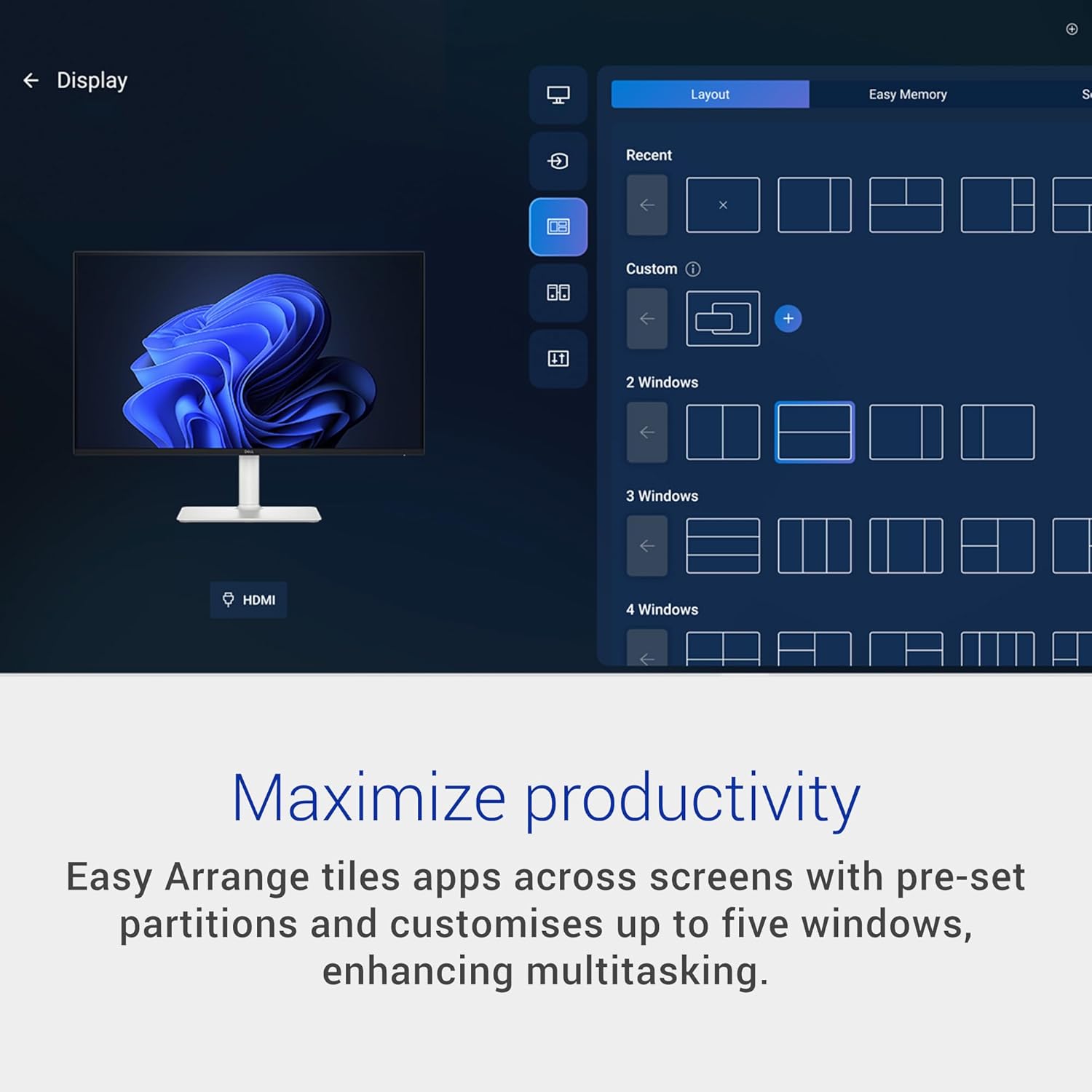
Dell provides the Dell Display and Peripheral Manager software, which offers utilities for window management (Easy Arrange) and the ability to automate brightness and contrast settings based on a schedule. This software is designed to optimize productivity and viewing comfort when used with compatible Dell systems.
Setup, Support and Ownership
Setup is reported to be straightforward. The monitor comes with a stand that likely uses a tool-free attachment mechanism, an HDMI cable, and a power cable. The ergonomic adjustments are intuitive to use once assembled. Dell includes a 1-year Advanced Exchange Service and Premium Panel Exchange warranty, which typically offers expedited replacement for defective units. The monitor is also ENERGY STAR certified, indicating higher energy efficiency. For long-term ownership, the sustainable construction using recycled materials is a notable plus, and the robust stand should provide stable support.
What Owners Say
Owner feedback is overwhelmingly positive, with a high average rating. Reviews frequently praise the monitor for its excellent picture quality, describing the QHD image as sharp, clear, and vibrant. The ease of setup and assembly is a common highlight, with many users reporting they were up and running within minutes. The ergonomic stand and adjustability are also appreciated, particularly for enhancing comfort. The built-in speakers are noted as a convenient bonus, though they are understood to provide basic sound quality sufficient for general use. Criticisms are minimal but include the lack of a built-in webcam for video calls and the observation that the white finish can attract smudges.
Pros and Cons
Pros
- Sharp QHD resolution with vibrant IPS colors
- Smooth 144Hz refresh rate with AMD FreeSync
- Excellent ergonomic stand with full adjustability
- 4-star TÜV certification for reduced eye strain
- Convenient built-in dual speakers
- Sustainable build using recycled materials
- Clean, modern ash white design
Cons
- Built-in speakers offer only basic audio fidelity
- Refresh rate may not satisfy competitive esports gamers
- Light-colored finish shows fingerprints and smudges
- No built-in USB hub or KVM functionality
- Lacks an integrated webcam
Who Should Buy It (and Who Should Skip It)
The Dell S2725DSM is an ideal choice for professionals, students, and home users who need a versatile, single-monitor solution for mixed workloads. Its sharp text clarity makes it excellent for office tasks and coding, while the high refresh rate and FreeSync support enhance media consumption and casual gaming. The ergonomic adjustments and eye comfort features are perfect for anyone spending long hours at their desk. It’s also a great fit for environmentally conscious buyers due to its sustainable construction.
This monitor is less suitable for users who prioritize premium audio, as the built-in speakers are serviceable but not high-fidelity. Competitive gamers seeking the highest refresh rates (e.g., 240Hz or above) for fast-twitch titles may want to look at specialized gaming monitors. Those who require extensive connectivity like a USB-C port with power delivery or a built-in KVM switch for managing multiple computers should also consider other options. If you prefer a darker, more smudge-resistant finish, the ash white color may be a drawback.
Final Verdict
The Dell S2725DSM successfully executes its role as a well-rounded, do-it-all monitor. It doesn’t necessarily excel in any single extreme category but delivers strong, balanced performance across the board. The combination of a crisp QHD IPS panel, a smooth 144Hz refresh rate, and exceptional ergonomic flexibility creates a highly comfortable and productive user experience. The inclusion of eye comfort certification and sustainable design principles adds thoughtful value beyond pure specifications.
While it makes some trade-offs—like basic speaker quality and a focus on core display inputs—these are understandable given its positioning. For most users seeking a reliable, high-quality 27-inch monitor that looks great, feels comfortable, and handles everything from spreadsheets to streaming seamlessly, the Dell S2725DSM is a compelling and easy-to-recommend choice. It embodies the principle that the best tool is often the one that performs consistently well across all your daily tasks. For more on optimizing your setup, explore our guides on the best ultra-wide monitors and best desk chairs.
FAQs
Does the Dell S2725DSM support HDR?
The provided specifications do not list HDR (High Dynamic Range) support for the Dell S2725DSM monitor. The key visual features highlighted are its QHD resolution, 1500:1 contrast ratio, 350-nit brightness, and AMD FreeSync. For HDR capability, you would need to look for a monitor that explicitly lists HDR10 or similar standards in its feature set.
Can you use this monitor in a vertical (portrait) orientation?
Yes, the Dell S2725DSM is designed for portrait orientation use. The stand includes pivot functionality, allowing the screen to rotate bi-directionally up to 90 degrees. This, combined with the height adjustment, makes it simple to switch between landscape and portrait modes, which is useful for coding, reading long documents, or social media browsing.
Is the Dell Display Manager software required to use the monitor?
No, the Dell Display and Peripheral Manager software is not required for basic monitor operation. You can plug in the monitor via HDMI or DisplayPort and use it immediately. The software provides additional utilities for window management and automated display settings, which can enhance productivity and comfort but are optional features.
What is the difference between 1ms MPRT and a 1ms GtG response time?
MPRT (Moving Picture Response Time) and GtG (Gray-to-Gray) are different methods of measuring response time. MPRT is a measure of perceived motion blur and often involves the use of backlight strobing techniques to achieve a lower number. GtG measures the time it takes for a pixel to change from one shade of gray to another. A 1ms MPRT rating, like on the S2725DSM, indicates effective motion clarity reduction, but it may not represent the same native panel transition speed as a 1ms GtG rating. For more insights on display technology, check out our tech gear section.
About the author

Elvis Dicki writes reviews and buying guides for CyberSecLabs.