ASUS PA27JCV Review: A 5K HDR Monitor for Professional Creators
The ASUS PA27JCV delivers exceptional 5K resolution and color accuracy for video editors and designers, though its 60Hz refresh rate limits gaming appeal.
 By Elvis Dicki
Updated October 21, 2026
By Elvis Dicki
Updated October 21, 2026
The ASUS ProArt Display PA27JCV is a 27-inch 5K HDR monitor engineered for professionals who demand precision. It targets content creators, video editors, and designers who require ultra-sharp detail and true-to-life color reproduction for reliable output. This monitor comes factory calibrated and packed with features like USB-C power delivery and an Auto KVM to streamline multi-device workflows. For those whose work hinges on color accuracy and high resolution, the ASUS PA27JCV presents a compelling option, balancing professional-grade performance with thoughtful connectivity.

This review analyzes the specifications, design, and reported performance of the ASUS PA27JCV to determine its place in a professional setup. We will examine its 5K resolution, wide color gamut coverage, and the practical benefits of its built-in sensors and single-cable connectivity. The goal is to provide a clear assessment of who will benefit most from this monitor’s capabilities and where it might fall short for other users.
ASUS ProArt PA27JCV 27 Inch 5K HDR IPS Monitor







As an Amazon Associate we earn from qualifying purchases. Product prices and availability are accurate as of the date/time indicated.
ASUS PA27JCV at a Glance
| Specification | Detail |
|---|---|
| Screen Size & Panel | 27-inch IPS |
| Native Resolution | 5K HDR (5120 x 2880) |
| Refresh Rate | 60 Hz |
| Color Gamut | 99% DCI-P3, 100% sRGB |
| Factory Calibration | Delta E < 2 (Calman Verified) |
| Key Connectivity | USB-C with 96W PD, HDMI, DisplayPort |
| Key Feature | Auto KVM for multi-device control |
| Adjustability | Tilt, swivel, height, pivot |
| Warranty | 3 years |
Design and Build
The ASUS PA27JCV adopts a professional aesthetic typical of the ProArt lineup, with a black finish and a compact base designed to save desk space. The stand provides ergonomic flexibility, offering tilt, swivel, height, and pivot adjustments to accommodate long working sessions in comfort. The screen features a matte, anti-glare finish using ASUS’s LuxPixel technology, which is intended to reduce reflections and eye strain while maintaining color accuracy. The overall build quality aligns with professional monitors, prioritizing function and stability over flashy design elements.
Performance and Features
Visual Performance
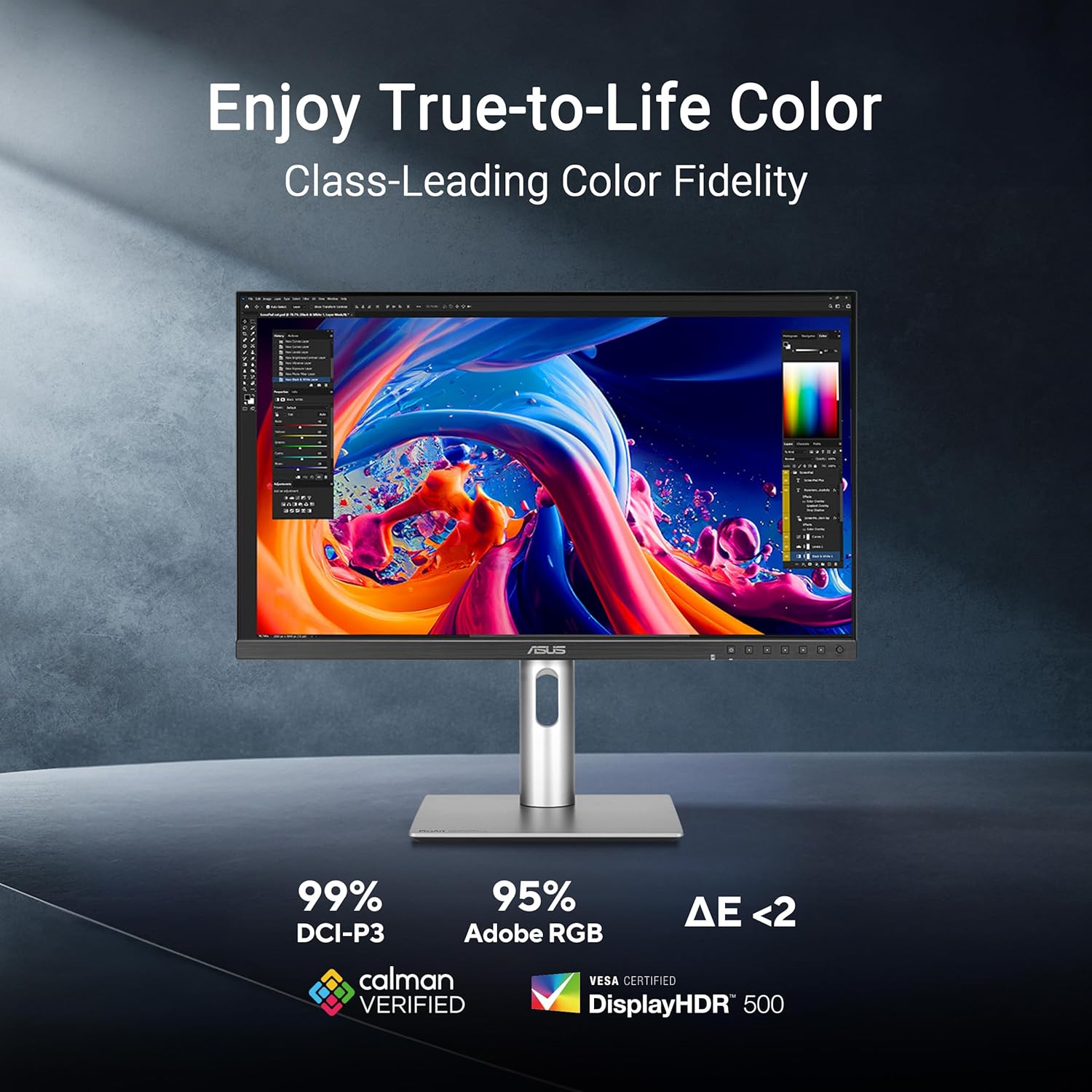
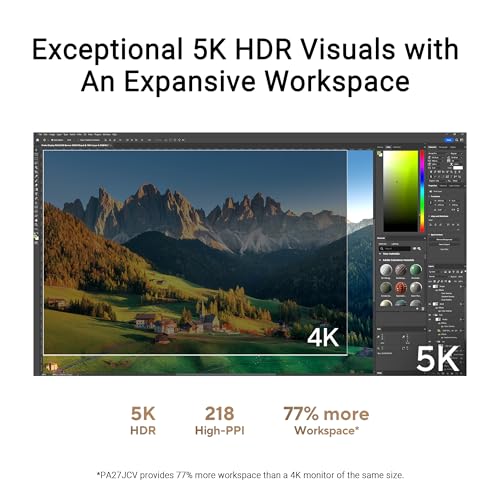
The cornerstone of the PA27JCV’s performance is its 5K (5120 x 2880) resolution on a 27-inch IPS panel. This pixel density provides an exceptionally sharp and detailed image, crucial for tasks like photo editing, video post-production, and graphic design where seeing fine detail is paramount. The monitor covers 99% of the DCI-P3 color gamut and 100% of sRGB, ensuring a wide spectrum of colors for professional video and web work. It is factory calibrated to a Delta E of less than 2 and is Calman Verified, which means it arrives with a high degree of color accuracy out of the box, a significant time-saver for creators.
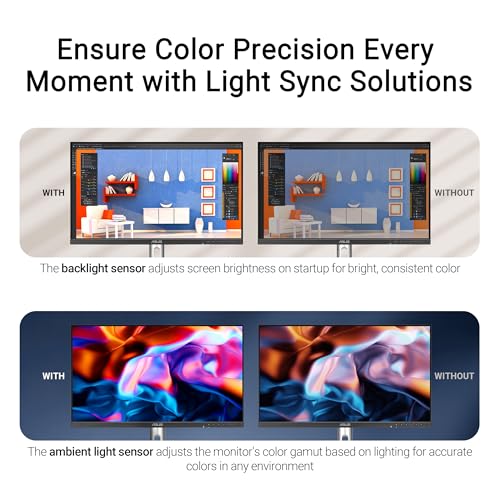
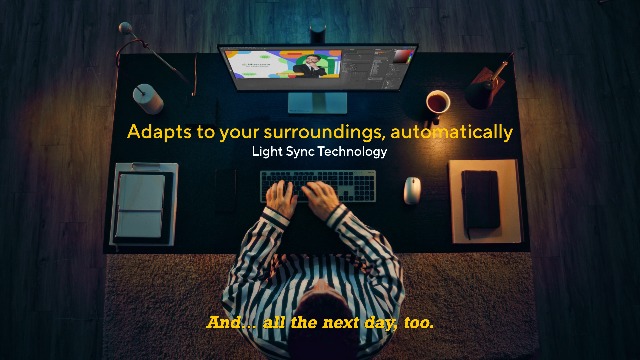
Additional visual enhancements include ambient light and backlight sensors that automatically adjust the screen’s brightness and color temperature based on the surrounding environment. This feature aims to maintain consistent color perception and reduce eye fatigue in varying lighting conditions. The monitor’s HDR support and 400 cd/m² brightness contribute to a vibrant image, though the specific HDR standard is not listed by the manufacturer. The 60Hz refresh rate and 5ms response time are adequate for creative work but are not targeted at high-frame-rate gaming.
Connectivity and Ports
Connectivity is a major strength of the PA27JCV. The inclusion of a USB-C port with 96W Power Delivery allows for a single-cable connection to compatible laptops, handling video, data, and charging simultaneously. This greatly simplifies cable management for mobile professionals. The monitor also features an Auto KVM function, which lets users control two connected computers with one keyboard and mouse, seamlessly switching between them. Other ports include HDMI, DisplayPort, and multiple USB 3.0 downstream ports for connecting peripherals, though the total number of video inputs is limited to the built-in options.
Key Features for Workflow
Beyond raw specs, the PA27JCV includes several features aimed at improving the professional workflow. The aforementioned Auto KVM and one-cable USB-C solution are prime examples. The LuxPixel anti-glare coating is designed to maintain sharpness and color fidelity while reducing distractions. The monitor also includes flicker-free technology and a blue light filter to support extended viewing sessions. A notable bundled offer is complimentary access to Adobe Creative Cloud for three months, providing immediate access to industry-standard creative software for new users.
Setup, Support and Ownership
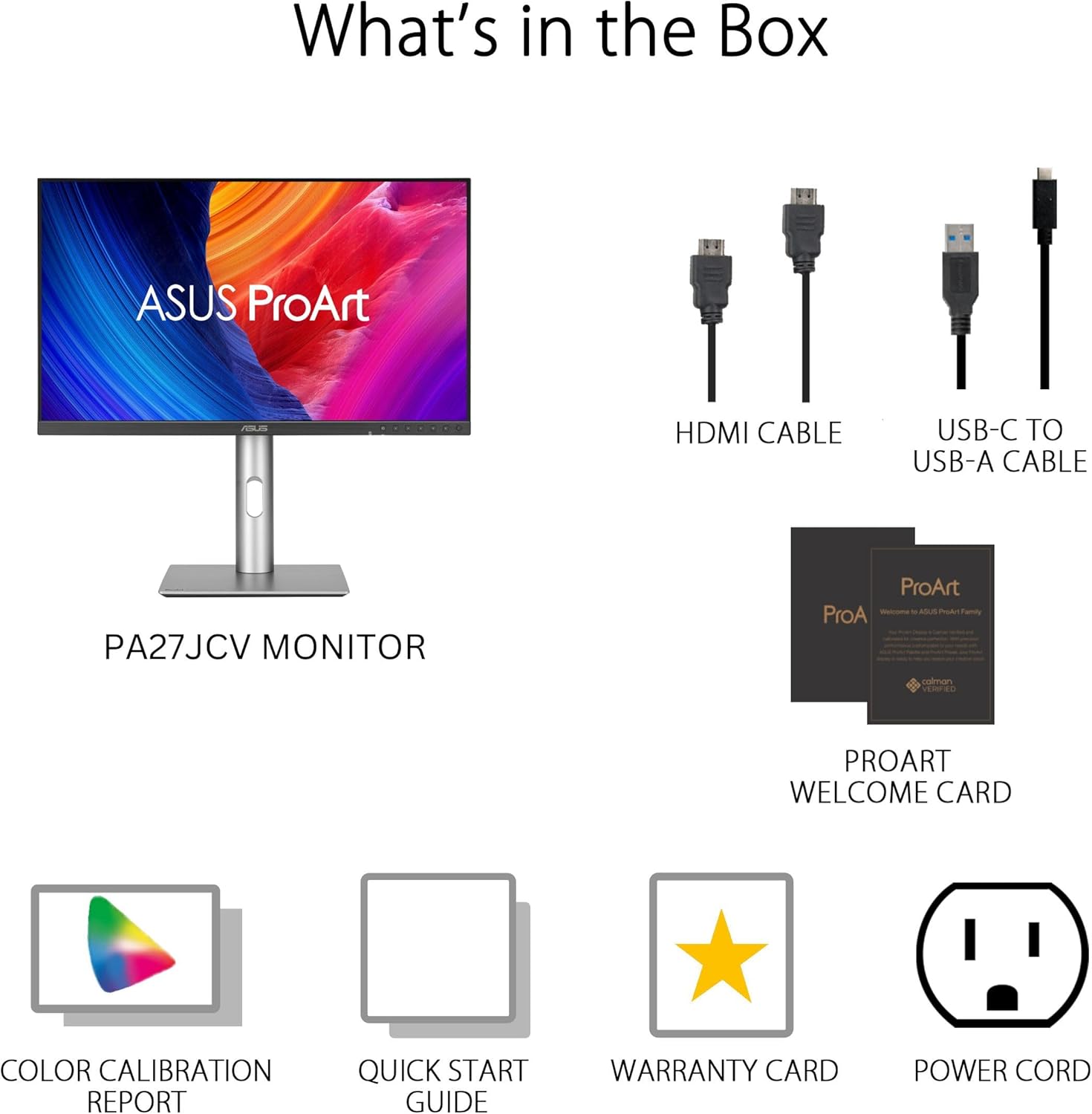
Setup is straightforward, leveraging the included stand or the VESA mount compatibility for alternative mounting solutions. The package includes necessary cables such as HDMI, USB-C, and a power cord. The inclusion of a factory color calibration report provides assurance of the out-of-the-box performance. ASUS backs the ASUS PA27JCV with a three-year manufacturer warranty, which is above average and reflects confidence in the product’s longevity. For ongoing support, users can rely on ASUS’s standard customer service channels. Specific details about firmware update processes or dedicated software suites are not provided in the available data.
What Owners Say
Overall feedback from owners is positive, with praise frequently directed at the monitor’s stunning 5K clarity and excellent color reproduction, confirming its suitability for color-critical work. The convenience of the single USB-C cable for laptop users is also highlighted as a significant benefit. However, some notes indicate that the matte screen coating, while good for glare reduction, can slightly soften the perceived sharpness when compared to glossy alternatives. The 60Hz refresh rate is generally accepted by its target creative audience but is noted as a limitation for those considering any form of fast-paced gaming. The aggregate rating reflects a product that excels in its core professional function.
Pros and Cons
Pros
- Exceptional 5K resolution provides ultra-sharp detail for creative work.
- Wide color gamut coverage (99% DCI-P3) with factory calibration ensures high color accuracy.
- Convenient single-cable USB-C connectivity with 96W laptop charging.
- Auto KVM feature simplifies multi-computer workflows.
- Ergonomic stand with full adjustments and a space-saving base.
- Ambient light sensors automatically adjust display for consistent viewing.
Cons
- 60Hz refresh rate limits suitability for high-refresh-rate gaming.
- Matte screen coating may slightly soften perceived image sharpness.
- Limited selection of video inputs without using adapters.
- HDR performance specifics are not detailed by the manufacturer.
- Designed primarily for static creative work, not fast motion.
Who Should Buy It (and Who Should Skip It)
The ASUS PA27JCV is an ideal choice for professional content creators, including video editors, graphic designers, and photographers, for whom color accuracy and high resolution are non-negotiable. It is also an excellent fit for professionals using laptops, thanks to the USB-C power delivery, and for those managing a multi-PC setup with its Auto KVM function. Users looking for a clean, ergonomic workspace will appreciate its design.
This monitor is not the right choice for competitive gamers who require high refresh rates and fast response times. Those who prefer the punchy vibrance of a glossy screen for media consumption might find the matte finish less appealing. Users who need a multitude of direct video inputs for numerous consoles or PCs may find the port selection limiting. For more information on monitors suited for different needs, explore our Reviews section or our guide to the best ultra-wide monitors.
Final Verdict
The ASUS ProArt PA27JCV successfully fulfills its mission as a tool for professional creators. Its 5K resolution delivers incredible detail, while its factory calibration and wide color gamut provide the accuracy needed for reliable work. The integration of practical features like USB-C power delivery, an Auto KVM, and ambient light sensors shows a deep understanding of the professional workflow. It makes a strong case for itself in a studio or office where precision and efficiency are paramount.
However, its focus on creative work means compromises elsewhere. The 60Hz refresh rate and matte coating are trade-offs that content creators are willing to make but that exclude gamers and some general users. Ultimately, if your primary need is a color-accurate, high-resolution display to elevate your creative projects, the ASUS PA27JCV is a formidable contender. For other uses, like gaming or general office tasks, more balanced or specialized options exist, such as those discussed in our roundup of the best ultra-wide curved monitors.
FAQs
Is the ASUS PA27JCV good for video editing?
Yes, it is excellent for video editing. The 5K resolution provides ample screen real estate and sharp detail for timeline work, while the 99% DCI-P3 color gamut coverage and factory calibration to Delta E < 2 ensure colors are accurate for grading and final output. The inclusion of HDR support further enhances its suitability for modern video production workflows.
Can this monitor charge a laptop?
Yes. The USB-C port supports up to 96W of Power Delivery, which is sufficient to charge most modern laptops, including many high-performance models, while also transmitting video and data through the same single cable.
What is the Auto KVM feature?
The Auto KVM (Keyboard, Video, Mouse) feature allows you to connect two computers to the monitor and use a single set of peripherals (keyboard and mouse) to control both. The monitor can automatically switch the video signal and peripheral control between the two connected PCs based on which one you are actively using, streamlining a multi-computer setup.
Is the ASUS PA27JCV suitable for gaming?
It is not ideal for fast-paced, competitive gaming due to its 60Hz refresh rate and 5ms response time. While it can handle casual games, its strengths lie in visual fidelity and color accuracy, not in high frame rates. Gamers should look for monitors with higher refresh rates. For insights on gaming setups, check out our guide to gaming desk chairs.
About the author

Elvis Dicki writes reviews and buying guides for CyberSecLabs.