Dell S2425HSM Review: A Smooth and Comfortable Daily Driver
The Dell S2425HSM combines a 144Hz refresh rate for smooth visuals with a fully ergonomic stand and TÜV-certified eye comfort, making it a strong choice for general productivity and casual entertainment.
 By Elvis Dicki
Updated October 22, 2026
Dell’s lineup of monitors is known for balancing performance with user-centric design, and the Dell S2425HSM continues this tradition. This 23.8-inch FHD display is positioned as a versatile daily driver, blending a high refresh rate for smooth motion with features aimed at long-term comfort. It is designed for users who need a responsive and adaptable screen for office work, web browsing, media consumption, and light gaming, all without the complexity of a dedicated gaming monitor.

At its core, the Dell 24 Plus Monitor – S2425HSM offers a straightforward proposition: a fast 144Hz panel, integrated audio, and extensive adjustability in a clean, white chassis. The bottom line is that this monitor prioritizes a fluid, comfortable viewing experience for everyday tasks over ultra-high resolution or professional color accuracy, making it a practical upgrade from standard 60Hz office displays.
Prime Dell S2425HSM 24 Inch 144Hz FHD Monitor






As an Amazon Associate we earn from qualifying purchases. Product prices and availability are accurate as of the date/time indicated.
Dell S2425HSM at a Glance
| Specification | Detail |
|---|---|
| Screen Size & Resolution | 23.8-inch, FHD (1920 x 1080) |
| Refresh Rate & Response | 144Hz, 1ms MPRT (8ms response time) |
| Adaptive Sync | AMD FreeSync |
| Contrast Ratio | 1500:1 |
| Brightness | 300 nits |
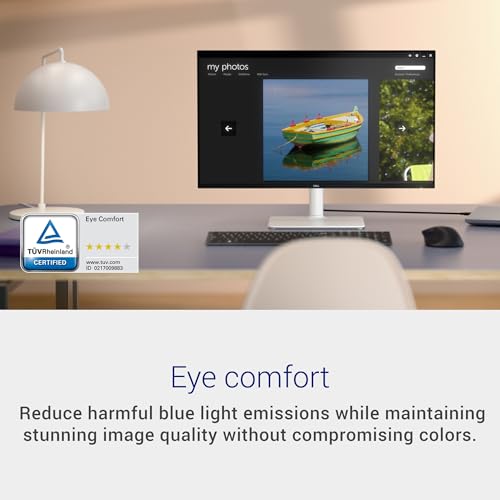
| Eye Comfort | 4-star TÜV certification, Flicker-Free |
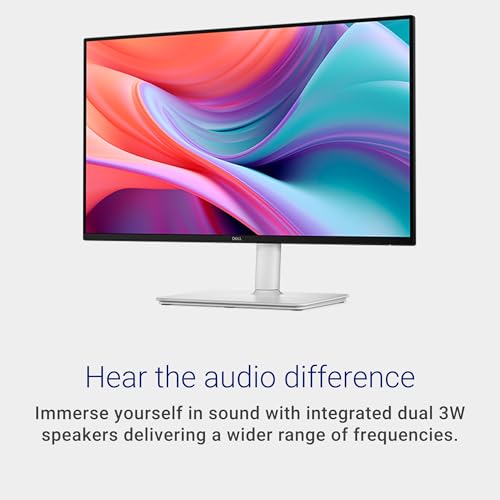
| Speakers | Dual 3W integrated |
| Connectivity | 2 x HDMI (HDCP 1.4) |
| Ergonomics | Height, tilt, swivel, and pivot adjustments |
| Energy Certification | ENERGY STAR |
Design and Build
The Dell S2425HSM sports a clean and modern aesthetic in its Ash White finish, which helps it stand out from the typical sea of black monitors. The three-sided slim bezels contribute to a more immersive view when using multiple monitors, a feature appreciated in multitasking setups. The build quality follows Dell’s reliable standards, with the stand offering a solid, wobble-free base for the panel.
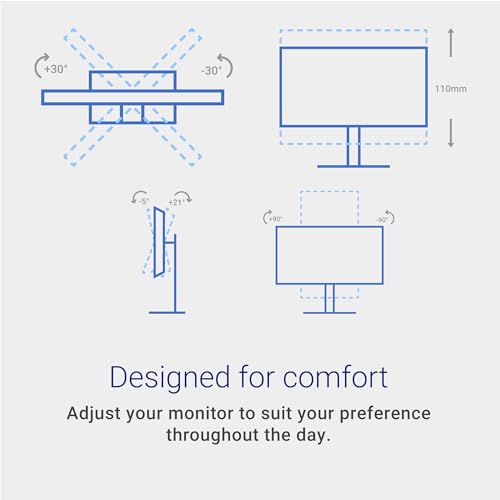
The standout element of the design is undoubtedly the fully ergonomic stand. It provides a comprehensive range of motion: 110mm of height adjustment, -5 to +21 degrees of tilt, 30 degrees of swivel in both directions, and 90-degree pivot for portrait orientation. This level of adjustability is a significant advantage, allowing users to achieve an optimal viewing posture to reduce neck and eye strain during long work sessions. The monitor also includes a VESA mount pattern, offering flexibility for those who prefer monitor arms. The packaging is noted to be made from 100% renewable materials, aligning with Dell’s stated sustainability efforts.
Performance and Features
Visual Performance
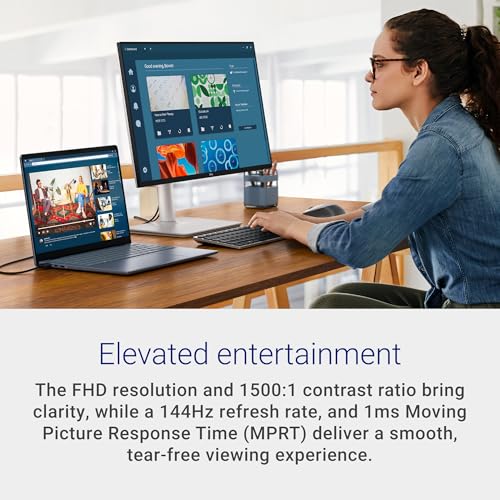
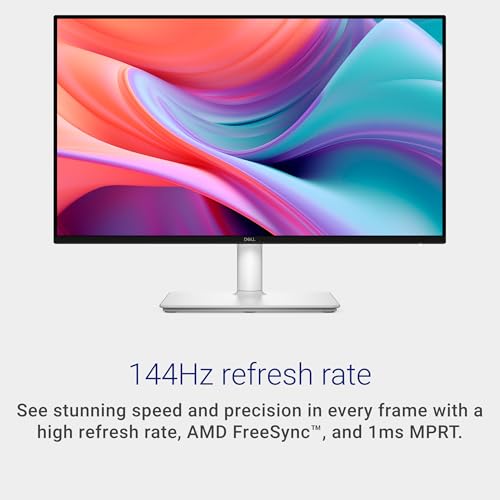
The 23.8-inch IPS panel delivers Full HD (1920×1080) resolution with a matte, anti-glare finish. With a pixel density suitable for its size, text and images appear crisp for general use. The 144Hz refresh rate is the performance highlight, making on-screen motion noticeably smoother than standard 60Hz displays. This is beneficial not just for gaming but also for scrolling through documents, web pages, and video playback. Paired with AMD FreeSync technology, it helps reduce screen tearing and stuttering when used with compatible graphics cards.
The 1ms Moving Picture Response Time (MPRT) is specified for fast motion clarity, though the gray-to-gray response time is listed as 8 milliseconds. The 1500:1 contrast ratio and 300-nit brightness should provide adequate depth and visibility for most indoor environments. The color gamut covers 99% of the sRGB spectrum, which is sufficient for casual content creation and entertainment but may not meet the needs of professional color-critical work. The monitor’s TÜV 4-star certification for eye comfort is a key feature, incorporating technologies to reduce harmful blue light emissions while aiming to maintain color accuracy, a boon for long-duration viewing.
Audio and Connectivity
Integrated audio is often an afterthought, but the Dell S2425HSM includes dual 3W speakers. While not a replacement for dedicated speakers or a high-quality headset, they provide clear sound for video calls, system notifications, and casual media consumption. Dell includes five preset sound profiles and the option to create a custom profile via its software, allowing for some audio tailoring. For connectivity, the monitor offers two HDMI 1.4 ports, which support the monitor’s maximum resolution and refresh rate. This simplifies connecting a PC and a gaming console or secondary device, though the absence of DisplayPort or USB-C inputs limits connectivity options for newer laptops or high-bandwidth needs.
Software and Management
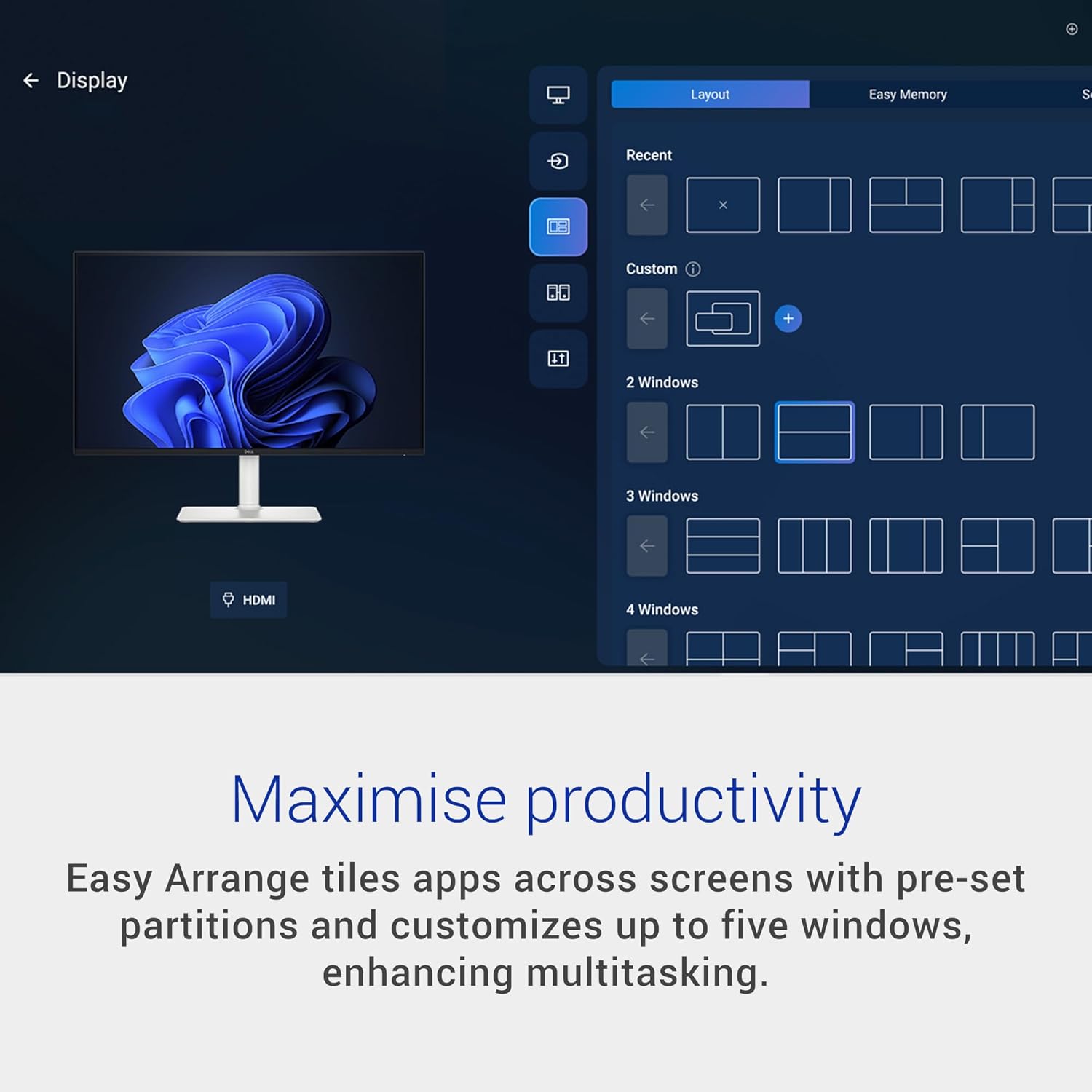
Dell provides the Dell Display and Peripheral Manager (DDPM) software for compatible systems. This application offers useful features beyond basic monitor settings. Its Easy Arrange function helps with window management by allowing users to quickly tile applications across the screen with preset partitions, which can enhance multitasking efficiency. The software also enables saving and restoring these window layouts manually, on a schedule, or at startup.
Setup, Support and Ownership
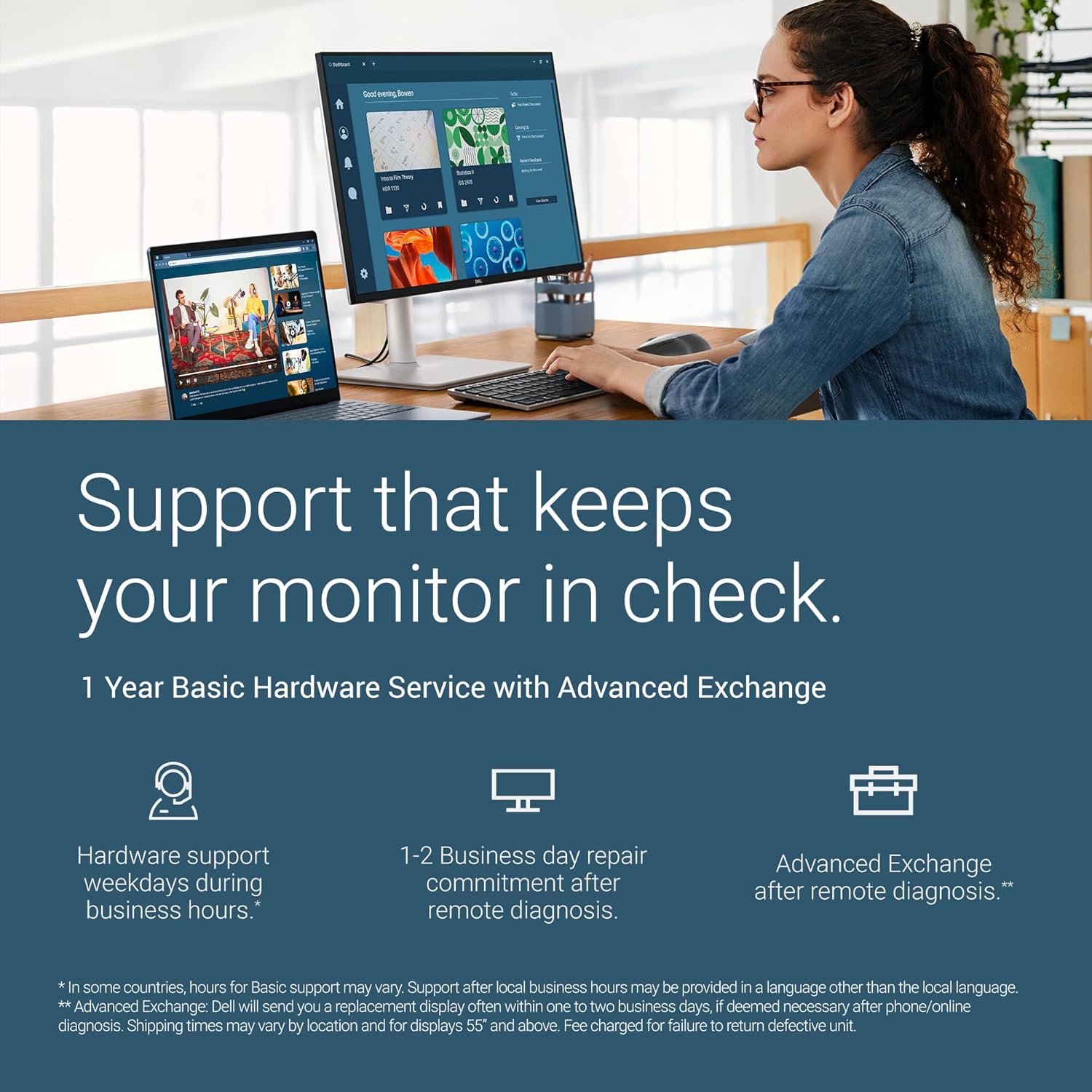
Setup is straightforward. The monitor comes with a stand that attaches easily, a power cable, and a single HDMI cable. With only HDMI inputs, connecting devices is simple, though users with older systems may need to check for compatible cables. The monitor is ENERGY STAR certified, indicating lower power consumption during use, which is a positive for both energy bills and environmental impact. Dell backs the Dell S2425HSM with a 1-Year Advanced Exchange Service and Premium Panel Exchange warranty, which is a standard offering for consumer monitors and provides a direct replacement path for defective units.
What Owners Say
As a new model, extensive user-generated feedback is not yet available. The official rating is high, but prospective buyers should note that this score may not yet reflect a broad base of long-term ownership experiences. Early adoption often means relying more on the manufacturer’s specifications and the brand’s reputation for quality, which in Dell’s case is generally strong in the monitor space.
Pros and Cons
Pros
- Smooth 144Hz refresh rate with AMD FreeSync support
- Excellent ergonomic stand with full height, tilt, swivel, and pivot
- TÜV-certified eye comfort features for reduced strain
- Integrated dual 3W speakers with customizable sound profiles
- Clean, white design with slim bezels
- Useful Dell Display and Peripheral Manager software for window management
Cons
- FHD resolution may lack detail density for some professional uses
- Limited to HDMI 1.4 connectivity; lacks DisplayPort or USB-C
- Built-in audio, while convenient, is not suitable for critical listening
- As a new release, extensive real-world user reviews are scarce
- Contrast and color performance are geared for general use, not professional grading
Who Should Buy It (and Who Should Skip It)
The Dell S2425HSM is an excellent fit for home office users, students, and general-purpose computer users who value screen smoothness and physical comfort. Its 144Hz panel makes everyday computing feel more fluid, and the ergonomic stand is a genuine upgrade for anyone spending long hours at a desk. It’s also a sensible choice for casual gamers who want a responsive experience without the aggressive styling of gaming monitors. The integrated speakers and eye comfort features add to its appeal as an all-in-one solution for a tidy workspace. For more insights on optimizing your setup, explore our guide on the best desk chairs to pair with your new monitor.
This monitor is not the best choice for professionals in photo editing, video production, or design who require wider color gamuts (like Adobe RGB or DCI-P3) and higher resolutions like QHD or 4K for precise detail work. Competitive esports players might seek monitors with even faster native response times. Users who need to connect modern laptops via USB-C for single-cable power and video will find the lack of that port a limitation. If your priority is an immersive, panoramic view for work or simulation games, you might consider the options listed in our review of the best ultra-wide monitors.
Final Verdict
The Dell S2425HSM successfully executes a specific formula. It takes the smooth motion of a high refresh rate panel, a feature once reserved for gaming, and integrates it into a monitor designed for all-day comfort and productivity. The combination of the 144Hz/FreeSync panel, the highly adjustable stand, and the TÜV eye-care certification creates a compelling package for the everyday user. It acknowledges that visual comfort is not just about static image quality but also about how the image moves and how the screen fits your body.
While it makes concessions in connectivity and peak resolution to hit its price point, these are logical trade-offs for its target audience. For someone upgrading from a basic 60Hz monitor, the difference in daily smoothness and ergonomic flexibility will be immediately apparent. It stands as a well-rounded, thoughtful display that prioritizes the user’s comfort and fluid viewing experience above niche extremes, making it a smart choice for a versatile home or office setup. For other tech solutions that enhance your daily routine, check out our picks for the best AI smart home devices.
FAQs
Does the Dell S2425HSM support VESA mounting?
Yes, the Dell S2425HSM is VESA mount compatible. The included ergonomic stand can be removed, allowing the monitor to be attached to a wide range of monitor arms or wall mounts that support the VESA standard, providing even greater flexibility for your desk setup.
Is this monitor good for coding or text-heavy work?
Yes, it is well-suited for such tasks. The Full HD resolution on a 23.8-inch screen provides clear text rendering, and the matte anti-glare coating helps reduce reflections. Most importantly, the full ergonomic adjustments and TÜV eye-comfort certification are significant benefits for long coding or writing sessions, helping to minimize physical strain.
Can I run this monitor at 144Hz using the included cables?
The monitor includes an HDMI 1.4 cable. HDMI 1.4 specification supports 1920×1080 resolution at 144Hz, so you should be able to achieve the full refresh rate with the included cable, provided your computer’s graphics card also has an HDMI output that supports the necessary bandwidth.
How do the built-in speakers perform?
The dual 3W speakers are adequate for basic audio needs like video conferences, system sounds, and casual YouTube or music streaming. They offer clearer sound than many built-in monitor speakers and include customizable sound profiles via Dell’s software. However, for immersive movie watching, critical music listening, or gaming, dedicated external speakers or a quality headset are recommended. For a dedicated audio upgrade, our soundbars category offers several alternatives.
About the author

Elvis Dicki writes reviews and buying guides for CyberSecLabs.