Synology DS223j Review: DSM Software Strength, Two-Bay Limitation
The Synology DS223j is a capable and user-friendly NAS enclosure, ideal for home users and small offices seeking subscription-free private cloud storage and data protection, though its two-bay design limits expansion.
 By Elvis Dicki
Updated October 20, 2026
By Elvis Dicki
Updated October 20, 2026
In the realm of personal and small office data management, the Synology DS223j presents itself as a focused solution. This two-bay Network Attached Storage (NAS) enclosure is designed for users who prioritize data ownership, secure access, and streamlined backup without the recurring costs of cloud subscriptions. It is a diskless unit, meaning storage drives must be purchased separately, positioning it for those building a tailored storage system. For home users, freelancers, or small teams looking to consolidate files, create a private media server, or implement a basic surveillance system, the DS223j leverages Synology’s renowned DiskStation Manager (DSM) software to deliver a robust feature set in a compact form factor.

The bottom line is that the Synology DS223j excels through its intuitive software ecosystem, offering powerful, subscription-free tools for file sharing, backups, and media streaming, but its hardware is best suited for light to moderate workloads due to its two-bay architecture. Its appeal lies not in raw hardware specifications but in the comprehensive data management capabilities unlocked by the DSM operating system, which includes support for the Btrfs file system for advanced data protection. This review analyzes its design, features, and user feedback to determine if it’s the right central hub for your digital life.
Synology DS223j 2-Bay NAS Enclosure for Private


As an Amazon Associate we earn from qualifying purchases. Product prices and availability are accurate as of the date/time indicated.
Synology DS223j at a Glance
| Specification | Detail |
|---|---|
| Model | Synology DS223j |
| Form Factor | 2-Bay DiskStation (Diskless) |
| Dimensions | 6.5″D x 3.94″W x 8.9″H |
| Weight | 0.87 Kilograms |
| Enclosure Material | Plastic & Tempered Glass |
| Key Software | Synology DiskStation Manager (DSM) |
| File System Support | Btrfs (for self-healing files) |
| Surveillance Capacity | Up to 12 IP cameras |
| Compatible Devices | Android, Desktop, Laptop, iPhone |
| Warranty | 2 Years |
Design and Build
The Synology DS223j adopts a compact, space-saving design that is described by the manufacturer as quiet and energy-efficient. With dimensions of 6.5 inches deep, 3.94 inches wide, and 8.9 inches high, it is built to fit discreetly on a desktop or shelf in a home office or living environment. The enclosure utilizes a combination of plastic and tempered glass in its construction, finished in white, which contributes to a modern and minimalist aesthetic. This design philosophy prioritizes blending into the background while providing reliable service. The unit’s lightweight build at 0.87 kilograms facilitates easy placement and portability if needed, though it is intended as a stationary tabletop device.
Assembly is required, which primarily involves installing the purchased hard drives into the two available bays. The compact footprint is a clear advantage for users with limited space, aligning with its role as a personal or small business hub. The design supports its core promise of being an unobtrusive, always-on appliance for data storage and access.
Performance and Features
Core Functionality and Software
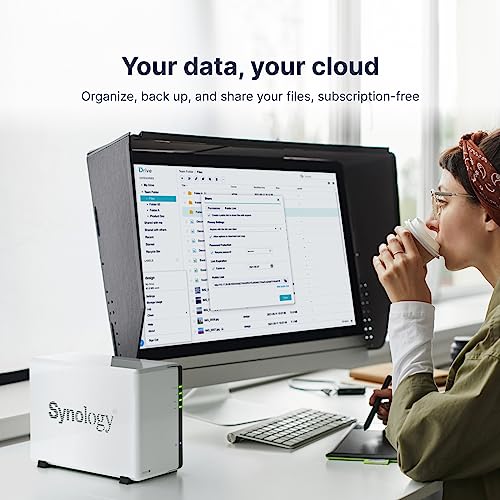
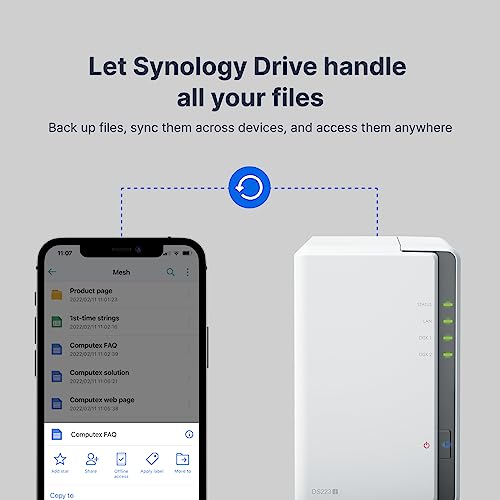
The true heart of the Synology DS223j is the Synology DiskStation Manager (DSM) software. This operating system transforms the hardware into a versatile private cloud server. A key selling point is the enjoyment of full data ownership with secure private cloud access from any device, without subscription fees. DSM provides an intuitive web-based interface for managing files, users, and applications. It supports comprehensive network file sharing protocols including CIFS, AFP, NFS, and FTP, allowing seamless integration with Windows, macOS, and Linux environments. This makes it effective for centralizing files and enabling collaboration across devices.
Data Protection and Backup
Data protection is a major focus. The DS223j supports the Btrfs file system, which enables advanced data protection features like self-healing files that can detect and repair corruption. The system offers comprehensive, subscription-free backup solutions for a wide array of sources. This includes backing up computers running Android, Apple iOS, Mac, and Windows operating systems, as well as virtual machines (VMs), and cloud services like Microsoft 365 and Google Workspace. This versatility ensures that data from personal phones, office computers, and online workspaces can be consolidated and secured in one local location.
Media and Surveillance Capabilities
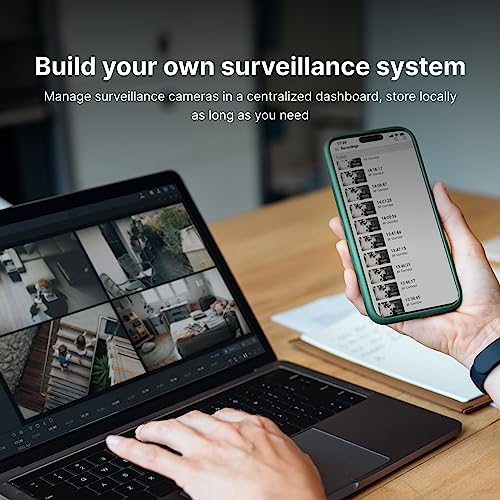
Beyond file storage, the DS223j functions as a private cloud media server. It supports DLNA/UPnP protocols, allowing users to stream videos natively to Smart TVs, media players like Apple TV or Chromecast, and mobile devices. For security needs, the built-in Surveillance Station application can manage video feeds from up to 12 IP cameras, transforming the NAS into a network video recorder (NVR) for monitoring premises. This multi-functionality consolidates several common tech needs—storage, media, and security—into a single, manageable device. For those building a broader network security management setup, a dedicated NAS for surveillance footage can be a valuable component.
Setup, Support and Ownership
Initial setup involves installing the user-purchased hard drives into the two bays. Synology provides resources through its knowledge center and YouTube channel to assist with product setup and additional information. The DSM interface is widely recognized for its user-friendliness, guiding users through creating storage volumes, setting up shared folders, and configuring user accounts. Ownership considerations include the fact that this is a diskless model; the total cost of ownership must factor in the price of compatible hard drives. The two-bay design supports RAID configurations (like Synology Hybrid RAID, RAID 0, or RAID 1) for redundancy or performance, but it limits maximum raw storage expansion compared to models with more bays.
The unit comes with a two-year warranty. Its energy-efficient operation is a noted benefit for an always-on device, helping to manage long-term power costs. For users whose needs grow, the two-bay limit is the primary constraint, potentially necessitating an upgrade to a larger Synology model. Exploring secure networking solutions can complement the private cloud access provided by the DS223j.
What Owners Say
Owner feedback, as reflected in the rating distribution, is overwhelmingly positive. A significant majority of reviews award the highest rating, indicating strong satisfaction with the product’s performance, reliability, and the power of the DSM software. Users commonly praise its ease of use, quiet operation, and the value of having a private cloud. The smaller percentage of critical reviews often relates to the inherent limitations of a two-bay system or specific setup challenges, rather than fundamental flaws with the device itself. The high aggregate rating suggests the DS223j successfully meets expectations for its intended audience of home and small office users.
Pros and Cons
Pros
- Intuitive and powerful DSM software simplifies management
- Strong support for multi-platform file sharing and backups
- Subscription-free private cloud and surveillance tools
- Btrfs file system support for advanced data protection
- Compact, quiet, and energy-efficient design
- Capable media streaming via DLNA/UPnP
Cons
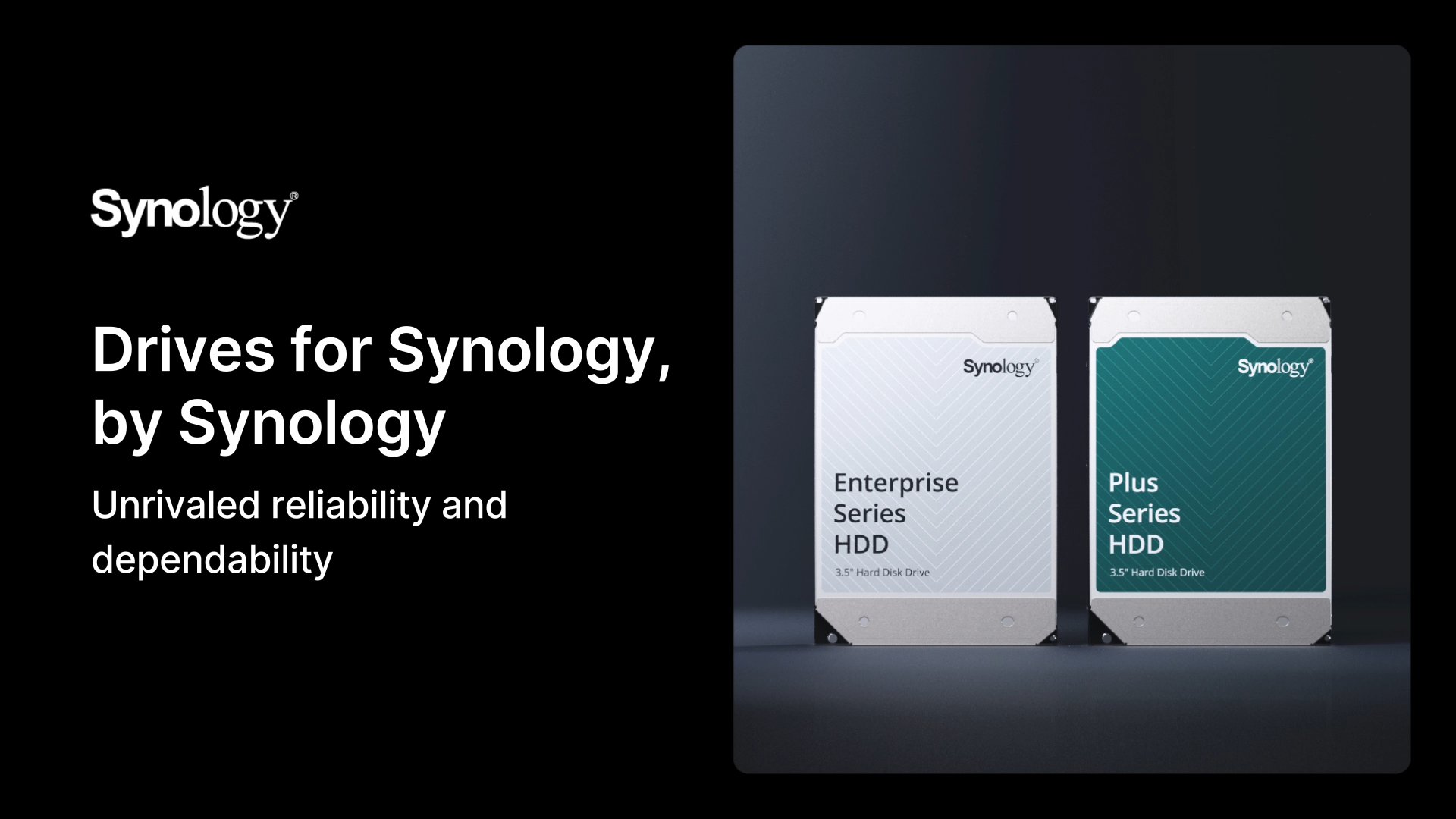
- Requires separate purchase of hard drives (diskless)
- Only two bays limit maximum storage expansion
- Best suited for light to moderate workloads
- Performance is software-focused rather than hardware-driven
Who Should Buy It (and Who Should Skip It)
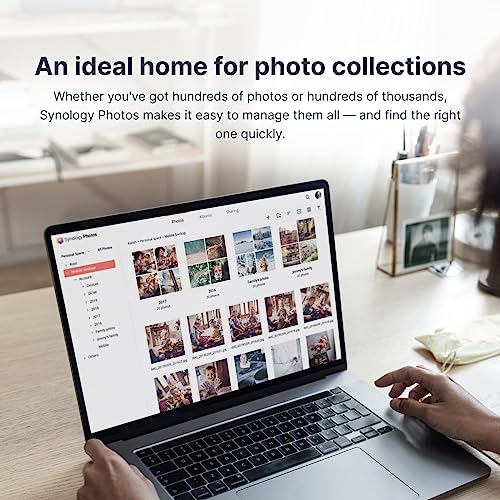
The Synology DS223j is an excellent choice for home users, freelancers, and small offices taking their first step into networked storage or seeking to escape subscription cloud services. It’s ideal for those who need a centralized location for family photos, documents, and media, want to back up multiple computers and phones, or desire a simple surveillance NVR. Its user-friendly nature makes it accessible even to those without extensive IT knowledge. Similarly, students or professionals managing project files across devices will find its syncing and sharing features highly useful.
This unit should be skipped by users with ambitions for large media libraries requiring vast storage space, those running demanding applications or virtual machines that need higher-performance hardware, or businesses anticipating rapid data growth. The two-bay limit is a hard ceiling. Enterprises or users with more advanced security and networking needs should consider models with more bays and enhanced hardware. For those focused purely on multimedia, dedicated tech gear for media playback might be more suitable.
Final Verdict
The Synology DS223j delivers exceptional value through software. Its hardware provides a competent foundation, but the real magic lies in the comprehensive, polished, and subscription-free ecosystem of Synology’s DSM. The ability to create a secure private cloud, implement robust backup strategies for diverse devices and services, stream media, and manage surveillance cameras from a single, compact device is compelling. For its target market, the trade-off of limited hardware expansion for such a rich feature set is often worthwhile.
While not a powerhouse for intensive tasks, it is a remarkably capable and efficient one-stop solution for fundamental data management needs. If your requirements align with light to moderate storage, sharing, and backup workloads, and you value simplicity and data ownership, the DS223j is a highly recommended entry point into the world of NAS. It proves that effective data management is more about intelligent software than brute hardware force.
FAQs
Does the Synology DS223j come with hard drives?
No, the Synology DS223j is sold as a diskless enclosure. You must purchase compatible 3.5-inch or 2.5-inch SATA hard drives or SSDs separately to install in its two bays before you can use it for storage. The total storage capacity and performance will depend on the drives you choose.
Can I access my files on the DS223j from anywhere?
Yes, one of its key features is enabling secure private cloud storage. By configuring remote access via Synology’s QuickConnect service or setting up a more advanced connection, you can safely access and manage your files from any internet-connected device, including smartphones, tablets, and other computers.
What is Btrfs and why is it important?
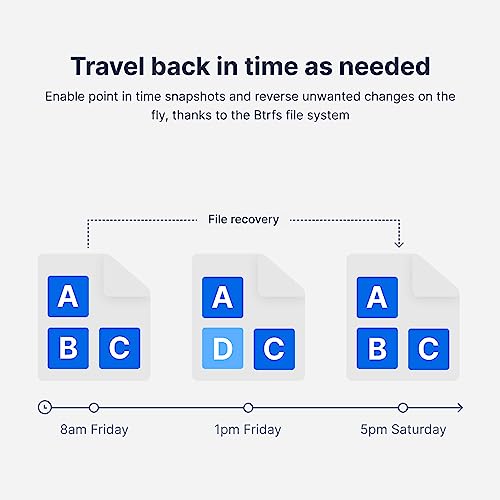
Btrfs is a modern file system supported by the DS223j’s DSM software. It provides advanced data protection features, most notably the ability to create snapshots for point-in-time recovery and “self-healing” capabilities that can detect and repair data corruption automatically when used with a compatible RAID configuration, enhancing data integrity.
Is the DS223j good for video surveillance?
Yes, it includes Synology Surveillance Station, a video management system license that supports up to 12 IP cameras. You can use it to record, manage, and monitor live feeds from compatible cameras, turning the DS223j into a network video recorder (NVR) for home or small business security. Additional camera licenses may be required beyond the two typically included.
About the author

Elvis Dicki writes reviews and buying guides for CyberSecLabs.