The 9 Best Budget SSDs of 2026
A great budget SSD can revitalize an older PC or expand storage in a new build without breaking the bank. We compared specs and real-world performance from top brands to find the most reliable and cost-effective drives of 2026.
 By Marcus Hale
Updated November 5, 2026
Slow load times, frustrating system delays, and limited storage space can cripple your productivity and gaming experience. When choosing a budget SSD, the three most critical decisions are capacity for your needs, the interface compatibility with your system (SATA vs. NVMe), and the reliability backed by warranty.

For most users looking for a reliable, no-fuss internal upgrade, the Kingston 240GB A400 SATA 3 2.5″ Internal SSD offers excellent value. If you need the absolute fastest speeds for gaming or content creation, the WD_Black SN7100 1TB NVMe SSD – Gen4 PCIe is a premium performer. For broader insights on upgrading your tech setup, explore our Tech Gear category.
The 3 Best Budget SSDs on Our Shortlist (November 2026)
- Best for: Reliable HDD Replacement
- Interface: SATA 3
- Capacity: 240GB
- Warranty: Limited

- Best for: High-Performance Gaming
- Interface: PCIe Gen4 NVMe
- Read Speed: 7,250 MB/s
- Capacity: 1TB

- Best for: Portable External Storage
- Interface: USB 3.2 Gen2
- Form Factor: External SSD
- Speed: 1000 MB/s
This post may contain affiliate links. As an Amazon Associate we earn from qualifying purchases.
Quick Comparison
| Award | Product | CSL Score About CSL ScoreThe CSL Score is our own rating from 0 to 10, based on performance, design and build, ease of use, and value. It reflects independent research and is never influenced by manufacturers, retailers, or affiliate commissions. Learn more › | |
|---|---|---|---|
| Best Overall |
Kingston A400 240GB SATA SSD
|
9.1/10 | Check price |
| Best Premium |
SanDisk WD_BLACK SN7100 1TB Gen4 NVMe SSD
|
9.1/10 | Check price |
| Top Rated |
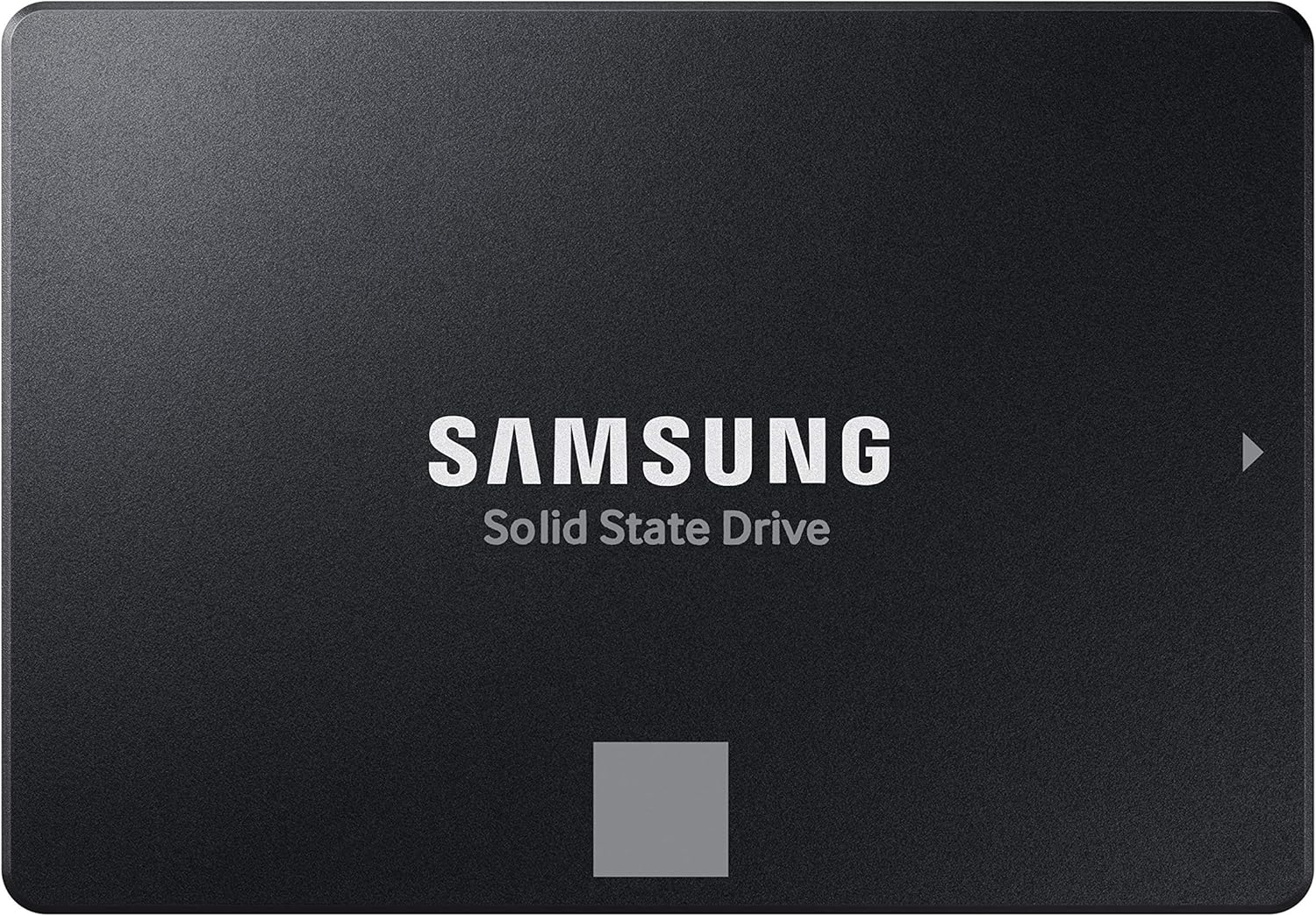 Samsung 870 EVO 500GB SATA SSD |
9.1/10 | Check price |
| Best Value |
 PNY CS900 500GB 2.5" SATA SSD |
8.9/10 | Check price |
| Also Great |
 Lexar NQ780 1TB NVMe SSD |
8.9/10 | Check price |
| Most Popular |
 Crucial BX500 1TB SATA SSD |
8.9/10 | Check price |
| Also Great |
 Vansuny X15-Black 1TB PCIe 3.0 NVMe SSD |
8.6/10 | Check price |
| Best Budget |
Vansuny 256GB USB-C & USB-A Portable SSD
|
8.0/10 | Check price |
| Also Great |
 Vansuny 512GB Dual-Interface USB 3.2 Gen 2 SSD |
8.0/10 | Check price |
Kingston A400 240GB SATA SSD
A highly-rated, budget-friendly SSD that delivers a significant performance boost over traditional hard drives. It's a straightforward upgrade for older laptops and desktops, offering faster boot times and improved general responsiveness.
Pros
- Excellent performance for the price, with read speeds up to 500MB/s
- Highly reliable with no moving parts, making it more durable than HDDs
- Widely compatible with SATA 2.0 and 3.0 systems, including laptops and desktops
- Available in multiple capacities for different storage needs
- Backed by a 3-year limited warranty
Cons
- Does not include cloning software for easy data migration
- Performance is standard SATA speed, not cutting-edge NVMe
SanDisk WD_BLACK SN7100 1TB Gen4 NVMe SSD
A high-performance Gen4 SSD engineered for gamers on the move, offering exceptional sequential read speeds up to 7,250 MB/s. Its design prioritizes laptops and handheld gaming devices, promising significant power efficiency improvements.
Pros
- Impressive Gen4 performance with up to 7,250 MB/s read speeds
- Engineered for laptops and handheld gaming devices with improved power efficiency
- Backed by a 3-year manufacturer's warranty
Cons
- The product listing notes it has been replaced by a newer generation model
- WD_BLACK Dashboard software for optimization is Windows-only
Samsung 870 EVO 500GB SATA SSD
This SATA SSD is a reliable and high-performance storage upgrade for a wide range of users, from IT professionals to everyday laptop owners. It leverages Samsung's in-house V-NAND and DRAM to deliver speeds near the SATA interface limit, backed by a substantial endurance rating and a 5-year warranty.
Pros
- Impressive sequential read/write speeds of 560/530 MB/s, maximizing the SATA 6 Gbps interface
- High endurance rating of up to 600 TBW, suitable for demanding tasks like 8K video processing
- Excellent reliability and compatibility, reviewed with major systems, chipsets, and NAS devices
- Includes Samsung Magician software for drive management, monitoring, and performance enhancement
- Comes with a 5-year limited warranty, reflecting strong manufacturer confidence
Cons
- Uses the older SATA interface, which limits maximum speeds compared to modern NVMe drives
- The 2.5-inch form factor requires a dedicated bay or adapter in some ultra-slim laptops
PNY CS900 500GB 2.5" SATA SSD
This SATA SSD offers a straightforward speed boost over a traditional hard drive, making it a practical upgrade for aging laptops and desktops. It delivers reliable sequential read/write speeds for quicker boot times and application loads, backed by a strong user rating.
Pros
- Solid sequential read and write speeds for a SATA drive
- Low power consumption compared to HDDs
- High user rating suggests reliable performance
- Includes a data recovery service
- Backwards compatible with SATA II interfaces
Cons
- SATA III interface is slower than modern NVMe options
- Compatibility is limited to devices with a 2.5-inch SATA bay
Lexar NQ780 1TB NVMe SSD
This PCIe Gen 4 SSD offers a compelling speed specification for its class, aimed at users who need fast boot times and responsive gameplay. Its single-sided design and Intelligent Power Control make it a viable option for laptop upgrades as well.
Pros
- Fast read/write speeds up to 6000/2500 MB/s suitable for gaming and system responsiveness.
- Single-sided M.2 2280 design and power management features enhance laptop compatibility.
- Includes Lexar DiskMaster utility for drive management and firmware updates.
- Backed by a 5-year limited warranty for peace of mind.
Cons
- Write speeds are notably lower than read speeds, which may affect some intensive tasks.
- The 1TB capacity might be limiting for users with extensive game libraries or media collections.
Crucial BX500 1TB SATA SSD
A budget-friendly SATA SSD that offers a significant speed boost over traditional hard drives, making it a straightforward upgrade for older desktops and laptops. It's backed by a three-year warranty and Micron's 3D NAND technology.
Pros
- Significantly faster boot and load times compared to HDDs
- Improves overall system responsiveness and energy efficiency
- Includes a three-year limited warranty and data recovery service
- Compatible with a wide range of desktops and laptops
Cons
- Maximum read speed is limited by the SATA III interface
- No specific details on enclosure build quality are provided
Vansuny X15-Black 1TB PCIe 3.0 NVMe SSD
This Vansuny SSD offers a solid budget-friendly upgrade with its PCIe 3.0 interface delivering respectable speeds up to 3400/2900 MB/s. It's a straightforward choice for desktop users looking to accelerate system boot, game loading, and file transfers without the premium price tag.
Pros
- Respectable read/write speeds for a PCIe 3.0 drive
- Includes necessary mounting screws for compatibility
- Low power consumption and heat generation
Cons
- Limited one-year warranty period
- Speed is capped by the older PCIe 3.0 standard
Vansuny 256GB USB-C & USB-A Portable SSD
This Vansuny drive is a dual-interface portable SSD, offering direct USB-C and USB-A connectivity for broad device compatibility. Its compact, zinc alloy body houses fast transfer speeds suitable for moving large media files between phones, tablets, and computers without needing adapters.
Pros
- Dual USB-C and USB-A connectors eliminate the need for adapters
- Compact and portable zinc alloy construction
- Wide compatibility with Windows, Android, Mac, and Linux systems
- Plug-and-play operation requires no software installation
- USB 3.2 Gen 2 support enables high-speed transfers
Cons
- 256GB capacity may be limiting for extensive 4K video libraries
- Rated speed is 'up to' and may vary with host device and connection type
Vansuny 512GB Dual-Interface USB 3.2 Gen 2 SSD
This external SSD offers a versatile dual USB-A and USB-C design, making it compatible with a wide range of devices from smartphones to computers. Its claimed speeds up to 1000MB/s are suited for transferring large media files. The compact, zinc alloy build aims for durability and portability.
Pros
- Dual USB-A and USB-C interfaces for broad device compatibility
- Compact, durable zinc alloy enclosure
- Plug-and-play operation across major operating systems
Cons
- User reviews indicate a 4.1-star rating, suggesting some variability in performance or reliability
How We Picked
Our selection process for these 9 drives was based on a detailed analysis of specifications, verified customer ratings, and owner feedback across major retailers. We focused on objective criteria to identify models that deliver genuine value within a budget-friendly range.
- Interface & Performance: We distinguished between SATA and NVMe drives, noting their respective speed ceilings and compatibility requirements.
- Capacity vs. Price: We evaluated the cost per gigabyte to find the sweet spot between ample storage and affordability.
- Reliability & Warranty: We prioritized brands and models with strong track records and substantive warranty coverage.
- Use Case Fit: We matched specific drive features, like form factor and connectivity, to common user scenarios (e.g., laptop upgrades, external storage, gaming).
Buying Guide: Making Sense of Best Budget SSDs
Interface: SATA vs. NVMe
Your motherboard dictates your choice. SATA SSDs, like the PNY CS900 500GB 2.5″ SATA III Internal SSD, connect via the same cables as old hard drives and are perfect for most upgrades. NVMe drives, such as the ones listed, plug directly into an M.2 slot and offer dramatically faster speeds, but only if your system supports it. Check your motherboard manual first.
Capacity: How Much Space Do You Need?
Consider your operating system, essential applications, and file sizes. A 240GB drive is sufficient for a Windows installation and core programs. For gamers or content creators, 500GB to 1TB is the new minimum. The Crucial BX500 1TB 3D NAND SATA 2.5-Inch Internal offers a great balance for users with larger media libraries.
Form Factor: Internal vs. External
Internal 2.5″ or M.2 drives are for permanently speeding up your computer. External SSDs, like the USB models on our list, are for portability, transferring large files between devices or expanding storage on consoles and laptops without opening them up. Choose based on your primary need: permanent performance boost or flexible, portable storage.
Quick Checklist
- Confirmed my motherboard has an available SATA port or compatible M.2 slot.
- Decided on a storage capacity that fits my budget and future needs.
- Chose between an internal drive for speed or an external for portability.
- Checked the warranty length and manufacturer reputation.
- Verified the drive’s rated speeds match my performance expectations.
Related reading: For more on optimizing your hardware setup, see our guide on The 9 Best Budget SSDs for November 2026.
FAQs
What is the best budget SSDs in 2026?
The “best” depends on your specific needs. For a straightforward internal replacement of a hard drive, the Kingston A400 is a top contender. For maximum speed in a compatible system, the WD_Black SN7100 is excellent. Our shortlist above highlights the best option for three distinct scenarios.
How do I know if an NVMe SSD is compatible with my PC?
Check your motherboard specifications for an “M.2” slot and note if it supports PCIe (NVMe) or just SATA. Most modern motherboards from the last 5 years support NVMe. You can also check your PC’s manual or use a system information tool.
Is a SATA SSD still a good upgrade?
Absolutely. Even a SATA SSD provides a massive performance leap over a traditional hard drive, with much faster boot, load, and file transfer times. It’s a fantastic, cost-effective upgrade for older systems. Learn more about component upgrades in our Mini PCs section.
Do SSDs require any special maintenance?
No, SSDs have no moving parts and generally require no maintenance. Unlike hard drives, they are not susceptible to fragmentation, so defragmentation is unnecessary and can reduce the drive’s lifespan. Just ensure your operating system is set up for an SSD (like enabling TRIM on Windows).
What’s the difference between internal and external SSDs?
Internal SSDs are installed inside your device to act as its primary fast storage. External SSDs, like the Vansuny 512GB USB Solid State Drive Up to 1000MB/s, are housed in an enclosure and connect via USB, making them portable for transferring files between computers, consoles, or as backup storage.
How difficult is it to install an internal SSD?
Installing a 2.5″ SATA SSD is often as simple as connecting two cables (power and data) and securing it in a drive bay. M.2 NVMe installation involves inserting the card into a slot and securing it with a single screw. Many manufacturers provide migration software to move your operating system. Always consult a guide for your specific computer model.
Final Thoughts
After comparing 9 models, three drives stand out for specific users. The Kingston 240GB A400 SATA SSD is best for those seeking a reliable, straightforward hard drive replacement to breathe new life into an older desktop or laptop. The WD_Black SN7100 NVMe SSD is the top choice for gamers and power users who need blistering read/write speeds from a compatible Gen4 system. Finally, the Vansuny 256GB USB SSD is the ideal pick for anyone needing portable, high-speed external storage for files, games, or backups. Before installation, ensure you have the correct cables or screws, and always back up your important data beforehand. For more in-depth tech analysis, visit our Review hub.
About the author
Marcus covers home networking for CyberSecLabs: Wi-Fi routers, mesh systems and the gear that keeps a home network fast and secure. Each buying guide is built from manufacturer specifications, owner feedback and current availability, and is updated as new models arrive.