Netgear RS300-100NAS Review: Tri-Band WiFi 7 with 2.5G Ports
The Netgear RS300-100NAS is a future-proof router delivering high-speed WiFi 7 and multi-gig wired performance for busy smart homes and demanding users.
 By Elvis Dicki
Updated October 22, 2026
The Netgear RS300-100NAS is a tri-band WiFi 7 router designed to bring next-generation wireless speeds and capacity to modern connected homes. This router, part of the Nighthawk lineup, targets users with high-performance needs, including gamers, 4K/8K streamers, and households packed with smart devices. In short, it’s a powerful networking hub for those looking to future-proof their home network and eliminate connectivity bottlenecks.

As a router-only device, it requires a separate modem for internet service, offering universal compatibility with any ISP. Its key proposition lies in leveraging the new WiFi 7 standard to provide faster speeds, greater capacity, and more stable connections across a wide area. For users ready to upgrade from older WiFi standards, the RS300-100NAS presents a compelling blend of cutting-edge wireless technology and robust wired connectivity.
NETGEAR Nighthawk RS300 WiFi 7 Tri-Band Router









As an Amazon Associate we earn from qualifying purchases. Product prices and availability are accurate as of the date/time indicated.
Netgear RS300-100NAS at a Glance
| Specification | Detail |
|---|---|
| WiFi Generation | WiFi 7 (802.11.be) |
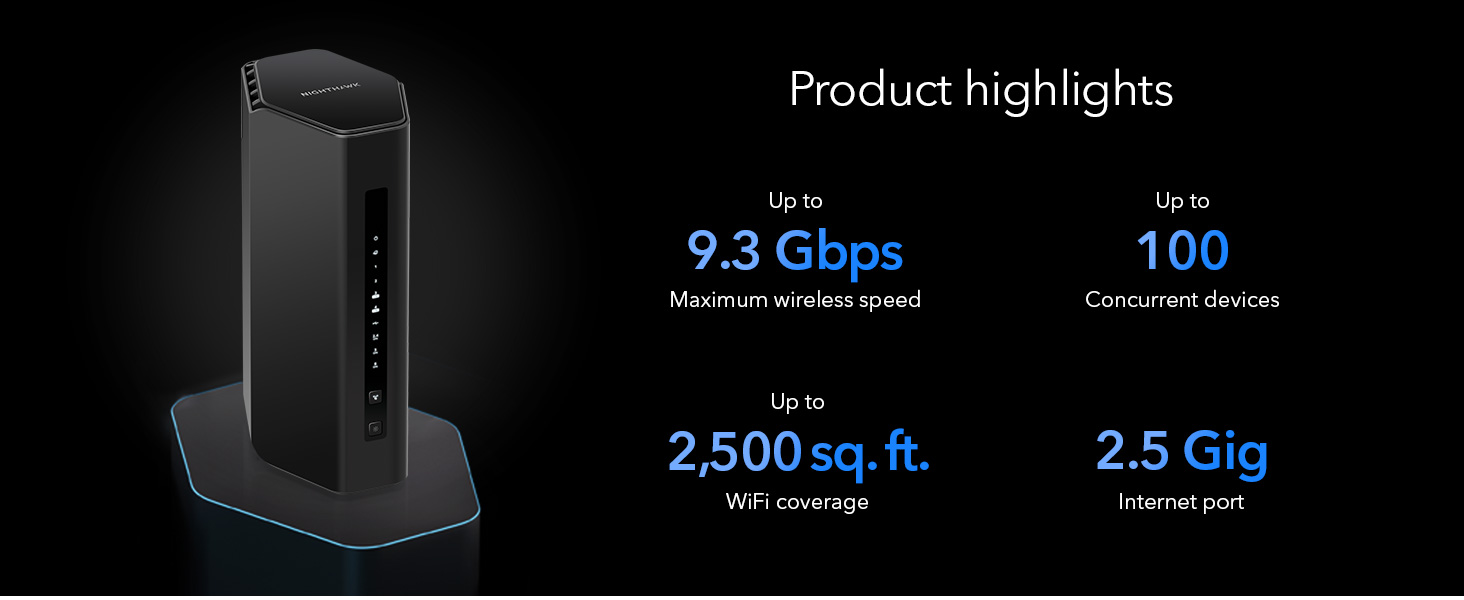
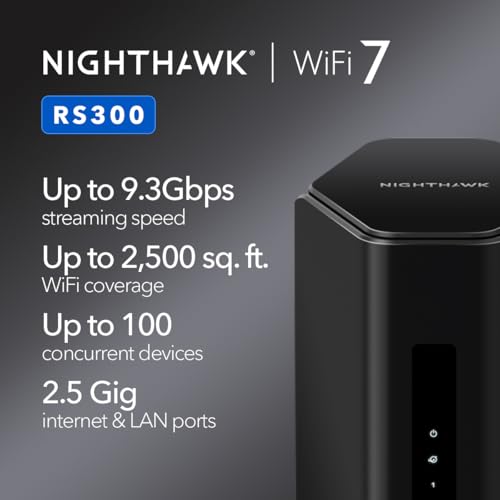
| Max Wireless Speed | Up to 9.3 Gbps (BE9300) |
| Frequency Bands | Tri-Band (2.4 GHz, 5 GHz, 6 GHz) |
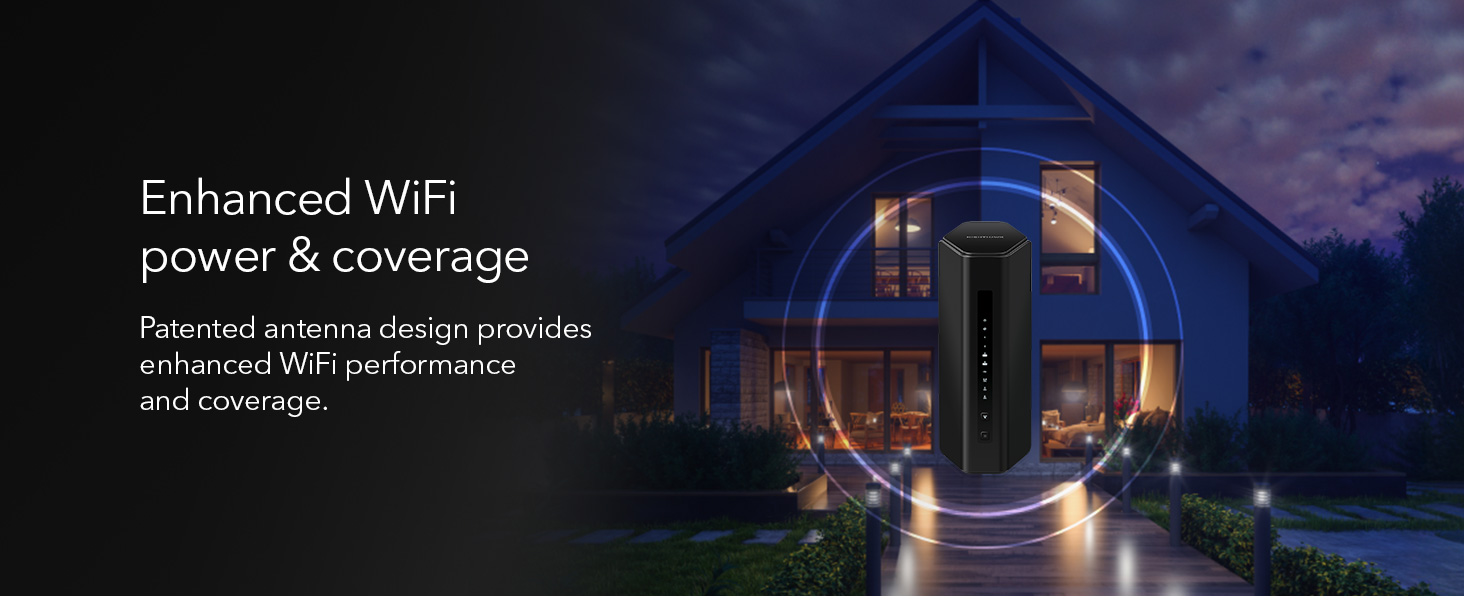
| Coverage Area | Up to 2,500 sq. ft. |
| Supported Devices | Up to 100 concurrently |
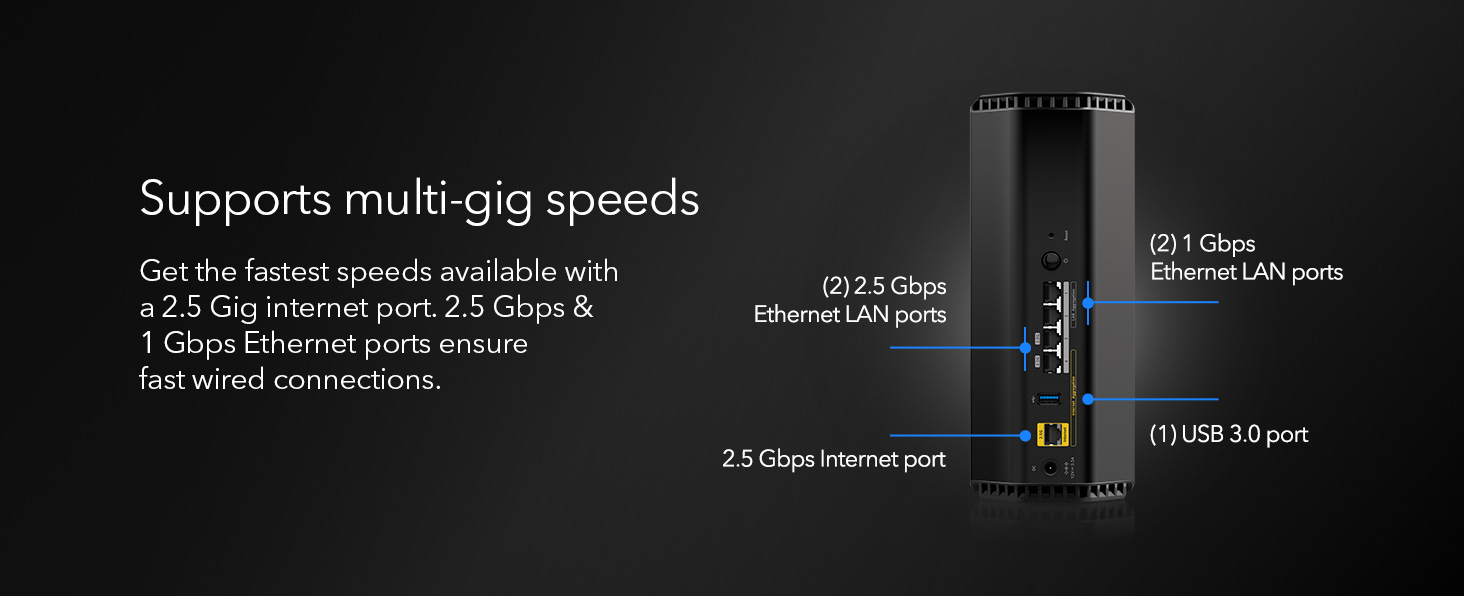
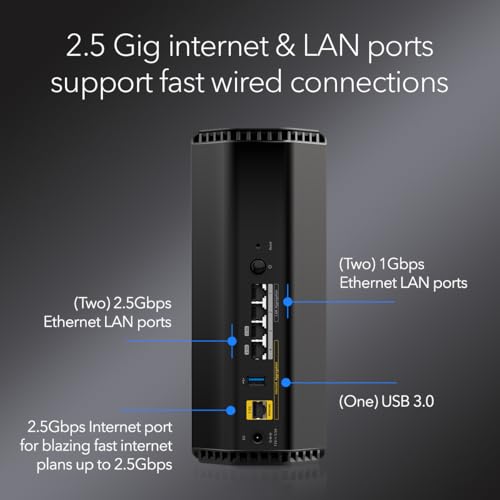
| WAN Port | 1 x 2.5 Gigabit |
| LAN Ports | 2 x 2.5 Gigabit, 2 x 1 Gigabit |
| Security Protocol | WPA3 |
| Key Features | MU-MIMO, OFDMA, Guest Network, VPN Support |
| Control Method | NETGEAR Nighthawk Mobile App |
Design and Build
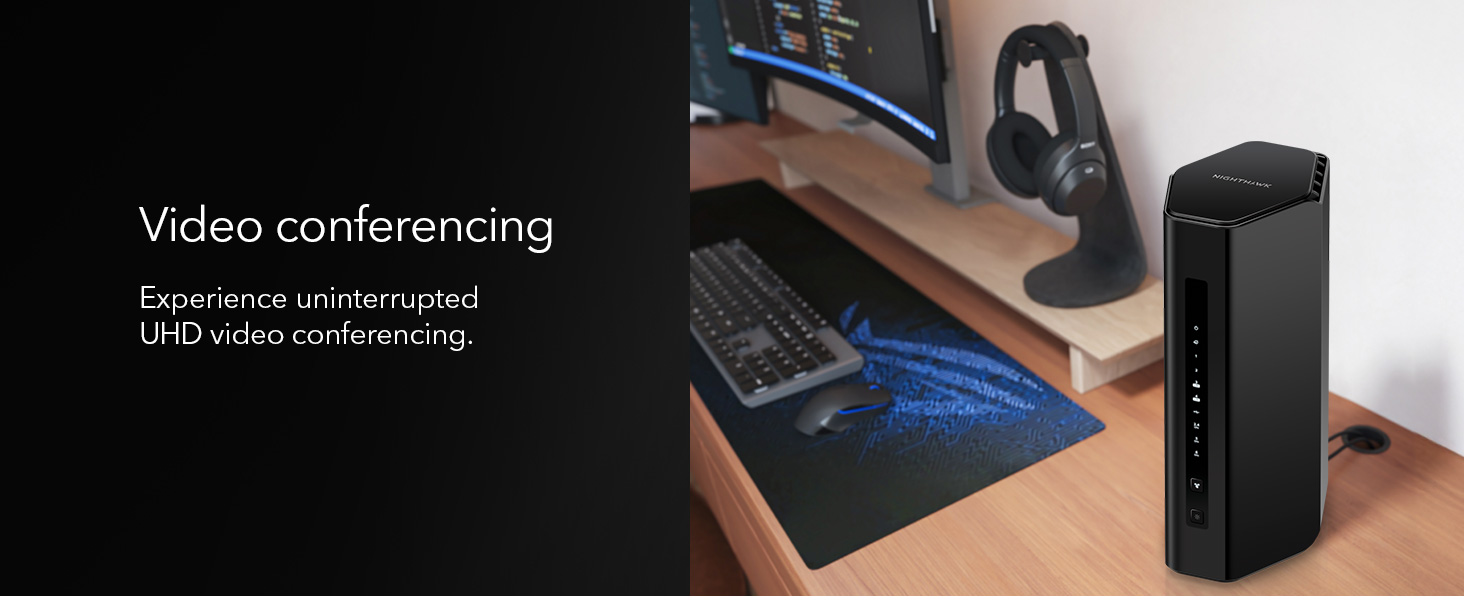
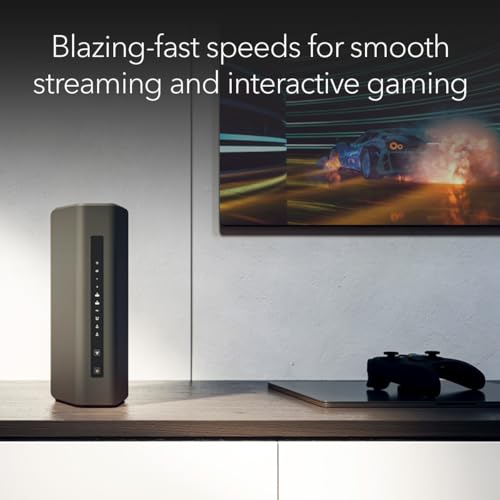
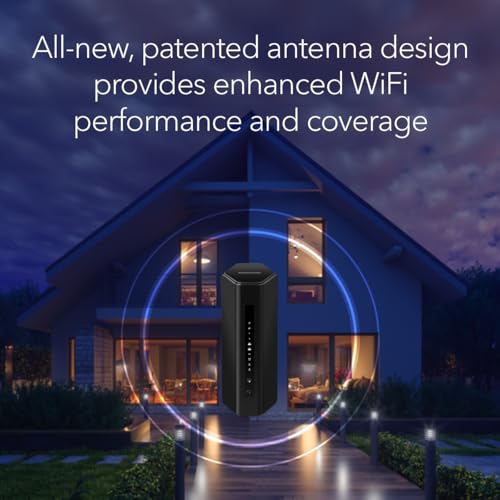
The Netgear Nighthawk RS300 features a redesigned, sleek body with a smaller footprint compared to some previous models. Its dimensions are 4 inches wide, 5.9 inches deep, and 9.8 inches high, with a weight of 4.1 pounds. The unit is available in black or white, allowing it to blend into most home decor styles. The design incorporates high-performance fixed antennas internally to provide the stated coverage. The overall aesthetic is modern and less obtrusive than some gaming-oriented routers with external antennas.
The build quality follows Netgear’s established standards for consumer networking hardware. The rear panel houses all connectivity ports clearly labeled. The router does not include a built-in modem, a fact emphasized by the manufacturer, so users must have a separate cable modem or fiber gateway to provide the internet connection. The package includes a 12V/3.5A power adapter and a 2-meter Ethernet cable for initial setup.
Performance and Features
Wireless Performance
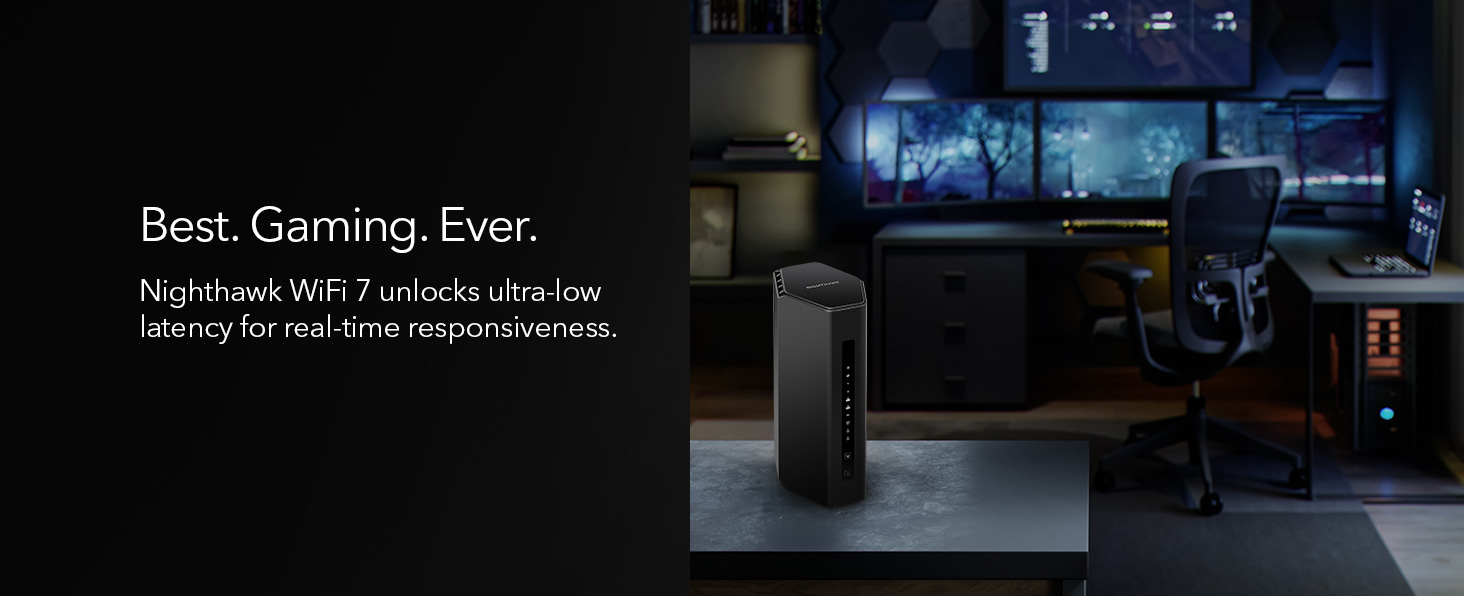
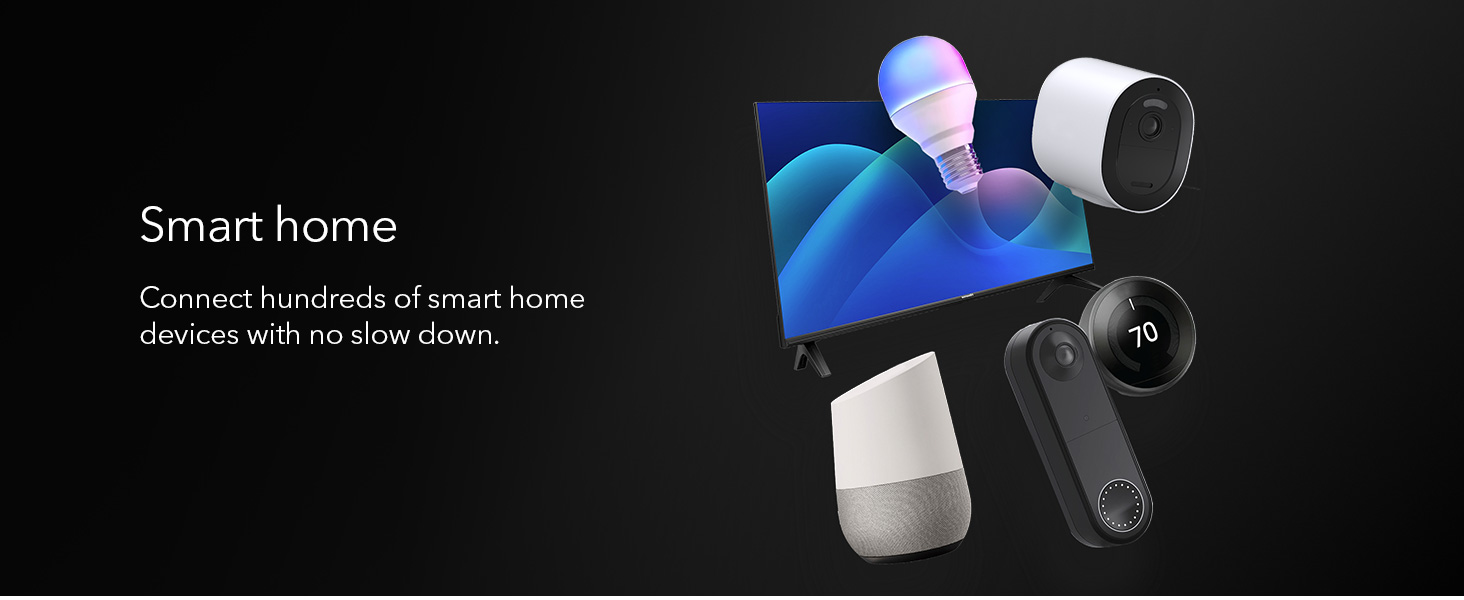
The Netgear RS300-100NAS is built around the WiFi 7 (802.11.be) standard, which the manufacturer states delivers speeds up to 9.3 Gbps. This is claimed to be 2.4 times faster than WiFi 6. A key advancement is the inclusion of the 6 GHz band alongside the traditional 2.4 GHz and 5 GHz bands, creating a tri-band system. This 6 GHz band offers wider 320 MHz channels, which are designed to reduce congestion and provide ultra-fast, low-latency connections for compatible devices. The router is rated to handle up to 100 devices simultaneously, making it suitable for smart homes with numerous connected gadgets, from phones and laptops to security cameras and smart appliances.
Connectivity and Ports
A significant strength of this router is its wired connectivity. The WAN (Internet) port is a 2.5 Gigabit Ethernet port, enabling it to fully utilize multi-gigabit internet plans from cable or fiber providers. On the LAN side, it offers two 2.5 Gigabit Ethernet ports and two 1 Gigabit Ethernet ports. This port configuration is excellent for creating a high-speed wired backbone for devices like gaming PCs, NAS systems, or consoles that benefit from the most stable and fastest possible connection, free from wireless interference.
Key Technologies and Software
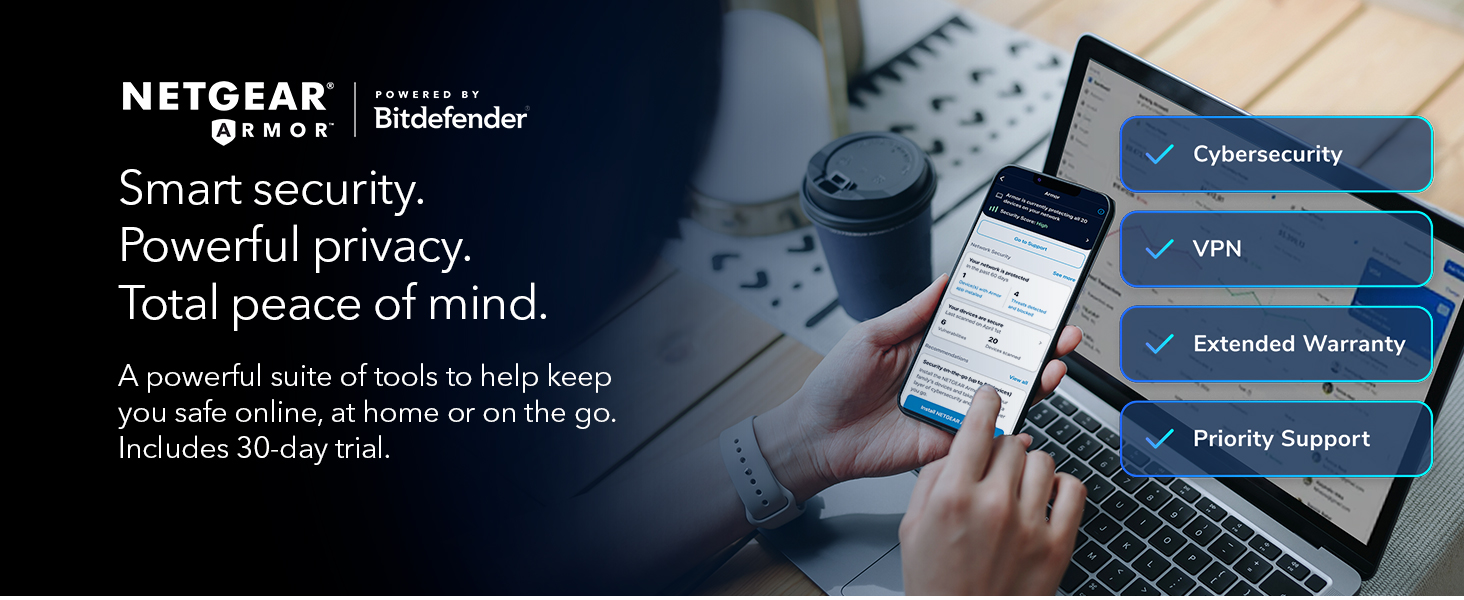
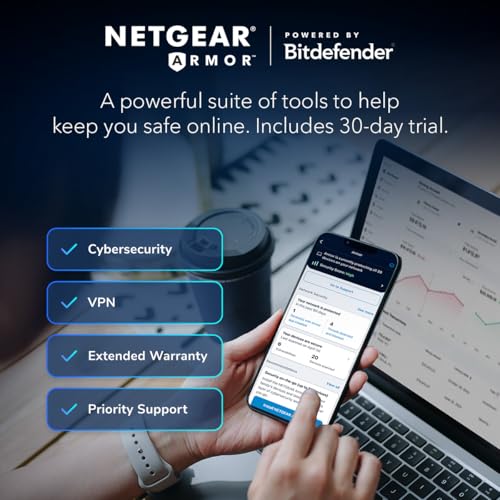
The router supports modern wireless technologies like MU-MIMO (Multi-User, Multiple-Input, Multiple-Output) and OFDMA (Orthogonal Frequency-Division Multiple Access). These work together to efficiently manage traffic between multiple devices, improving overall network responsiveness. For security, it uses the latest WPA3 protocol and includes Netgear’s Advanced Router Protection suite, which features automatic firmware updates designed to protect the network from vulnerabilities. Other software features include support for setting up a Guest Network and VPN functionality, though advanced configuration may require accessing the router’s web interface.
Setup, Support and Ownership
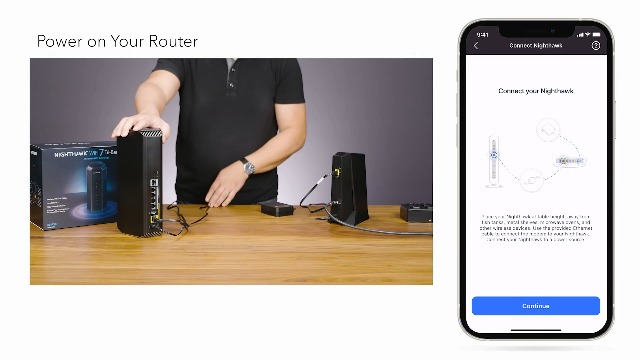
Setup is designed to be user-friendly through the NETGEAR Nighthawk mobile app, which guides users through the process. The router is universally compatible with any Internet Service Provider (ISP), as it is a standalone router. It is important to note the manufacturer specifies it is made for use in the U.S. only. The router comes with free expert help from Netgear. Ownership benefits include the mentioned automatic security updates and a 1-year limited warranty. A potential consideration for ownership is that to achieve the full multi-gig wired or wireless speeds, compatible client devices and a modem capable of 2.5 Gbps or higher may be required, depending on your internet plan.
What Owners Say
User feedback for the Netgear RS300-100NAS is generally very positive. A large majority of reviews are 5-star ratings, with users frequently praising the router’s performance, ease of setup via the mobile app, and its strong, consistent WiFi coverage throughout their homes. Many note significant improvements in streaming, gaming, and handling multiple devices without slowdowns compared to their old routers. Some 5-star reviews specifically highlight its performance for high-bitrate streaming and eliminating dead zones.
A smaller portion of feedback includes 4-star reviews that mention the router works well but point out limitations in the Nighthawk mobile app, noting that for advanced settings like disabling SSID broadcast, users must log in via a web browser. There is also minor feedback regarding compatibility with older WiFi devices. The overall sentiment from owners confirms the router’s core promises of fast speeds, wide coverage, and stable performance for demanding home networks.
Pros and Cons
Pros
- Exceptional WiFi 7 speeds and tri-band performance
- Strong coverage for up to 2,500 sq. ft.
- High-capacity for up to 100 devices
- Future-proof 2.5 Gigabit WAN and LAN ports
- Easy setup with universal ISP compatibility
- Built-in WPA3 security and automatic updates
Cons
- Requires a separate modem for internet service
- Mobile app lacks some advanced configuration options
- Designed for use in the U.S. only
- Larger footprint may not suit very small spaces
- Older WiFi devices may not leverage new features
Who Should Buy It (and Who Should Skip It)
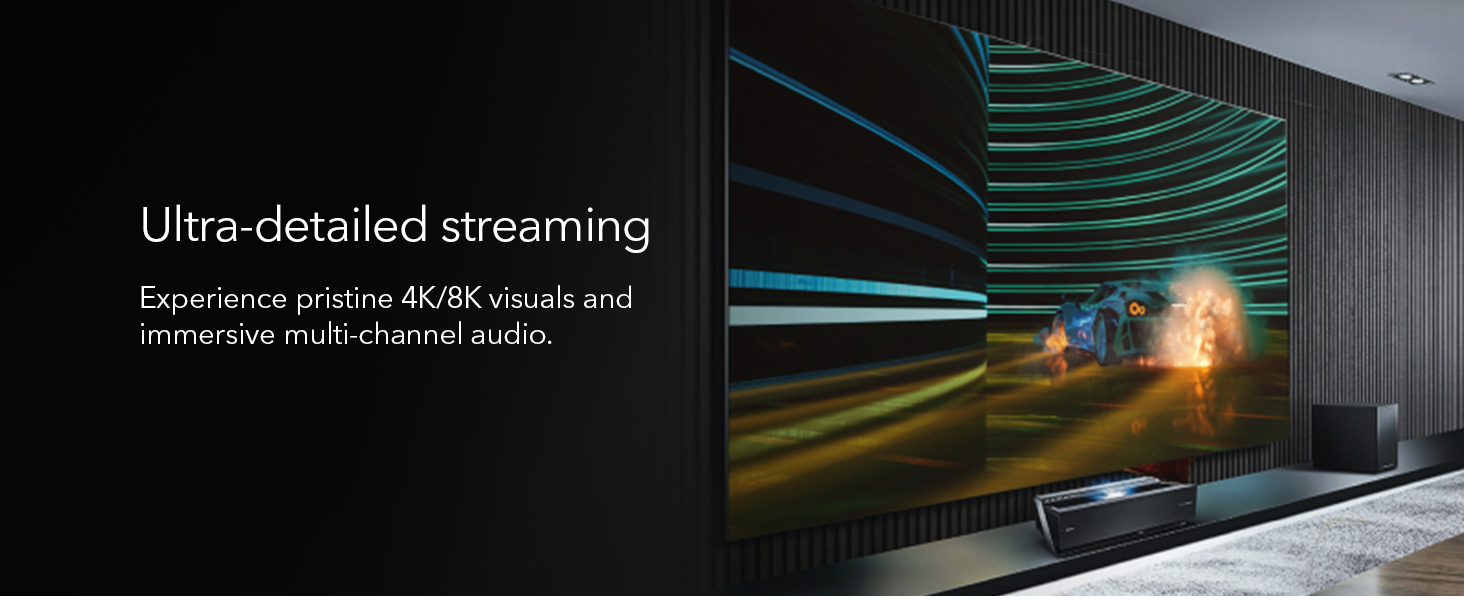
The Netgear RS300-100NAS is an ideal choice for households with a high demand for bandwidth and low latency. This includes gamers, users who stream 4K or 8K video on multiple screens, and homes with extensive smart home ecosystems. It’s also a great fit for users who have or are planning to upgrade to a multi-gigabit internet plan, as its 2.5G WAN port can handle those speeds. If you frequently have many devices connected simultaneously and are experiencing slowdowns with your current router, this WiFi 7 model offers a significant upgrade path. For more insights on optimizing your tech setup, explore our guide on the best AI smart home devices.
This router is not necessary for everyone. Users with basic internet needs, such as light browsing and single-stream video on a few devices, will not see a meaningful benefit from WiFi 7. Those with very small apartments or who already have a reliable mesh system might also skip it. Crucially, if you need an all-in-one modem-router combo, this is not the device, as it requires a separate modem. International users outside the U.S. should avoid it due to regional compatibility. For users seeking other types of performance gear, our Tech Gear section has further options.
Final Verdict
The Netgear Nighthawk RS300-100NAS is a powerful and forward-looking router that successfully brings the advantages of WiFi 7 to a mainstream audience. Its combination of tri-band wireless speeds up to 9.3 Gbps, robust coverage for medium to large homes, and high-speed multi-gig Ethernet ports makes it a versatile hub for the most demanding connected households. The inclusion of WPA3 security and automatic updates provides peace of mind, while the universal ISP compatibility simplifies adoption.
While it requires a separate modem and its mobile app has some limitations for power users, these are minor trade-offs for the performance on offer. For anyone looking to build a high-performance, future-proof home network capable of handling gaming, intensive streaming, and dozens of smart devices without breaking a sweat, the RS300-100NAS is an excellent investment. It delivers on the core promises of next-generation WiFi, making it a standout choice in its category. Discover other expert-tested products in our Reviews section.
FAQs
Does the Netgear RS300-100NAS include a modem?
No, the Netgear RS300-100NAS is a router only and does not include a built-in cable modem. A separate modem is required to connect to your internet service provider. The router is universally compatible with any ISP’s modem.
What is the advantage of the 6 GHz band?
The 6 GHz band is a new frequency introduced with WiFi 6E and WiFi 7. It is less congested than the traditional 2.4 GHz and 5 GHz bands and supports wider 320 MHz channels. This allows for faster maximum speeds and lower latency, which is particularly beneficial for high-bandwidth activities like gaming and 8K video streaming on compatible devices.
Can I use this router with my existing WiFi 5 or WiFi 6 devices?
Yes, the Netgear RS300-100NAS is fully backward compatible with older WiFi standards, including WiFi 5 (802.11ac) and WiFi 6 (802.11ax). Your existing devices will connect and work normally. However, to experience the full speed and feature benefits of WiFi 7, you will need client devices (like phones, laptops) that also support the WiFi 7 standard.
How do I manage advanced settings on this router?
Basic setup and common features are managed through the NETGEAR Nighthawk mobile app. For more advanced configuration options, such as detailed QoS settings or disabling SSID broadcast, you need to access the router’s web-based interface by entering its IP address into a browser on a computer connected to the network. For broader networking and security topics, our Cybersecurity resources may be helpful.
About the author

Elvis Dicki writes reviews and buying guides for CyberSecLabs.