LG 32UR500K-B.AUS Review: 4K Media Hub with 60Hz Gaming
The LG 32UR500K-B.AUS is a 32-inch 4K monitor that delivers vibrant color for movies and work, with built-in speakers and gaming features, though its 60Hz refresh rate limits competitive play.
 By Elvis Dicki
Updated October 22, 2026
The LG 32UR500K-B.AUS is a 32-inch 4K UHD monitor designed for users seeking an affordable entry into high-resolution displays. It targets multimedia enthusiasts, home office workers, and casual gamers who prioritize sharp visuals and vibrant color for movies, sports, and general productivity over ultra-high refresh rates. This monitor offers a compelling package of 4K resolution, HDR10 support, and convenient built-in audio, making it a versatile screen for everyday use where top-tier gaming performance is not the primary concern.
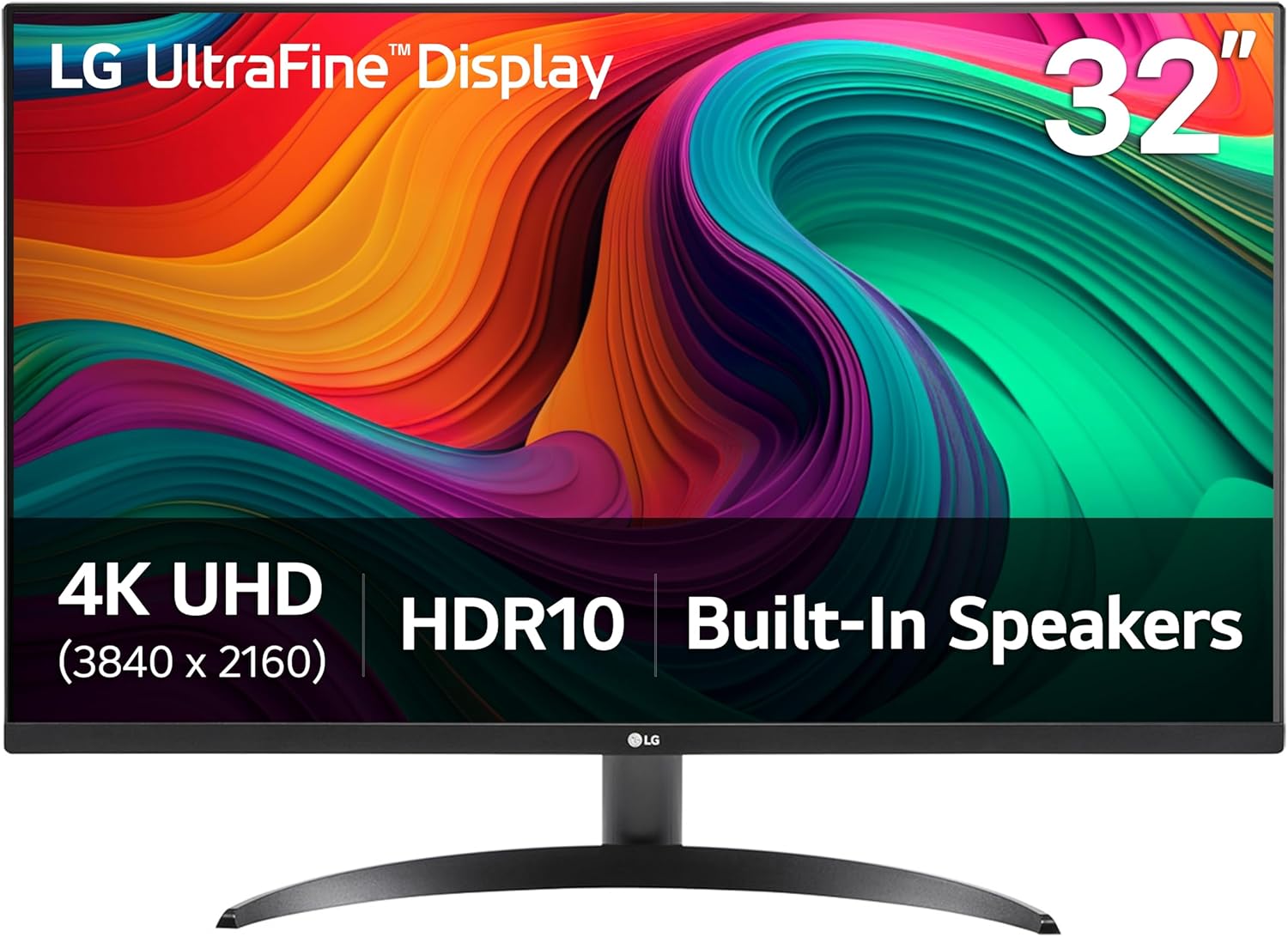
For those considering a large, high-resolution screen without breaking the bank, the LG 32UR500K-B.AUS presents a strong case with its VA panel delivering up to 90% DCI-P3 color coverage and features like Dynamic Action Sync for improved gaming responsiveness. Its bottom line: a capable 4K media and work display with thoughtful extras like tilt adjustment and screen-splitting software, best suited for users whose needs lean more towards content consumption and general computing than competitive esports.
Prime LG 32UR500K-B 32 Inch 4K UHD HDR10 Monitor




As an Amazon Associate we earn from qualifying purchases. Product prices and availability are accurate as of the date/time indicated.
LG 32UR500K-B.AUS at a Glance
| Specification | Detail |
|---|---|
| Screen Size & Resolution | 31.5-inch, 4K UHD (3840 x 2160) |
| Panel Technology | VA |
| Refresh Rate | 60 Hz |
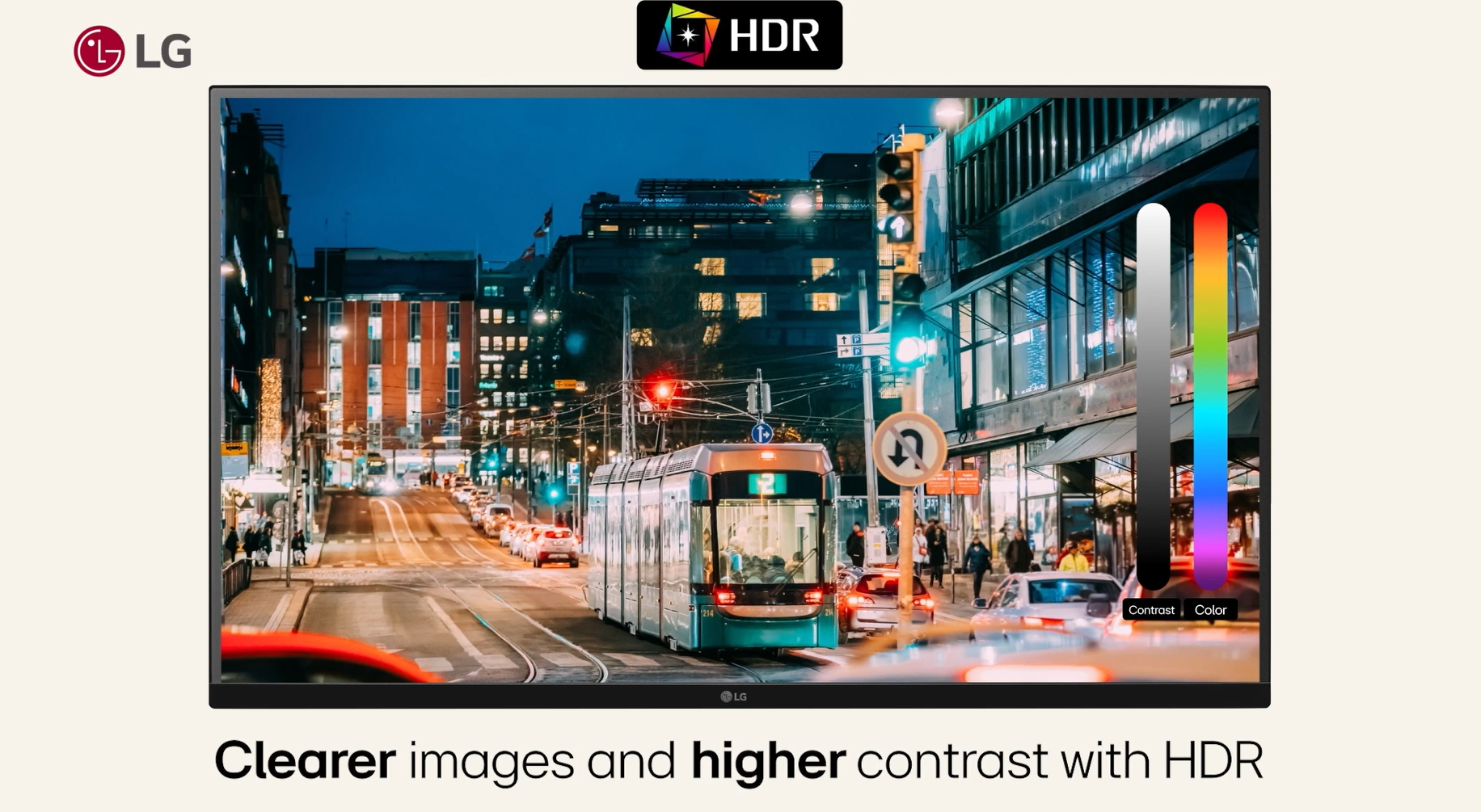
| HDR Support | HDR10 |
| Color Gamut | Up to 90% DCI-P3 |
| Brightness | 250 cd/m² (as listed) |
| Contrast Ratio | 1000:1 |
| Connectivity | 2x HDMI, 1x DisplayPort |
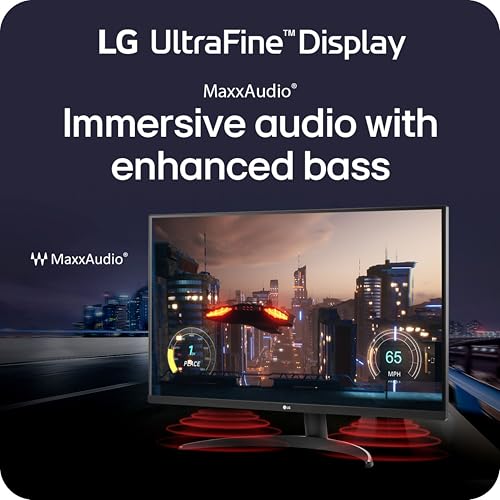
| Audio | Built-in Stereo Speakers with Waves MaxxAudio |
| Adjustment | Tilt only |
| Warranty | 1 Year Parts & Labor |
Design and Build
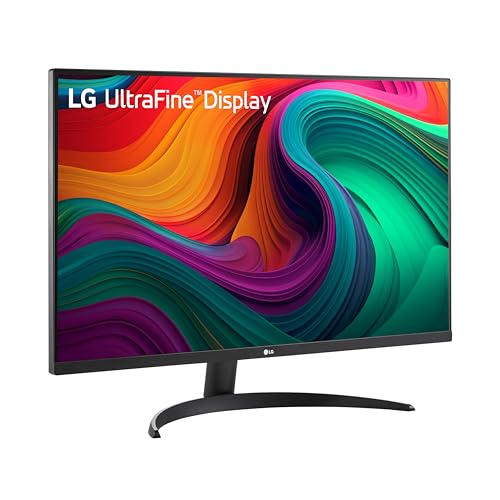
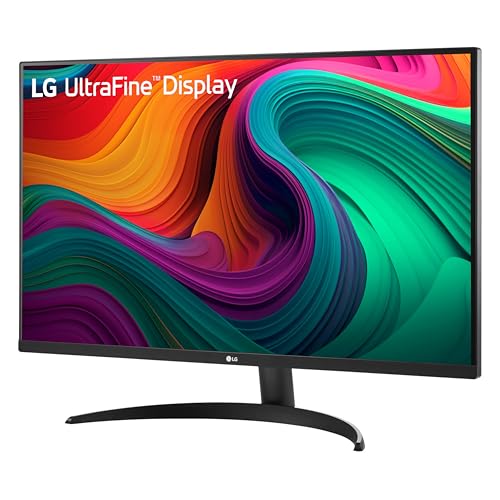
The LG 32UR500K-B.AUS features a borderless design on three sides, which helps maximize the screen real estate and provides a modern, clean look suitable for both home and office environments. The monitor is finished in black with a matte screen coating to reduce glare. Its dimensions are 28.1 inches wide by 20.2 inches high with a depth of 8.8 inches, and it weighs 13.7 pounds, making it a substantial but manageable display for a desk. The stand offers ergonomic tilt adjustment, allowing users to find a comfortable viewing angle, though the specifications do not list height, swivel, or pivot adjustments. The monitor is also VESA wall-mount compatible for those seeking more flexible placement options.
Performance and Features
Display Quality and Visual Performance
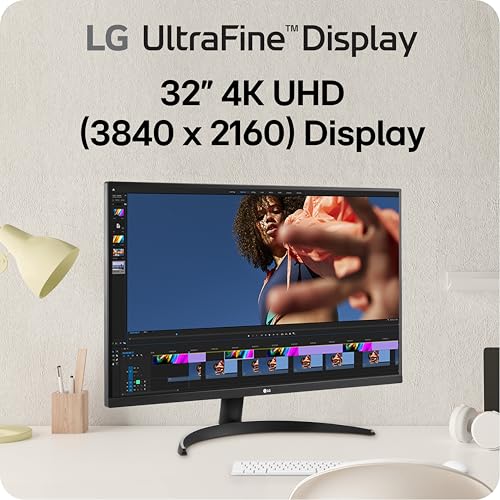
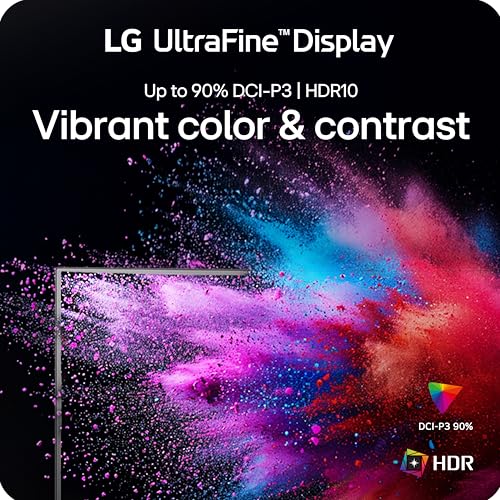
The core of the LG 32UR500K-B.AUS is its 32-inch VA panel with a 4K UHD (3840×2160) resolution. This high pixel density results in sharp text and detailed imagery, ideal for productivity tasks and enjoying high-resolution content. The panel covers up to 90% of the DCI-P3 color gamut, which promises vibrant and accurate colors for watching HDR10 movies, sports, and games. With a listed brightness of 250 cd/m² and a static contrast ratio of 1000:1, the monitor should deliver decent depth in darker scenes. The 60Hz refresh rate and VA panel technology are well-suited for media consumption and general use, though they may show some motion blur in fast-paced action scenes compared to faster IPS or TN panels.
Gaming and Response Features
While not a dedicated gaming monitor, the LG 32UR500K-B.AUS includes features aimed at improving the casual gaming experience. Dynamic Action Sync (DAS) is designed to reduce input lag, making gameplay feel more responsive. The Black Stabilizer function brightens dark areas in games, which can help reveal details of enemies or objects hidden in shadows. These features, combined with the immersive 4K resolution, make it a viable option for single-player, story-driven, or casual multiplayer games. However, the 60Hz refresh rate is a limiting factor for fast-paced competitive gaming where higher refresh rates are standard.
Connectivity and Audio
Connectivity options are straightforward and cover the essentials. The monitor provides two HDMI ports and one DisplayPort, allowing connections to multiple PCs, gaming consoles, or media players simultaneously. The inclusion of built-in stereo speakers with Waves MaxxAudio processing is a significant convenience feature. It eliminates the immediate need for external speakers for basic audio needs like video calls, system sounds, or casual media playback, making it a more all-in-one solution. For those seeking a more immersive audio setup for gaming or movies, exploring our guide on the best soundbars could be a logical next step.
Software and On-Screen Controls
LG’s OnScreen Control software is a key feature that enhances usability. Once installed on a connected computer, it allows users to adjust monitor settings, split the screen into various layouts for multitasking, and manage color profiles directly from their desktop with a mouse. This provides a much more intuitive interface than navigating physical buttons on the monitor itself, streamlining workflow and customization. The monitor also includes a Reader Mode to reduce blue light and a Flicker Safe feature to minimize screen flicker, both aimed at improving viewing comfort during long sessions.
Setup, Support and Ownership
Setup should be straightforward, involving attaching the stand, connecting the power adapter, and linking a video source via HDMI or DisplayPort. The tilt-only stand offers quick angle adjustment but limits ergonomic fine-tuning; users desiring height or swivel may need to invest in a third-party monitor arm. The product comes with a standard one-year manufacturer’s warranty covering parts and labor. For software features like OnScreen Control, users must download and install the application from LG’s website, as it is not pre-installed. As with any monitor, ensuring you have a capable graphics card to drive the 4K resolution at 60Hz is an important consideration for the overall ownership experience.
What Owners Say
Based on the aggregated rating distribution, the LG 32UR500K-B.AUS receives generally positive feedback. A significant majority of reviews are favorable, with high marks often given for the sharp 4K image quality, the value for the price, and the convenience of the built-in speakers. Some users note the limitations of the 60Hz refresh rate for gaming and the basic tilt-only stand. The overall sentiment suggests it meets expectations for users seeking a large, high-resolution display primarily for work and media, rather than for high-performance gaming. For users considering different form factors, our reviews of the best ultra-wide monitors explore alternative options.
Pros and Cons
Pros
- Sharp and vibrant 4K UHD resolution with good color coverage
- Convenient built-in speakers with audio enhancement
- Useful gaming features like Dynamic Action Sync and Black Stabilizer
- OnScreen Control software for easy screen management
- Simple tilt adjustment for basic ergonomics
- Multiple connectivity options with two HDMI ports and DisplayPort
Cons
- 60Hz refresh rate limits suitability for fast-paced competitive gaming
- Ergonomics are limited to tilt only (no height, swivel, or pivot)
- VA panel may exhibit motion blur in very fast scenes
- HDR performance is basic with HDR10 support but no higher-tier certification
Who Should Buy It (and Who Should Skip It)
The LG 32UR500K-B.AUS is an excellent choice for users who want a large, high-resolution screen for mixed use. It’s ideal for home office professionals, students, and multimedia enthusiasts who spend time on productivity tasks, streaming video, and casual gaming. The built-in speakers and sharp 4K image make it a great all-in-one display for a clean desk setup. It’s also a solid pick for console gamers who play on platforms like PlayStation 5 or Xbox Series X, where 4K/60Hz gaming is common.
This monitor is not the best fit for competitive PC gamers who require high refresh rates (144Hz or above) for titles like first-person shooters or fast-paced esports. Users who need extensive ergonomic adjustments for perfect posture should look for monitors with height and swivel stands. Similarly, creative professionals requiring the utmost color accuracy for photo or video editing might seek monitors with factory calibration and wider color gamuts. For those needing specialized ergonomic support for long hours, our resource on the best desk chairs can complement any setup.
Final Verdict
The LG 32UR500K-B.AUS succeeds as a well-rounded 4K monitor that delivers on its core promise: providing a large, high-resolution canvas for work and entertainment at an accessible price point. Its strengths in color reproduction, the inclusion of useful software, and the convenience of built-in audio make it a practical choice for everyday use. The added gaming features provide a nice bonus for casual play, even if the 60Hz ceiling prevents it from being a top-tier gaming display.
When weighed against its limitations in refresh rate and ergonomic adjustment, the value proposition becomes clear. This monitor is not about pushing the extremes of performance but about offering a compelling set of features for the mainstream user. If your priority is immersive 4K visuals for movies, clear text for documents, and a capable screen for general computing with some light gaming on the side, the LG 32UR500K-B.AUS represents a smart and satisfying investment. For more insights into optimizing your tech environment, you can explore other reviews and guides on our site.
FAQs
Does the LG 32UR500K-B.AUS support VESA mounting?
Yes, the product specifications list the mounting type as “Wall Mount,” indicating it is compatible with standard VESA mounting brackets. This allows users to attach the monitor to a wall arm or desk-mounted monitor stand for improved ergonomics and space saving, overcoming the limitation of the tilt-only included stand.
Is this monitor good for photo or video editing?
The monitor’s coverage of up to 90% of the DCI-P3 color gamut is a positive sign for color-critical work, offering a wider range of colors than standard sRGB monitors. However, for professional editing where absolute color accuracy is mandatory, users typically seek monitors with factory calibration, higher brightness for HDR work, and potentially wider gamuts like Adobe RGB. This model is a good step up for enthusiasts but may not meet all professional studio requirements.
What is the difference between Dynamic Action Sync and a high refresh rate?
Dynamic Action Sync (DAS) is a feature aimed at reducing input lag, which is the delay between a command (like a mouse click) and the action appearing on screen. A high refresh rate (e.g., 144Hz) refers to how many times per second the monitor updates the image, making motion appear smoother. DAS can improve responsiveness on a 60Hz monitor, but it does not increase the smoothness of motion that a higher refresh rate provides. They address different aspects of the gaming experience.
Can I connect both a PC and a gaming console to this monitor at the same time?
Yes, the LG 32UR500K-B.AUS has two HDMI ports and one DisplayPort, allowing you to connect multiple devices simultaneously. You could, for example, connect a PC via DisplayPort, a PlayStation 5 via one HDMI port, and an Xbox Series X or streaming device via the second HDMI port. You would then switch between these inputs using the monitor’s on-screen display menu.
About the author

Elvis Dicki writes reviews and buying guides for CyberSecLabs.