Kingston IKVP50-16GB Review: FIPS 197 Certified AES-256 Hardware Encryption
The Kingston IKVP50-16GB is a premium hardware-encrypted USB drive designed for users who require certified, physically controlled security for sensitive data.
 By Elvis Dicki
Updated October 21, 2026
By Elvis Dicki
Updated October 21, 2026
In an era where data breaches are a constant threat, securing sensitive information during transit is paramount. The Kingston IKVP50-16GB addresses this need directly as a hardware-encrypted USB flash drive built to business and government standards. It is designed for professionals, IT administrators, and any user who must carry confidential data and requires assurance that it remains protected even if the drive is lost or stolen. This drive offers certified security features in a portable format, prioritizing robust encryption and attack mitigation over sheer storage capacity.

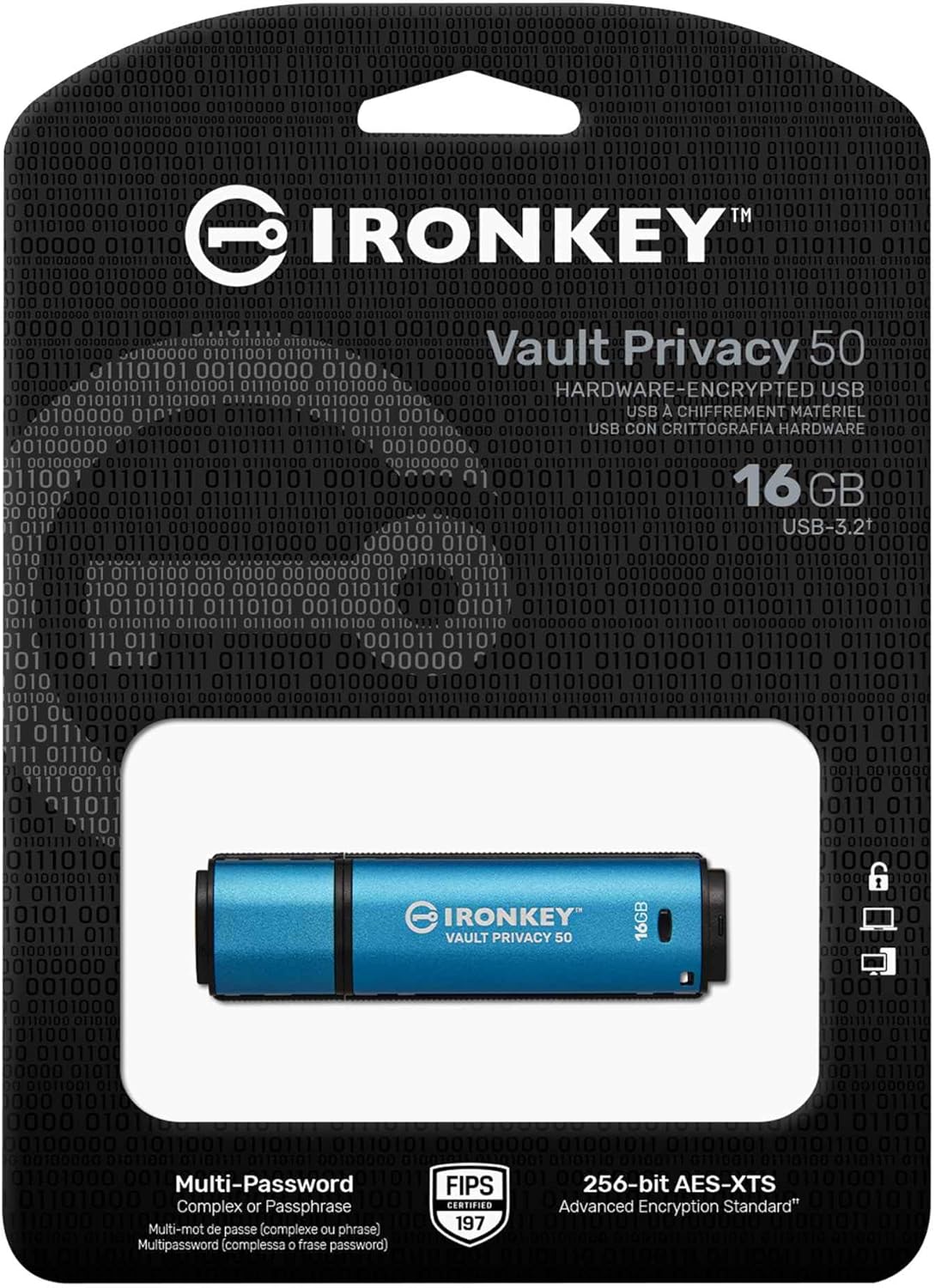
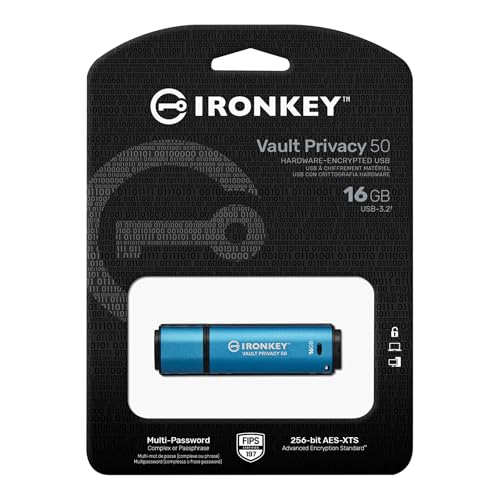
The Kingston IronKey Vault Privacy 50 16GB Encrypted is not a typical USB drive; it is a dedicated security device that uses FIPS 197 certified hardware encryption to safeguard its contents. Its core value proposition is providing a secure, self-contained storage solution under the user’s physical control, positioned as a superior alternative to relying solely on cloud services for sensitive data. For those handling confidential documents, financial records, or proprietary information, this drive delivers a high level of protection with features designed to thwart modern cyber threats like BadUSB and brute-force attacks.
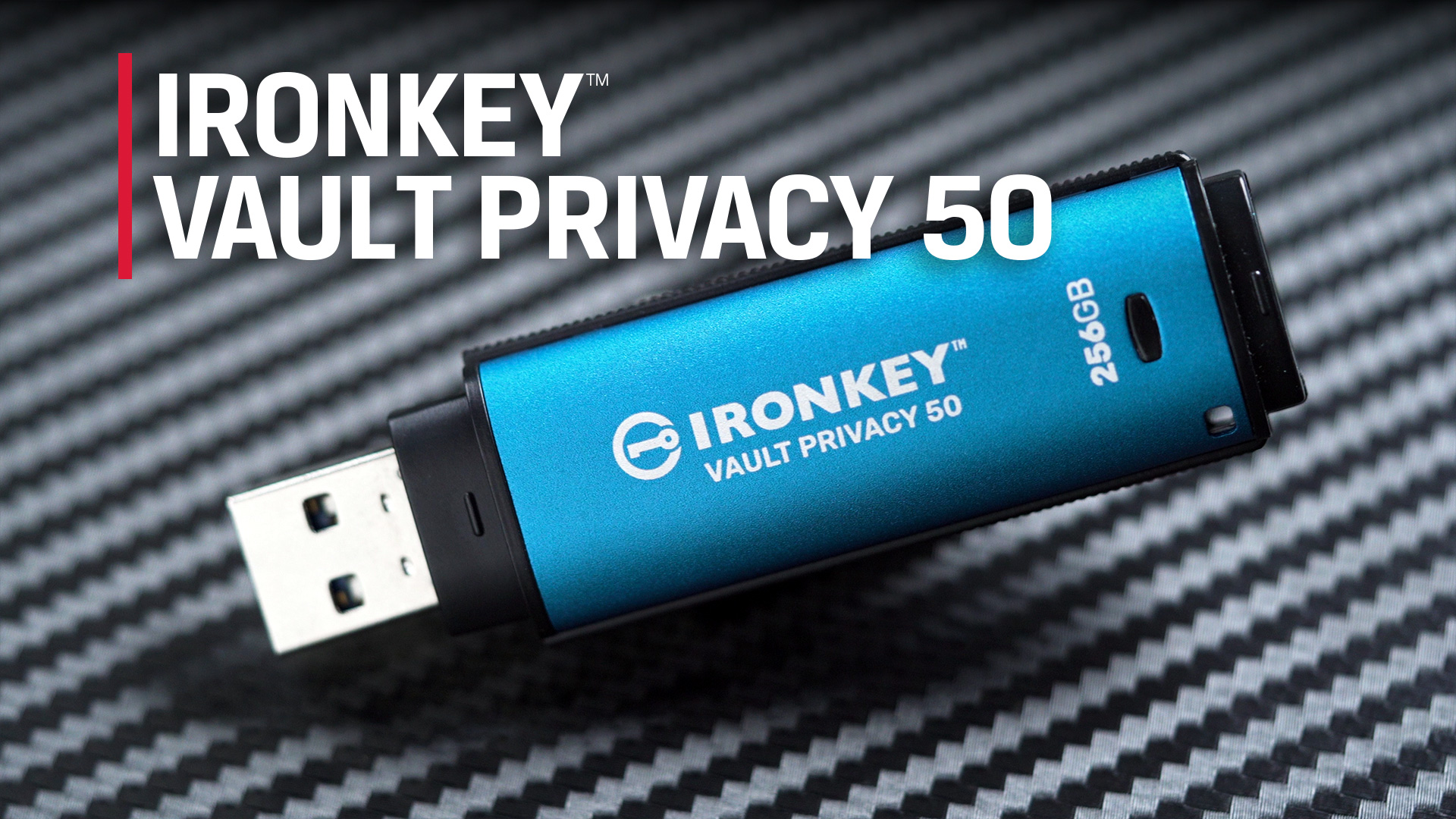
Kingston IronKey Vault Privacy 50 16GB FIPS 197







As an Amazon Associate we earn from qualifying purchases. Product prices and availability are accurate as of the date/time indicated.
Kingston IKVP50-16GB at a Glance
| Specification | Detail |
|---|---|
| Memory Storage Capacity | 16 GB |
| Encryption Standard | FIPS 197 Certified XTS-AES 256-bit |
| Hardware Interface | USB 3.2 Gen 1 |
| Read Speed | Up to 250 MB/s |
| Write Speed | Up to 180 MB/s |
| Security Features | BadUSB Protection, Brute Force Attack Protection, Multi-Password Options |
| Password Modes | Complex & Passphrase (10-64 characters) |
| Additional Features | Dual Read-Only Settings, Virtual Keyboard, Password Visibility Toggle |
| Compliance | TAA Compliant |
| Warranty | 5-Year Manufacturer Warranty |
Design and Build
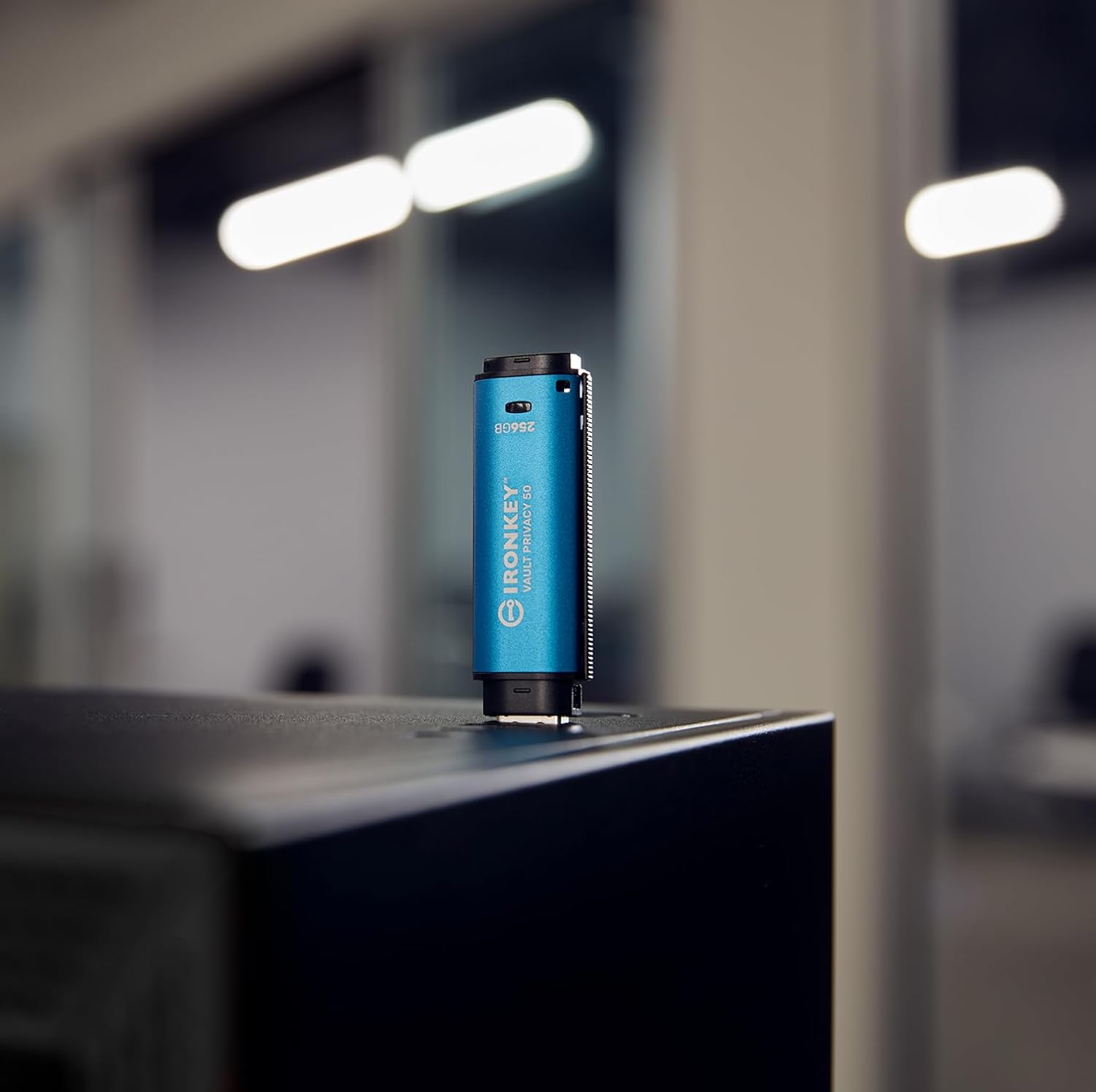
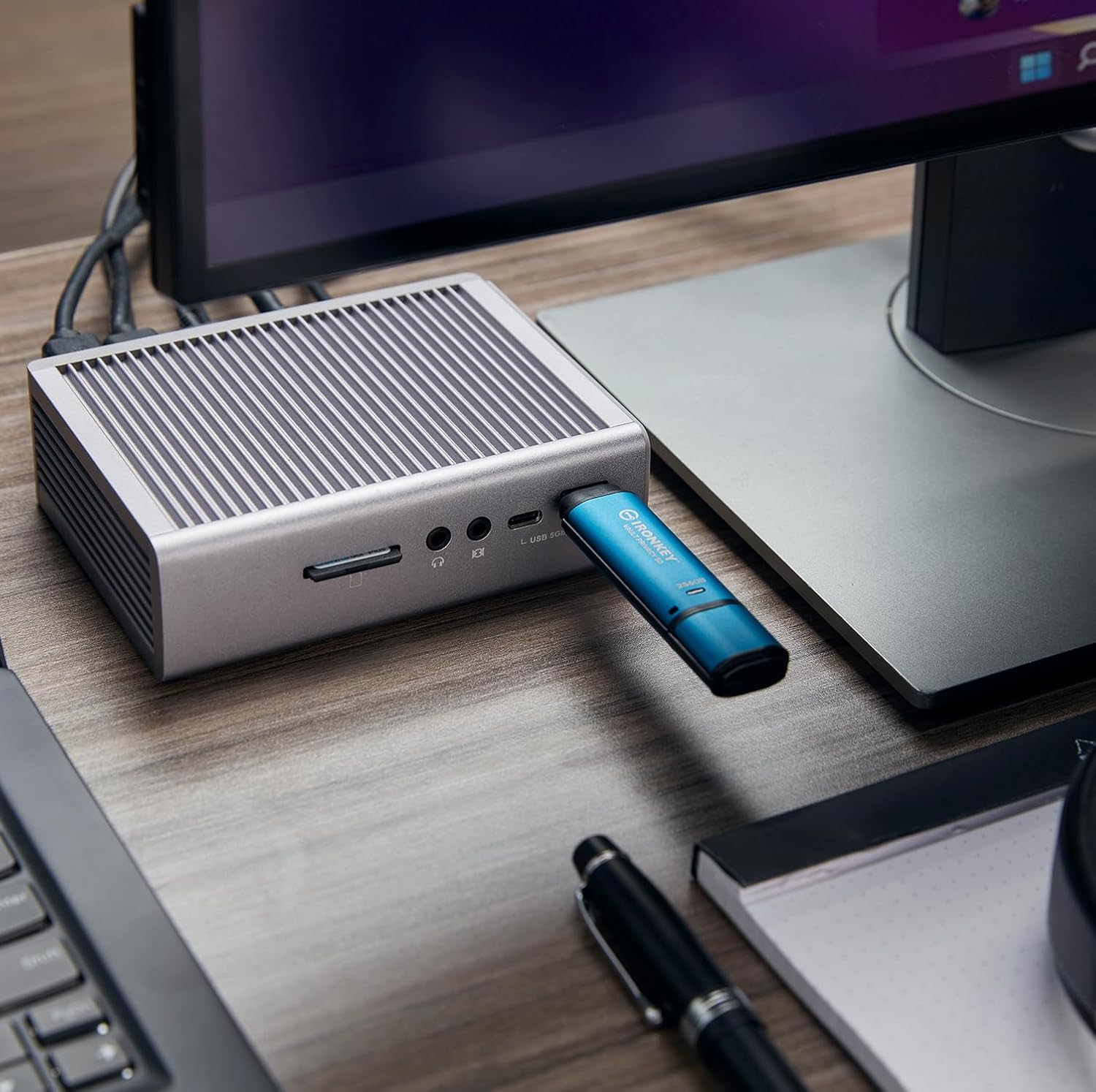
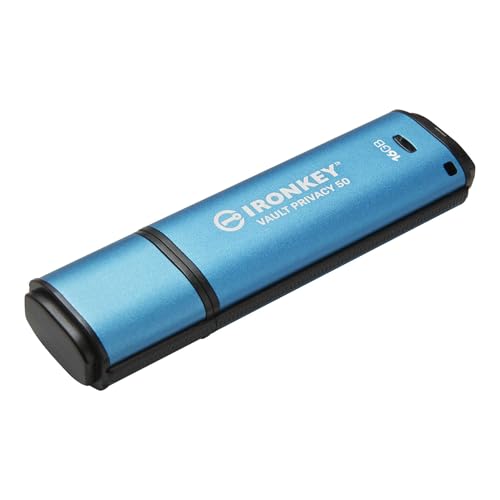
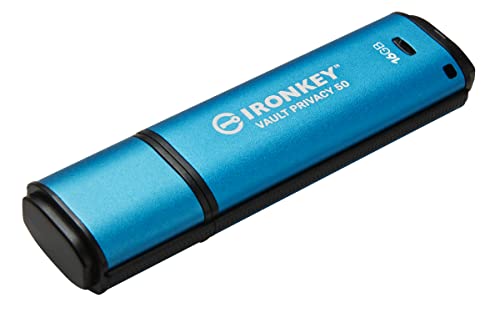
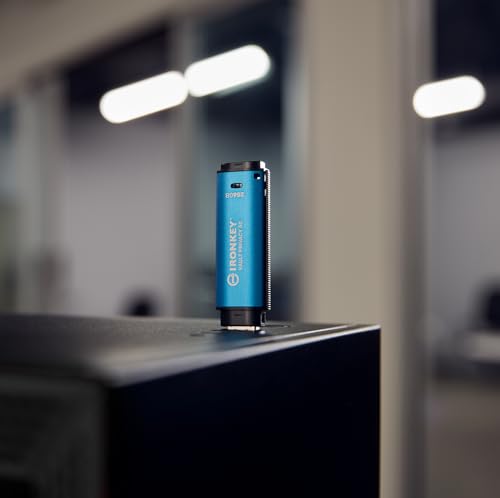
The Kingston IKVP50-16GB presents a professional and sturdy appearance, finished in a distinctive blue color that sets it apart from standard consumer flash drives. While specific material details are not listed by the manufacturer, the drive is designed for portability with a listed weight of only 20 grams, making it easy to carry on a keychain or in a pocket. The physical design incorporates a standard USB Type-A connector, ensuring broad compatibility with laptops, desktops, and other devices. The build quality suggests it is intended for regular professional use, balancing a compact form factor with the durability needed for a security-focused device.
Performance and Features
Security and Encryption
This is the core of the Kingston IKVP50-16GB offering. It employs FIPS 197 certified AES 256-bit hardware encryption operating in XTS mode, a standard recognized by government and industry for robust data protection. The encryption is always-on and hardware-based, meaning the data is inaccessible without the correct password, even if the drive is connected to another system. Crucially, it includes specific safeguards against BadUSB attacks through digitally-signed firmware, preventing malicious code from being injected into the drive’s controller. It also defends against brute-force attacks by locking user or recovery passwords after 10 consecutive failed attempts and performing a crypto-erase of the drive if the admin password fails 10 times consecutively.
Access Management and Usability
The drive offers a flexible multi-password system with Admin, User, and One-Time Recovery password options. An admin can reset a user password and create a one-time recovery password to restore access, providing important control for organizational use. A significant usability feature is the choice between Complex password mode and a new Passphrase mode. The Passphrase mode supports sentences with spaces, numeric PINs, or lists of words from 10 to 64 characters long, making strong passwords easier to create and remember. To further enhance security during entry, a virtual keyboard can be used to shield against keyloggers, and a password visibility toggle (an “eye” button) helps reduce login errors.
Transfer Speeds and Connectivity
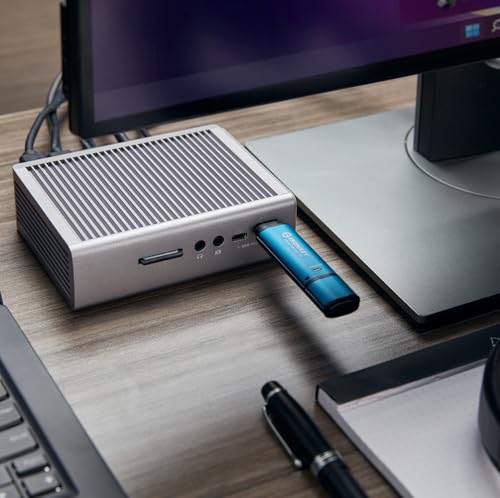
For an encrypted drive, the Kingston IKVP50-16GB offers competitive performance with quoted read speeds of up to 250MB/s and write speeds of up to 180MB/s via its USB 3.2 Gen 1 interface. These speeds are sufficient for efficiently transferring documents, presentations, and other typical business files stored within its 16GB capacity. The drive uses a standard USB Type-A connector and is compatible with any device featuring a USB port, ensuring wide usability. The manufacturer does not list specific performance results for different file types or under full capacity load.
Data Integrity and Malware Protection
Beyond encryption, the drive includes dual read-only (write-protect) settings to guard against malware. An admin can force a permanent read-only mode for users, or a session-based read-only mode can be set by either admin or user. This prevents malicious software from writing to the drive, protecting the integrity of the stored data. This feature is particularly valuable when using the drive on potentially compromised or public computers.
Setup, Support and Ownership
Initial setup involves defining the admin and user passwords and configuring the desired security settings, such as password mode and read-only preferences. While the feature set is advanced, the onboard interface is designed to guide the user through these steps. The drive is a self-contained unit; there are no upgrade options for its storage capacity or security hardware—its 16GB capacity and encryption features are fixed. Kingston backs the IKVP50-16GB with a five-year manufacturer’s warranty, providing long-term assurance. As a security device, it is crucial to handle it with care to avoid physical loss, as the encryption protects the data but not the device itself from being misplaced. For more insights on managing secure digital environments, explore our guide on the best tools for network security management.
What Owners Say
Overall feedback for the Kingston IKVP50-16GB is very positive, reflected in its high average rating. Owners frequently praise the drive’s robust security features and the peace of mind that comes with FIPS-certified hardware encryption. The passphrase mode and virtual keyboard are noted as usability wins that make strong security practices more accessible. The fast transfer speeds for an encrypted device are also highlighted as a performance benefit. Some users mention that the advanced feature set can present a learning curve for those unfamiliar with security concepts, and the 16GB capacity is noted as a limitation for users with larger file storage needs, though it is generally deemed sufficient for its intended purpose of securing sensitive documents.
Pros and Cons
Pros
- Strong, certified hardware encryption (FIPS 197, AES-256)
- Comprehensive protection against BadUSB and brute-force attacks
- Flexible multi-password and recovery options for administrative control
- Intuitive passphrase mode improves password usability
- Dual read-only settings for effective malware defense
- Fast read and write speeds for an encrypted drive
Cons
- Limited 16GB storage capacity
- Advanced security features may be complex for casual users
- Physical device requires careful handling to prevent loss
- Primarily suited for documents, not large media libraries
- No capacity upgrade path
- Premium security comes at a higher cost per gigabyte than standard drives
Who Should Buy It (and Who Should Skip It)
The Kingston IKVP50-16GB is ideally suited for professionals who regularly transport sensitive business, legal, or financial documents. IT administrators will appreciate its multi-password management for issuing to employees, while consultants and freelancers working with client data can benefit from its certified security. It is also a strong fit for users in regulated industries or anyone seeking a physically controlled, encrypted alternative to cloud storage for their most critical files. For foundational knowledge that complements using such tools, consider reading our selection of the best cybersecurity books for beginners.
This drive is not the best choice for users who simply need inexpensive, high-capacity storage for movies, music, or general file backups. Individuals who frequently work with very large files, such as video editors or graphic designers, will find the 16GB capacity restrictive. Those who are easily frustrated by technical setup or who have no specific need for military-grade encryption may find a software-encrypted solution or a standard secure drive more practical and cost-effective. If your needs lean more towards securing your entire home network, our review of the best VPN routers might be of interest.
Final Verdict
The Kingston IKVP50-16GB Encrypted USB drive successfully fulfills its mission as a premium portable security device. It excels in its core function by combining FIPS 197 certified AES-256 hardware encryption with tangible defenses against contemporary threats like BadUSB and brute-force attacks. The thoughtful addition of user-friendly features—such as passphrase mode, a virtual keyboard, and flexible read-only settings—makes high-level security more accessible without compromising its integrity. For its target audience, the value lies not in gigabytes but in the certified assurance that their sensitive data remains confidential and intact, even under adverse conditions.
While the 16GB capacity and premium positioning mean it isn’t for everyone, for those who need what it offers, there are few compromises. The performance is strong for an encrypted drive, the security features are comprehensive and certified, and the design supports both individual and organizational use cases. It represents a specialized tool for a specific need: physically controlled, hardware-based data security. For professionals and organizations where data confidentiality is non-negotiable, the Kingston IronKey Vault Privacy 50 is a compelling and robust solution. You can find more expert tech analysis and reviews on our dedicated reviews page.
FAQs
What does FIPS 197 certification mean for this drive?
FIPS 197 is a U.S. government standard that certifies the implementation of the Advanced Encryption Standard (AES). For the Kingston IKVP50-16GB, this certification means its AES 256-bit hardware encryption has been validated to meet stringent government security requirements. It provides an independent assurance that the encryption is robust and correctly implemented, which is crucial for business and government compliance.
How does the BadUSB protection work?
The drive incorporates protection against BadUSB attacks by using digitally-signed firmware. This means the firmware that controls the drive’s basic functions cannot be altered or replaced by malicious code without the proper digital signature. This prevents attackers from reprogramming the drive to act as a malicious input device (like a keyboard) that could execute commands on a host computer.
Can I increase the storage capacity of this drive?
No, the storage capacity is not upgradeable. The Kingston IKVP50-16GB is a fixed-configuration device with 16GB of flash memory integrated with its hardware encryption controller. If you require more secure storage capacity, you would need to purchase a separate drive with a larger capacity from the same or a similar product line.
What happens if I forget all the passwords?
The drive’s security design makes data recovery impossible without a valid password. If both the user password and the one-time recovery password (if one was set by an admin) are lost, and the admin password is also unknown, the data is permanently inaccessible. The admin password cannot be reset or recovered. This is an intentional security feature to prevent unauthorized access, emphasizing the critical importance of password management when using this device.
About the author

Elvis Dicki writes reviews and buying guides for CyberSecLabs.