Corsair Flash Padlock 3 Review: A Secure USB Drive for Sensitive Data
The Corsair Flash Padlock 3 is a 256GB encrypted flash drive designed for professionals who need to protect confidential information across multiple platforms without installing software.
 By Elvis Dicki
Updated October 21, 2026
By Elvis Dicki
Updated October 21, 2026
In the realm of data security, portable storage presents a significant vulnerability. The Corsair Flash Padlock 3 addresses this head-on by integrating robust hardware encryption directly into a USB 3.0 flash drive. This product is squarely aimed at professionals, consultants, and anyone who needs to transport sensitive files—be they financial records, legal documents, or proprietary data—with absolute confidence in their security. By combining a built-in PIN pad with government-grade encryption standards, the Flash Padlock 3 offers a straightforward, hardware-based solution for securing data without relying on the host computer’s security posture or requiring administrative rights.

At its core, the Corsair Flash Padlock 3 is a tool for secure data mobility. Its primary value proposition is the seamless protection of 100% of the data stored on it, accessible only after entering a correct PIN on the integrated keypad. This approach eliminates the need for specialized software on the host machine, making it a versatile choice for users who work across different operating systems and environments, from corporate offices to field sites. The bottom line: for those prioritizing hardware-level security and platform independence in a portable drive, the Corsair Flash Padlock 3 presents a compelling and rugged option.
Corsair Flash Padlock 3 256GB USB 3.0 Secure Flash




As an Amazon Associate we earn from qualifying purchases. Product prices and availability are accurate as of the date/time indicated.
Corsair Flash Padlock 3 at a Glance
| Specification | Detail |
|---|---|
| Storage Capacity | 256 GB |
| Interface | USB 3.0 (Backward compatible with USB 2.0) |
| Encryption | 256-bit AES Hardware Encryption |
| Security Standard | FIPS 197 Compliant |
| Authentication | Built-in PIN Pad |
| Durability Features | Water Resistant, Shockproof Rubber Housing |
| Compatible Operating Systems | Windows, Mac OS X, Linux |
| Write Speed (Manufacturer Claim) | 80 MB/s |
| Warranty | 5-Year Manufacturer Warranty |
Design and Build
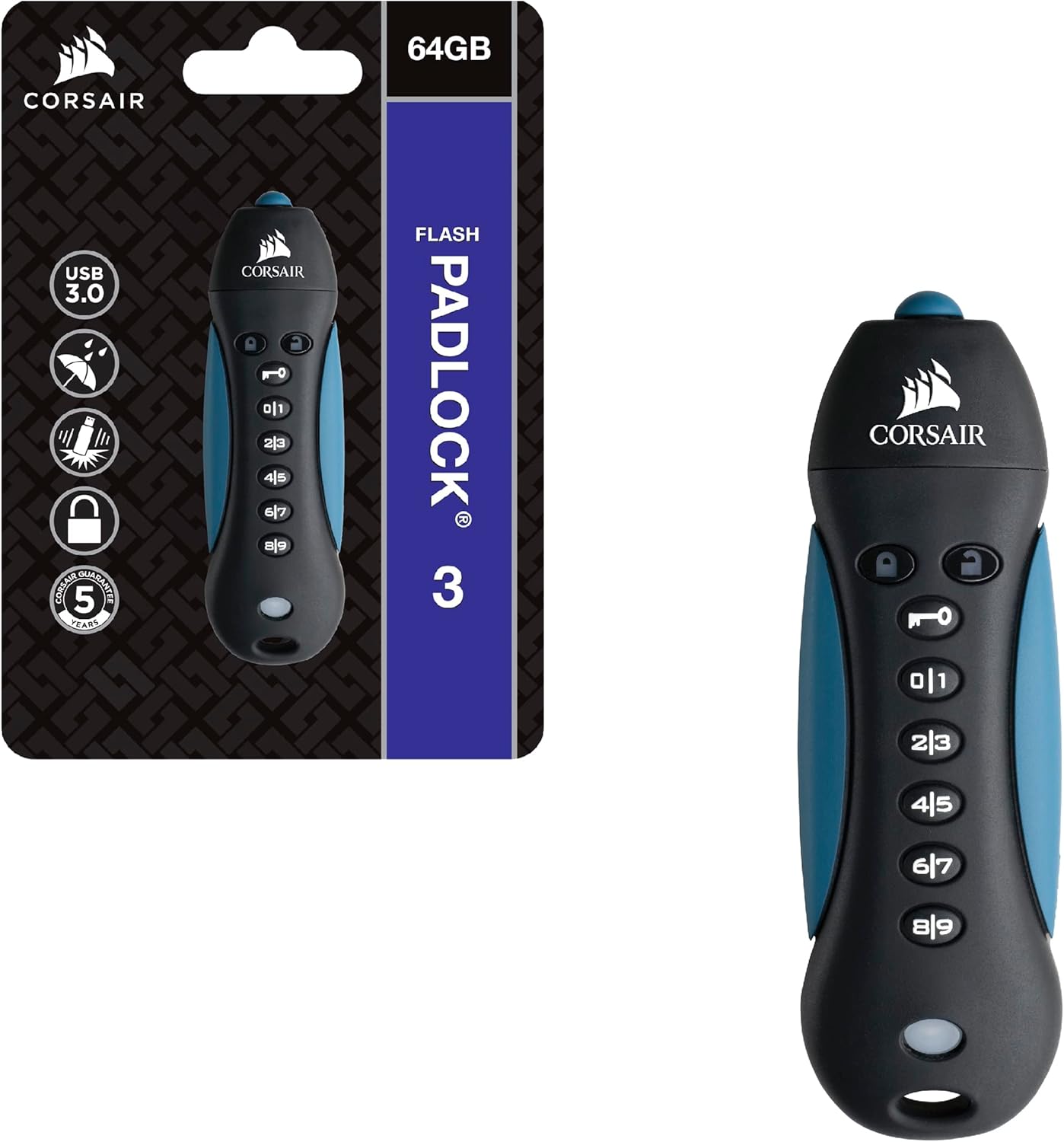
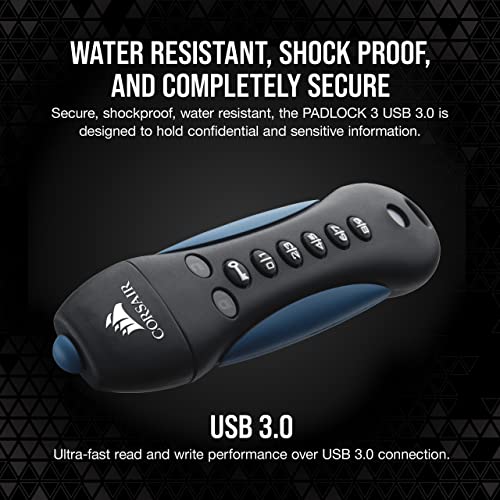
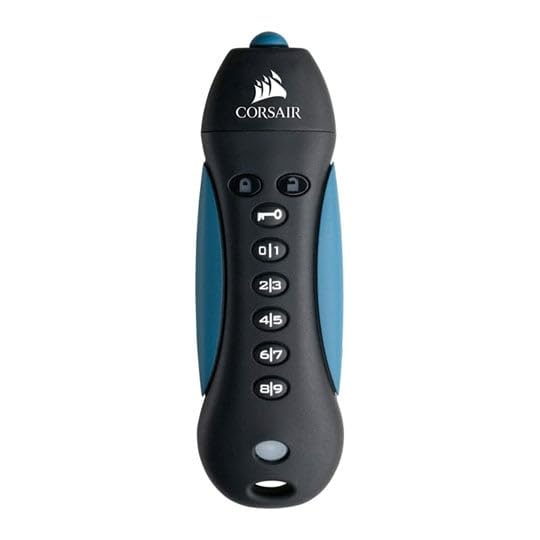
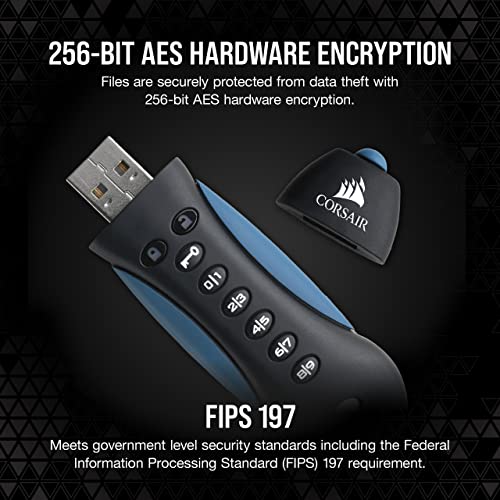
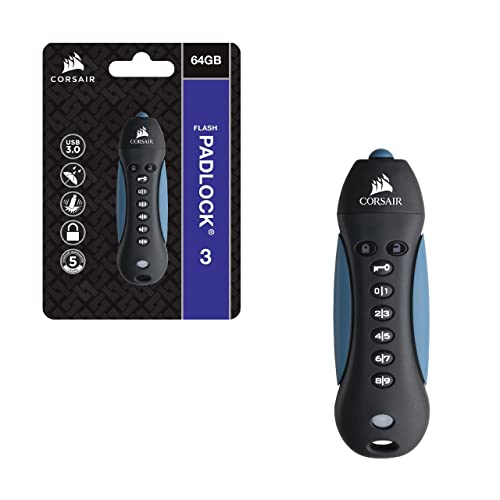
The Corsair Flash Padlock 3 is immediately distinguishable from a standard flash drive by its integrated numeric keypad. This keypad, featuring blue backlit buttons, is the primary interface for unlocking the drive. The housing is constructed with a ruggedized rubber material, which the manufacturer states provides water resistance and shockproof qualities. This design choice suggests the drive is built to withstand the physical demands of travel and use in less-than-ideal conditions, protecting the internal hardware and, by extension, the encrypted data within. The overall form factor is larger than a typical USB stick due to the embedded electronics for the keypad and encryption processor, trading some pocketability for its core security functionality.
Performance and Features
Security and Encryption
This is the defining feature of the Flash Padlock 3. It utilizes 256-bit AES hardware encryption, which is applied to 100% of the data on the drive. The encryption and decryption processes are handled entirely within the drive’s hardware, meaning no data is ever exposed in an unencrypted state to the computer it’s plugged into. Crucially, it meets the Federal Information Processing Standard (FIPS) 197, a government-level security benchmark. Access is controlled solely via the built-in PIN pad; after ten consecutive incorrect PIN entries, the drive will lock and require a reset, which erases all data and the encryption key. This hardware-based approach means there is no software to install, manage, or that could become incompatible with future OS updates.
Connectivity and Speed
The drive uses a USB 3.0 interface, which the manufacturer claims enables a write speed of 80 MB/s. This provides a significant performance advantage over older USB 2.0 standards for transferring large files, such as databases, disk images, or multimedia archives. It maintains full backward compatibility with USB 2.0 ports, ensuring it can be used with older computers, though at reduced speeds. The connector is a standard USB Type-A plug, making it compatible with the vast majority of computers and peripherals without adapters.
Platform Compatibility
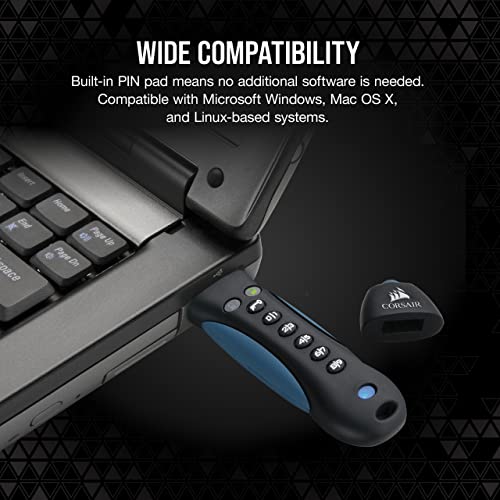
A major selling point is its platform independence. Because the security is entirely self-contained, the Corsair Flash Padlock 3 does not require special drivers, administrator rights, or any installed software on the host machine. The manufacturer lists compatibility with Microsoft Windows (including versions 7, 10, and 11), Mac OS X, and Linux-based systems. This makes it an exceptionally flexible tool for users who need to access secure data across different operating environments, whether moving between a Windows office PC, a macOS laptop, and a Linux server.
Setup, Support and Ownership
Setup is centered around choosing and remembering a secure PIN. The drive is ready to use out of the box; the user sets their PIN via the keypad, and the drive is then locked. From that point, the PIN must be entered each time the drive is plugged in to gain access to the storage. The responsibility for PIN management rests entirely with the user—if the PIN is forgotten and the drive locks after ten failed attempts, a factory reset is required, which results in total data loss. Corsair backs the Flash Padlock 3 with a five-year manufacturer’s warranty, indicating confidence in the product’s long-term reliability. For those interested in broader cybersecurity tools, our guide on the best solutions for network security explores complementary technologies for a layered defense strategy.
What Owners Say
Owner feedback for the Corsair Flash Padlock 3 indicates a highly positive reception for its core security function. The overall rating distribution is heavily skewed toward the highest score, reflecting satisfaction with the drive’s ability to securely protect data. Users appreciate the simplicity of the hardware-based PIN system and the lack of required software installation. The rugged build quality is also noted as a positive attribute. A minority of feedback points to the critical importance of remembering the PIN, as losing it means losing access to the data permanently, underscoring the user’s responsibility in the security chain.
Pros and Cons
Pros
- Strong 256-bit AES hardware encryption protects all data.
- Built-in keypad allows for software-free authentication.
- Platform independent; works on Windows, macOS, and Linux without drivers.
- Rugged, water-resistant rubber housing for physical durability.
- Meets government FIPS 197 security standards.
- No administrator rights or software installation required on host PCs.
Cons
- PIN must be remembered or stored securely to avoid permanent lockout.
- Hardware encryption process may add minor overhead during initial use.
- Larger physical size compared to standard flash drives.
- Available in a single storage capacity option.
- User bears full responsibility for access credential management.
- Factory reset after lockout erases all data irrecoverably.
Who Should Buy It (and Who Should Skip It)
The Corsair Flash Padlock 3 is an ideal choice for professionals who routinely handle sensitive or confidential information and need a secure, portable method to transport it. This includes IT auditors, legal professionals, consultants, journalists, and healthcare administrators. It is perfectly suited for environments where installing software on a client’s or public computer is not permitted or practical. Its rugged design also makes it a good fit for field work. For students entering the cybersecurity field, understanding hardware security is crucial; our resource on the best tools for cybersecurity students provides further context.
Conversely, users who simply need a high-capacity USB drive for general file storage, media, or non-sensitive backups should skip this product. The security features add cost and complexity that are unnecessary for everyday tasks. Those who frequently forget passwords or need to share access with multiple team members might find the single-PIN system cumbersome. Individuals requiring terabytes of storage in a single portable device should look for other solutions, as this model offers a fixed 256GB capacity.
Final Verdict
The Corsair Flash Padlock 3 successfully fulfills a specific and important niche: hardware-encrypted portable storage. Its strengths are undeniable—true 256-bit AES encryption applied to all data, compliance with rigorous standards, and the convenience of platform-agnostic operation without software. The rugged build quality further reinforces its purpose as a tool for securing data in transit, even in challenging physical environments. For the target user, the value lies in this uncompromising, self-contained security model that travels with the data itself.
Choosing this drive means accepting a trade-off. You gain immense security and flexibility but take on the absolute responsibility of safeguarding your PIN. It is not a product for casual use. For the professional or individual with a genuine need to protect sensitive data on the move, the Corsair Flash Padlock 3 is a robust and reliable solution that does its job effectively. As with any security tool, its effectiveness is a partnership between the technology’s capabilities and the user’s disciplined practices. For more insights into building a secure digital workspace, explore our Cybersecurity category and related blog posts.
FAQs
What happens if I forget the PIN for my Corsair Flash Padlock 3?
If you enter an incorrect PIN ten consecutive times, the drive will permanently lock. To regain use of the drive, you must perform a factory reset. This process completely erases all data stored on the drive and the encryption key, rendering the data irrecoverable. The drive will then be like new, allowing you to set a new PIN. There is no backdoor or recovery method provided by Corsair.
Does the Flash Padlock 3 require any software or drivers to work?
No. One of its key features is platform-independent authentication. The encryption, decryption, and PIN verification are all handled by the drive’s internal hardware. When you plug it into a compatible computer (Windows, macOS, or Linux), it appears as a standard storage device only after the correct PIN is entered on the drive’s keypad. No software installation or administrator privileges are needed on the host computer.
Can the Corsair Flash Padlock 3 be used with a smartphone or tablet?
The manufacturer’s listed compatible devices are Mac OS X, Windows, and Linux-based systems. It uses a standard USB Type-A connector. Most smartphones and tablets do not have a native USB Type-A port and typically use USB-C or Lightning connectors. Without a compatible adapter and host device support for the storage protocol, it is not designed for direct use with mobile devices.
How does the hardware encryption affect the drive’s performance?
The manufacturer specifies a write speed of 80 MB/s for the USB 3.0 interface. The 256-bit AES hardware encryption is performed on-the-fly by a dedicated processor inside the drive. While any encryption process adds some computational overhead, hardware-based encryption like this is significantly faster than software-based solutions running on the host computer. For most practical uses involving large files, the performance impact is minimal and the benefit of full-drive encryption is substantial.
About the author

Elvis Dicki writes reviews and buying guides for CyberSecLabs.